
Skool - for students PC
Skool - mobile
Download Skool - for students on PC With GameLoop Emulator
Skool - for students on PC
Skool - for students, coming from the developer Skool - mobile, is running on Android systerm in the past.
Now, You can play Skool - for students on PC with GameLoop smoothly.
Download it in the GameLoop library or search results. No more eyeing the battery or frustrating calls at the wrong time any more.
Just enjoy Skool - for students PC on the large screen for free!
Skool - for students Introduction
Designed exclusively for students. A different way to Study, Organize and Connect with students from all over the world.
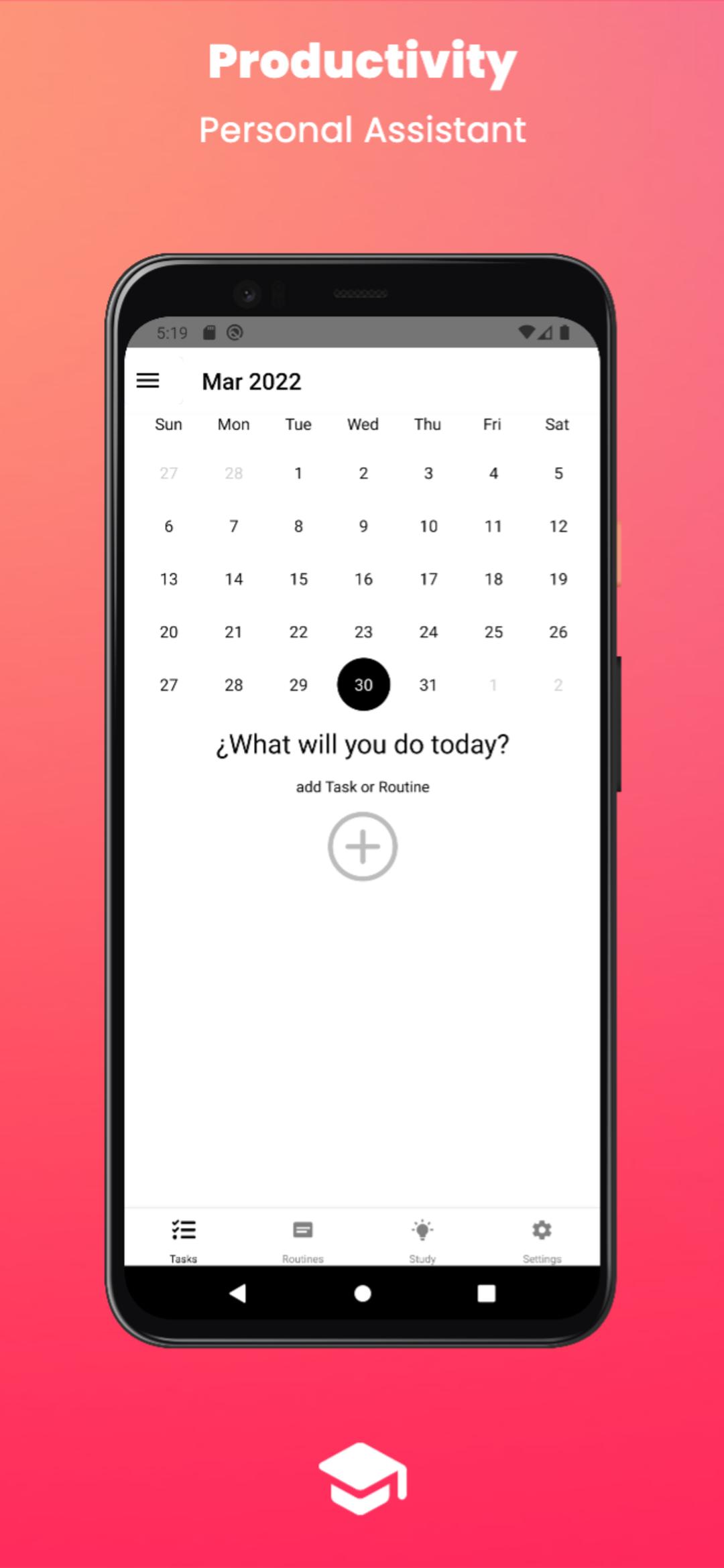
Productivity and organization: you can create as many tasks as you want on the day you want at the time you want and be remembered.
Study:
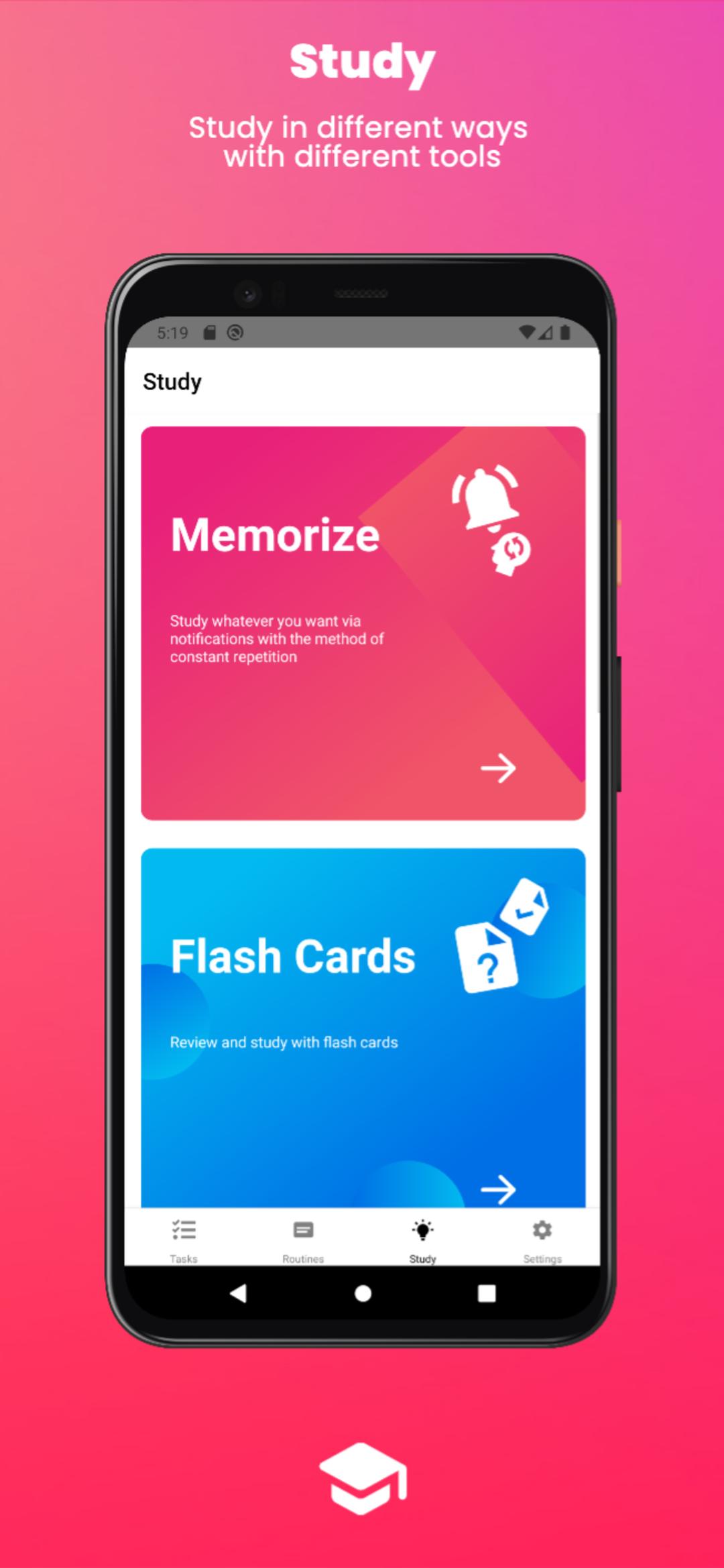
•Memorize: Study whatever you want via notifications with the method of constant repetition. (you can separate it by courses, e.g.: mathematics, history, chemistry)
•Flash Cards: Review and study with flash cards. (you can separate it by courses, e.g.: mathematics, history, chemistry)
•Pomodoros: Focus on studying with study and rest intervals to maximize your productivity.
•Exams: Set the date of your exams and organize your study time, you can set up to be reminded with pre-exam notifications.
•Schedules: Configure your class schedule.
Routines: Routines are a package of tasks to save time by not having to create and add the recurring tasks you do every day, you simply create the routine once with all the tasks you want and add it to the calendar, you can share your routines with students around the world or also use the routines of other students, it would be like trying the life of other students, it's amazing.
Available for computers, download it at www.theskool.info
Preview
Tags
ProductivityInformation
Developer
Skool - mobile
Latest Version
1.1
Last Updated
2022-05-21
Category
Productivity
Available on
Google Play
Show More
How to play Skool - for students with GameLoop on PC
1. Download GameLoop from the official website, then run the exe file to install GameLoop
2. Open GameLoop and search for “Skool - for students” , find Skool - for students in the search results and click “Install”
3. Enjoy playing Skool - for students on GameLoop
Minimum requirements
OS
Windows 8.1 64-bit or Windows 10 64-bit
GPU
GTX 1050
CPU
i3-8300
Memory
8GB RAM
Storage
1GB available space
Recommended requirements
OS
Windows 8.1 64-bit or Windows 10 64-bit
GPU
GTX 1050
CPU
i3-9320
Memory
16GB RAM
Storage
1GB available space