Reduction Camera Basic PC
NoelRecords
Download Reduction Camera Basic on PC With GameLoop Emulator
Reduction Camera Basic on PC
Reduction Camera Basic, coming from the developer NoelRecords, is running on Android systerm in the past.
Now, You can play Reduction Camera Basic on PC with GameLoop smoothly.
Download it in the GameLoop library or search results. No more eyeing the battery or frustrating calls at the wrong time any more.
Just enjoy Reduction Camera Basic PC on the large screen for free!
Reduction Camera Basic Introduction
This is the ad-supported free version.
Modern smartphone cameras offer astonishingly high-quality images, often leading to large file sizes.
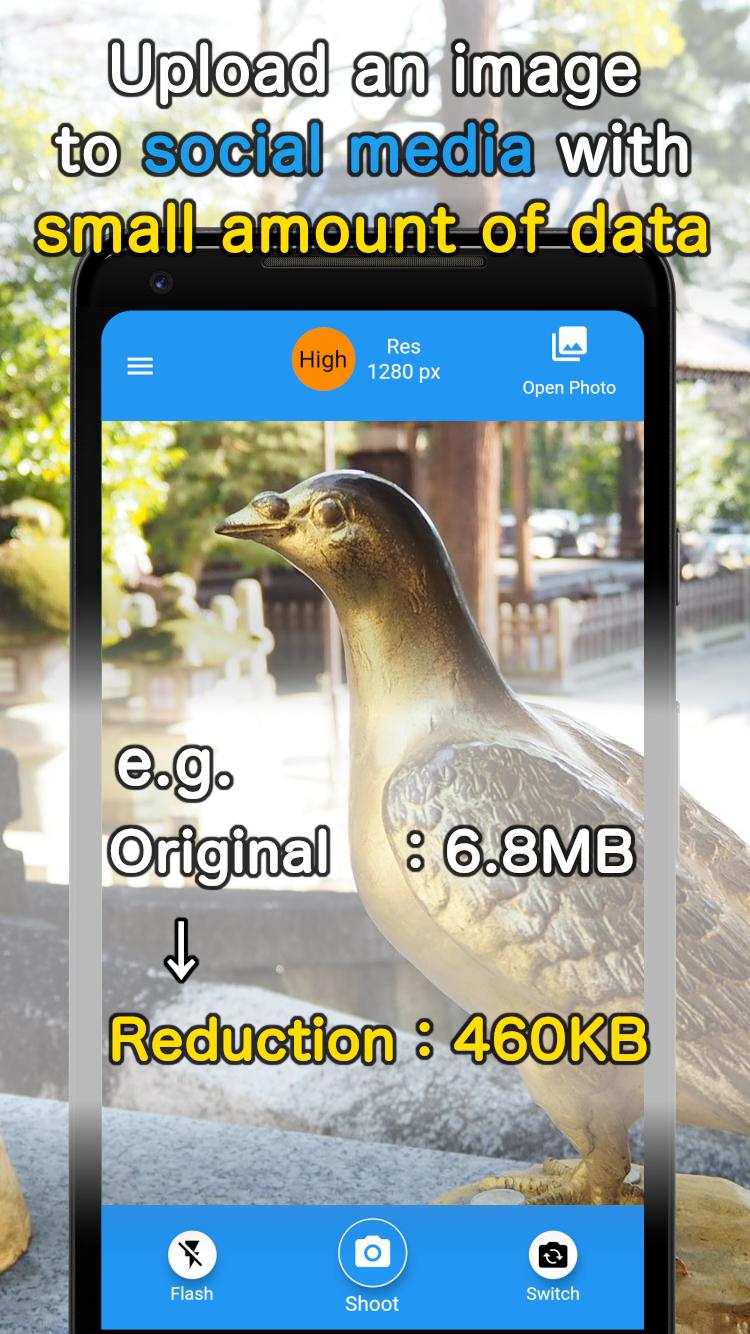
When trying to attach photos to emails for work or personal use, you might find yourself limited to sending just one picture. However, in reality, high-quality photos aren't always necessary when uploading them to social media or sending them for work. Social media platforms often automatically compress images, needlessly consuming data.
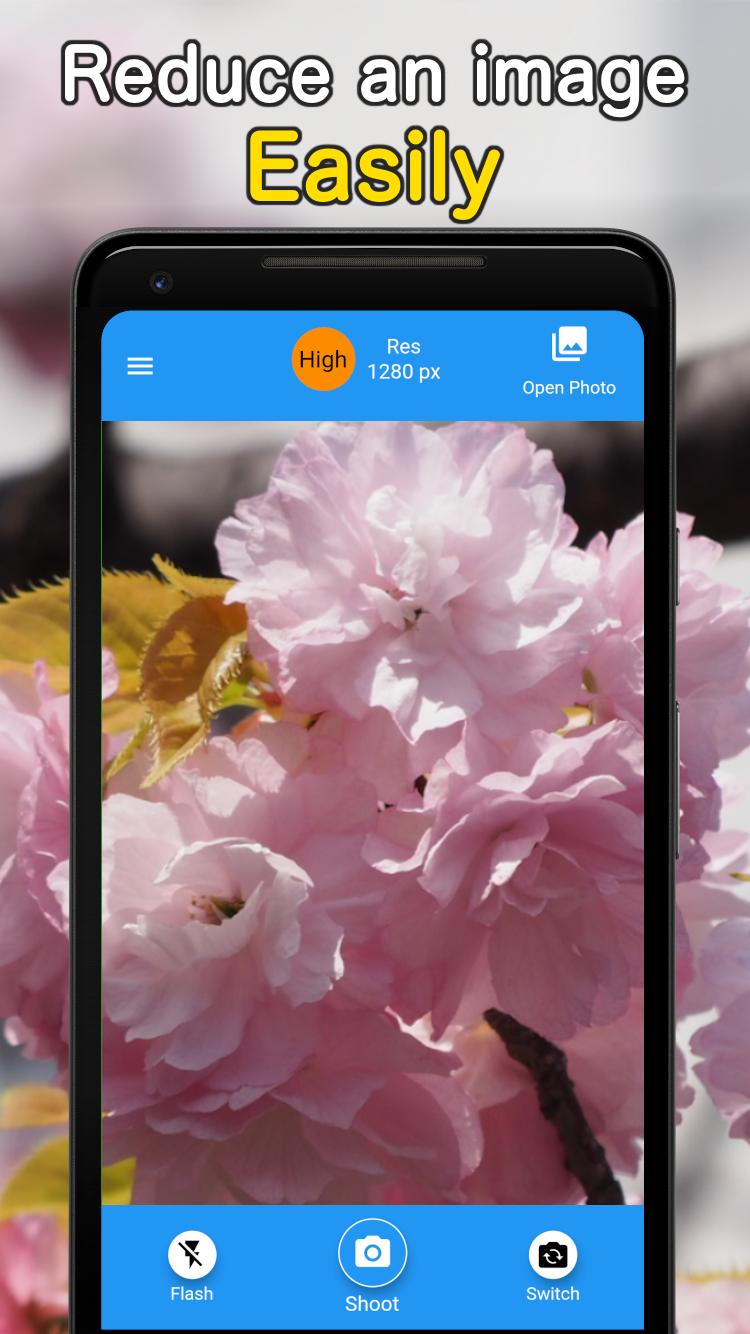
This app allows you to reduce file sizes by lowering the resolution while maintaining a quality similar to what's shared on social media. You can also modify the resolution of photos you've already taken.
It's the perfect app for those who find themselves running out of data capacity every month.
On devices equipped with certain custom camera features, some functions like flash may not work correctly. This is due to device specifications, and your understanding is appreciated.
Preview
Tags
ProductivityInformation
Developer
NoelRecords
Latest Version
2.1.1
Last Updated
2023-09-04
Category
Productivity
Available on
Google Play
Show More
How to play Reduction Camera Basic with GameLoop on PC
1. Download GameLoop from the official website, then run the exe file to install GameLoop
2. Open GameLoop and search for “Reduction Camera Basic” , find Reduction Camera Basic in the search results and click “Install”
3. Enjoy playing Reduction Camera Basic on GameLoop
Minimum requirements
OS
Windows 8.1 64-bit or Windows 10 64-bit
GPU
GTX 1050
CPU
i3-8300
Memory
8GB RAM
Storage
1GB available space
Recommended requirements
OS
Windows 8.1 64-bit or Windows 10 64-bit
GPU
GTX 1050
CPU
i3-9320
Memory
16GB RAM
Storage
1GB available space