Recover Deleted Messages PC
b-Tech
Download Recover Deleted Messages on PC With GameLoop Emulator
Recover Deleted Messages on PC
Recover Deleted Messages, coming from the developer b-Tech, is running on Android systerm in the past.
Now, You can play Recover Deleted Messages on PC with GameLoop smoothly.
Download it in the GameLoop library or search results. No more eyeing the battery or frustrating calls at the wrong time any more.
Just enjoy Recover Deleted Messages PC on the large screen for free!
Recover Deleted Messages Introduction
Do you want to recover deleted messages, Media & download any one status for whatsdelete? Or Do you have any wish to see deleted media, messages or file after they are deleted by other. Also if you want to save status of your contact like friend or family? Than this is the right place for you. With this recover deleted messages, media and status downloader for whatsdelete is gift for you! By having Recover deleted messages, media you can never miss any chance of not seeing the deleted messages, media again.
Recover Deleted Messages:
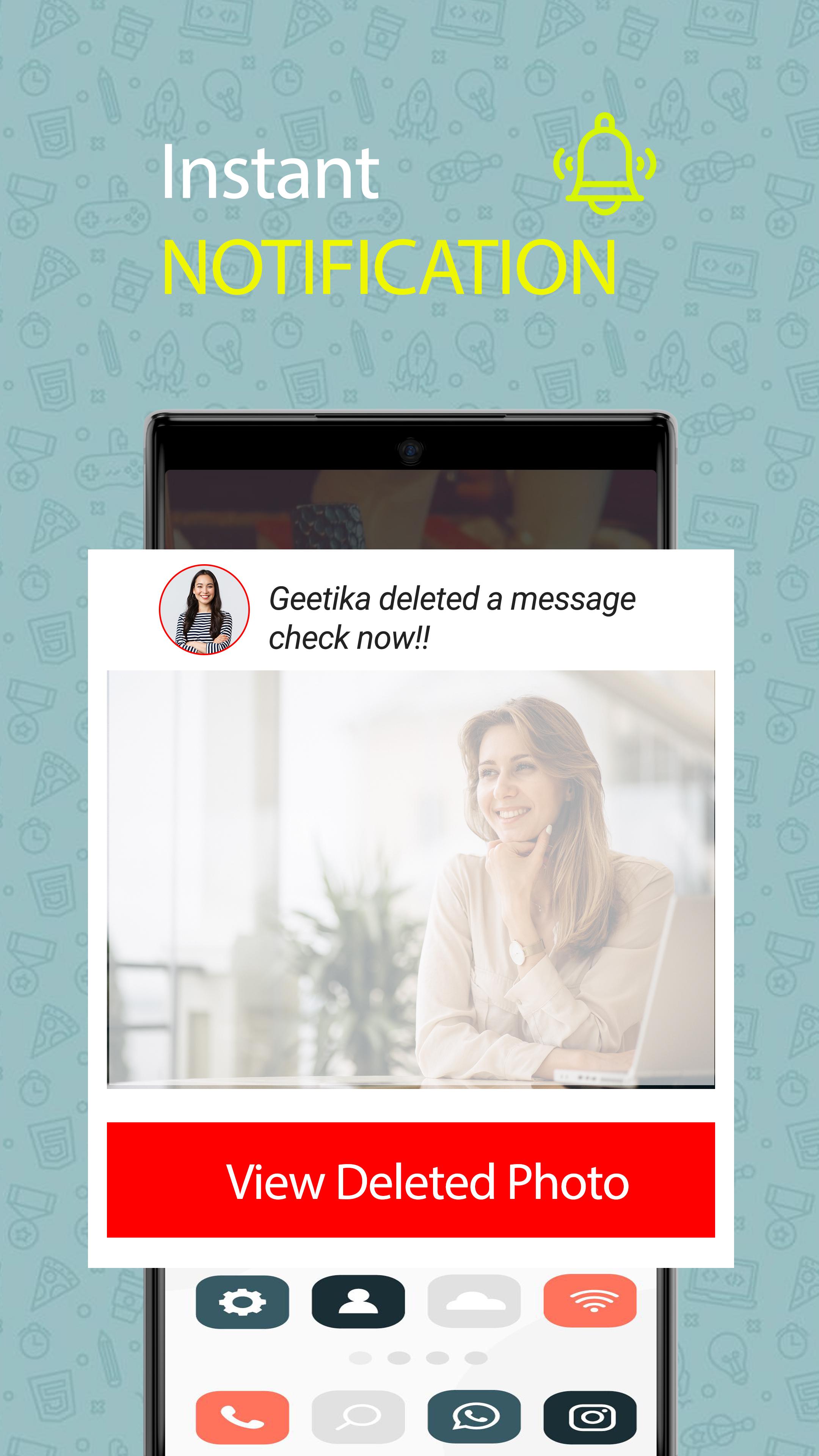
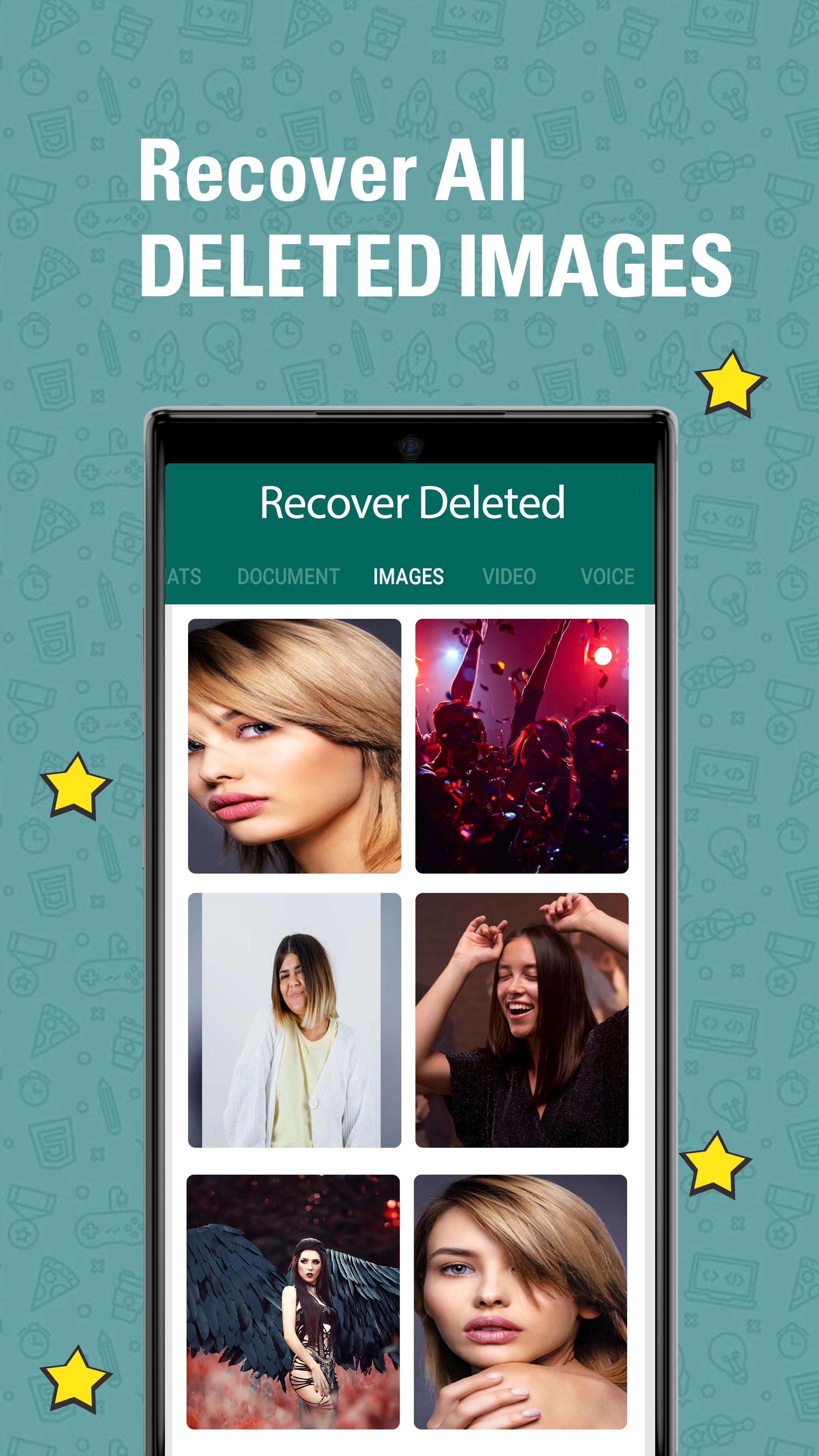
With recover deleted messages for whatsdelete: user can save deleted media, messages and it will notify user whenever any photo, audio, message, or video gets removed. Having Auto recover deleted messages you will save any media (Photo/Video) and messages for you. In Photo recover and status downloader it allows you to recover deleted photo and also save status of your loved ones. Whatsdelete recovery app is absolutely free app that helps user to monitor notifications and beside this saves all deleted media such as (Photo, Messages, videos, etc.). For recovering deleted media there is only one solution that is “Recover Deleted Message: Status Saver for WA”. In Recover deleted app user can restore and recover any deleted media, messages easily. It is very irritating for many of us to see "This message was deleted" and you always have a curiosity that what was in deleted message. View recover deleted messages is feature in which user can view messages which are sent by someone are encrypted on mobile, so there is no other way to access messages/media directly. By having Recover deleted messages app it allows you to recover deleted media, messages and also it has an amazing feature of cleaner, file management!
Status Saver:
Best status download app for photo and video status without asking to anyone to send their status. The status saver will allows user to download status for WApp in very easy and fast way. All Status saver app help you to download status of any contact. Do you want to download anyone’s status? Then status saver app will allows you to download any status for WApp in an simple and fast way. Status saver downloader has the functionality which allows you to download video status and image. With auto status saver, you can download photo and video directly into your mobile within second. Simply download this all status saver, downloader app to download photo, videos, status easily.
Phone Cleaner for WApp:
Cleaner for WApp helps user to find old files, status and delete them. User can completely delete all or specific files it finds or also delete any files that were downloaded more than a month ago or specific time. User can also enable automatic cleaning.
Cleaner for WApp app works also as explorer for whatsdelete and also show the media file (photo, video, audio) in specific categories like Photo, audio, videos, voices, documents you can explore it separately.
Preview
Tags
ProductivityInformation
Developer
b-Tech
Latest Version
2.5
Last Updated
2025-10-20
Category
Productivity
Available on
Google Play
Show More
How to play Recover Deleted Messages with GameLoop on PC
1. Download GameLoop from the official website, then run the exe file to install GameLoop
2. Open GameLoop and search for “Recover Deleted Messages” , find Recover Deleted Messages in the search results and click “Install”
3. Enjoy playing Recover Deleted Messages on GameLoop
Minimum requirements
OS
Windows 8.1 64-bit or Windows 10 64-bit
GPU
GTX 1050
CPU
i3-8300
Memory
8GB RAM
Storage
1GB available space
Recommended requirements
OS
Windows 8.1 64-bit or Windows 10 64-bit
GPU
GTX 1050
CPU
i3-9320
Memory
16GB RAM
Storage
1GB available space