
QuickNote PC
Vanny
Download QuickNote on PC With GameLoop Emulator
QuickNote on PC
QuickNote, coming from the developer Vanny, is running on Android systerm in the past.
Now, You can play QuickNote on PC with GameLoop smoothly.
Download it in the GameLoop library or search results. No more eyeing the battery or frustrating calls at the wrong time any more.
Just enjoy QuickNote PC on the large screen for free!
QuickNote Introduction
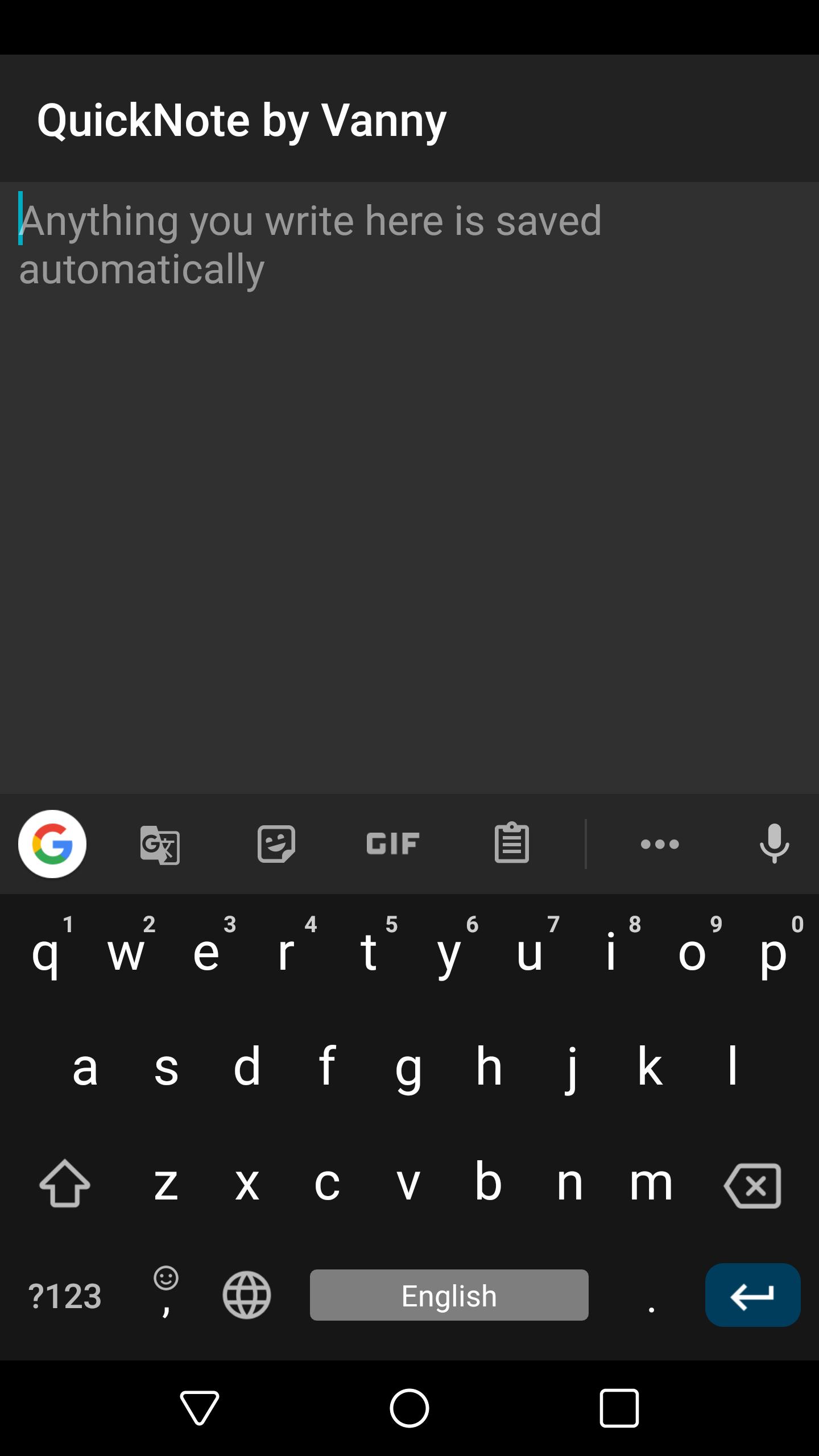
This note app is the essence of simplicity.
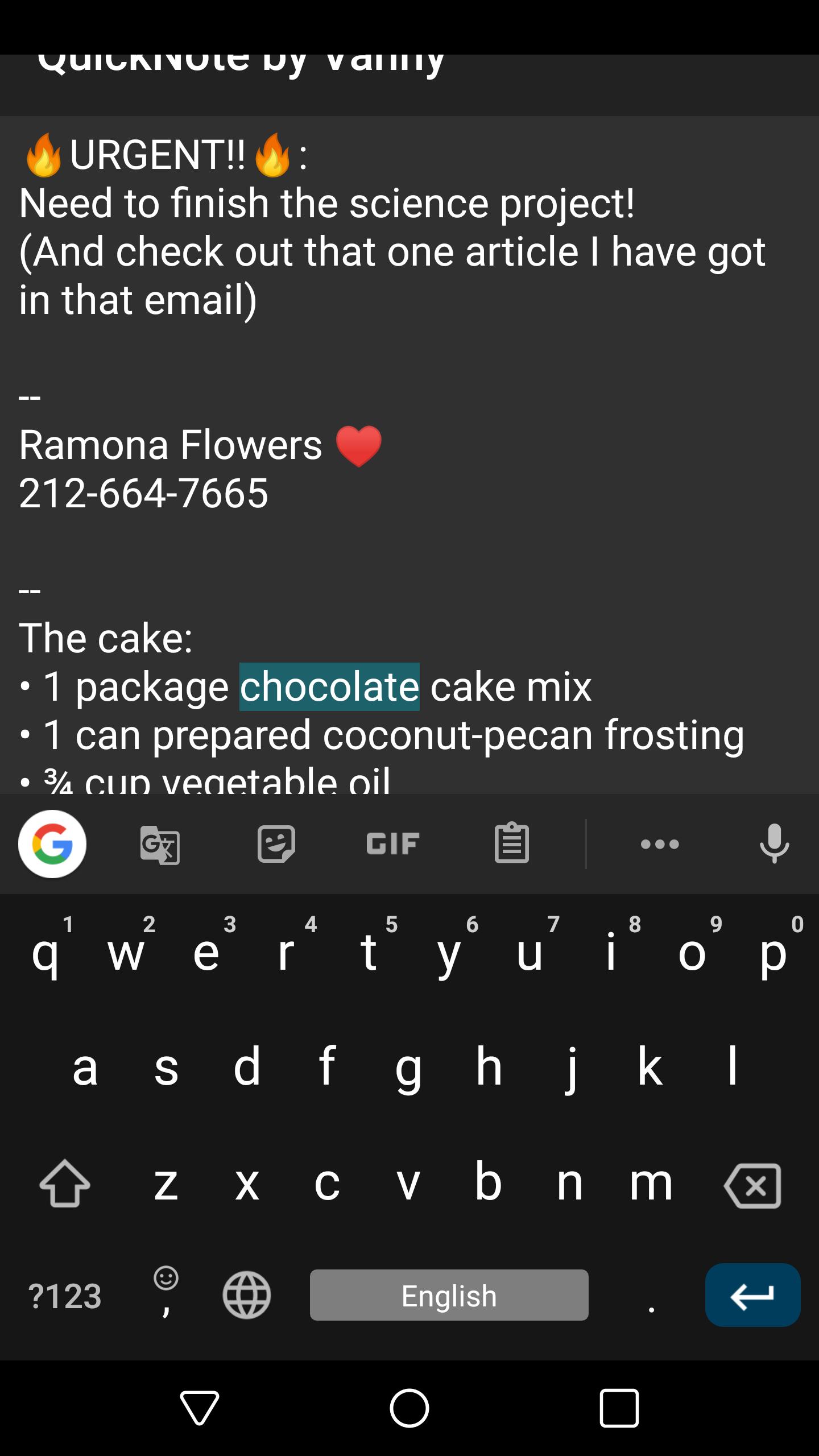
There's a single note, no other screens, no menus, no logins, just a note that is always saved, and when you come back to that note, even after restart, you'll be exactly where you stopped; The app doesn't disturb your flow.
Need a place to quickly write something down so you won't forget but don't have time to order or make sense of it now?
You just open the app and start writing, and you're done!
Everything will wait there for you exactly as you left it.
Don't hesitate to send an email if this app isn't perfect (yet!) for your needs.
Preview
Tags
ProductivityInformation
Developer
Vanny
Latest Version
1.0
Last Updated
2023-09-23
Category
Productivity
Available on
Google Play
Show More
How to play QuickNote with GameLoop on PC
1. Download GameLoop from the official website, then run the exe file to install GameLoop
2. Open GameLoop and search for “QuickNote” , find QuickNote in the search results and click “Install”
3. Enjoy playing QuickNote on GameLoop
Minimum requirements
OS
Windows 8.1 64-bit or Windows 10 64-bit
GPU
GTX 1050
CPU
i3-8300
Memory
8GB RAM
Storage
1GB available space
Recommended requirements
OS
Windows 8.1 64-bit or Windows 10 64-bit
GPU
GTX 1050
CPU
i3-9320
Memory
16GB RAM
Storage
1GB available space