
Quick Inventory PC
aadhk
Download Quick Inventory on PC With GameLoop Emulator
Quick Inventory on PC
Quick Inventory, coming from the developer aadhk, is running on Android systerm in the past.
Now, You can play Quick Inventory on PC with GameLoop smoothly.
Download it in the GameLoop library or search results. No more eyeing the battery or frustrating calls at the wrong time any more.
Just enjoy Quick Inventory PC on the large screen for free!
Quick Inventory Introduction
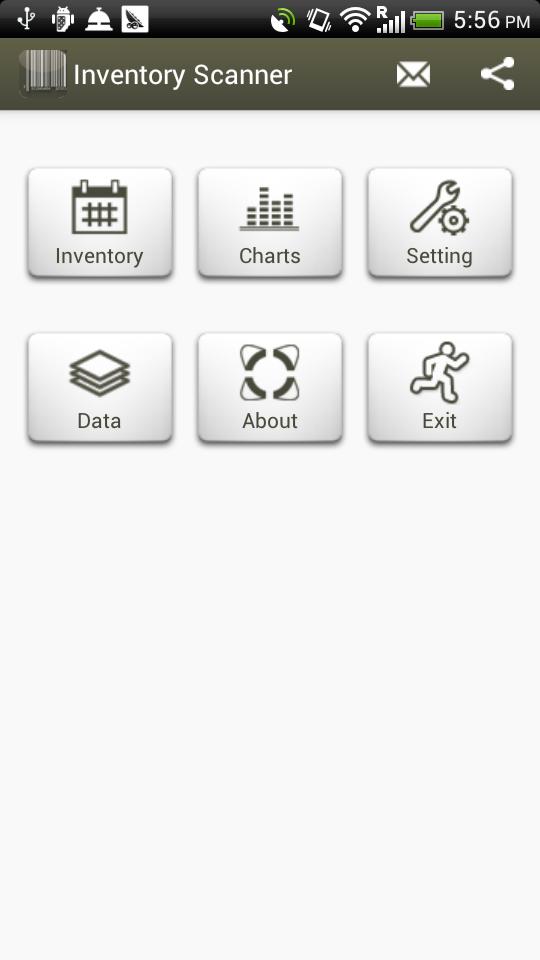
Easy way and quick count inventory with Quick Inventory
※ Support USB/Bluetooth barcode scanner
[Features]
1. Continue Scan without interrupt
2. Accumulate count of barcode
3. Transaction report in csv, html and excel xml
4. Export/Email transaction report
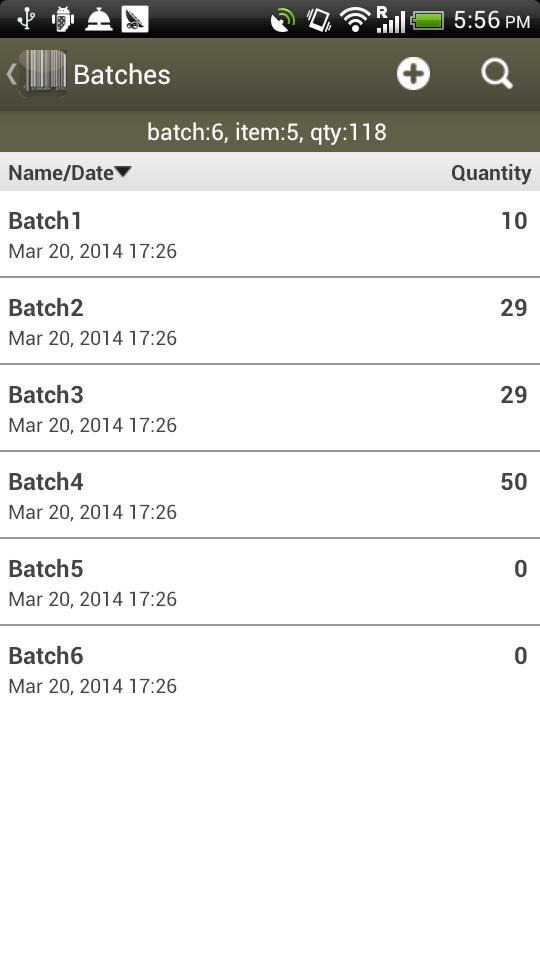
5. Category inventory by batch
6. Display the distribution of inventory in pie chart.
7. Backup and restore database to SD card, Dropbox™ and Google Docs
8. Auto backup database to SD card when exiting the app
9. Auto backup database to Dropbox™ when exiting the app
10.Configurable date, time format.
11.Add new record with default value.
12.Password protection
13.Default email address for receiving report
14.Sorting, Filtering data
15.Share database with multiple devices by using Dropbox™
16.Support USB barcode scanner with micro USB adapter
※ Free version has limited functions, You can purchase in app to have full functions.
※ If you like the app, then please give us a good rating as the driving force behind our continued development, thank you.
※ Since we can't reply reviews in the market, if you have any suggestions or questions please mail to our mailbox directly. For market reviews, please just leave your rating and cheers, thanks again.
kw: Inventory, Barcode, Scan, Scanner, stocktaking, stock counting, warehouse, warehouse management, barcode terminal
Preview
Tags
ProductivityInformation
Developer
aadhk
Latest Version
9.10.0-inApp
Last Updated
2020-10-13
Category
Productivity
Available on
Google Play
Show More
How to play Quick Inventory with GameLoop on PC
1. Download GameLoop from the official website, then run the exe file to install GameLoop
2. Open GameLoop and search for “Quick Inventory” , find Quick Inventory in the search results and click “Install”
3. Enjoy playing Quick Inventory on GameLoop
Minimum requirements
OS
Windows 8.1 64-bit or Windows 10 64-bit
GPU
GTX 1050
CPU
i3-8300
Memory
8GB RAM
Storage
1GB available space
Recommended requirements
OS
Windows 8.1 64-bit or Windows 10 64-bit
GPU
GTX 1050
CPU
i3-9320
Memory
16GB RAM
Storage
1GB available space