
QR Code Scanner - WeScan PC
SoomApps
Download QR Code Scanner - WeScan on PC With GameLoop Emulator
QR Code Scanner - WeScan on PC
QR Code Scanner - WeScan, coming from the developer SoomApps, is running on Android systerm in the past.
Now, You can play QR Code Scanner - WeScan on PC with GameLoop smoothly.
Download it in the GameLoop library or search results. No more eyeing the battery or frustrating calls at the wrong time any more.
Just enjoy QR Code Scanner - WeScan PC on the large screen for free!
QR Code Scanner - WeScan Introduction
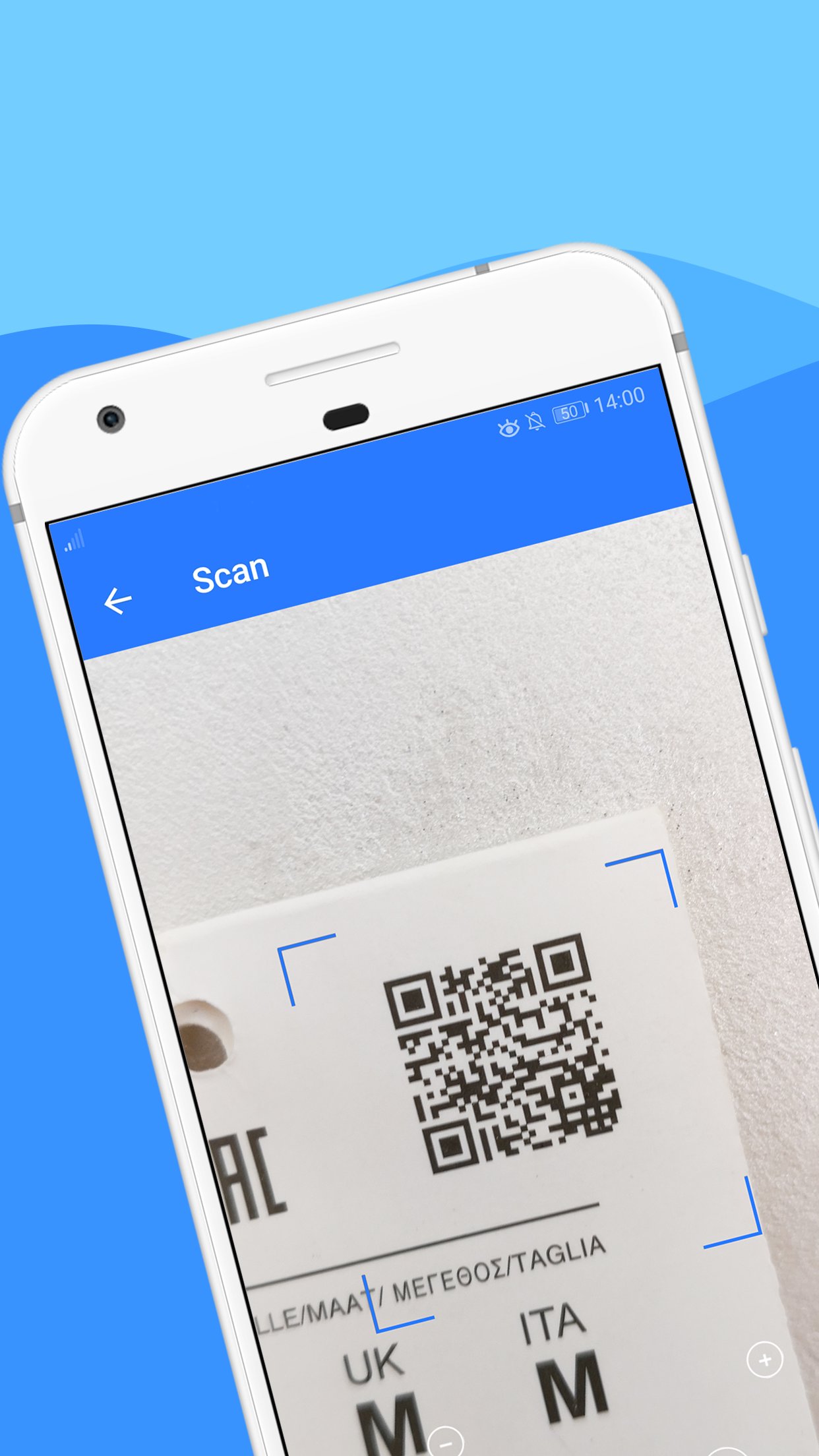
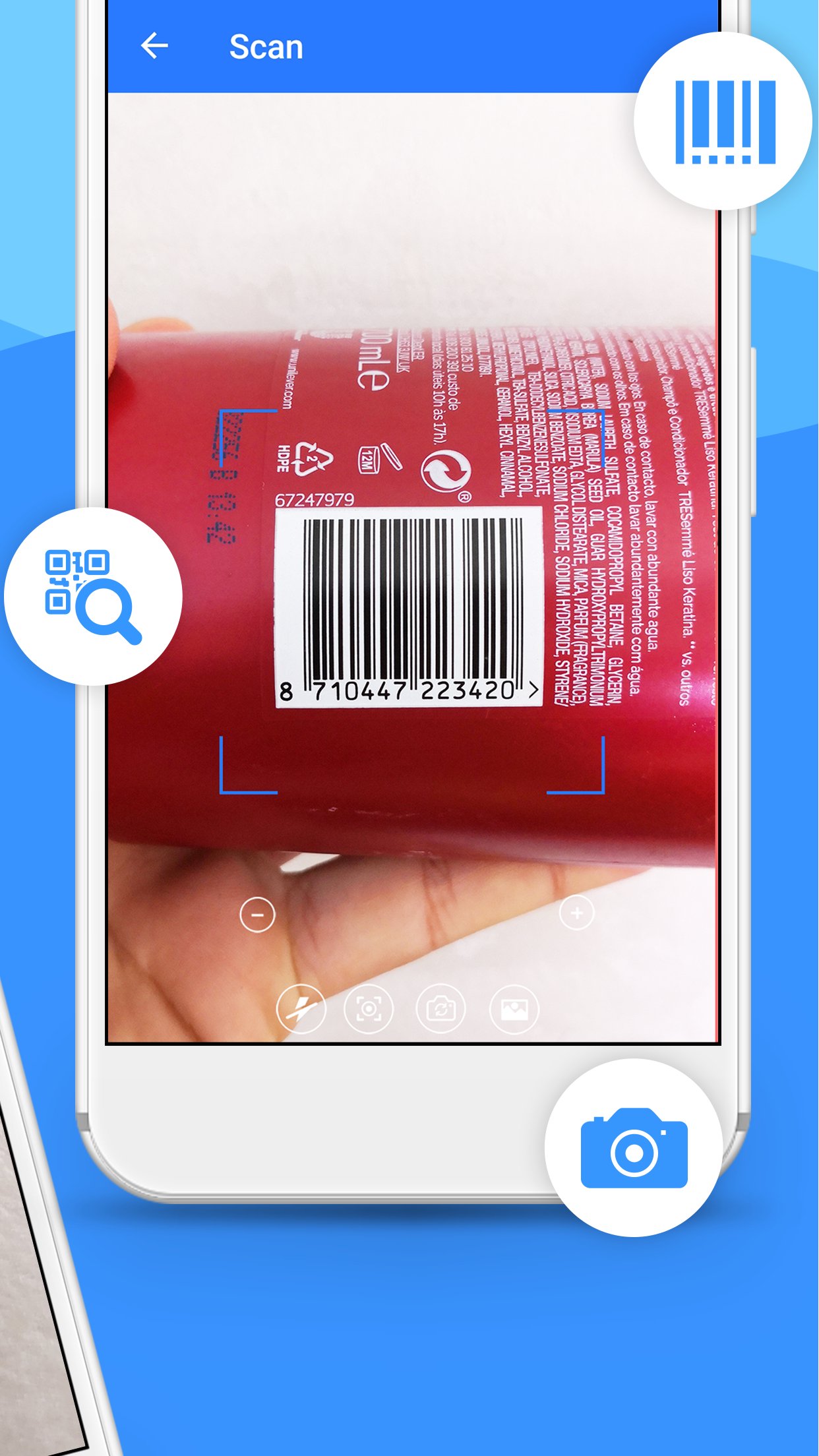
QR Code Scanner (WeScan) is a simple and user-friendly free app that lets you easily scan both barcodes and QR codes. Just launch the app, point your camera at the code, and you are done! It's is very quick and provides accurate results on the fly. It supports all types of information QR code might contain.
WeScan is by definition a QR code scanner, although it can also read barcodes like Data Matrix, EAN, UPC and more. Our App’s main attraction is its fast QR code readability. It is not just a simple QR code and barcode scanning utility. It will also turn your mobile device into a QR/Barcode generator.
As for the app’s features, there’s a history log that saves all your scanned QR codes and their respective contents. The history log of our QR Code Scanner is very useful as it allows you to perform simple actions with ease. You can open the link of the code, change its name, delete it, etc.
With this QR Code Scanner you can scan codes using your mobile device’s camera or have the information decoded from a photo of a code. Once you scan a code, the information plus the code’s format will be displayed on screen. You can then do something like sharing the content via email, SMS, etc.
This QR/Barcode Scanner supports a wide range of barcodes including EAN, UPC, ISBN, QR codes, etc. It is intended to share the information of a scanned code rather than viewing its content instantly.
WeScan is a robust scanner that only does it all while occupying a small space of your mobile device’s internal memory! With this app you can also create and customize your own QR codes using the in-app QR code maker. They are easy to set up and customize.
This QR Code Reader lets you perform all the necessary actions with the information you receive from a code. For example, if you get a phone number, you’ll be offered to make a call or to add it into your contact list.
This QR/Barcode Reader is very fast and very user-friendly, our app scans the QR Code or barcode automatically when you point the device at it and maintains a scan history!
If you are looking to scan QR codes and generate your own, WeScan is a great pick, completely free and it’s available on all main operating systems. A must have for all QR code enthusiasts.
Preview
Tags
ProductivityInformation
Developer
SoomApps
Latest Version
2.10
Last Updated
2026-04-15
Category
Productivity
Available on
Google Play
Show More
How to play QR Code Scanner - WeScan with GameLoop on PC
1. Download GameLoop from the official website, then run the exe file to install GameLoop
2. Open GameLoop and search for “QR Code Scanner - WeScan” , find QR Code Scanner - WeScan in the search results and click “Install”
3. Enjoy playing QR Code Scanner - WeScan on GameLoop
Minimum requirements
OS
Windows 8.1 64-bit or Windows 10 64-bit
GPU
GTX 1050
CPU
i3-8300
Memory
8GB RAM
Storage
1GB available space
Recommended requirements
OS
Windows 8.1 64-bit or Windows 10 64-bit
GPU
GTX 1050
CPU
i3-9320
Memory
16GB RAM
Storage
1GB available space