Scan QR Code & Document PC
Pro App Company
Download Scan QR Code & Document on PC With GameLoop Emulator
Scan QR Code & Document on PC
Scan QR Code & Document, coming from the developer Pro App Company, is running on Android systerm in the past.
Now, You can play Scan QR Code & Document on PC with GameLoop smoothly.
Download it in the GameLoop library or search results. No more eyeing the battery or frustrating calls at the wrong time any more.
Just enjoy Scan QR Code & Document PC on the large screen for free!
Scan QR Code & Document Introduction
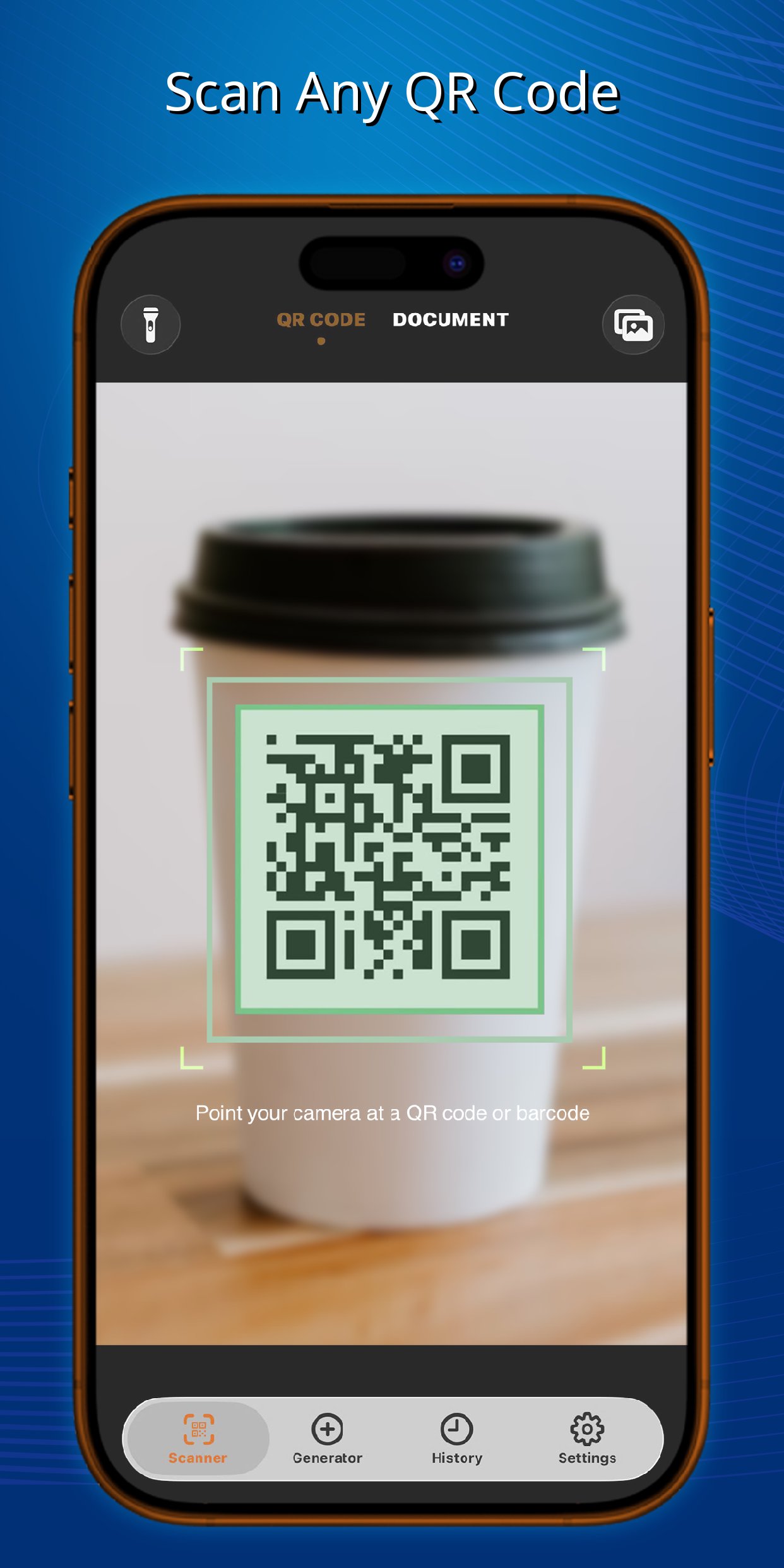
Unlock the full potential of your device with QR Code & Document Scanner, the fastest and most versatile QR reader and barcode scanning app available. Whether you need to read a QR code, check a product barcode, or digitize a paper document, this all-in-one scanner handles it instantly and accurately.
LIGHTNING-FAST & SMART SCANNING
* Ultra-Fast Recognition: Instantly detect and decode any QR code or barcode in milliseconds.
* Multi-Code Selection: Scanning a busy area? The camera highlights all visible codes in the viewfinder, allowing you to easily tap and choose the exact one you want to process.
* Visual Previews: Get clear, intuitive visual illustrations of the scanned data so you know exactly what is inside before taking action.
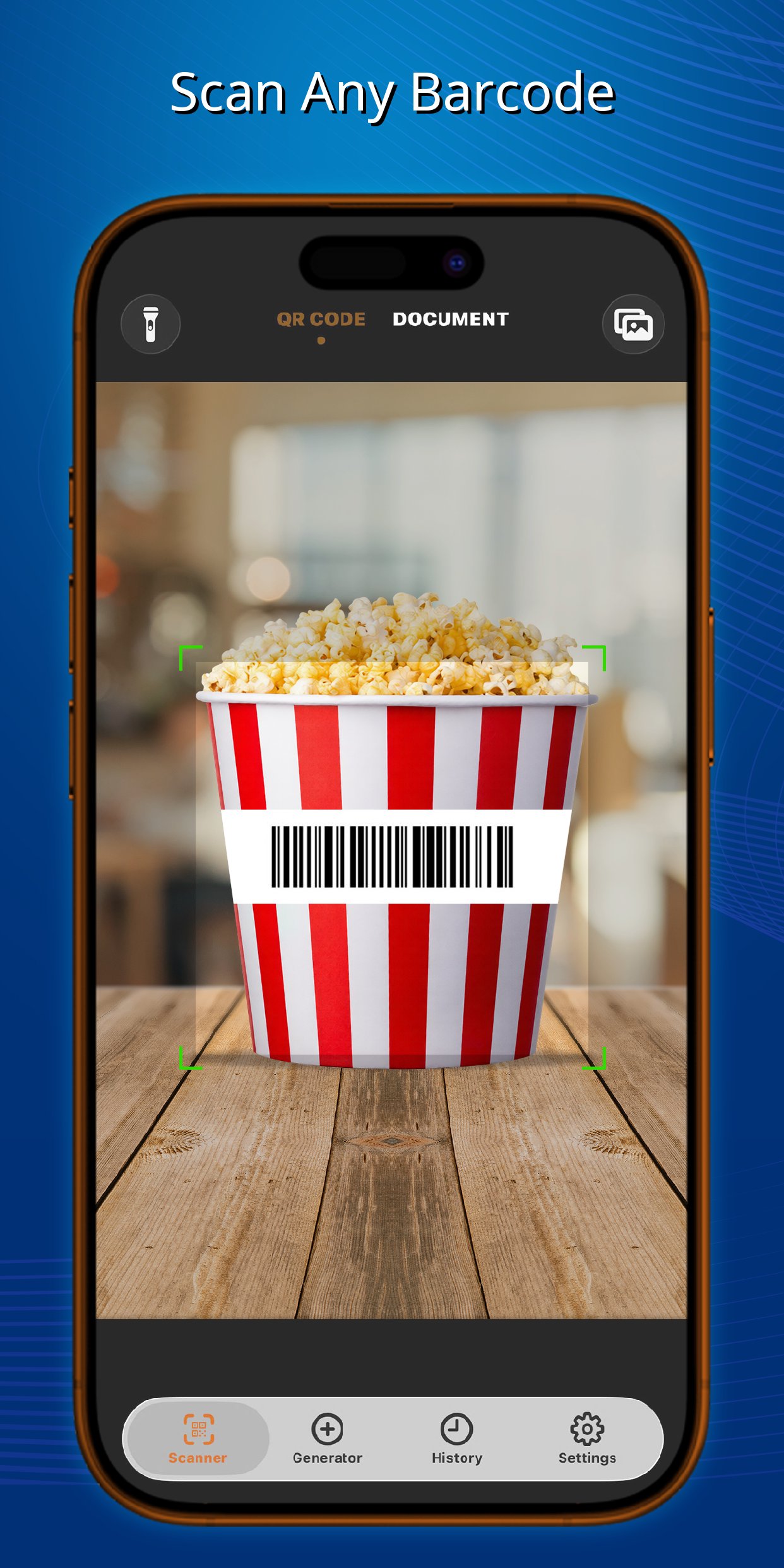
* Universal Support: Seamlessly scan all standard 1D and 2D formats, including QR, Data Matrix, Aztec, UPC, EAN, Code 39, and many more.
BATCH SCANNING MODE
* Continuous Scanning: Save time by scanning multiple QR codes and barcodes rapidly in a row without returning to the home screen.
* Bulk Processing: Perfect for inventory management, retail, or event check-ins. Scan in bulk and manage your records effortlessly.
DOCUMENT SCANNER & OCR
* PDF Creator: Ditch the bulky desktop scanner. Scan receipts, notes, ID cards, or multi-page documents and instantly save them as crisp, high-quality PDF files.
* Text Extraction (OCR): Intelligently recognize and extract text directly from your scanned documents or images, making it easy to copy, edit, and share.
CREATE & CUSTOMIZE
* Powerful Generator: Easily create your own QR codes and barcodes for URLs, Wi-Fi networks, contacts, text messages, emails, and digital business cards.
* Advanced Customization: Make your codes stand out! Freely adjust the stroke and background colors to match your personal style or brand.
* Insert Custom Logos: Upload an image or logo directly from your device's gallery and embed it right into the center of your generated QR code.
SMART HISTORY & EDITING
* Auto-Save & Export: Never lose a scan. Every item is automatically saved in your secure history log for easy retrieval and exporting.
* Edit & Re-create: Need to make a tweak? Open any previously scanned code from your history, edit its content, and instantly save it as a brand-new custom QR code.
Experience the only scanner app you will ever need. Download QR Code & Document Scanner today to boost your productivity!
Preview
Tags
ProductivityInformation
Developer
Pro App Company
Latest Version
1.2.4
Last Updated
2026-03-23
Category
Productivity
Available on
Google Play
Show More
How to play Scan QR Code & Document with GameLoop on PC
1. Download GameLoop from the official website, then run the exe file to install GameLoop
2. Open GameLoop and search for “Scan QR Code & Document” , find Scan QR Code & Document in the search results and click “Install”
3. Enjoy playing Scan QR Code & Document on GameLoop
Minimum requirements
OS
Windows 8.1 64-bit or Windows 10 64-bit
GPU
GTX 1050
CPU
i3-8300
Memory
8GB RAM
Storage
1GB available space
Recommended requirements
OS
Windows 8.1 64-bit or Windows 10 64-bit
GPU
GTX 1050
CPU
i3-9320
Memory
16GB RAM
Storage
1GB available space