PrinterOn for AirWatch PC
PrinterOn Inc
Download PrinterOn for AirWatch on PC With GameLoop Emulator
PrinterOn for AirWatch on PC
PrinterOn for AirWatch, coming from the developer PrinterOn Inc, is running on Android systerm in the past.
Now, You can play PrinterOn for AirWatch on PC with GameLoop smoothly.
Download it in the GameLoop library or search results. No more eyeing the battery or frustrating calls at the wrong time any more.
Just enjoy PrinterOn for AirWatch PC on the large screen for free!
PrinterOn for AirWatch Introduction
PrinterOn for AirWatch
As an AirWatch customer, enjoy the same great capabilities of PrinterOn Enterprise with the added app security and management capabilities provided by the AirWatch platform.
This PrinterOn Mobile Printing App is compatible with AirWatch® AppShield and was built leveraging the AirWatch® Software Development Kit.
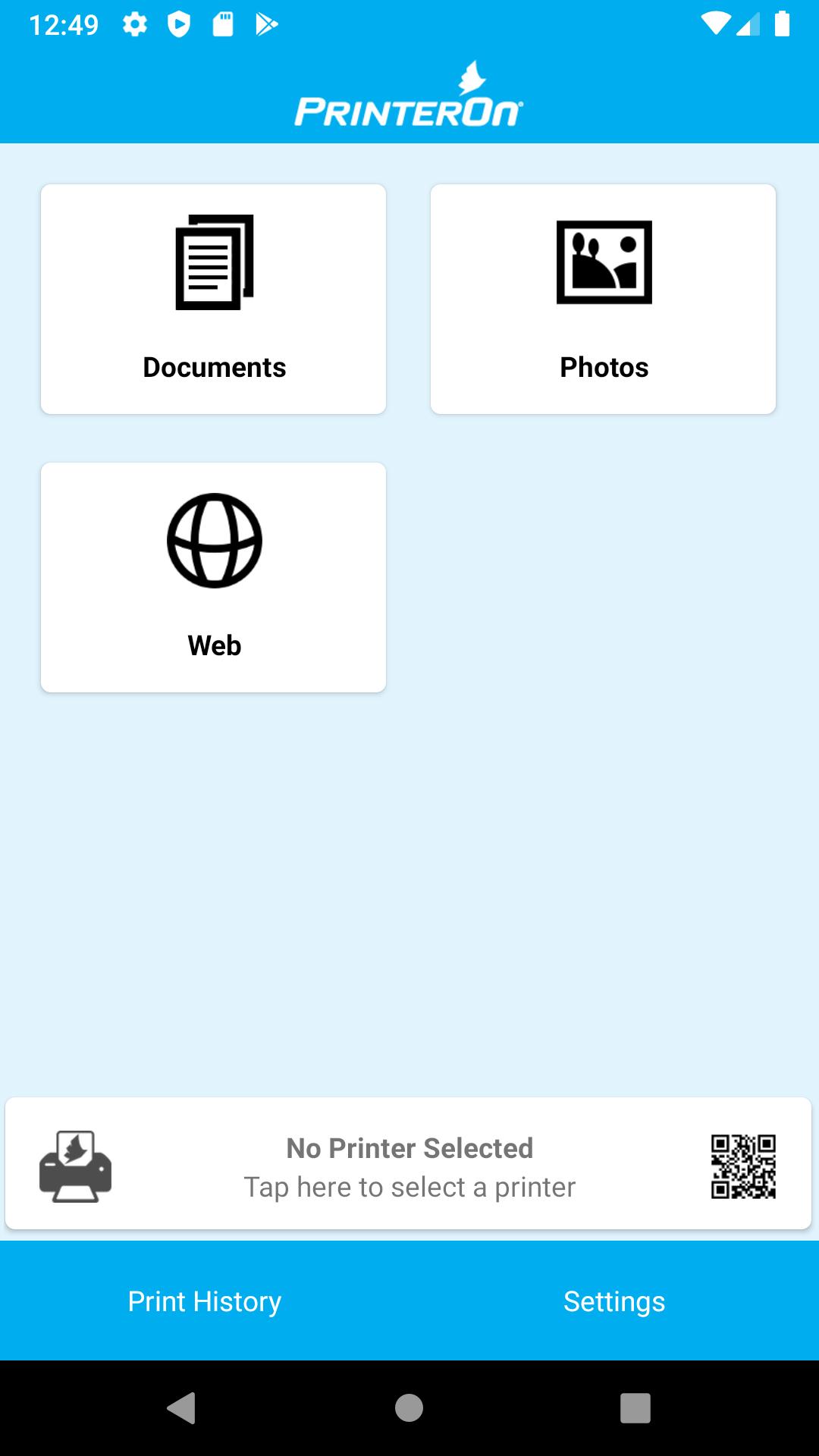
• Print from your phone or tablet to any PrinterOn-enabled printer regardless of network or location
• Find the nearest print location using GPS or search by keyword
• Automatically discover available PrinterOn Enterprise printers and associated services
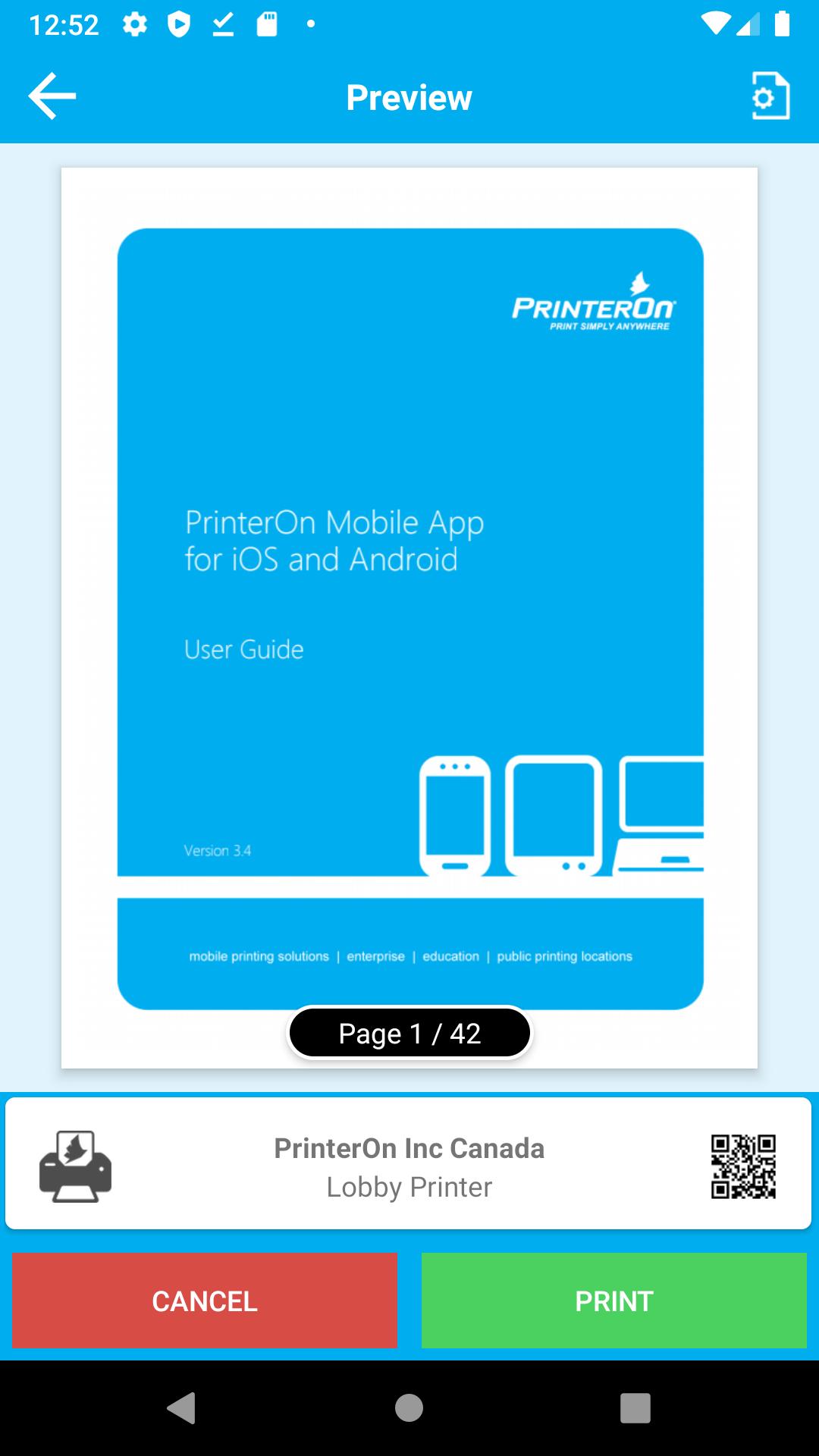
• Select print options for your documents such as duplex, paper size, copies, page range, collate and color output
• Print Microsoft Word, Excel, PowerPoint and Adobe PDF files as well as photos and web pages
• Access cloud storage content directly from within applications such as Dropbox, Google Drive, or Box
• The PrinterOn App can be accessed and used to print from other applications that provide access to documents
• Secure release codes ensure only you see your documents
• Access over 10000 public print locations worldwide
PrinterOn Mobile Printing Solutions
PrinterOn is the world's leading enterprise-grade Mobile Printing Platform. Since 2001, PrinterOn has been delivering mobile printing solutions to three major verticals: enterprise, education and public printing locations.
PrinterOn was the first to develop a private and public cloud printing solution and uses cloud technology to enable users to print documents from any smartphone, tablet, or laptop to any PrinterOn-enabled printer in the world regardless of network or location.
The PrinterOn mobile printing solution is the only patent protected, fully-agnostic solution in the market today with the ability to connect disparate networks into one simple-to-manage enterprise or hosted solution. PrinterOn has been deployed in corporations, hotels, universities, airports and libraries in over 120 countries. There are over 10,000 PrinterOn printing locations worldwide and since its inception in 2001, users of PrinterOn have printed over 80 million pages.
NOTE: If you experience any issues, please send an email to support@printeron.com rather than posting an issue in the review section. We can assist and get you printing quickly if you contact us directly.
More information about PrinterOn Mobile Printing Solutions can be found at:
Enterprise - http://www.printeron.com/enterprise.html
Education - http://www.printeron.com/education.html
Public - http://www.printeron.com/solutions/cloud-printing-solutions.html
Preview
Tags
ProductivityInformation
Developer
PrinterOn Inc
Latest Version
3.7.2
Last Updated
2020-03-06
Category
Productivity
Available on
Google Play
Show More
How to play PrinterOn for AirWatch with GameLoop on PC
1. Download GameLoop from the official website, then run the exe file to install GameLoop
2. Open GameLoop and search for “PrinterOn for AirWatch” , find PrinterOn for AirWatch in the search results and click “Install”
3. Enjoy playing PrinterOn for AirWatch on GameLoop
Minimum requirements
OS
Windows 8.1 64-bit or Windows 10 64-bit
GPU
GTX 1050
CPU
i3-8300
Memory
8GB RAM
Storage
1GB available space
Recommended requirements
OS
Windows 8.1 64-bit or Windows 10 64-bit
GPU
GTX 1050
CPU
i3-9320
Memory
16GB RAM
Storage
1GB available space