
Plain Notes PC
Moritz Sanden
Download Plain Notes on PC With GameLoop Emulator
Plain Notes on PC
Plain Notes, coming from the developer Moritz Sanden, is running on Android systerm in the past.
Now, You can play Plain Notes on PC with GameLoop smoothly.
Download it in the GameLoop library or search results. No more eyeing the battery or frustrating calls at the wrong time any more.
Just enjoy Plain Notes PC on the large screen for free!
Plain Notes Introduction
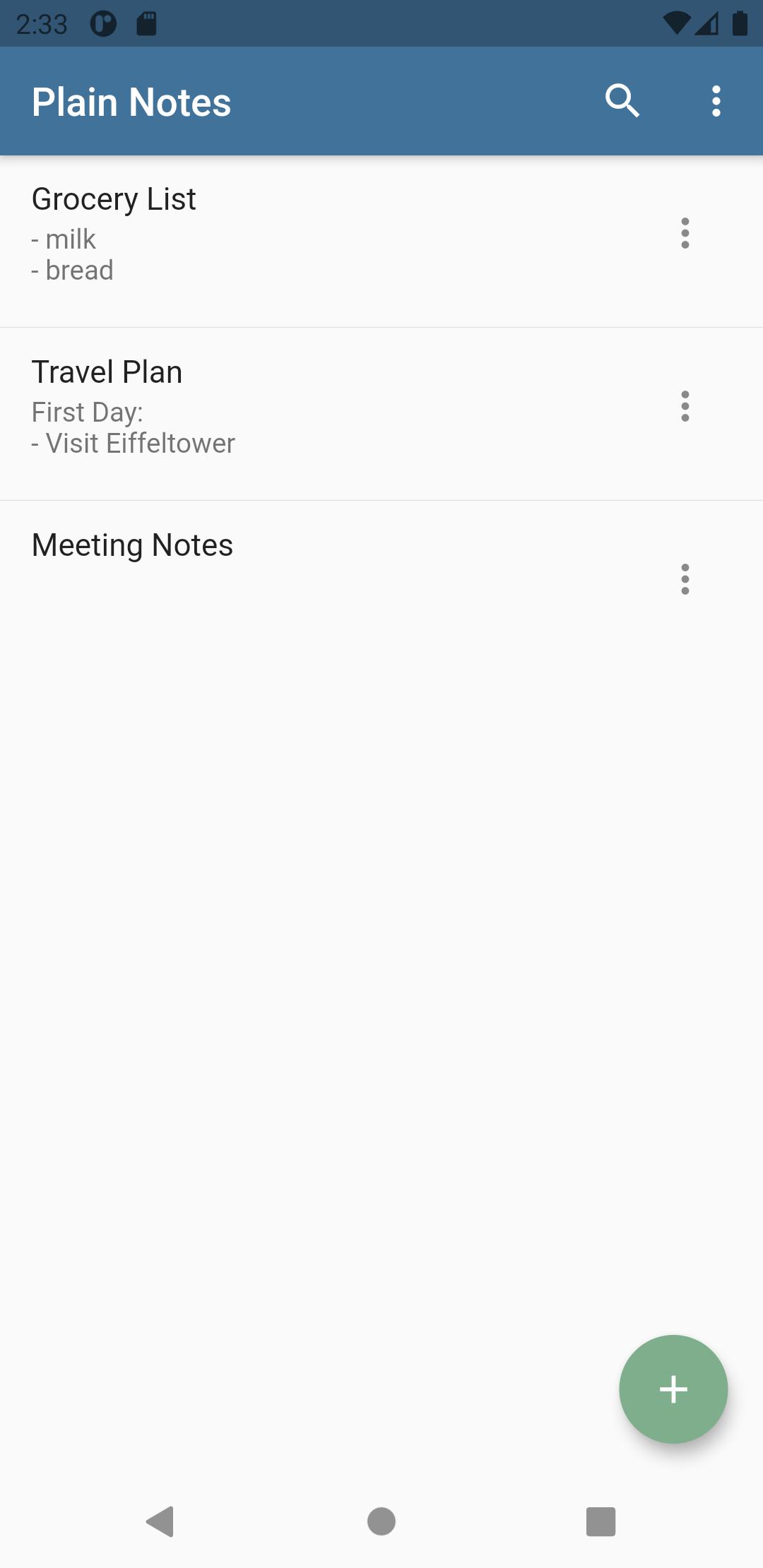
This may sound riciulous first but brings lots of advantages.If you need your notes somewhere else you can just copy them from the folder to another. This makes the backup process easier! Moreover you can open and edit the notes with any texteditor you like, as soon as you add the ".txt" suffix to the file.
If you're looking for the very cool and revolutionary feature I must disappoint you, there is none. This is an app without lots of paraphernalia but it convinces by its simplicity. In return it doesn't require much disc space, or a powerful device. It should work on any phone or tablet running at least Android 4 IceCreamSandwich.
When you recognize a bug or any other sloppiness of mine, please tell me, I'll try to improve.
Enjoy!
Preview
Tags
ProductivityInformation
Developer
Moritz Sanden
Latest Version
3.0.1
Last Updated
2021-05-16
Category
Productivity
Available on
Google Play
Show More
How to play Plain Notes with GameLoop on PC
1. Download GameLoop from the official website, then run the exe file to install GameLoop
2. Open GameLoop and search for “Plain Notes” , find Plain Notes in the search results and click “Install”
3. Enjoy playing Plain Notes on GameLoop
Minimum requirements
OS
Windows 8.1 64-bit or Windows 10 64-bit
GPU
GTX 1050
CPU
i3-8300
Memory
8GB RAM
Storage
1GB available space
Recommended requirements
OS
Windows 8.1 64-bit or Windows 10 64-bit
GPU
GTX 1050
CPU
i3-9320
Memory
16GB RAM
Storage
1GB available space