Paladins Edge PC
TJ Productions
Download Paladins Edge on PC With GameLoop Emulator
Paladins Edge on PC
Paladins Edge, coming from the developer TJ Productions, is running on Android systerm in the past.
Now, You can play Paladins Edge on PC with GameLoop smoothly.
Download it in the GameLoop library or search results. No more eyeing the battery or frustrating calls at the wrong time any more.
Just enjoy Paladins Edge PC on the large screen for free!
Paladins Edge Introduction
Paladins Edge (PE) - Your Awesome Paladins Companion
Paladins Edge is a free, open-source, and non-profit application for the Paladins community
Personalization & Guest Mode
Lot of personalization is available at your fingertips once you login and verify your Paladins profile. Try out the app in Guest mode, if you are not sure about logging in
Stability & Speed
Every update adds improvements or new features without breaking the other ones (...looking at you Paladins). It is well tested, well maintained and a very polished app, not to mention it is pretty fast as well
List of Features
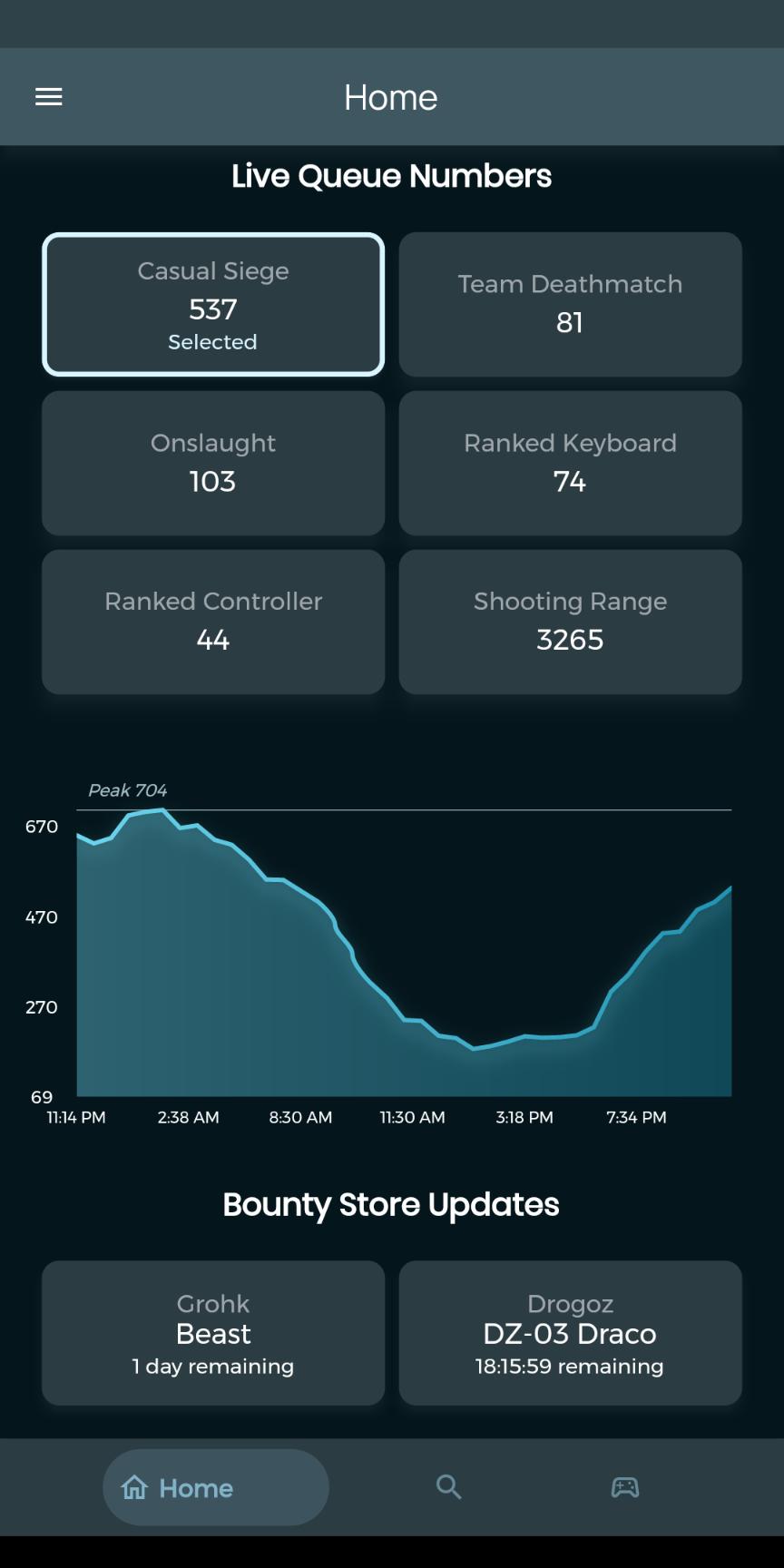
-Build and Save Loadouts on the go.
-Check online status of anyone
-Check your performance with every champion
-Global chat for all players
-Stats and Ranks of all players in your live match
-Filtering and sorting for your matches
-View common matches between you and another player
..and much more!
PE sets a new standard. Once you try it, looking back isn't an option.
Preview
Tags
ProductivityInformation
Developer
TJ Productions
Latest Version
1.11.2
Last Updated
2024-03-11
Category
Productivity
Available on
Google Play
Show More
How to play Paladins Edge with GameLoop on PC
1. Download GameLoop from the official website, then run the exe file to install GameLoop
2. Open GameLoop and search for “Paladins Edge” , find Paladins Edge in the search results and click “Install”
3. Enjoy playing Paladins Edge on GameLoop
Minimum requirements
OS
Windows 8.1 64-bit or Windows 10 64-bit
GPU
GTX 1050
CPU
i3-8300
Memory
8GB RAM
Storage
1GB available space
Recommended requirements
OS
Windows 8.1 64-bit or Windows 10 64-bit
GPU
GTX 1050
CPU
i3-9320
Memory
16GB RAM
Storage
1GB available space