
REEF OS VDS PC
OrderLord
Download REEF OS VDS on PC With GameLoop Emulator
REEF OS VDS on PC
REEF OS VDS, coming from the developer OrderLord, is running on Android systerm in the past.
Now, You can play REEF OS VDS on PC with GameLoop smoothly.
Download it in the GameLoop library or search results. No more eyeing the battery or frustrating calls at the wrong time any more.
Just enjoy REEF OS VDS PC on the large screen for free!
REEF OS VDS Introduction
Inform your cooking staff what to prepare from orders, easy and efficient. Quickly track your current and old tickets, and save your time and money.
REEF OS KDS - Kitchen display system brings TOP features for you:
• Orders to KDS automatically
• Communication with REEF OS POS (Point of Sale) and REEF OS Driver
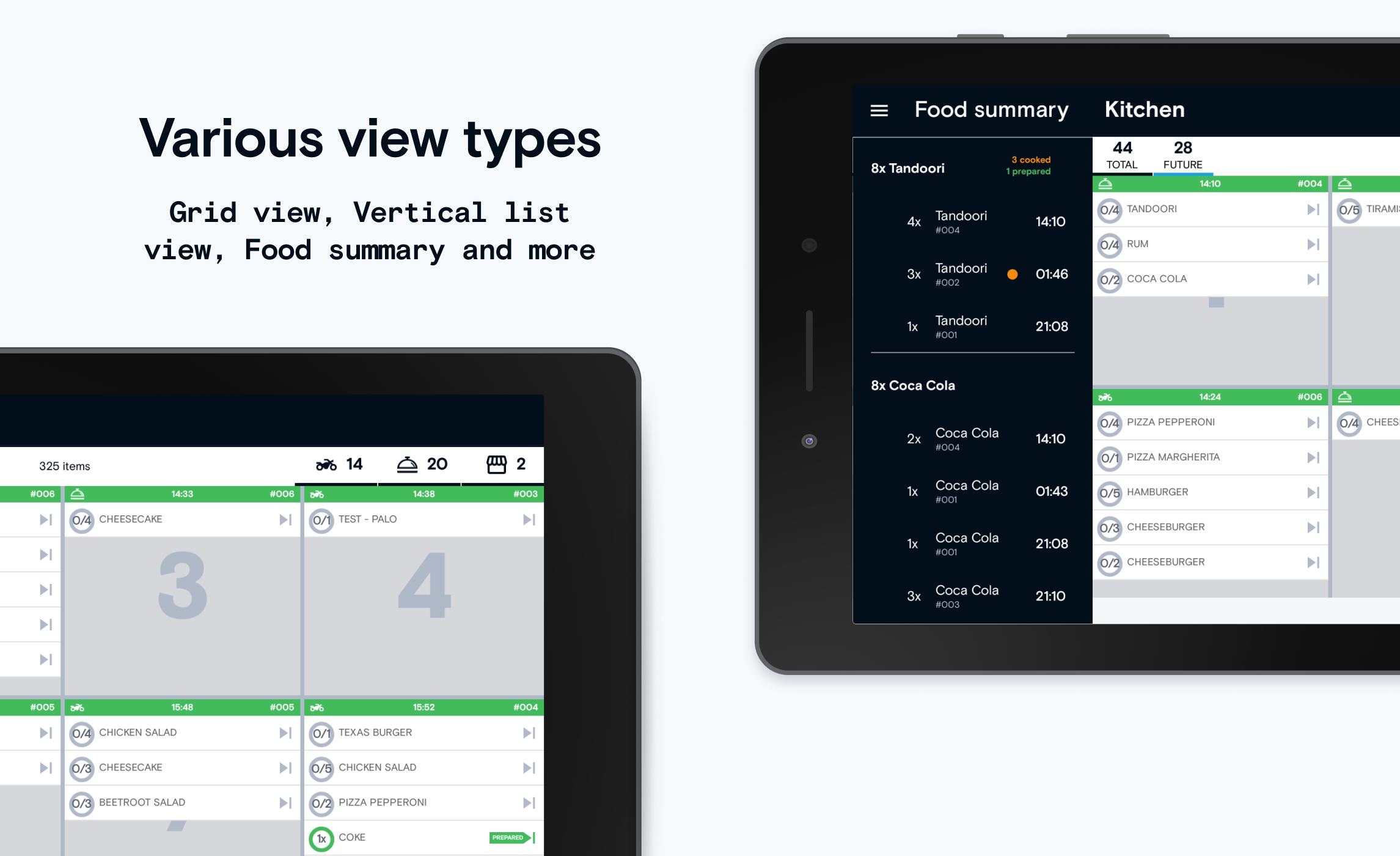
• Difference the orders grouped in deliveries with different colors, text styles, fonts, etc.
• Sound notifications for new incoming orders
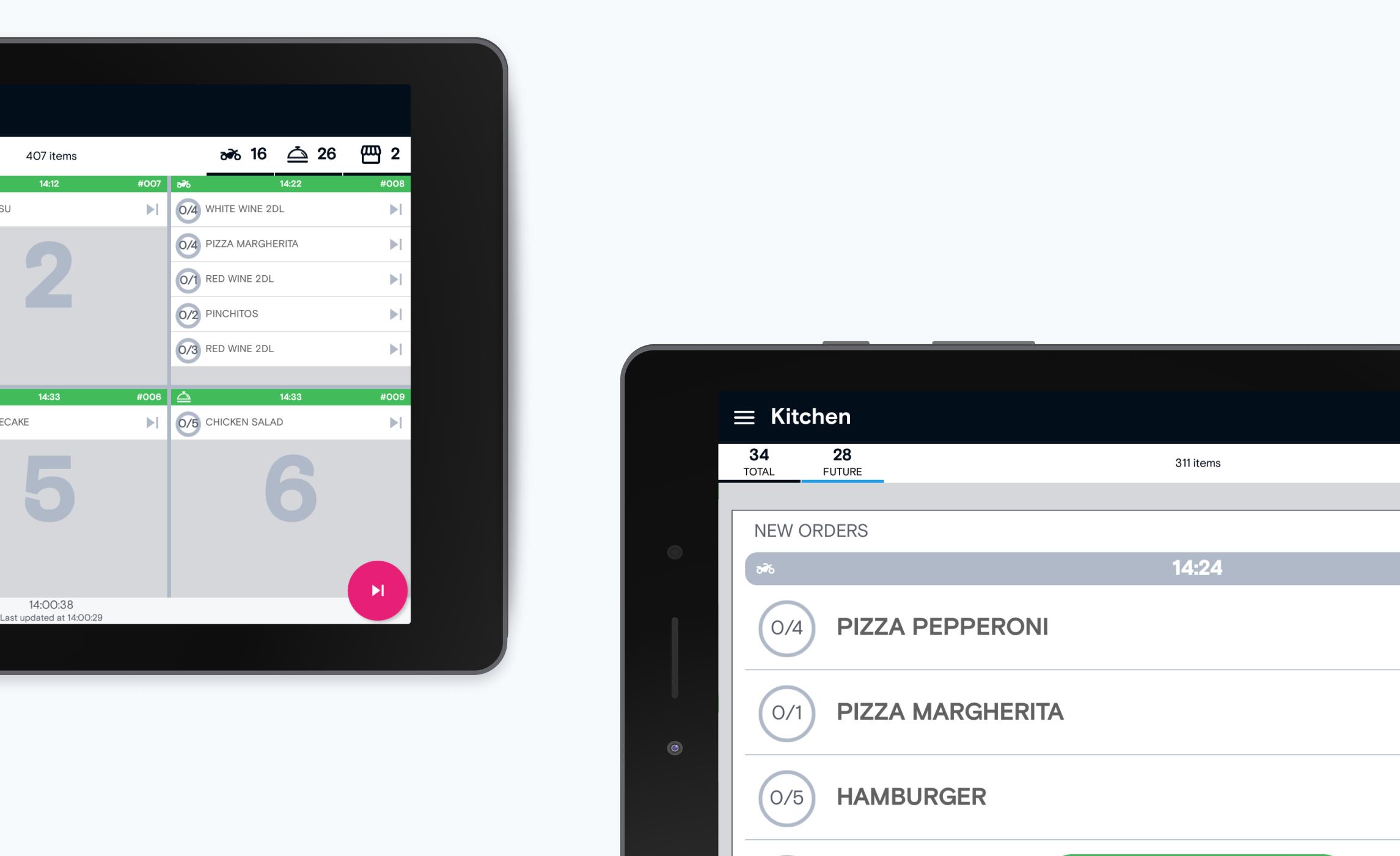
• Multiple layout types - Vertical list, Quick collect panel, Food summary, Grid view, Columns view, Grid view with categories
• Filtering orders/foods by tags (like pizza, spicy kitchen, meats...), brands, order types, etc.
• Many customization settings
• List of completed orders
• Printing labels and receipts
• Printers supported: Aures, Epson, USB printers, Zebra, Star, Cashino, Bluetooth printers, Esc/POS
• Couriers status, assignment preview
• Timeline section for tracking previous actions
• Orders history section for viewing and reprinting old labels/receipts
• Application is translated into multiple languages
• Support different tablet resolutions
Preview
Tags
ProductivityInformation
Developer
OrderLord
Latest Version
3.0.8
Last Updated
2024-09-10
Category
Productivity
Available on
Google Play
Show More
How to play REEF OS VDS with GameLoop on PC
1. Download GameLoop from the official website, then run the exe file to install GameLoop
2. Open GameLoop and search for “REEF OS VDS” , find REEF OS VDS in the search results and click “Install”
3. Enjoy playing REEF OS VDS on GameLoop
Minimum requirements
OS
Windows 8.1 64-bit or Windows 10 64-bit
GPU
GTX 1050
CPU
i3-8300
Memory
8GB RAM
Storage
1GB available space
Recommended requirements
OS
Windows 8.1 64-bit or Windows 10 64-bit
GPU
GTX 1050
CPU
i3-9320
Memory
16GB RAM
Storage
1GB available space