
OKR BOT PC
Leest Inc.
Download OKR BOT on PC With GameLoop Emulator
OKR BOT on PC
OKR BOT, coming from the developer Leest Inc., is running on Android systerm in the past.
Now, You can play OKR BOT on PC with GameLoop smoothly.
Download it in the GameLoop library or search results. No more eyeing the battery or frustrating calls at the wrong time any more.
Just enjoy OKR BOT PC on the large screen for free!
OKR BOT Introduction
OKR BOT helps you navigate uncertainty by articulating your goals, by calling you to action, and by driving focus to what’s most important. Use it to keep track of personal & professional goals, to build good habits, or as a focus timer for productivity.
Features:
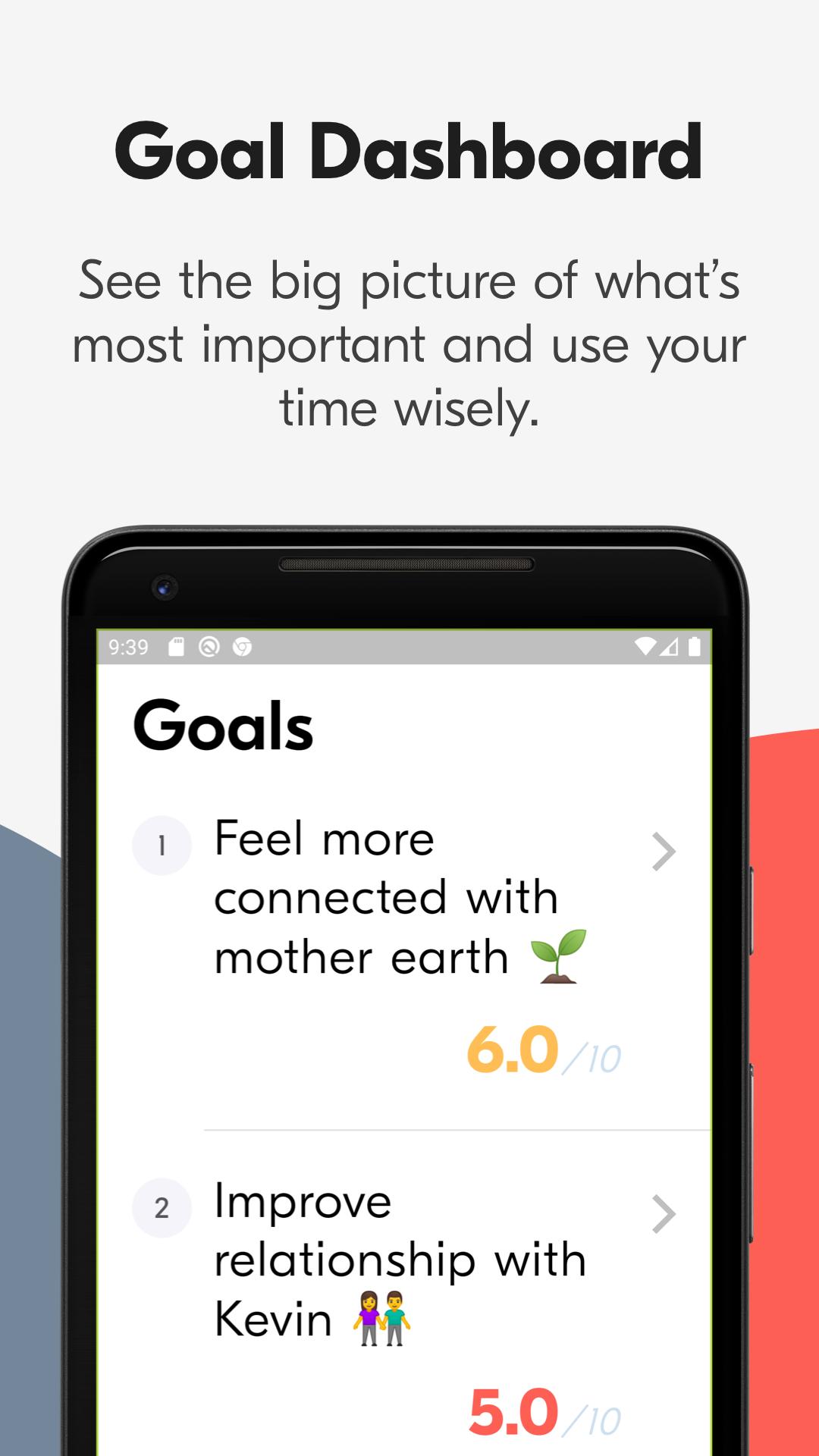
• Handy dashboard to see the big picture of life and where you stand at any point in time.
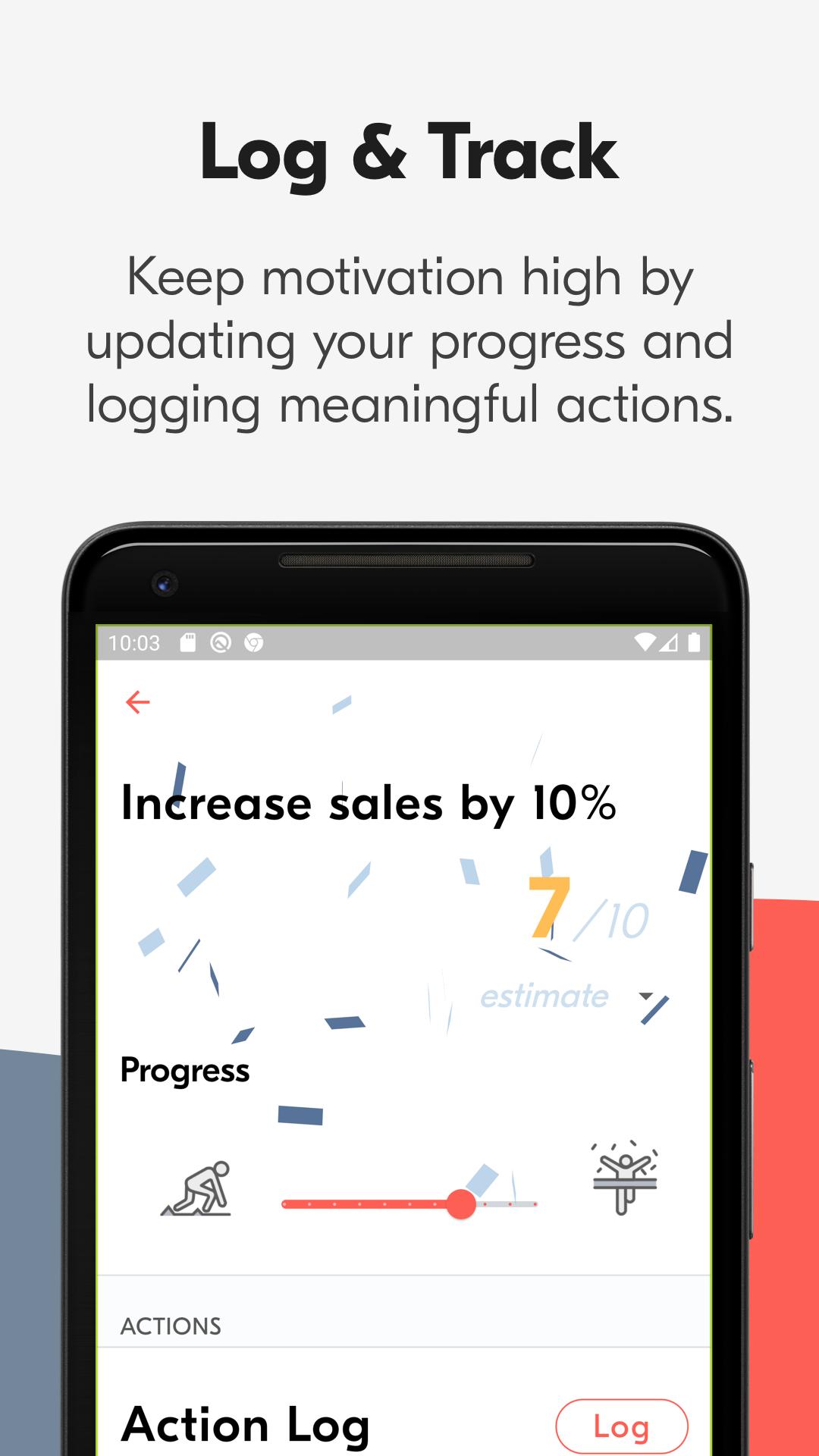
• Easily update your progress for any goal.
• An AI chatbot will guide you through framing and grading your goals every quarter.
• Log steps you take towards a larger goal.
• Set goals for a 12 week period, commit to them, and grade them after you're done. (4 time periods throughout each year: Jan-Mar, Apr-Jun, Jul-Sept, Oct-Dec).
• Very easy to use, even if you don't know what your goals are yet.
• Get smart notifications and reminders to stay on track (coming soon).
Get OKR BOT and make the most of your time.
Preview
Tags
ProductivityInformation
Developer
Leest Inc.
Latest Version
2.0.0
Last Updated
2021-03-22
Category
Productivity
Available on
Google Play
Show More
How to play OKR BOT with GameLoop on PC
1. Download GameLoop from the official website, then run the exe file to install GameLoop
2. Open GameLoop and search for “OKR BOT” , find OKR BOT in the search results and click “Install”
3. Enjoy playing OKR BOT on GameLoop
Minimum requirements
OS
Windows 8.1 64-bit or Windows 10 64-bit
GPU
GTX 1050
CPU
i3-8300
Memory
8GB RAM
Storage
1GB available space
Recommended requirements
OS
Windows 8.1 64-bit or Windows 10 64-bit
GPU
GTX 1050
CPU
i3-9320
Memory
16GB RAM
Storage
1GB available space