OHS Delivery App PC
Optival Health Solutions Pvt. Ltd.
Download OHS Delivery App on PC With GameLoop Emulator
OHS Delivery App on PC
OHS Delivery App, coming from the developer Optival Health Solutions Pvt. Ltd., is running on Android systerm in the past.
Now, You can play OHS Delivery App on PC with GameLoop smoothly.
Download it in the GameLoop library or search results. No more eyeing the battery or frustrating calls at the wrong time any more.
Just enjoy OHS Delivery App PC on the large screen for free!
OHS Delivery App Introduction
MedPlus is a leading retailer of medicines and general products like health, baby, nutrition & personal care products in India with a 1500+ pharmacy store network. MedPlus Mart is its online store.
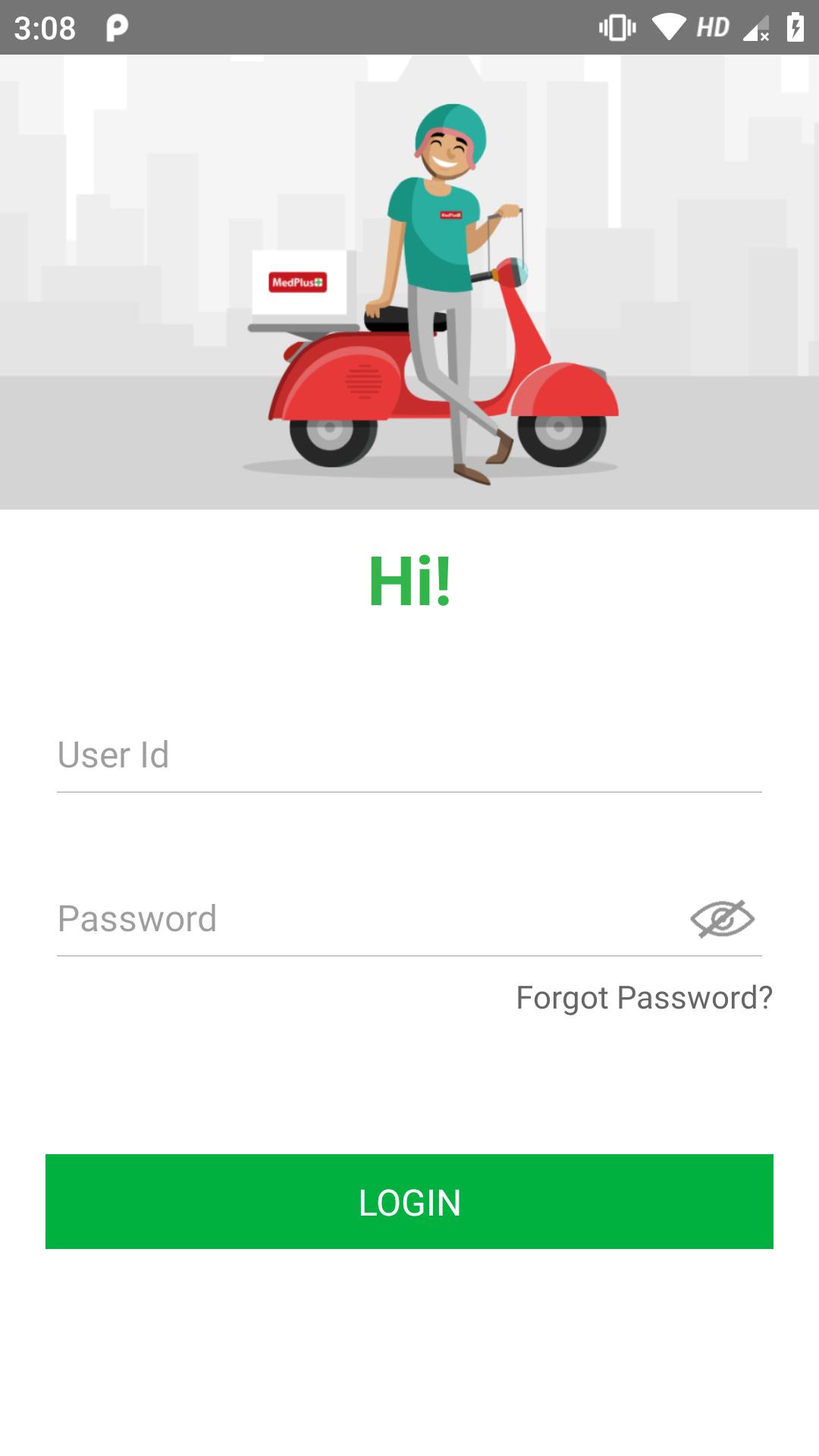
MedPlus Delivery app is used by Delivery executives to Pick and Deliver customer online orders across locations. The App connects orders to delivery executives with route directions, ETA to destination, Duration etc. Medplus customer can view the real time location of the delivery executive
Some of the App features as below
Easy to Use:
MedPlus Delivery App is user friendly and very simple to use.
Flexible timings:
Delivery Executive can inform his availability for the delivery simply by choosing on/off button
Auto Assingment:
Orders are auto assigned to the delivery executive based on the availability of the delivery executives at any given moment
Customer Support:
we have a dedicated 24X7 customer support for you!
Preview
Tags
ProductivityInformation
Developer
Optival Health Solutions Pvt. Ltd.
Latest Version
3.1
Last Updated
2024-07-18
Category
Productivity
Available on
Google Play
Show More
How to play OHS Delivery App with GameLoop on PC
1. Download GameLoop from the official website, then run the exe file to install GameLoop
2. Open GameLoop and search for “OHS Delivery App” , find OHS Delivery App in the search results and click “Install”
3. Enjoy playing OHS Delivery App on GameLoop
Minimum requirements
OS
Windows 8.1 64-bit or Windows 10 64-bit
GPU
GTX 1050
CPU
i3-8300
Memory
8GB RAM
Storage
1GB available space
Recommended requirements
OS
Windows 8.1 64-bit or Windows 10 64-bit
GPU
GTX 1050
CPU
i3-9320
Memory
16GB RAM
Storage
1GB available space