
Notewise - Note-Taking & PDF PC
Notewise
Download Notewise - Note-Taking & PDF on PC With GameLoop Emulator
Notewise - Note-Taking & PDF on PC
Notewise - Note-Taking & PDF, coming from the developer Notewise, is running on Android systerm in the past.
Now, You can play Notewise - Note-Taking & PDF on PC with GameLoop smoothly.
Download it in the GameLoop library or search results. No more eyeing the battery or frustrating calls at the wrong time any more.
Just enjoy Notewise - Note-Taking & PDF PC on the large screen for free!
Notewise - Note-Taking & PDF Introduction
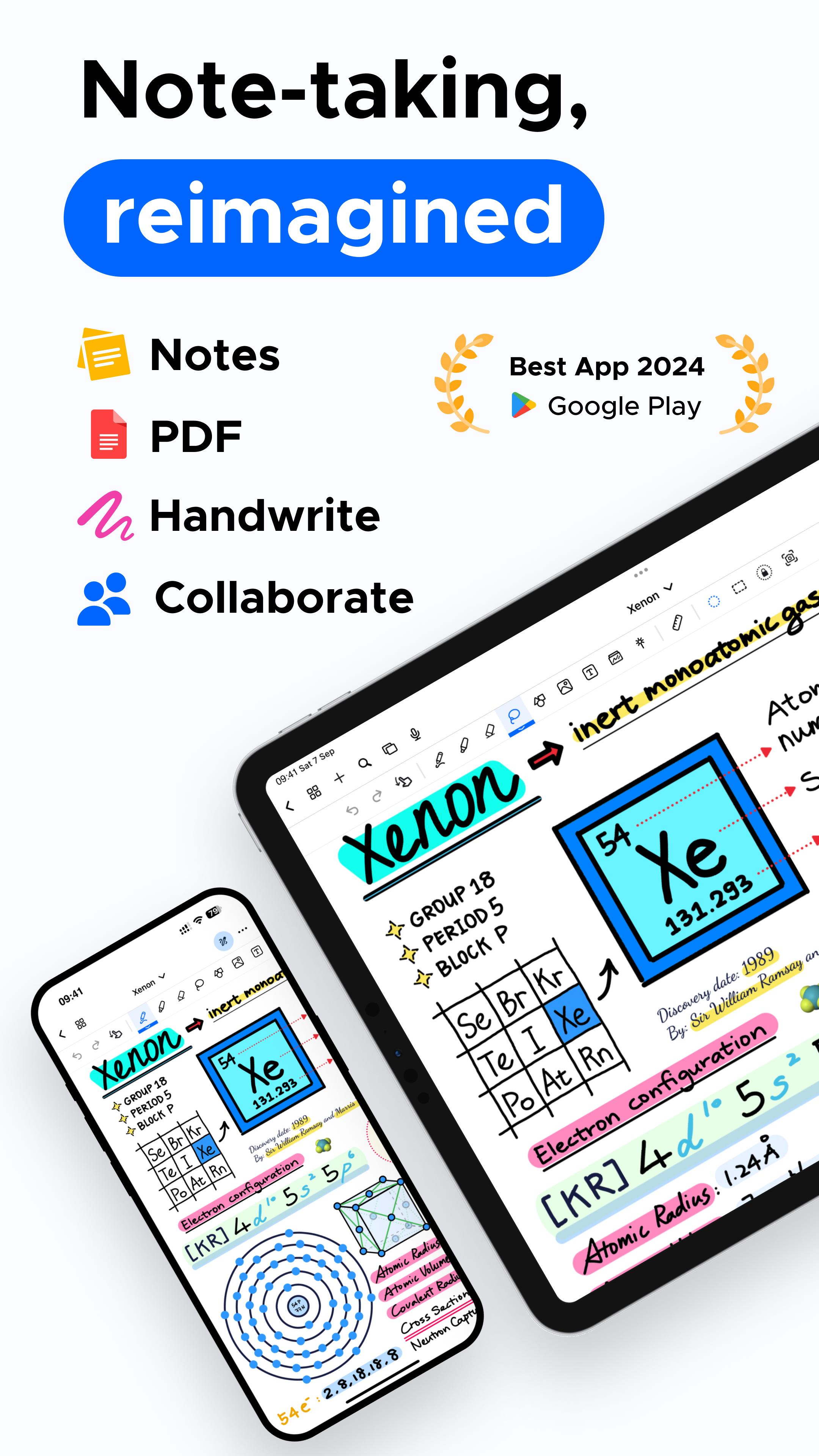
🏆 Google Play's Best of 2024 Winner! 🏆 Unlock the power of note-taking with Notewise on Android! Notewise brings an iPad-like experience to your Android device, combining creativity and productivity in a seamless app. It's perfect for capturing ideas, sketching on a freeform canvas, organizing your thoughts, or annotating PDFs. Designed for students, professionals, and creatives, it enables effective note-taking, collaboration, and organization.
Next Level Handwriting and Note-Taking Experience
• Experience natural, iPad-like handwriting with low-latency responsiveness.
• Write effortlessly with your finger or stylus, featuring palm rejection for smooth note-taking.
• Customize pens, highlighters, and line styles, with pressure sensitivity for precise control.
• Use Notewise as your digital notebook or canvas, ideal for creative and professional projects. GoodNotes® and Notability® users will find the handwriting feel very familiar.
Collaborate, Sync, and Share Notes
• Collaborate in real-time; perfect for brainstorming.
• Sync your notes across Android, iOS, and web with Notewise Cloud.
• Share your note-taking creations via URLs, QR codes, or export them as PDFs, images, or Notewise files.
• Offline work with automatic syncing.
Powerful Tools to Enhance Your Notes
• Import PDFs of any size for annotation – a key feature for those used to GoodNotes® or Notability®.
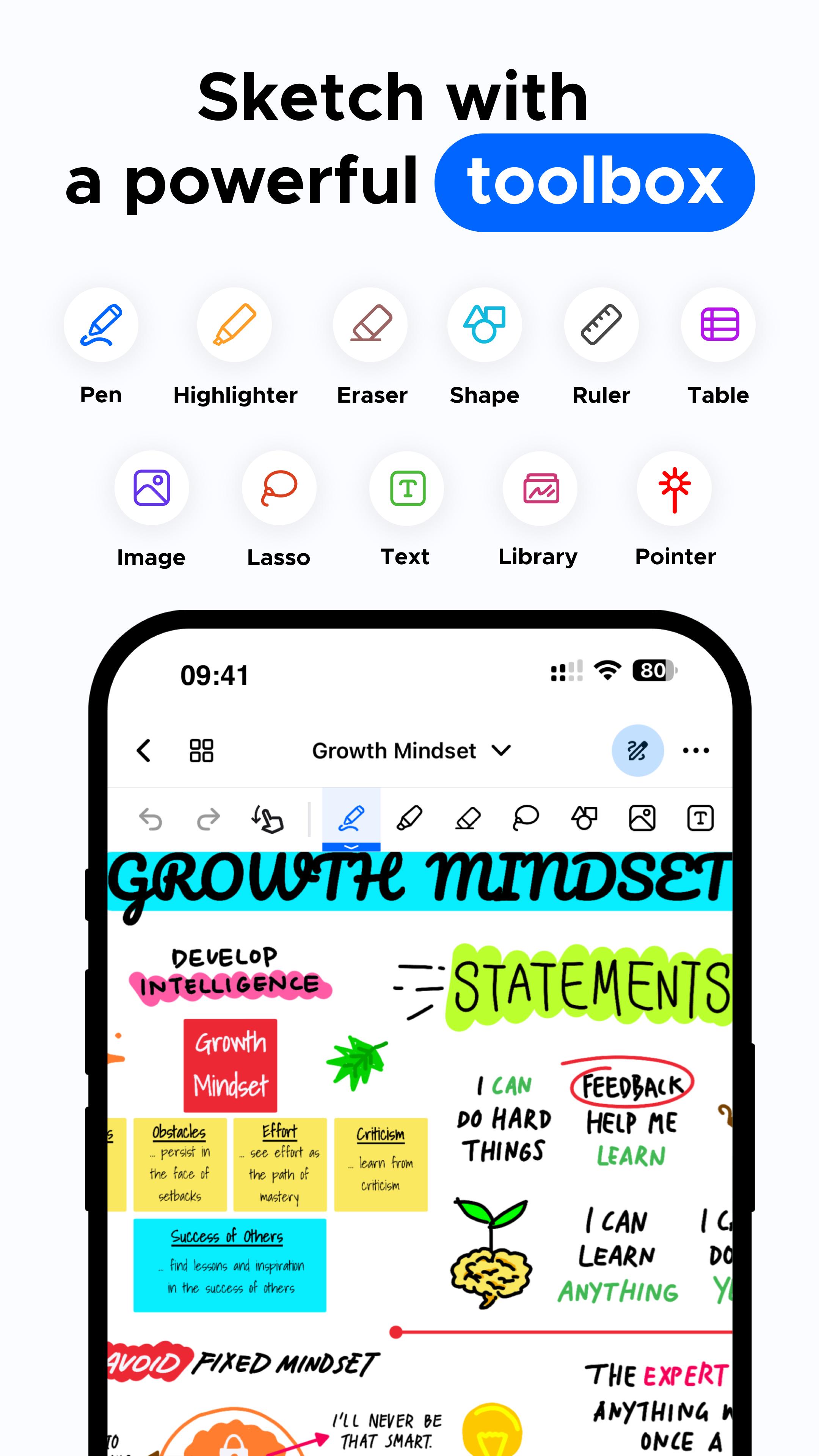
• Lasso tool to move, crop, or resize your content on the canvas.
• Add shapes, text boxes, and images.
• Pre-made templates, including grids and blank canvases. This enhances the note-taking power.
Organize Your Notes Like a Pro
• Unlimited folders to organize work, memos, and plans.
• Duplicate, reorder, or merge pages.
• Personalize folders with colors and labels. Manage all your important notes.
Advanced PDF Annotation
• Annotate PDFs with highlighters, text, or signatures.
• Reorganize, duplicate, or resize pages within your PDFs.
• Open external links from annotated PDFs.
AI-Powered Note-Taking Tools
• Hold to Draw Shapes: Create perfect shapes with AI.
• Handwriting-to-Text Conversion. All these helps with capturing notes efficiently.
Your Digital Freeform Canvas
• Combine handwriting, images, and text on a limitless canvas.
• Journal, sketch, or brainstorm freely.
• Creative note-taking with endless possibilities.
Your Notes, Your Way: Flexible Payment Options
• Notewise offers both one-time purchase and subscription options, giving you control. While apps like GoodNotes® and, to an extent, Notability®, focus on subscriptions, we offer choices.
Your Notes, Anytime, Anywhere
• Fully optimized for Android: phones, tablets.
• Perfect for journaling, organizing PDFs, brainstorming on a freeform canvas, or managing your notes with ease. A complete note-taking solution.
• Features familiar to GoodNotes® and Notability® users, plus flexible payment.
Make the Switch to Notewise! Experience Notewise: power, flexibility, and features you love, with payment options in your control, unlike the more rigid approach of primarily subscription-based services. Perfect if you are looking for an alternative to GoodNotes® or Notability® on Android. Your effective note-taking journey starts here. Capture, create, and organize your notes effortlessly.
Download Notewise for Free Today!
Preview
Tags
ProductivityInformation
Developer
Notewise
Latest Version
2.17.7
Last Updated
2025-03-19
Category
Productivity
Available on
Google Play
Show More
How to play Notewise - Note-Taking & PDF with GameLoop on PC
1. Download GameLoop from the official website, then run the exe file to install GameLoop
2. Open GameLoop and search for “Notewise - Note-Taking & PDF” , find Notewise - Note-Taking & PDF in the search results and click “Install”
3. Enjoy playing Notewise - Note-Taking & PDF on GameLoop
Minimum requirements
OS
Windows 8.1 64-bit or Windows 10 64-bit
GPU
GTX 1050
CPU
i3-8300
Memory
8GB RAM
Storage
1GB available space
Recommended requirements
OS
Windows 8.1 64-bit or Windows 10 64-bit
GPU
GTX 1050
CPU
i3-9320
Memory
16GB RAM
Storage
1GB available space