
Nippon Paint i-Colour PC
Colorix SA
Download Nippon Paint i-Colour on PC With GameLoop Emulator
Nippon Paint i-Colour on PC
Nippon Paint i-Colour, coming from the developer Colorix SA, is running on Android systerm in the past.
Now, You can play Nippon Paint i-Colour on PC with GameLoop smoothly.
Download it in the GameLoop library or search results. No more eyeing the battery or frustrating calls at the wrong time any more.
Just enjoy Nippon Paint i-Colour PC on the large screen for free!
Nippon Paint i-Colour Introduction
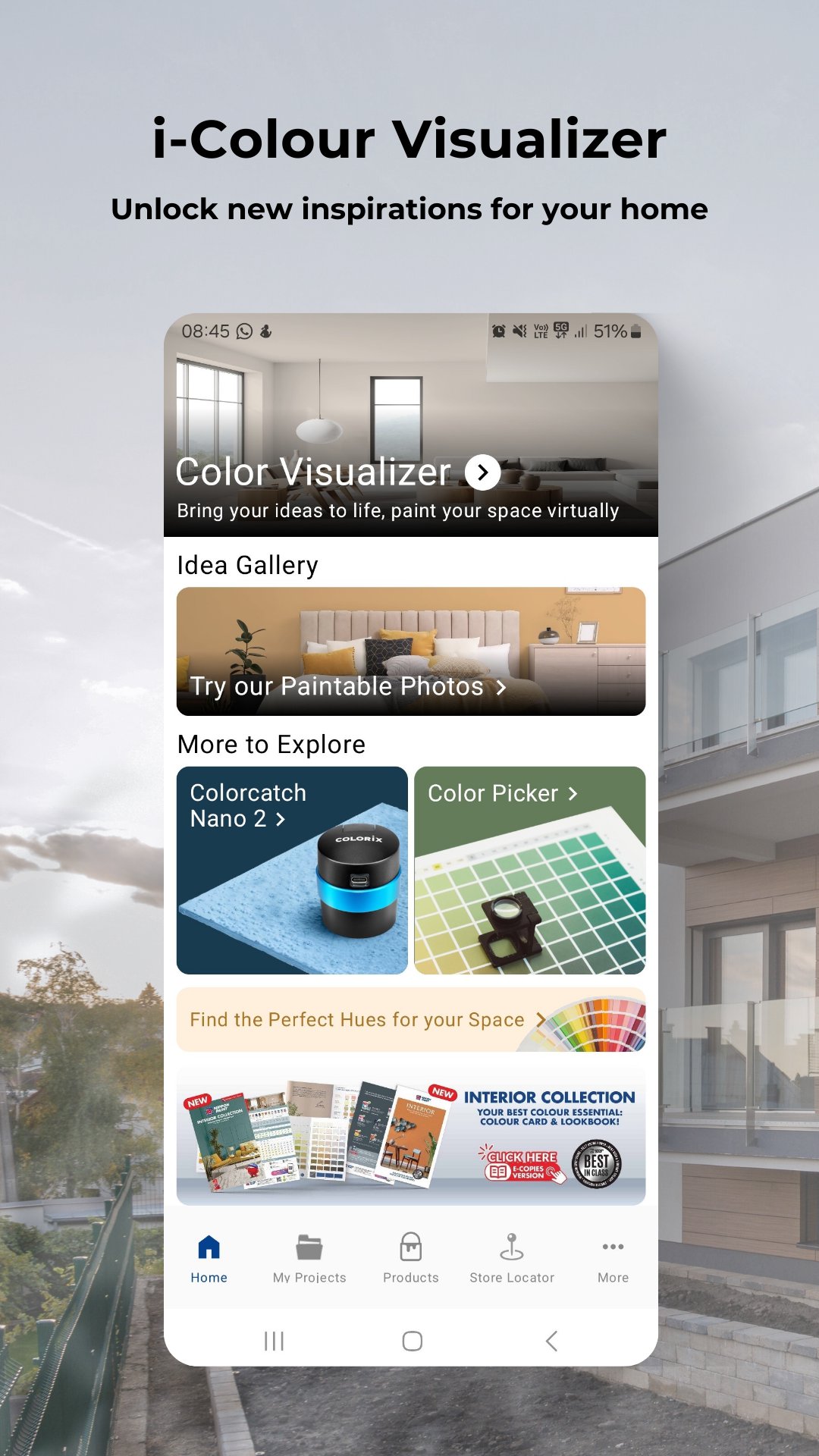
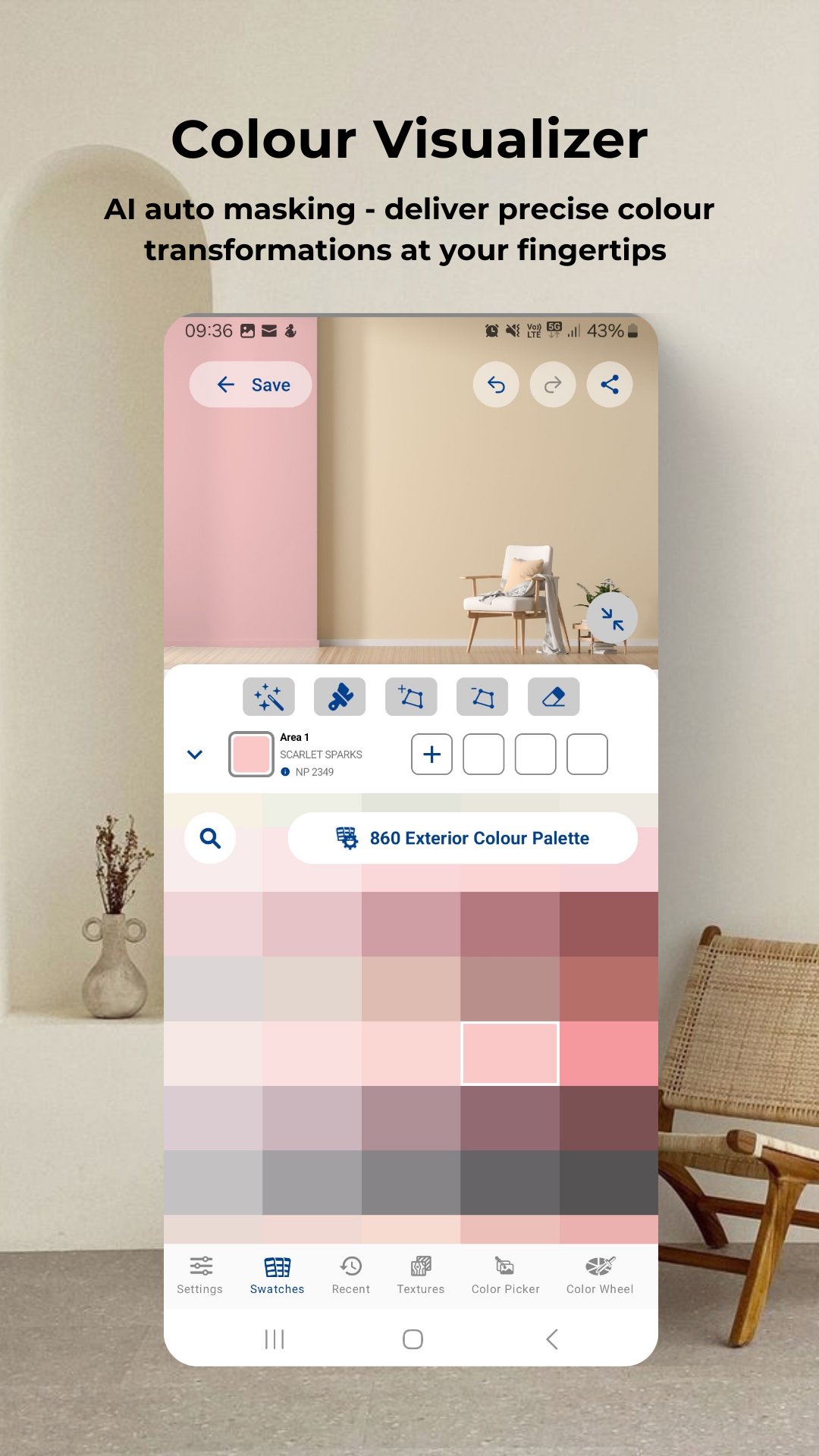
Colour visualizer: Simply upload or take a photo of your room to start virtual painting.
Get inspired: Access the latest trends in colour schemes for the bedroom, café, classroom, exterior, gym, kids' room, kitchen, living room or any spaces!
Colour picker: Activate colour picker tool to move your camera and select the target colour to get closed match colours from database against target colour.
Latest Products: Explore our best-in-class products that offer not only protection but also colour richness like never before.
Store locator: Find the nearest Nippon Paint authorized dealers.
My projects: Organize home or work projects neatly for easy reference or enhance your business presentations professionally.
Thousands of shades await! Explore the Nippon Paint i-Colour app and discover a world of colour possibilities. Don’t wait! Download the app and unlock a world of colours now!
Preview
Tags
ProductivityInformation
Developer
Colorix SA
Latest Version
4.07.002
Last Updated
2025-10-15
Category
Productivity
Available on
Google Play
Show More
How to play Nippon Paint i-Colour with GameLoop on PC
1. Download GameLoop from the official website, then run the exe file to install GameLoop
2. Open GameLoop and search for “Nippon Paint i-Colour” , find Nippon Paint i-Colour in the search results and click “Install”
3. Enjoy playing Nippon Paint i-Colour on GameLoop
Minimum requirements
OS
Windows 8.1 64-bit or Windows 10 64-bit
GPU
GTX 1050
CPU
i3-8300
Memory
8GB RAM
Storage
1GB available space
Recommended requirements
OS
Windows 8.1 64-bit or Windows 10 64-bit
GPU
GTX 1050
CPU
i3-9320
Memory
16GB RAM
Storage
1GB available space