NEVA App PC
ŽALUZIE NEVA s.r.o.
Download NEVA App on PC With GameLoop Emulator
NEVA App on PC
NEVA App, coming from the developer ŽALUZIE NEVA s.r.o., is running on Android systerm in the past.
Now, You can play NEVA App on PC with GameLoop smoothly.
Download it in the GameLoop library or search results. No more eyeing the battery or frustrating calls at the wrong time any more.
Just enjoy NEVA App PC on the large screen for free!
NEVA App Introduction
NEVA App is a professional tool for quick and accurate calculation of key parameters related to the configuration, ordering, and installation of NEVA external blinds.
It is designed for technicians, installers, architects, and planners who need reliable data within seconds.
Key features include:
- Calculation of blind packet height.
- Number of required holders.
- Minimum internal headbox height.
- Bearing positions.
- And more.
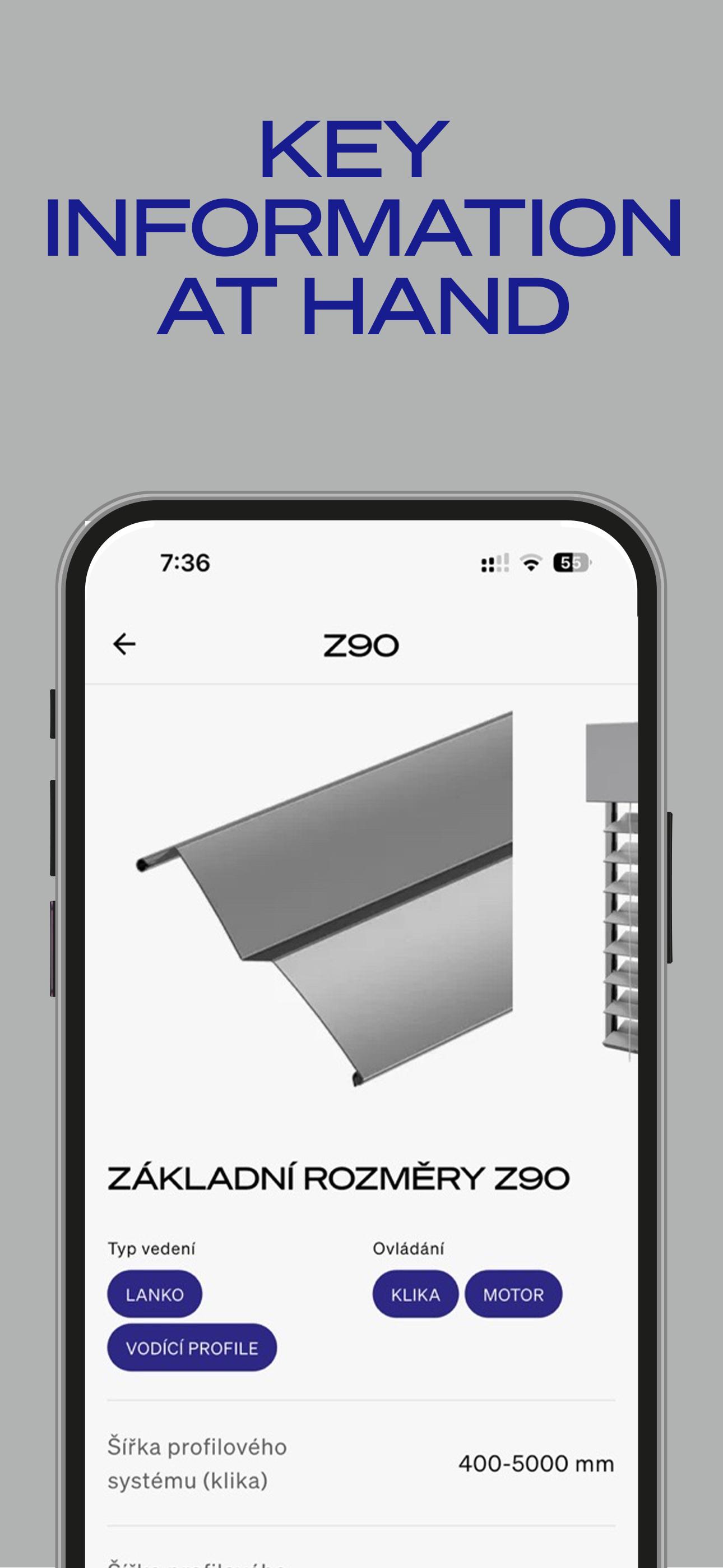
You can enter the product type and blind dimensions to get precise recommendations tailored to your setup.
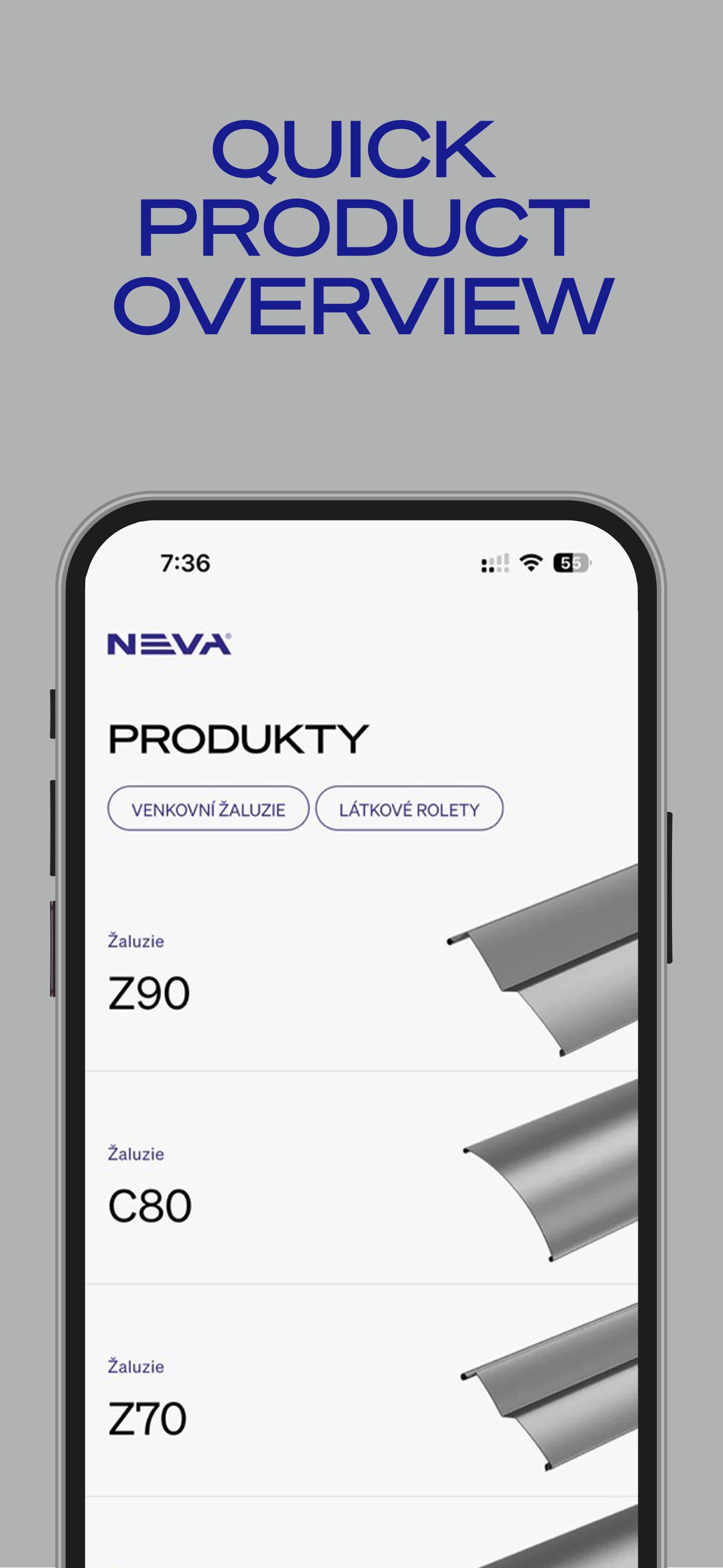
The app also provides guidance on motor usage based on product configuration and easy access to technical documentation. In addition, NEVA App offers an overview of all available NEVA blind and screen types with relevant technical details.
NEVA App helps you save time, avoid errors, and streamline your workflow on every project.
Preview
Tags
ProductivityInformation
Developer
ŽALUZIE NEVA s.r.o.
Latest Version
2.0.1
Last Updated
2025-07-14
Category
Productivity
Available on
Google Play
Show More
How to play NEVA App with GameLoop on PC
1. Download GameLoop from the official website, then run the exe file to install GameLoop
2. Open GameLoop and search for “NEVA App” , find NEVA App in the search results and click “Install”
3. Enjoy playing NEVA App on GameLoop
Minimum requirements
OS
Windows 8.1 64-bit or Windows 10 64-bit
GPU
GTX 1050
CPU
i3-8300
Memory
8GB RAM
Storage
1GB available space
Recommended requirements
OS
Windows 8.1 64-bit or Windows 10 64-bit
GPU
GTX 1050
CPU
i3-9320
Memory
16GB RAM
Storage
1GB available space