Nepali Keyboard - Voice typing PC
Uncle Keyboards Inc.
Download Nepali Keyboard - Voice typing on PC With GameLoop Emulator
Nepali Keyboard - Voice typing on PC
Nepali Keyboard - Voice typing, coming from the developer Uncle Keyboards Inc., is running on Android systerm in the past.
Now, You can play Nepali Keyboard - Voice typing on PC with GameLoop smoothly.
Download it in the GameLoop library or search results. No more eyeing the battery or frustrating calls at the wrong time any more.
Just enjoy Nepali Keyboard - Voice typing PC on the large screen for free!
Nepali Keyboard - Voice typing Introduction
Nepali Keyboard: Typing in Nepali and English
Hey there! Meet Nepali Keyboard by Uncle Keyboards Inc. – your go-to app for smooth, fun, and efficient typing in both Nepali and English. Whether you're chatting with friends, sending emails, or posting on social media, this keyboard has all the features to make your life easier.
Why Nepali Keyboard is Awesome
1. Type English to Nepali with Ease
Write in English, and our keyboard will automatically convert it to Nepali. It’s like having a magic wand for bilingual communication! Perfect if you’re used to English letters but want to type in Nepali.
2. Nepali to English Translation
Stuck translating Nepali to English? No worries! Our built-in translator does the job in seconds, helping you communicate without any language barriers.
3. Voice Typing
Hate typing? Just speak! Whether it’s Nepali or English, this feature transforms your words into text instantly. It’s hands-free and super convenient.
4. Offline Typing
No internet? No problem. Type in Nepali or English anytime, anywhere, even when you’re offline.
5. Personalize Your Keyboard
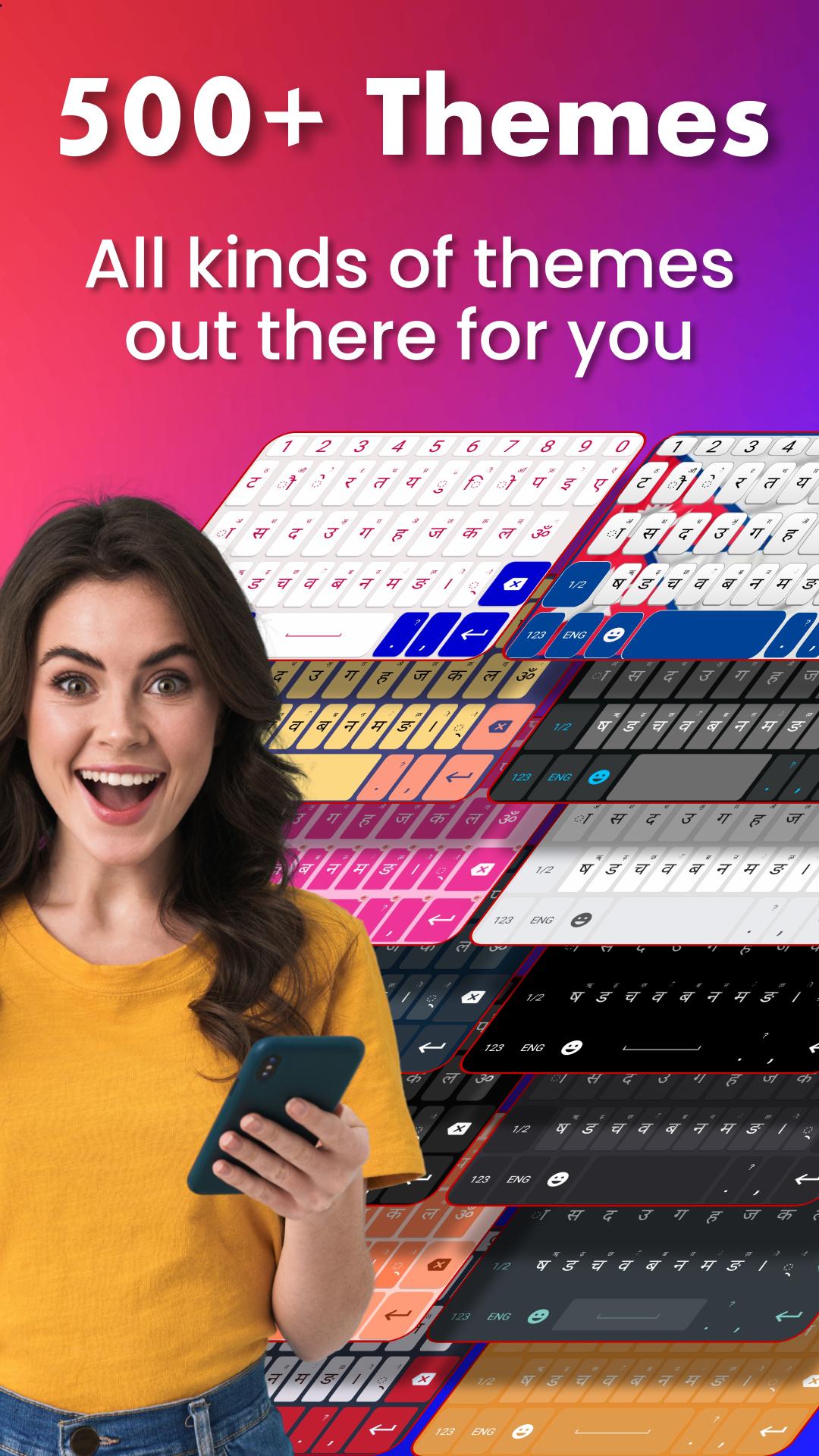
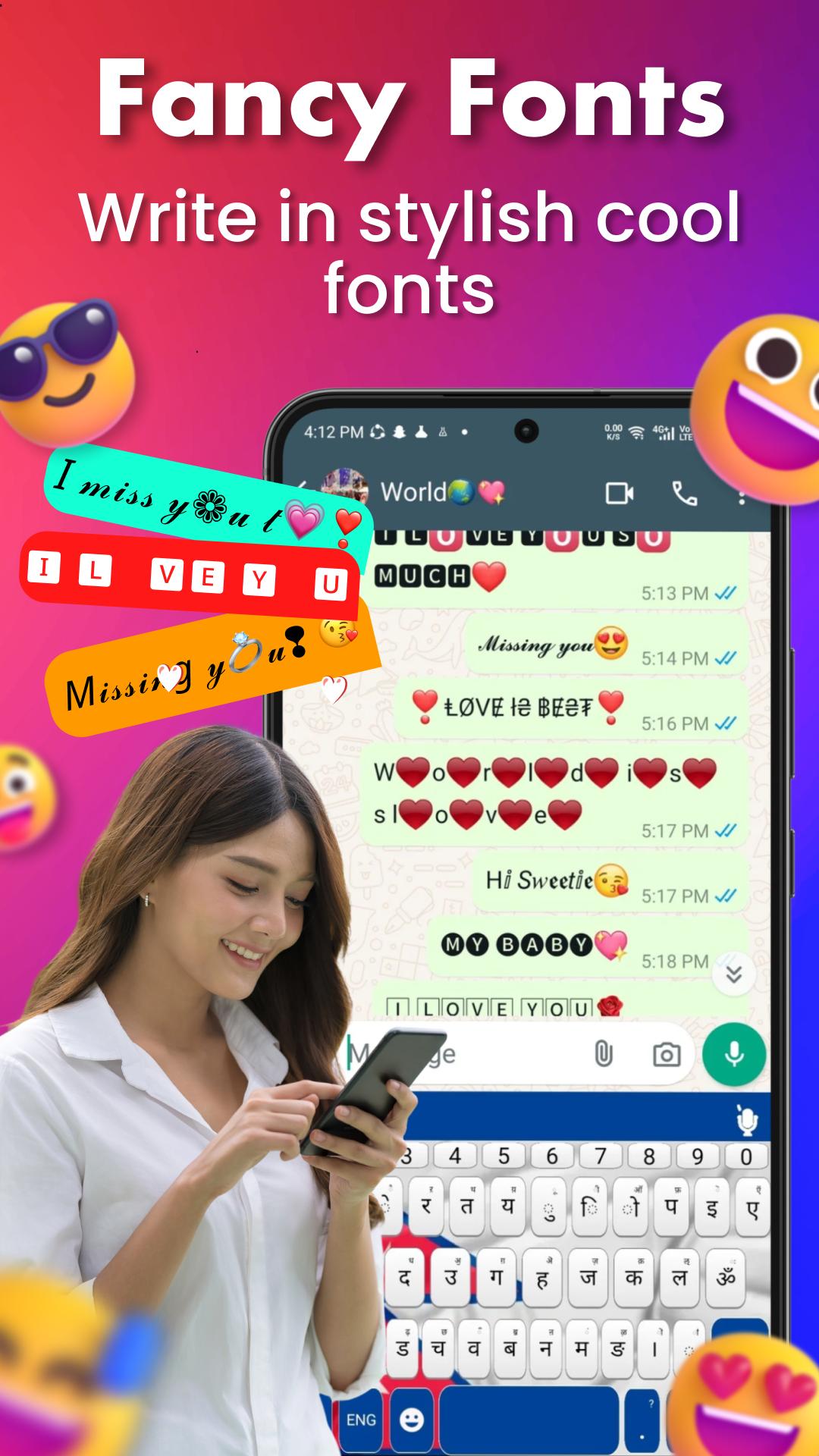
Make it your own! Choose from tons of themes, cool fonts, and layouts to match your vibe.
6. Emojis, Stickers & GIFs
Let your chats shine with expressive emojis, fun stickers, and hilarious GIFs. Add some extra flair to your conversations!
7. Smart Typing with Auto-Correction
Say goodbye to typos. Our keyboard auto-corrects and predicts the next word, making your typing fast and accurate.
8. Easy Language Switching
Switch between Nepali and English with just a tap. Perfect for bilingual users like you.
How Nepali Keyboard Makes Life Easier
Write your social media posts in Nepali or English.
Send professional emails or casual texts in both languages.
Instantly translate between Nepali and English for work or study.
Add some creativity to your messages with visual stickers and emojis.
Why Choose Us?
At Uncle Keyboards Inc., we’re passionate about building tools that make communication fun and effortless. With features like English to Nepali typing, voice input, and language translation, Nepali Keyboard is perfect for anyone juggling between two languages.
Try it Now!
Download Nepali Keyboard today and experience the joy of fast, accurate, and creative typing. Join thousands of happy users and take your typing to the next level!
Preview
Tags
ProductivityInformation
Developer
Uncle Keyboards Inc.
Latest Version
18.0
Last Updated
2025-08-06
Category
Productivity
Available on
Google Play
Show More
How to play Nepali Keyboard - Voice typing with GameLoop on PC
1. Download GameLoop from the official website, then run the exe file to install GameLoop
2. Open GameLoop and search for “Nepali Keyboard - Voice typing” , find Nepali Keyboard - Voice typing in the search results and click “Install”
3. Enjoy playing Nepali Keyboard - Voice typing on GameLoop
Minimum requirements
OS
Windows 8.1 64-bit or Windows 10 64-bit
GPU
GTX 1050
CPU
i3-8300
Memory
8GB RAM
Storage
1GB available space
Recommended requirements
OS
Windows 8.1 64-bit or Windows 10 64-bit
GPU
GTX 1050
CPU
i3-9320
Memory
16GB RAM
Storage
1GB available space