
My Work Shift Calendar-Planner PC
SR Group
Download My Work Shift Calendar-Planner on PC With GameLoop Emulator
My Work Shift Calendar-Planner on PC
My Work Shift Calendar-Planner, coming from the developer SR Group, is running on Android systerm in the past.
Now, You can play My Work Shift Calendar-Planner on PC with GameLoop smoothly.
Download it in the GameLoop library or search results. No more eyeing the battery or frustrating calls at the wrong time any more.
Just enjoy My Work Shift Calendar-Planner PC on the large screen for free!
My Work Shift Calendar-Planner Introduction
My Work Shift Calendar – Scheduler & Planner
Effortless Shift Management & Work Schedule Organizer
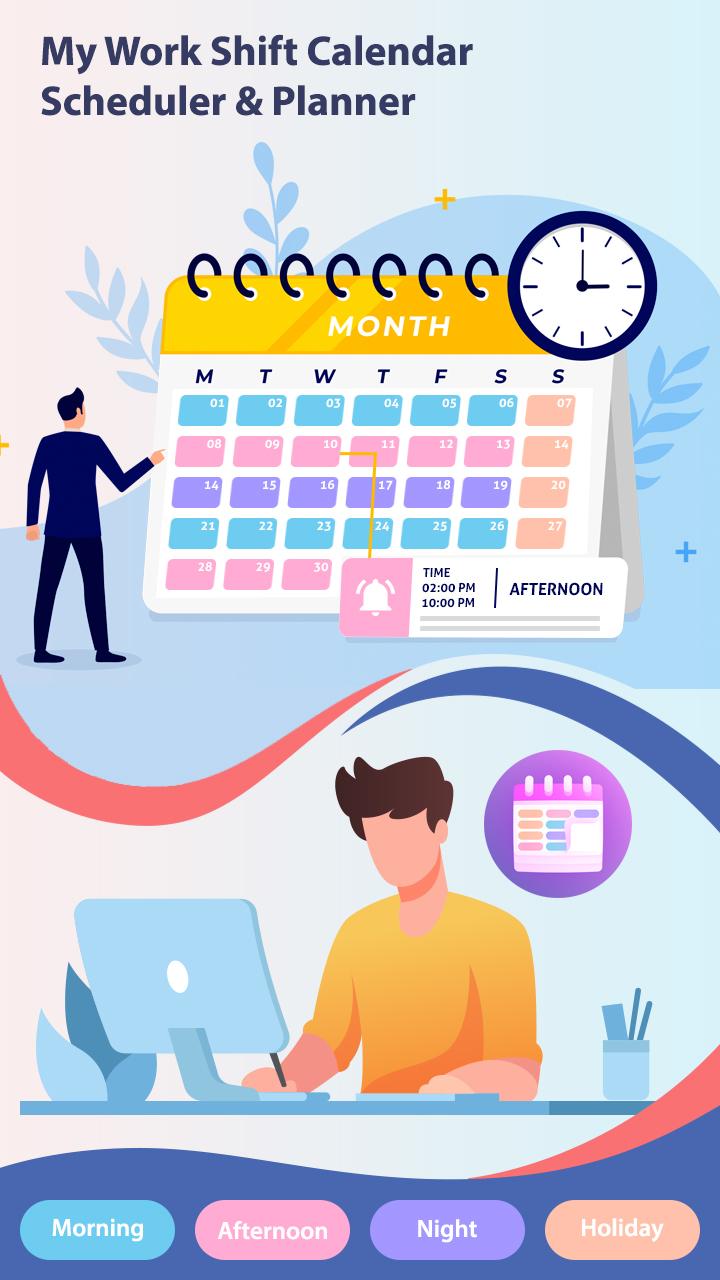
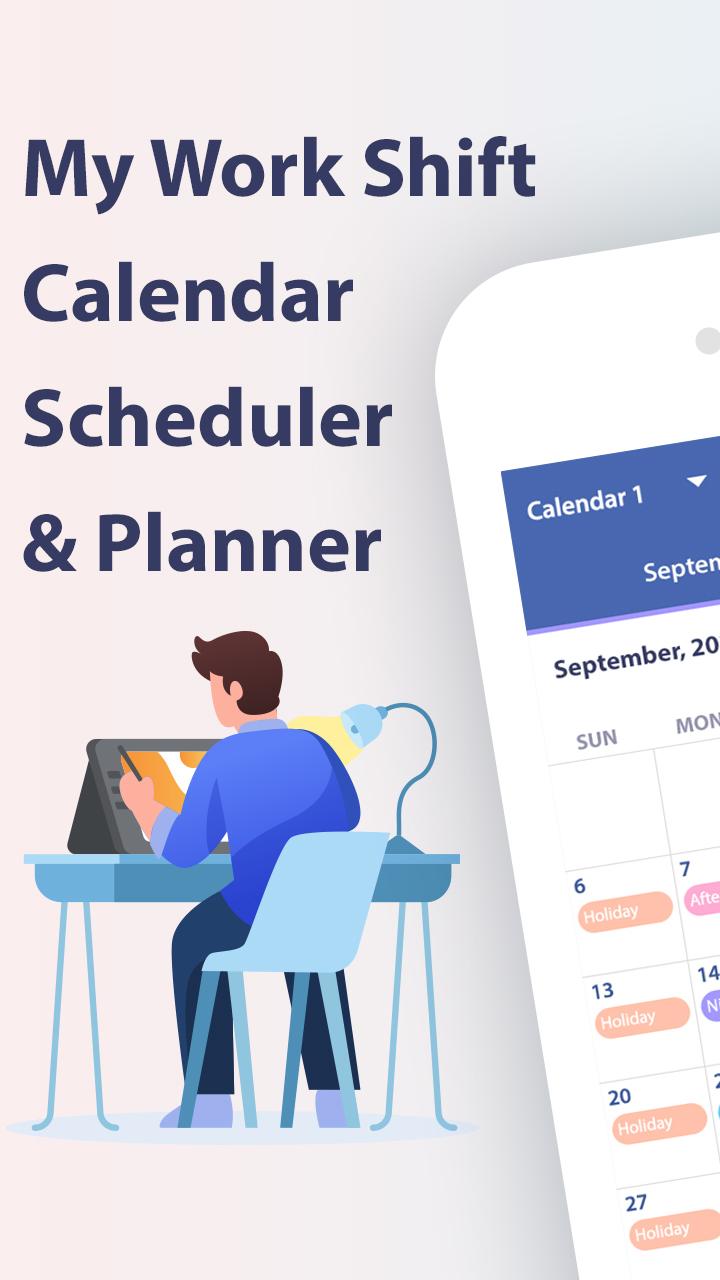
Stay organized, track your work shifts, and maximize your productivity with My Work Shift Calendar – Scheduler & Planner — the ultimate work shift calendar app designed for shift workers, freelancers, and multi-job professionals. Whether you work rotating shifts, night shifts, part-time, or multiple jobs, this app simplifies scheduling and shift tracking so you never miss a beat!
Key Features:
📅 Multi-Job Shift Scheduler
Manage up to 10 separate calendars to easily organize shifts for multiple jobs or projects. Switch between jobs with a tap and keep your entire work life in one place.
🎨 Intuitive Paint Mode & Edit Mode
Add shifts effortlessly using Paint Mode—select your shift and tap days to fill your schedule quickly. Use Edit Mode to repeat shifts up to 40 times, set date ranges, or cut, copy, paste, swap, and erase shifts for total flexibility.
⏰ Customizable Shifts & Breaks
Add unlimited shifts with specific start/end times, split shifts, break periods, and hourly wages. Set salary per hour and overtime pay to track earnings accurately.
📊 Comprehensive Shift Statistics
View detailed monthly and yearly summaries including total hours worked, number of shifts, extra paid/unpaid time, and total income generated. Perfect for budgeting and payroll.
📝 Notes, Images & Reminders
Add notes, attach images, and set reminders for important shift details or events to stay on top of your schedule.
⚙️ Fully Customizable Interface
Set your preferred first day of the week, date format, and customize colors for shifts, backgrounds, and text for easy shift differentiation.
☁️ Google Drive Backup & Restore
Keep your data safe with automatic Google Drive backups. Restore your calendar anytime on any device—never lose your work shifts again.
📤 Easy Sharing Options
Share your daily or weekly shift details as text or images via email, messaging apps, or social media.
Why Choose My Work Shift Calendar?
Designed specifically for shift workers, nurses, retail staff, security personnel, freelancers, and anyone with complex or rotating schedules.
Quick and easy shift input with Paint Mode to save you time.
Advanced editing tools give you total control over your schedule.
Track your earnings and work hours without manual calculations.
Stay organized with notes, reminders, and image attachments.
Cloud backup for peace of mind and data security.
Customizable views: daily, weekly, monthly, yearly.
Perfect For:
Shift workers & employees with irregular hours
Freelancers & contractors juggling multiple jobs
Students & part-time workers managing class and work
Managers & team leaders scheduling team shifts
Anyone looking for a simple but powerful shift calendar & planner
Download My Work Shift Calendar – Scheduler & Planner now and take control of your work life! Manage shifts, track hours, and never miss a payday again.
Preview
Tags
ProductivityInformation
Developer
SR Group
Latest Version
1.11
Last Updated
2025-09-15
Category
Productivity
Available on
Google Play
Show More
How to play My Work Shift Calendar-Planner with GameLoop on PC
1. Download GameLoop from the official website, then run the exe file to install GameLoop
2. Open GameLoop and search for “My Work Shift Calendar-Planner” , find My Work Shift Calendar-Planner in the search results and click “Install”
3. Enjoy playing My Work Shift Calendar-Planner on GameLoop
Minimum requirements
OS
Windows 8.1 64-bit or Windows 10 64-bit
GPU
GTX 1050
CPU
i3-8300
Memory
8GB RAM
Storage
1GB available space
Recommended requirements
OS
Windows 8.1 64-bit or Windows 10 64-bit
GPU
GTX 1050
CPU
i3-9320
Memory
16GB RAM
Storage
1GB available space