
Mobile for Jira PC
Infosysta DWC LLC
Download Mobile for Jira on PC With GameLoop Emulator
Mobile for Jira on PC
Mobile for Jira, coming from the developer Infosysta DWC LLC, is running on Android systerm in the past.
Now, You can play Mobile for Jira on PC with GameLoop smoothly.
Download it in the GameLoop library or search results. No more eyeing the battery or frustrating calls at the wrong time any more.
Just enjoy Mobile for Jira PC on the large screen for free!
Mobile for Jira Introduction
Mobile for Jira is an ideal fit with Jira Work Management, Jira Software, and Jira Service Management. Handle Jira issues through your mobile with a user-friendly interface!
To be able to access the app, you will need to install the Marketplace add-on first. Find the add-on here: https://l.linklyhq.com/l/1uvoI
- Asset management support
- Time tracking with Timesheets by Tempo Basic, 2FA, MFA, & SSO login
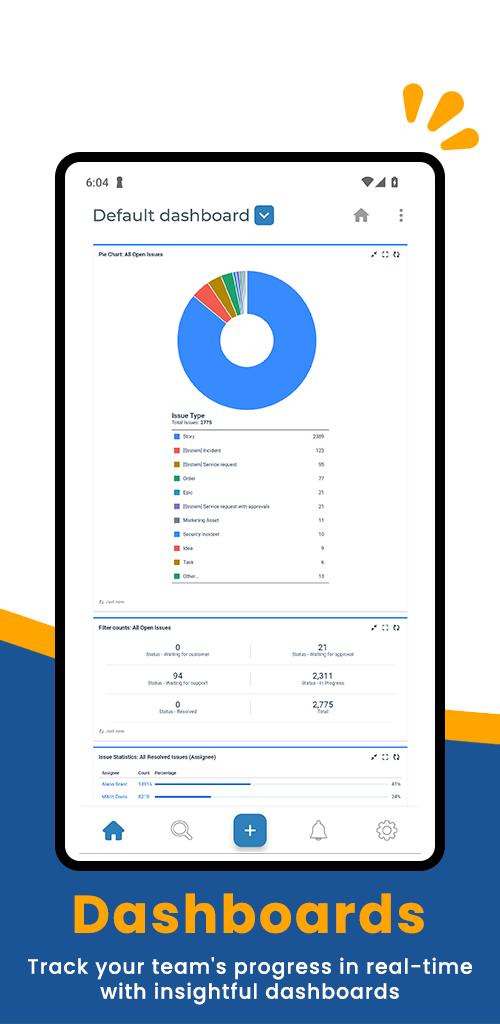
- Interactive Jira dashboards
- Branded solution.
- Easy Switch: Cloud to Data Center
- Voice note attachments
- JSD articles & canned responses
- In-app photo editor
- Customized fields & push notifications.
- Advanced & customized search
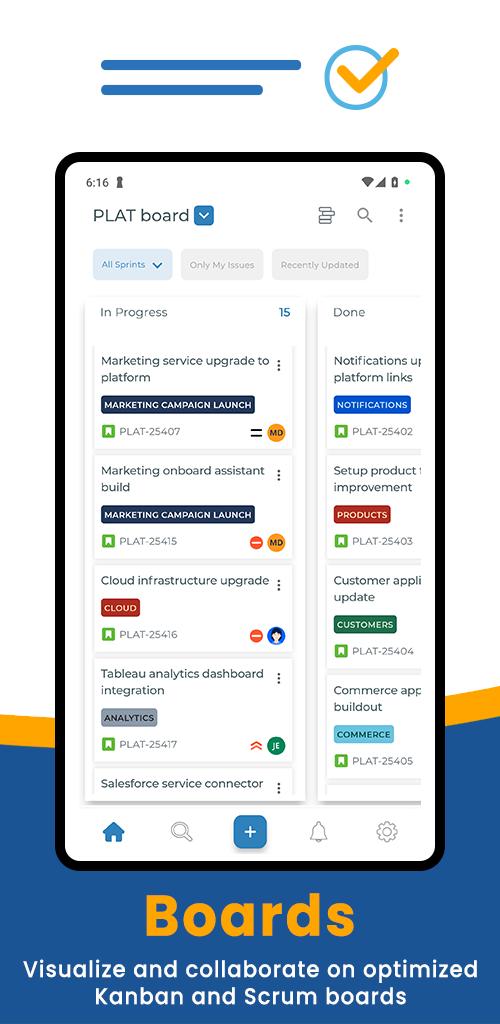
- Kanban & Scrum board experience
- Receive & share tickets from WhatsApp, Telegram, & X Issue & work log
histories.
- 3rd party add-ons (Insight, EazyBI, Custom charts, Elements Connect, SSO)
- Improved support with JSM Mobile for customers
- Arabic & RTL support
- Multiple Jira instances
- Generate & Scan QR Codes
Standard options:
- Add, edit, and delete rich text comments
- Edit, add, and export attachments
- View and save favorite filters
Preview
Tags
ProductivityInformation
Developer
Infosysta DWC LLC
Latest Version
5.9.2
Last Updated
2025-05-15
Category
Productivity
Available on
Google Play
Show More
How to play Mobile for Jira with GameLoop on PC
1. Download GameLoop from the official website, then run the exe file to install GameLoop
2. Open GameLoop and search for “Mobile for Jira” , find Mobile for Jira in the search results and click “Install”
3. Enjoy playing Mobile for Jira on GameLoop
Minimum requirements
OS
Windows 8.1 64-bit or Windows 10 64-bit
GPU
GTX 1050
CPU
i3-8300
Memory
8GB RAM
Storage
1GB available space
Recommended requirements
OS
Windows 8.1 64-bit or Windows 10 64-bit
GPU
GTX 1050
CPU
i3-9320
Memory
16GB RAM
Storage
1GB available space