
MindBoard Free ( for S Pen ) PC
MindBoard Apps
Download MindBoard Free ( for S Pen ) on PC With GameLoop Emulator
MindBoard Free ( for S Pen ) on PC
MindBoard Free ( for S Pen ), coming from the developer MindBoard Apps, is running on Android systerm in the past.
Now, You can play MindBoard Free ( for S Pen ) on PC with GameLoop smoothly.
Download it in the GameLoop library or search results. No more eyeing the battery or frustrating calls at the wrong time any more.
Just enjoy MindBoard Free ( for S Pen ) PC on the large screen for free!
MindBoard Free ( for S Pen ) Introduction
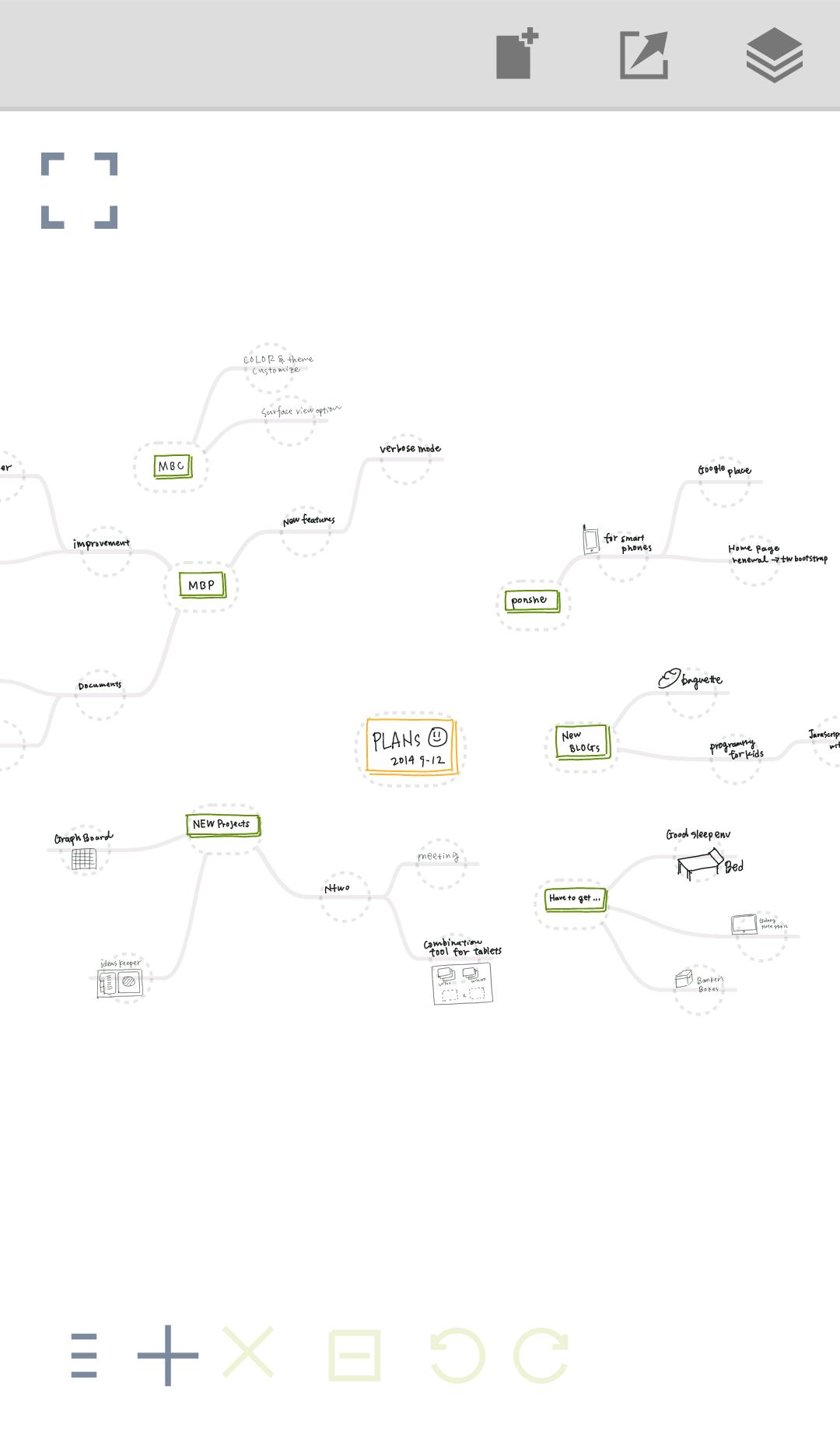
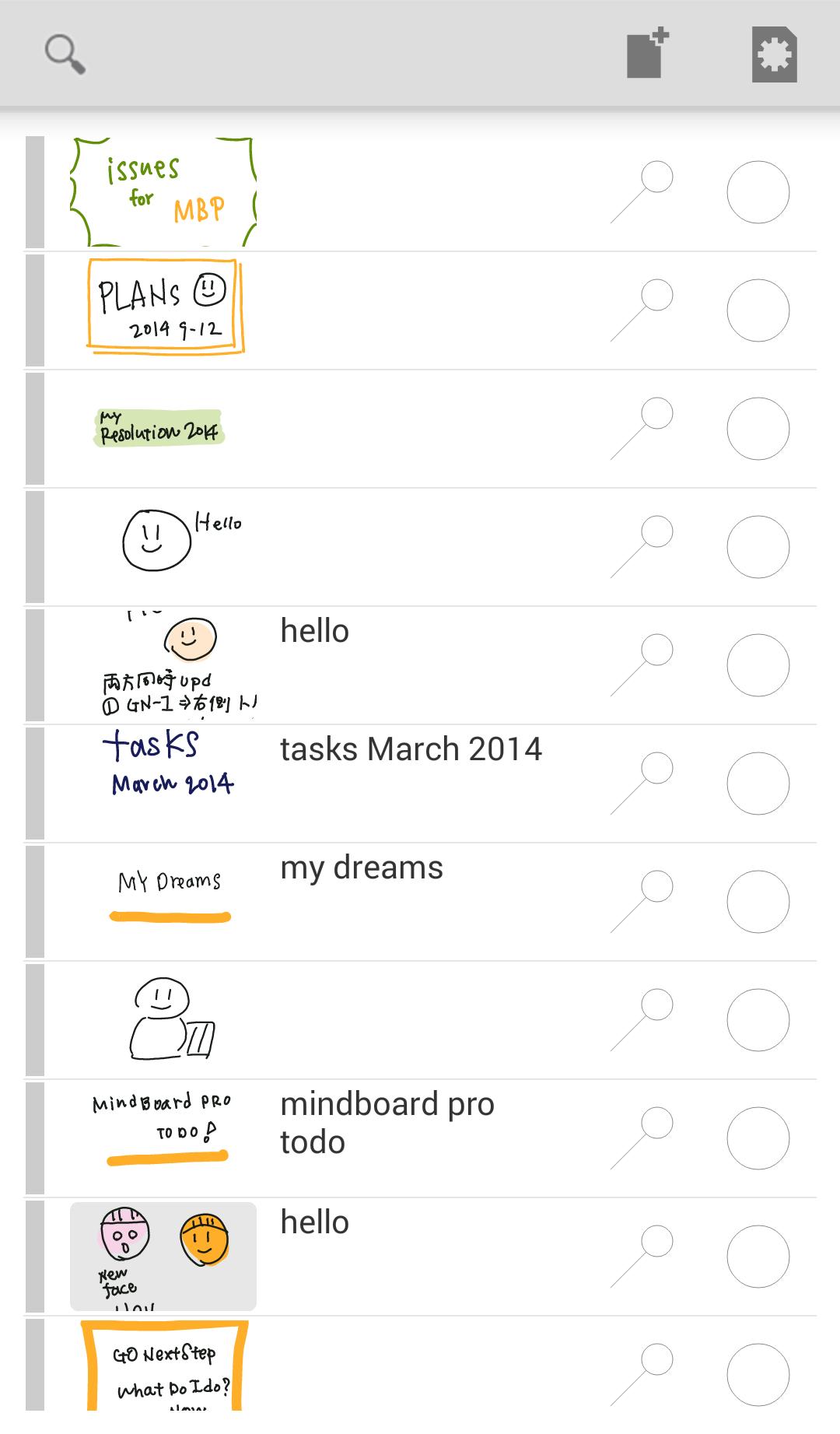
This is a simple handwriting mind mapping app for tablets.
# User Guide
* https://mindboard.github.io/mindboard-user-guide/
# Key Features
* Freehand / handwriting mind mapping
* Map : zoom and scroll , node collapsing and expanding
* Pen : multiple colours and multiple weight
* Branch : multiple colours
* Multipule undo / redo
* PNG / PDF export
* It's tested with Galaxy Tab A with S Pen.
# Free Edition Limitation
* PDF export
* Theme Editor
Your question or comment will be much appreciated.
* Contact Information : https://www.mindboardapps.com/contact.html
Preview
Information
Developer
MindBoard Apps
Latest Version
1.3.2
Last Updated
2019-10-12
Category
Productivity
Available on
Google Play
Show More
How to play MindBoard Free ( for S Pen ) with GameLoop on PC
1. Download GameLoop from the official website, then run the exe file to install GameLoop
2. Open GameLoop and search for “MindBoard Free ( for S Pen )” , find MindBoard Free ( for S Pen ) in the search results and click “Install”
3. Enjoy playing MindBoard Free ( for S Pen ) on GameLoop
Minimum requirements
OS
Windows 8.1 64-bit or Windows 10 64-bit
GPU
GTX 1050
CPU
i3-8300
Memory
8GB RAM
Storage
1GB available space
Recommended requirements
OS
Windows 8.1 64-bit or Windows 10 64-bit
GPU
GTX 1050
CPU
i3-9320
Memory
16GB RAM
Storage
1GB available space