
Miltech PC
Kyle Baker
Download Miltech on PC With GameLoop Emulator
Miltech on PC
Miltech, coming from the developer Kyle Baker, is running on Android systerm in the past.
Now, You can play Miltech on PC with GameLoop smoothly.
Download it in the GameLoop library or search results. No more eyeing the battery or frustrating calls at the wrong time any more.
Just enjoy Miltech PC on the large screen for free!
Miltech Introduction
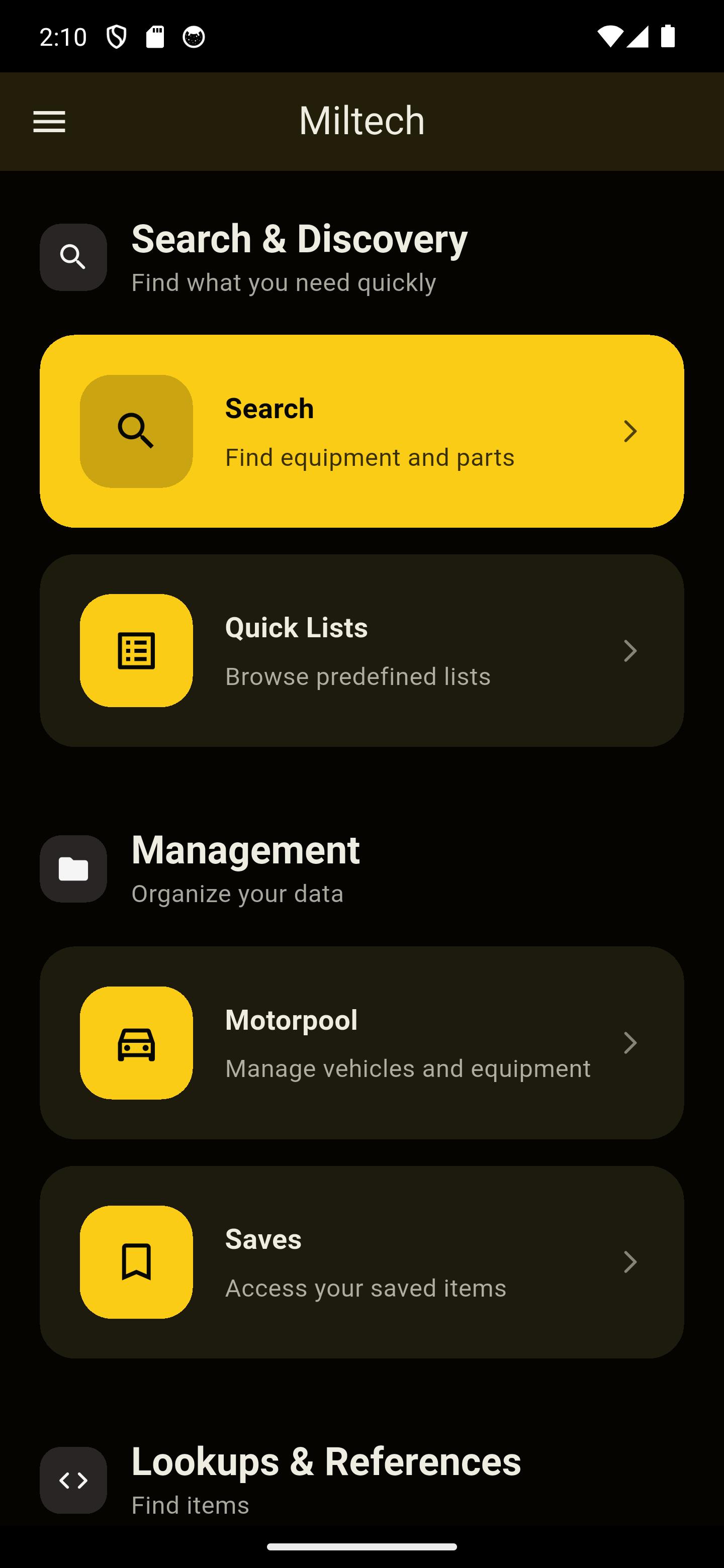
The original mobile companion for FedLog and i2Log is back and better than ever! Miltech has been redesigned from the ground up to provide the information and utilities that you as a military or civilian maintainer need in order to quickly and efficiently complete your work.
Miltech allows you to look-up, share, and maintain all the information you need while working within the NATO supply system.
Features
Supply System Searching
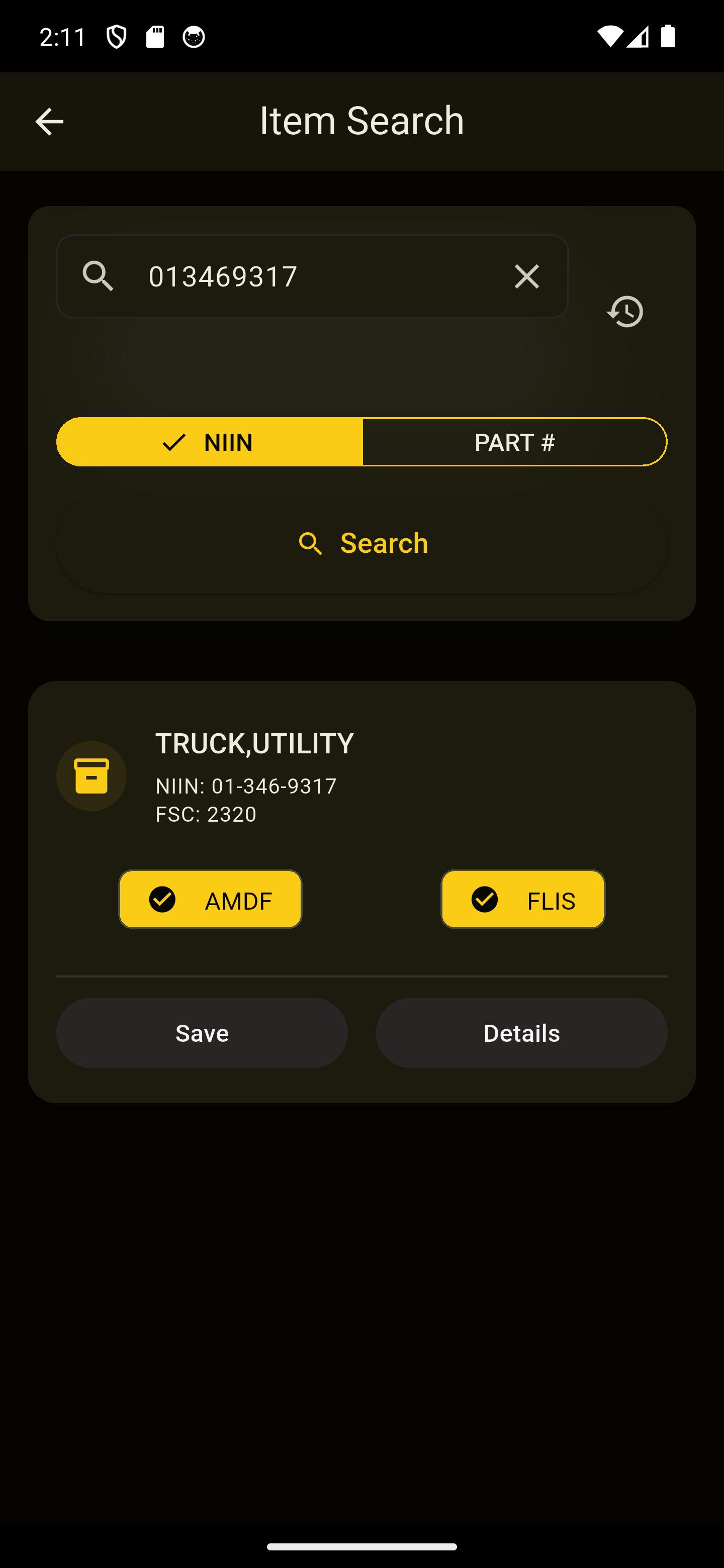
- Search item information by NIIN/NSN.
- Search item information by manufacturer Part Number.
- Saves search history for quick lookup at a later time.
- Item catalog updated monthly to ensure all information is accurate.
Tools
Save information
- Users can save all item information to their local device for later lookup. Data is now properly synced across all devices if logged in.
- Allows savings items in quick lists, serialized, or categorized.
- Quick access to pre-saved lists such as equipment LINs, UOCs, batteries, tires, and clothing.
Motorpool Management
- Equipment faults can be created and saved, making it easier to track work being done.
- Attach items to faults in order to keep an inventory of everything you need to finish the job.
Please report all bugs and send suggestions for improvement to Dev.Fromage@gmail.com in order to help continually improve Miltech.
Preview
Tags
ProductivityInformation
Developer
Kyle Baker
Latest Version
3.2.0
Last Updated
2025-09-14
Category
Productivity
Available on
Google Play
Show More
How to play Miltech with GameLoop on PC
1. Download GameLoop from the official website, then run the exe file to install GameLoop
2. Open GameLoop and search for “Miltech” , find Miltech in the search results and click “Install”
3. Enjoy playing Miltech on GameLoop
Minimum requirements
OS
Windows 8.1 64-bit or Windows 10 64-bit
GPU
GTX 1050
CPU
i3-8300
Memory
8GB RAM
Storage
1GB available space
Recommended requirements
OS
Windows 8.1 64-bit or Windows 10 64-bit
GPU
GTX 1050
CPU
i3-9320
Memory
16GB RAM
Storage
1GB available space