Merge PDF - Photo to PDF PC
Inspire Zone
Download Merge PDF - Photo to PDF on PC With GameLoop Emulator
Merge PDF - Photo to PDF on PC
Merge PDF - Photo to PDF, coming from the developer Inspire Zone, is running on Android systerm in the past.
Now, You can play Merge PDF - Photo to PDF on PC with GameLoop smoothly.
Download it in the GameLoop library or search results. No more eyeing the battery or frustrating calls at the wrong time any more.
Just enjoy Merge PDF - Photo to PDF PC on the large screen for free!
Merge PDF - Photo to PDF Introduction
Merge PDF - Photo to PDF | Image to PDF, Combine & Convert
Looking for a powerful and easy-to-use PDF converter app? Merge PDF - Photo to PDF is the ultimate tool to convert images to PDF, merge PDF files, and create professional PDFs in seconds. Whether you need to combine documents, convert JPG to PDF, or save a webpage as a PDF, this app has everything you need.
🧩 Top Features:
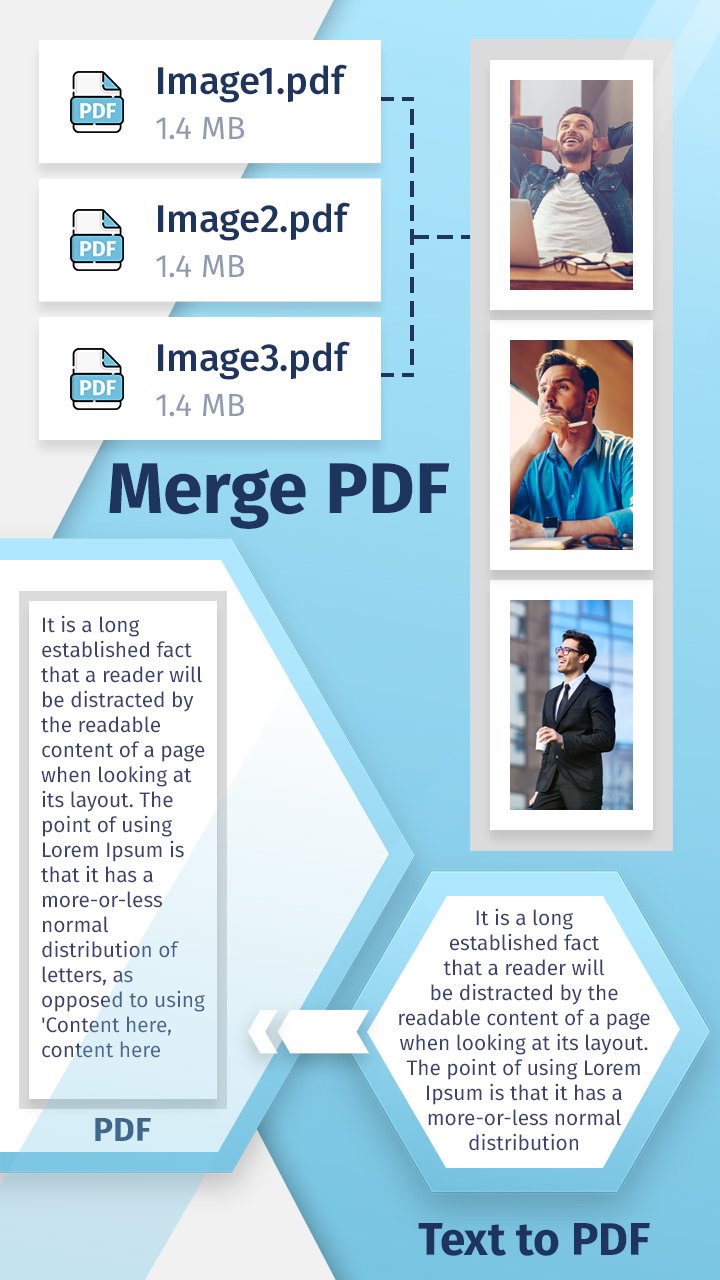
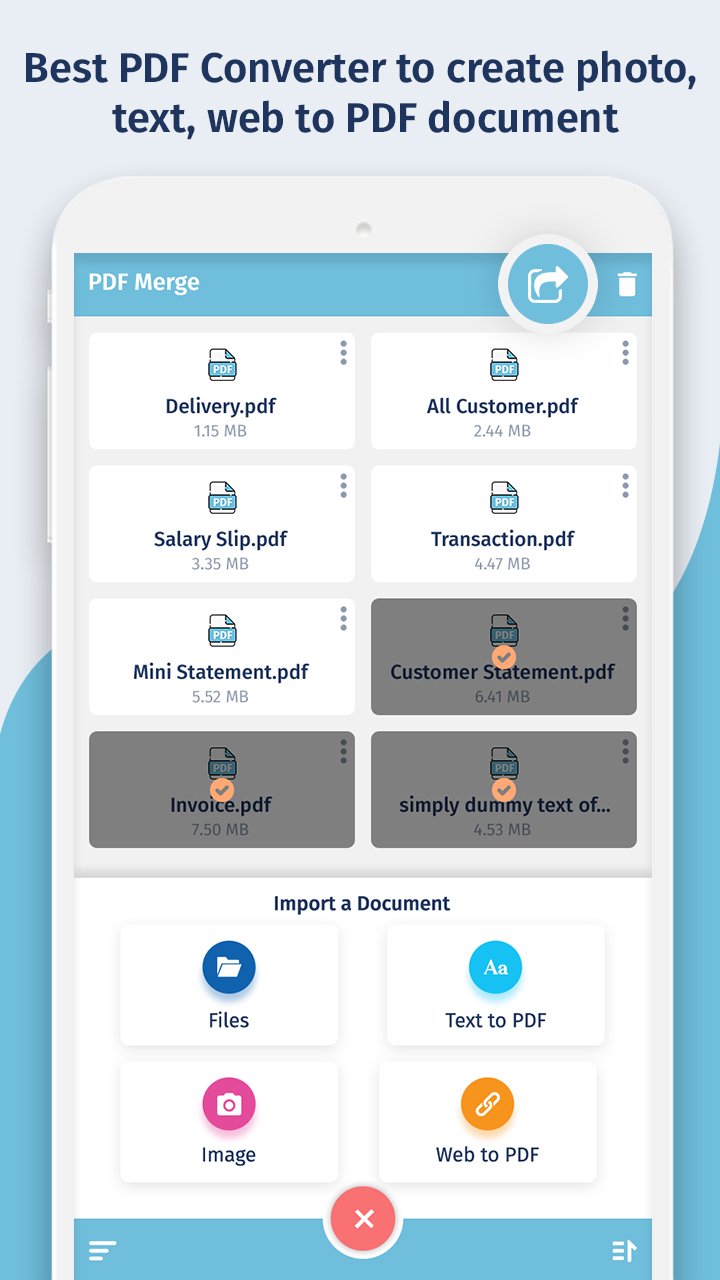
📎 Merge PDF – Combine Multiple PDF Files
Join two or more PDF files into one seamlessly
Arrange files in custom order before merging
No watermark, no page limits – merge unlimited PDFs
Fast, reliable, and secure PDF combiner
📷 Image to PDF – Convert Photo to PDF
Turn any image into a high-quality PDF file
Supports JPG, JPEG, PNG, and more
Combine multiple photos into one single PDF document
Great for receipts, documents, certificates, or scanned notes
🌐 Web to PDF Converter
Instantly convert any web page to PDF
Just enter the URL and save the content for offline use
Perfect for saving articles, reports, and online forms
📝 Text to PDF – Convert Notes & Documents
Write or import text and export as a PDF
Customize font, layout, and formatting
Convert .TXT and other text files to PDF format easily
📥 Why Choose Merge PDF - Photo to PDF?
✔ All-in-one PDF creation and management tool
✔ Combine PDFs, images, text, and websites into one file
✔ Easy to use, drag and drop support
✔ Lightweight, fast, and works offline
✔ Share PDFs directly via email or cloud services
🚀 Best Use Cases:
Create scanned PDFs using your mobile camera
Merge bills, bank statements, invoices into a single PDF
Convert class notes, assignments, or eBooks into PDFs
Save travel itineraries, tickets, or web pages offline
🔒 Privacy & Security
Your files are processed locally. Nothing is uploaded to any server. 100% safe and secure.
📲 Download Merge PDF - Photo to PDF now to organize, convert, and manage your documents on the go. Perfect for students, professionals, freelancers, and anyone needing a reliable PDF tool.
Preview
Tags
ProductivityInformation
Developer
Inspire Zone
Latest Version
1.4
Last Updated
2025-10-27
Category
Productivity
Available on
Google Play
Show More
How to play Merge PDF - Photo to PDF with GameLoop on PC
1. Download GameLoop from the official website, then run the exe file to install GameLoop
2. Open GameLoop and search for “Merge PDF - Photo to PDF” , find Merge PDF - Photo to PDF in the search results and click “Install”
3. Enjoy playing Merge PDF - Photo to PDF on GameLoop
Minimum requirements
OS
Windows 8.1 64-bit or Windows 10 64-bit
GPU
GTX 1050
CPU
i3-8300
Memory
8GB RAM
Storage
1GB available space
Recommended requirements
OS
Windows 8.1 64-bit or Windows 10 64-bit
GPU
GTX 1050
CPU
i3-9320
Memory
16GB RAM
Storage
1GB available space