
Mecc Alte App PC
Mecc Alte
Download Mecc Alte App on PC With GameLoop Emulator
Mecc Alte App on PC
Mecc Alte App, coming from the developer Mecc Alte, is running on Android systerm in the past.
Now, You can play Mecc Alte App on PC with GameLoop smoothly.
Download it in the GameLoop library or search results. No more eyeing the battery or frustrating calls at the wrong time any more.
Just enjoy Mecc Alte App PC on the large screen for free!
Mecc Alte App Introduction
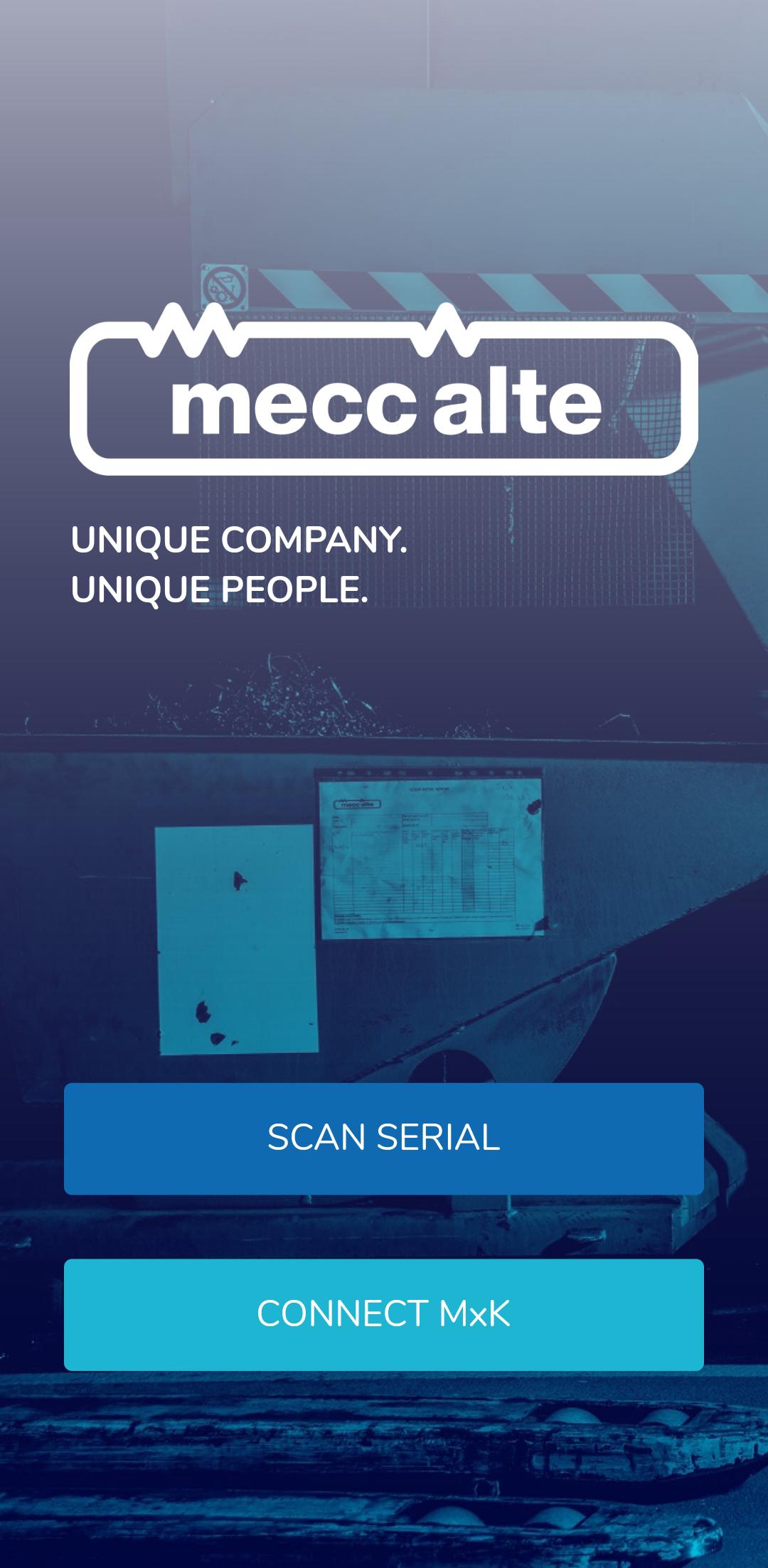
The Mecc Alte App has been designed for those in the power generation sector to monitor alternator performance and turn data into actionable insight.
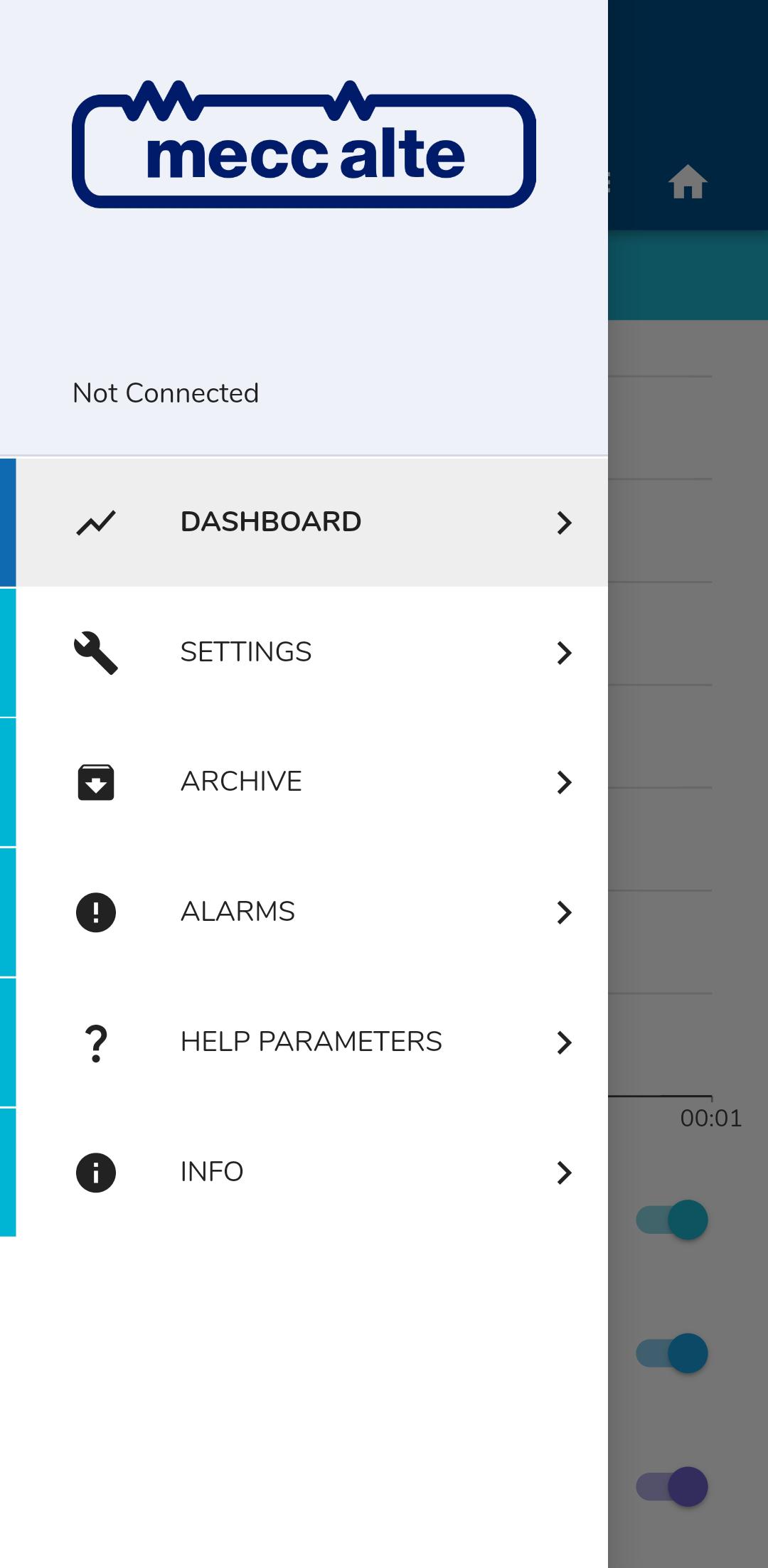
Through easy navigation and clean design, users can use their mobiles or tablets to review the status of their AVR technology in a safe and convenient way.
The App allows users to set and monitor the AVR, control voltage and frequency, but also provides access to additional services such as the ability to view machine authenticity via the barcode serial number on the name plate of each genuine alternator unit.
All test and quality data of that specific product is made available at the touch of a button to set and evaluate performance metrics. Engineers can also set alarms when the alternator performs outside the set parameters, ensuring timely and efficient diagnostics.
The Mecc Alte App is continuously updated to ensure that all Mecc Alte customers can have access to quality information direct from the manufacturer.
Preview
Tags
ProductivityInformation
Developer
Mecc Alte
Latest Version
1.10.2
Last Updated
2024-08-01
Category
Productivity
Available on
Google Play
Show More
How to play Mecc Alte App with GameLoop on PC
1. Download GameLoop from the official website, then run the exe file to install GameLoop
2. Open GameLoop and search for “Mecc Alte App” , find Mecc Alte App in the search results and click “Install”
3. Enjoy playing Mecc Alte App on GameLoop
Minimum requirements
OS
Windows 8.1 64-bit or Windows 10 64-bit
GPU
GTX 1050
CPU
i3-8300
Memory
8GB RAM
Storage
1GB available space
Recommended requirements
OS
Windows 8.1 64-bit or Windows 10 64-bit
GPU
GTX 1050
CPU
i3-9320
Memory
16GB RAM
Storage
1GB available space