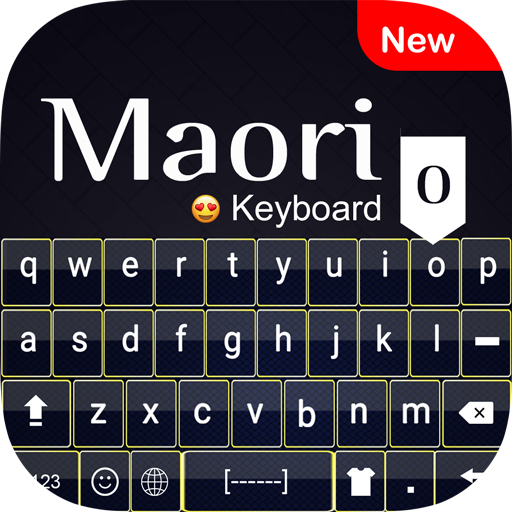
Maori Keyboard : Maori Languag PC
Hiz Ayya
Download Maori Keyboard : Maori Languag on PC With GameLoop Emulator
Maori Keyboard : Maori Languag on PC
Maori Keyboard : Maori Languag, coming from the developer Hiz Ayya, is running on Android systerm in the past.
Now, You can play Maori Keyboard : Maori Languag on PC with GameLoop smoothly.
Download it in the GameLoop library or search results. No more eyeing the battery or frustrating calls at the wrong time any more.
Just enjoy Maori Keyboard : Maori Languag PC on the large screen for free!
Maori Keyboard : Maori Languag Introduction
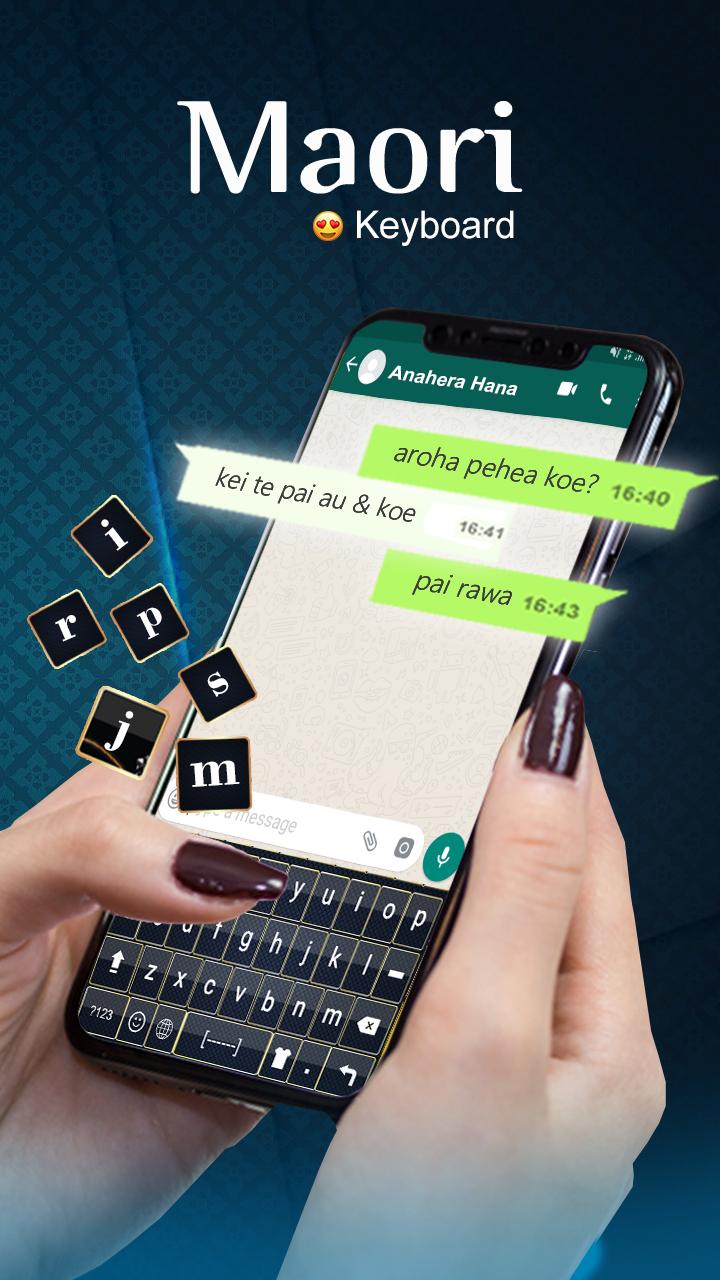
Maori Keyboard : Maori Language Keyboard is android app which is used for writing Maori language characters and English language characters. This app is build with beautiful background themes that will decorate your language keyboard for new looks. Maori Keyboard : Maori Language Keyboard is build with cute emoji and Maori alphabet with English alphabet that will make your message more joyful and understandable. Maori Keyboard : Maori Language Keyboard is useful if you are from New Zealand or your native language is Maori or you just like Maori language. Similarly, you can also use English language keyboard if you are from English language country and your native language is English or you just like English language. Here is quick information for you that Maori is official language in New Zealand (Country in Oceania).
Maori Keyboard Features:
1. Write Maori language characters
2. Write English language characters
3. QWERTY keyboard layout
4. Beautiful background themes
5. Stylish emoji
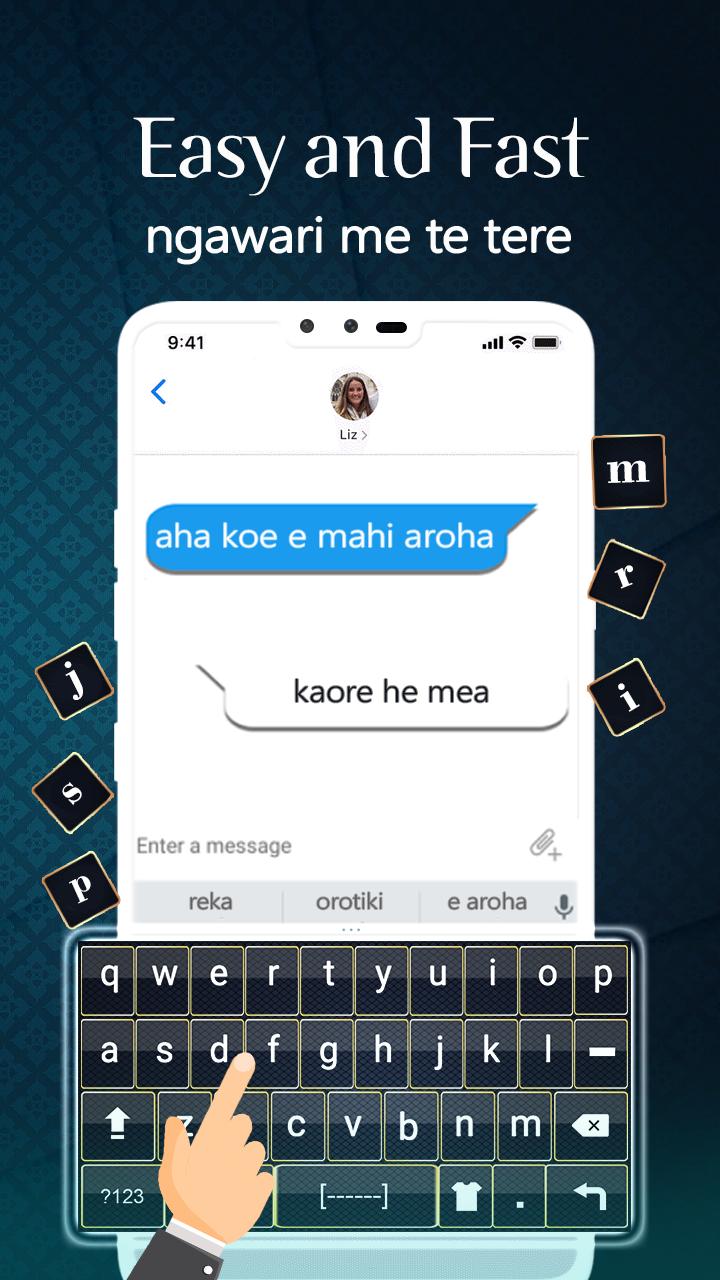
6. Predictive text (Word Suggest)
Maori Keyboard : Maori Language Keyboard is build with English keyboard that’s why you don’t need to install two separate language keyboards and you can try this Maori text keyboard app for writing all Maori text and English text in one app. Maori Keyboard : Maori Language Keyboard is simply keyboard app which is build with stylish emoji&smiley that you can use according to your mode. For example, you can use happy emoji while in happy mode. These emoji are able to express your feelings more accurately then words because picture is able to explain your feelings more clear. Maori Keyboard : Maori Language Keyboard is build with easy option to switch from Maori to English keyboard and then switch back from English to Maori keyboard.
The adopted language keyboard layout is QWERTY keyboard layout of both Maori alphabet and English alphabet. Maori Keyboard : Maori Language Keyboard is build with word suggestions feature that will give you suggested words on the top of keyboard while typing Maori spellings and English spellings. Easily write all Maori alphabet and English language words in your mobile typing messages by using this Maori English keyboard. Maori Keyboard : Maori Language Keyboard allows you to type English language alphabets. You can type and send mail in Maori and English, type message in Maori alphabets and English alphabets in this typing app.
Maori & English, both QWERTY keyboards are very easy to use for keyboard users. Maori Keyboard : Maori Language Keyboard is a fast typing keyboard and unique style of Maori and English keypad typing keyboard for android. Maori Keyboard : Maori Language Keyboard is user-friendly, quick typing input and attractive color scheme. Enjoy this keyboard app with beautiful themes with stylish buttons. Maori Keyboard : Maori Language Keyboard or Maori keyboard for android that will appear after you select it as default keyboard app from language input method. This keyboard will appear every time while typing. Easily write all Maori alphabets & English alphabets.
Preview
Tags
ProductivityInformation
Developer
Hiz Ayya
Latest Version
1.0
Last Updated
2020-08-24
Category
Productivity
Available on
Google Play
Show More
How to play Maori Keyboard : Maori Languag with GameLoop on PC
1. Download GameLoop from the official website, then run the exe file to install GameLoop
2. Open GameLoop and search for “Maori Keyboard : Maori Languag” , find Maori Keyboard : Maori Languag in the search results and click “Install”
3. Enjoy playing Maori Keyboard : Maori Languag on GameLoop
Minimum requirements
OS
Windows 8.1 64-bit or Windows 10 64-bit
GPU
GTX 1050
CPU
i3-8300
Memory
8GB RAM
Storage
1GB available space
Recommended requirements
OS
Windows 8.1 64-bit or Windows 10 64-bit
GPU
GTX 1050
CPU
i3-9320
Memory
16GB RAM
Storage
1GB available space