
QR Code Share PC
zero2onemys
Download QR Code Share on PC With GameLoop Emulator
QR Code Share on PC
QR Code Share, coming from the developer zero2onemys, is running on Android systerm in the past.
Now, You can play QR Code Share on PC with GameLoop smoothly.
Download it in the GameLoop library or search results. No more eyeing the battery or frustrating calls at the wrong time any more.
Just enjoy QR Code Share PC on the large screen for free!
QR Code Share Introduction
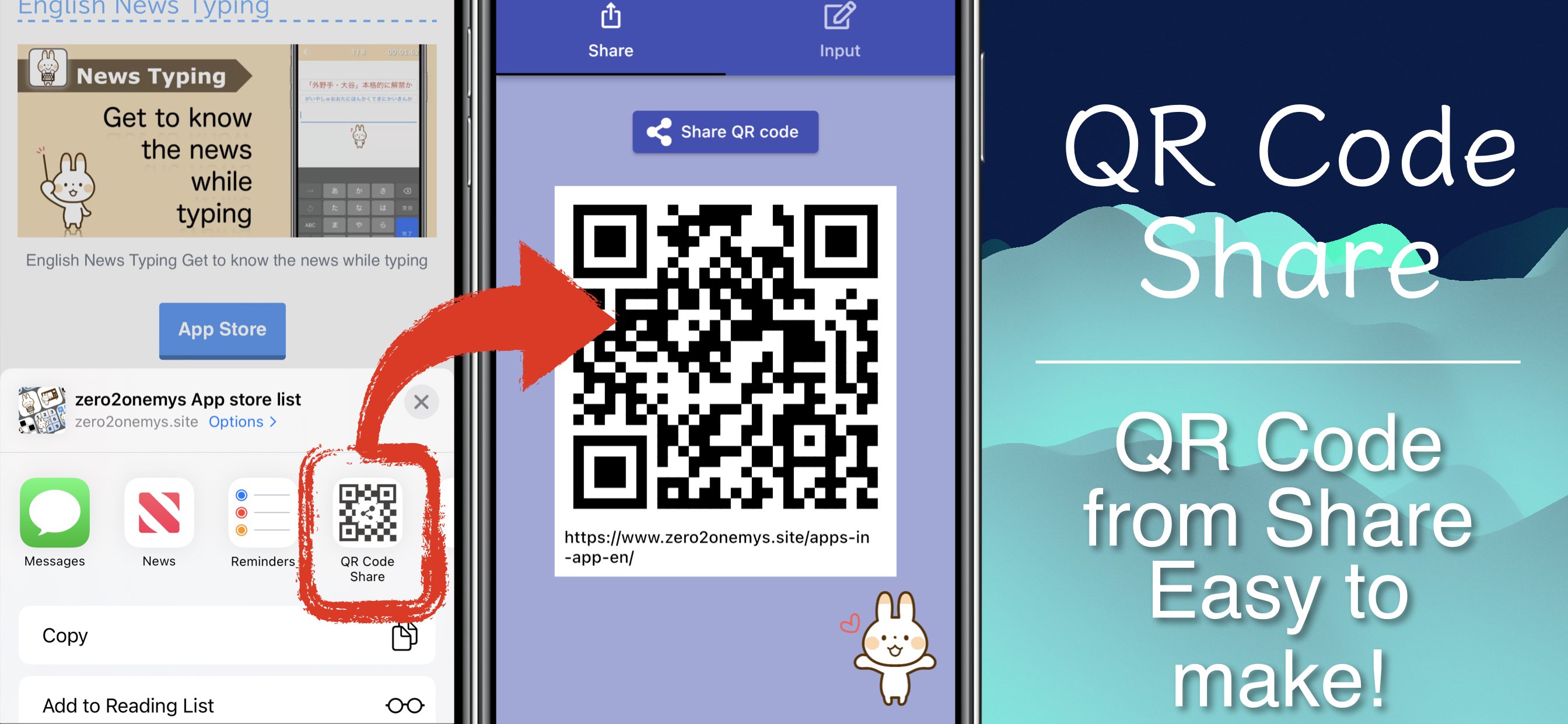
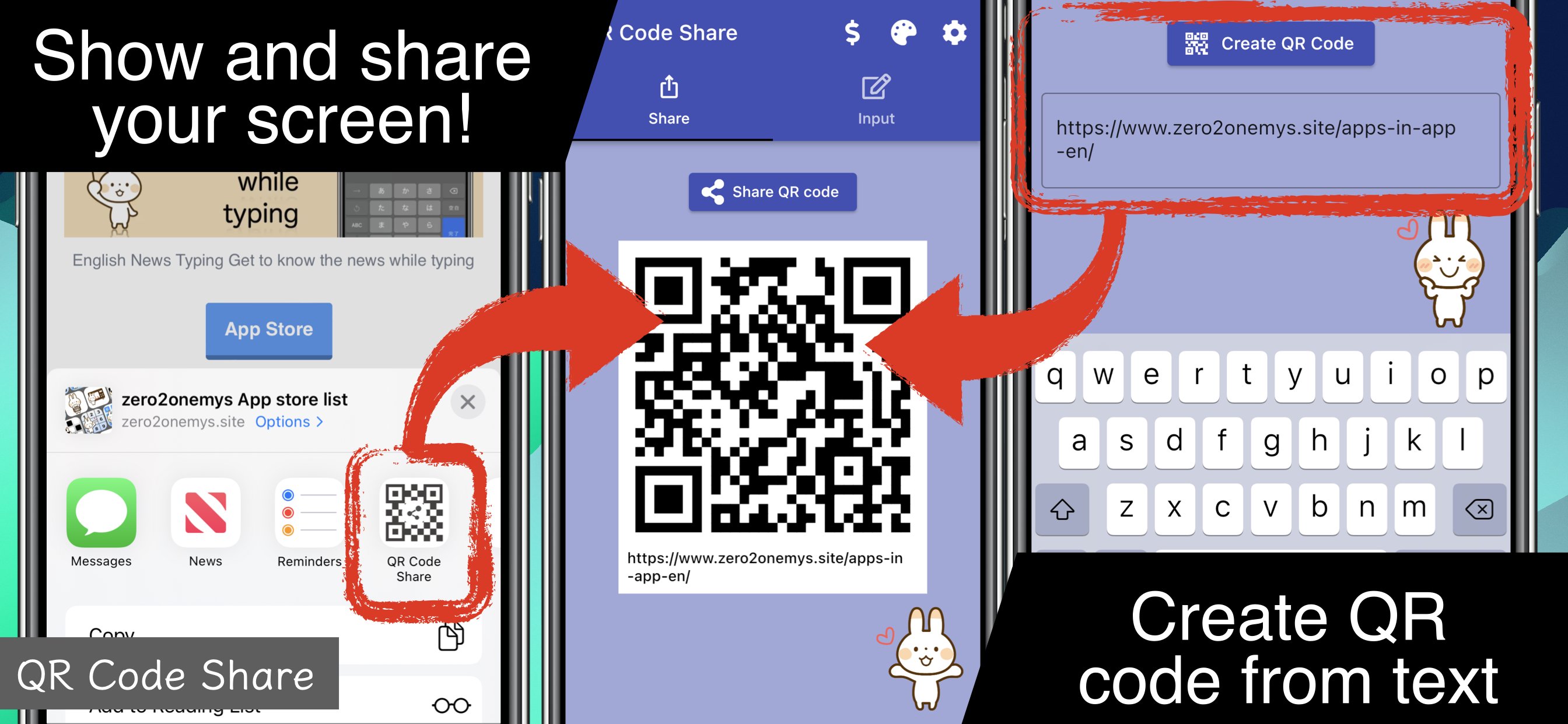
QR Code Share makes it super easy to create and share your own QR codes with friends, family, or anyone you meet. Share smarter, faster, and more fun!
◆ What you can do
- Turn any URL or text into a QR code
- Share your social media profiles as a QR code
- Create WiFi QR codes and let guests connect instantly
- Exchange event details, notes, or messages via QR
- Save your QR codes as images or share via LINE, email, or chat apps
◆ Perfect for
- Sharing your Instagram, Twitter, or TikTok profile
- Sending your WiFi password to friends at home
- Handing out event info at school or clubs
- Quickly sharing links and notes with classmates or colleagues
◆ Key Features
- Simple and friendly design
- Lightweight and easy to use
- Works even offline for QR code creation
- Share anytime, anywhere with just one tap
QR codes are not only for scanning anymore—
with QR Code Share, you can create and share your own instantly.
Connect with people in the easiest way possible!
---
About in-app subscriptions
- What you can do with an in-app subscription
You can remove ads in the app.
$ 0.99 / month
---
QR Code is a registered trademark of DENSO WAVE INCORPORATED in Japan and in other countries.
---
privacy policy: https://zero2one-mys.github.io/qr-code-share/privacy-policy/
Terms & Conditions: https://zero2one-mys.github.io/qr-code-share/terms-and-conditions/
Preview
Tags
ProductivityInformation
Developer
zero2onemys
Latest Version
1.1.8
Last Updated
2026-02-05
Category
Productivity
Available on
Google Play
Show More
How to play QR Code Share with GameLoop on PC
1. Download GameLoop from the official website, then run the exe file to install GameLoop
2. Open GameLoop and search for “QR Code Share” , find QR Code Share in the search results and click “Install”
3. Enjoy playing QR Code Share on GameLoop
Minimum requirements
OS
Windows 8.1 64-bit or Windows 10 64-bit
GPU
GTX 1050
CPU
i3-8300
Memory
8GB RAM
Storage
1GB available space
Recommended requirements
OS
Windows 8.1 64-bit or Windows 10 64-bit
GPU
GTX 1050
CPU
i3-9320
Memory
16GB RAM
Storage
1GB available space