GeoViewer from Extensis PC
Extensis
Download GeoViewer from Extensis on PC With GameLoop Emulator
GeoViewer from Extensis on PC
GeoViewer from Extensis, coming from the developer Extensis, is running on Android systerm in the past.
Now, You can play GeoViewer from Extensis on PC with GameLoop smoothly.
Download it in the GameLoop library or search results. No more eyeing the battery or frustrating calls at the wrong time any more.
Just enjoy GeoViewer from Extensis PC on the large screen for free!
GeoViewer from Extensis Introduction
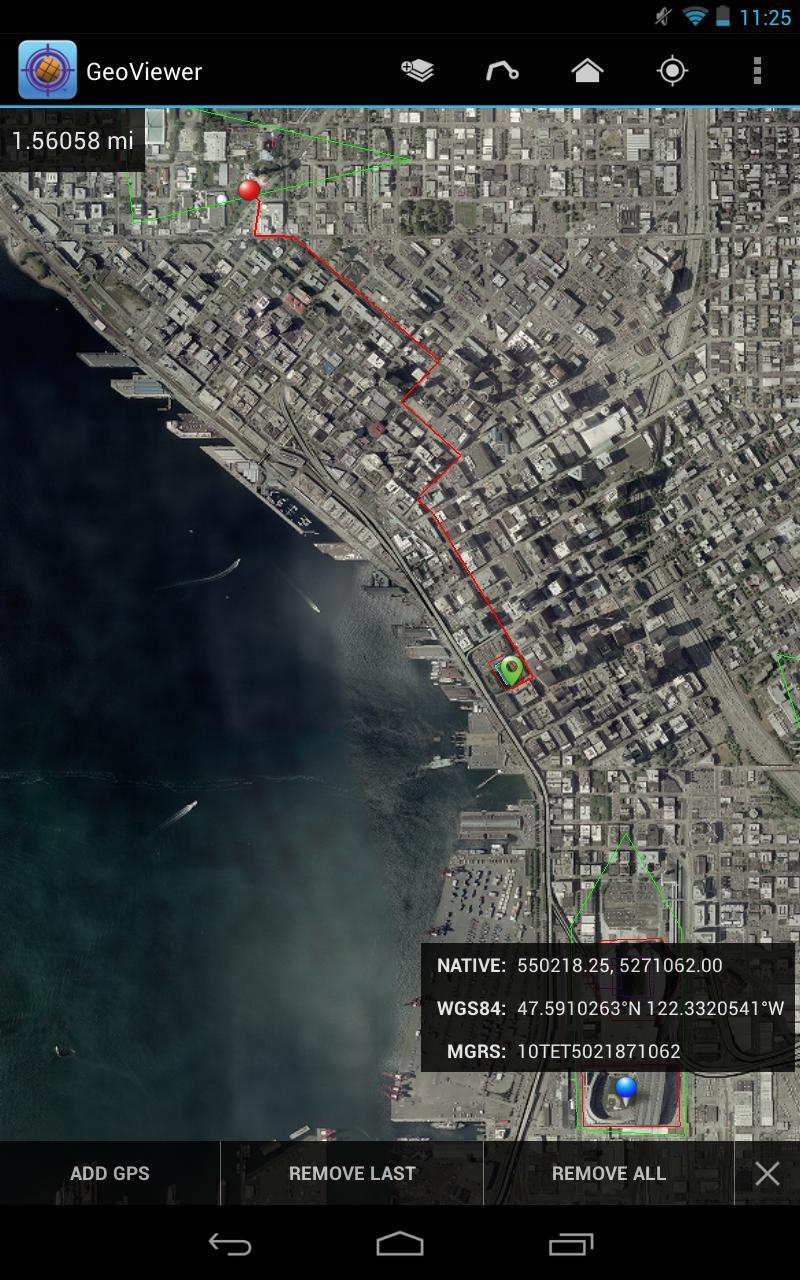
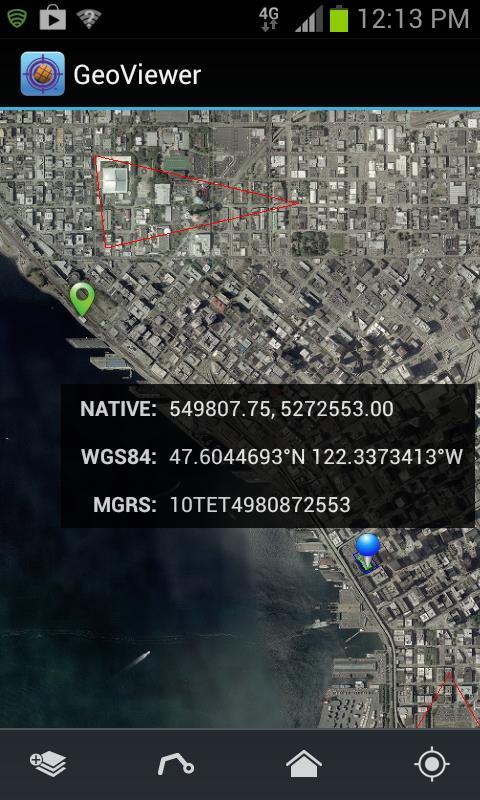
GeoViewer puts high resolution imagery right at your fingertips. GeoViewer enables you to view, pan and zoom MrSID and JPEG 2000 images on your Android device using familiar touch gestures. Open raster and vector layers, measure distances, find locations on maps using GPS, and more.
Things you can do with GeoViewer:
• Open MrSID and JPEG 2000 images.
• Select bands to view from a multispectral image.
• Explore imagery by panning, zooming in and zooming out.
• Add vector overlays (Esri Shapefiles and KML files) to get more out of image layers.
• Center on your GPS location so you can see what’s nearby.
• Measure the distance between a series of points.
• Identify geolocation by touching on any image.
• View layer properties, including coordinate reference system, geo bounding box, dimensions, colorspace, datatype, and resolution.
• Search by geographic coordinates in WGS 84 (Lat/Long) or the image’s native coordinate reference system.
• Set viewing preferences (band selection, layer line color, etc.).
By installing or using this App you agree to be bound by the terms and conditions of the End User License Agreement, https://www.extensis.com/geoviewer-for-android-eula.
Preview
Tags
ProductivityInformation
Developer
Extensis
Latest Version
1.0.4
Last Updated
2017-05-24
Category
Productivity
Available on
Google Play
Show More
How to play GeoViewer from Extensis with GameLoop on PC
1. Download GameLoop from the official website, then run the exe file to install GameLoop
2. Open GameLoop and search for “GeoViewer from Extensis” , find GeoViewer from Extensis in the search results and click “Install”
3. Enjoy playing GeoViewer from Extensis on GameLoop
Minimum requirements
OS
Windows 8.1 64-bit or Windows 10 64-bit
GPU
GTX 1050
CPU
i3-8300
Memory
8GB RAM
Storage
1GB available space
Recommended requirements
OS
Windows 8.1 64-bit or Windows 10 64-bit
GPU
GTX 1050
CPU
i3-9320
Memory
16GB RAM
Storage
1GB available space