
Forest: Focus for Productivity PC
Seekrtech
Download Forest: Focus for Productivity on PC With GameLoop Emulator
Forest: Focus for Productivity on PC
Forest: Focus for Productivity, coming from the developer Seekrtech, is running on Android systerm in the past.
Now, You can play Forest: Focus for Productivity on PC with GameLoop smoothly.
Download it in the GameLoop library or search results. No more eyeing the battery or frustrating calls at the wrong time any more.
Just enjoy Forest: Focus for Productivity PC on the large screen for free!
Forest: Focus for Productivity Introduction
Stop scrolling! The ultimate Pomodoro timer and ADHD focus app to beat phone addiction and stay focused on what matters most.
★ Google Play Best App of the Year & Editors' Choice ★
★ Nominated for Google Play Best Social Impact App ★
Over 60,000,000 users worldwide choose Forest as their favorite focus timer to boost daily productivity. Featured by The New York Times, Business Insider, and top global productivity charts.
"Forest works well, and if your goal is to be more in the moment, ignore your phone and actually talk to your friends when you are with them, this is the app for you." — The New York Times
Overcome Phone Addiction & Stay Focused
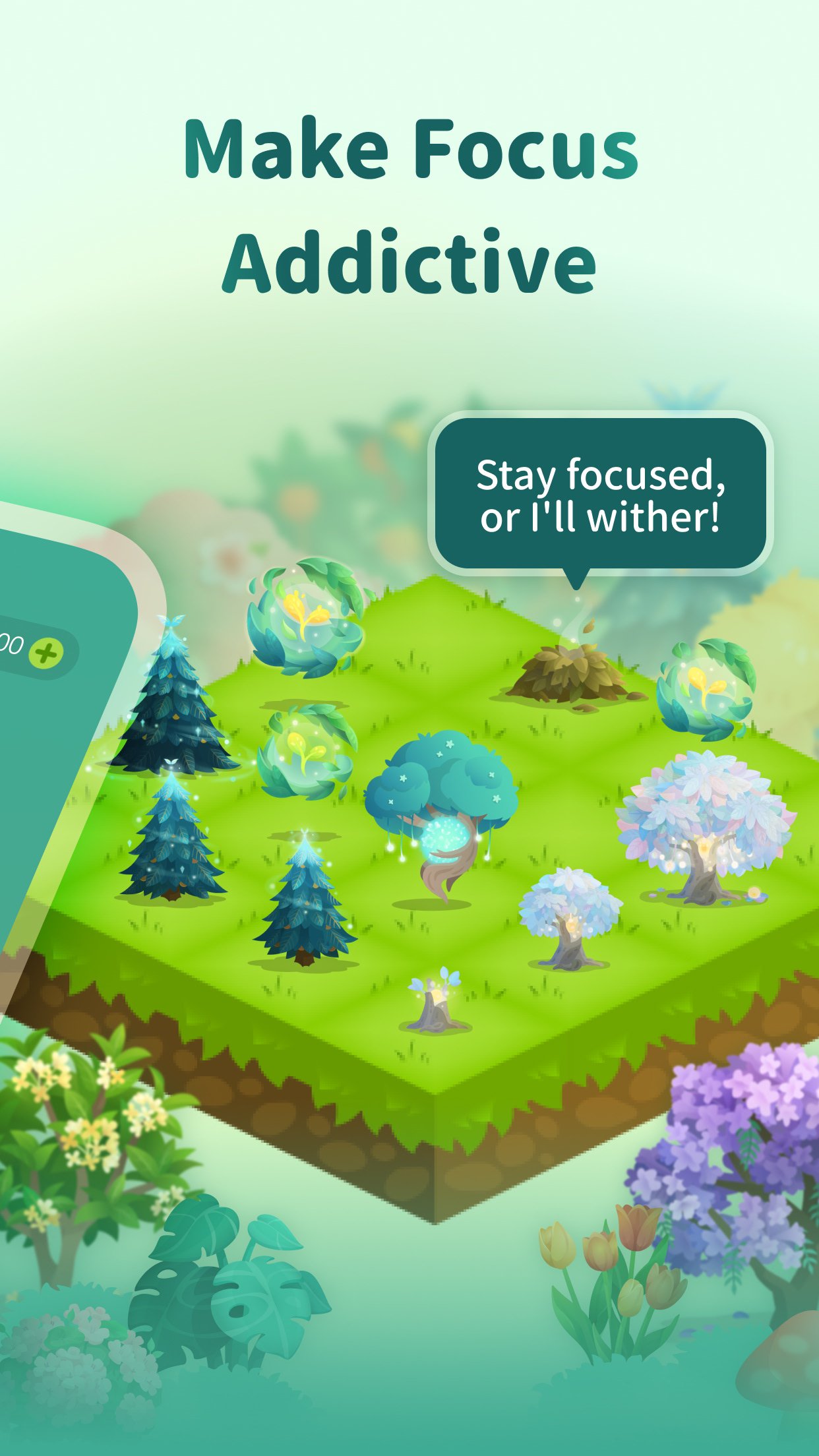
Forest helps you step away from digital distractions and transform your focus into visible growth. Whenever you need to focus, plant a seed. As you stay dedicated to your tasks, this interactive study timer grows a thriving tree. But if you give in to the temptation of scrolling social media, your cute little tree will wither.
Whether you are preparing for exams, working from home, or navigating ADHD distractions, Forest gives you a motivating reason to stay off your phone. Watch your self-discipline blossom into a lush forest. Best of all, Forest users have already planted over 2,000,000 real trees on Earth!
【Pomodoro Tools & Digital Detox】
・Gamified Pomodoro Timer: Turn every minute away from your phone into a growing virtual forest. Efficient time management has never been this rewarding.
・Personalized Allowlist (App Blocker): Lock distracting apps while keeping essential tools accessible during your Pomodoro sessions.
・Time Guard (Schedule Blocks): Set up daily windows to stay off your phone. Block distractions by schedule, restrict usage, and track your focus journey.
・Mindful Space: Relax between focus intervals with soothing ambient sounds, gentle breathing exercises, and calming animations to reduce anxiety.
【Gamified Achievements & Social Motivation】
・Unlock Unique Trees: Meet your focus milestones to unlock over a hundred beautiful tree species and immersive nature soundtracks.
・Plant Together: Invite friends or family to join your focus room. If anyone uses their phone, the whole team's tree will wither!
・Global Focus Competition: Compete on the leaderboard with users worldwide and share your study or work achievements.
・Real-World Impact: Partnered with Trees for the Future, Forest allows you to spend your focus coins to plant real trees on Earth, saving the environment while building habits.
【Productivity & Time Management Insights】
・Custom Tags: Label your focus time by categories like Study, Work, or Exercise to see exactly where your time goes.
・Visual History: Review your weekly, monthly, and yearly productivity stats through an intuitive visual forest map.
・Focus Timeline: Trace your self-discipline and time management journey step-by-step through the Forest timeline.
It's never too late to start.
【Forest Plus: Accelerate Your Productivity】
Love Forest? Try Forest Plus to unlock the full potential of your focus.
- 3x Coin Rewards: Unlock new tree species and custom ambient tracks three times faster.
- Forest Plus Exclusive Species: Get early access to seasonal trees and limited-edition plants.
- Plant Real Trees: Translate your virtual achievements into actual trees planted in the real world.
Notice
Time Guard uses Android AccessibilityService API to detect which app is currently active on your device, so it can block apps you've added to your distraction list during focus sessions.
Preview

Tags
ProductivityInformation
Developer
Seekrtech
Latest Version
5.23.0
Last Updated
2026-08-02
Category
Productivity
Available on
Google Play
Show More
How to play Forest: Focus for Productivity with GameLoop on PC
1. Download GameLoop from the official website, then run the exe file to install GameLoop
2. Open GameLoop and search for “Forest: Focus for Productivity” , find Forest: Focus for Productivity in the search results and click “Install”
3. Enjoy playing Forest: Focus for Productivity on GameLoop
Minimum requirements
OS
Windows 8.1 64-bit or Windows 10 64-bit
GPU
GTX 1050
CPU
i3-8300
Memory
8GB RAM
Storage
1GB available space
Recommended requirements
OS
Windows 8.1 64-bit or Windows 10 64-bit
GPU
GTX 1050
CPU
i3-9320
Memory
16GB RAM
Storage
1GB available space