
FONIC PC
Telefónica Germany GmbH & Co. OHG
Download FONIC on PC With GameLoop Emulator
FONIC on PC
FONIC, coming from the developer Telefónica Germany GmbH & Co. OHG, is running on Android systerm in the past.
Now, You can play FONIC on PC with GameLoop smoothly.
Download it in the GameLoop library or search results. No more eyeing the battery or frustrating calls at the wrong time any more.
Just enjoy FONIC PC on the large screen for free!
FONIC Introduction
What does the FONIC app offer you:
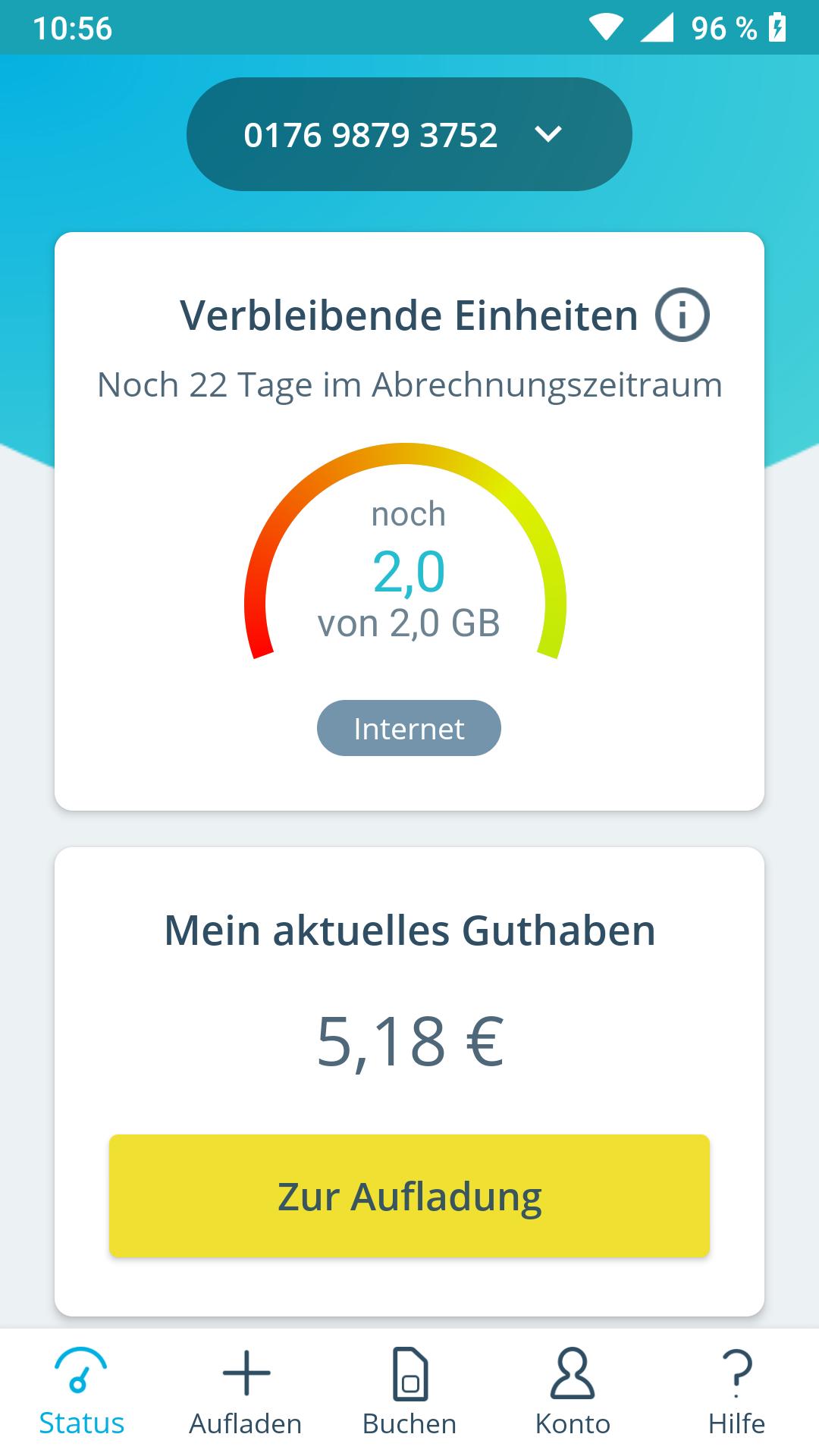
☆ Keep an eye on your balance.
☆ How many free units are still available? Keep an eye on the remaining inclusive units for minutes & SMS and the remaining data volume (in MB).
☆ Top up credit: via top-up voucher or from your bank account.
☆ Pay statement: PDF overview of the most recent sales (up to 80 days).
☆ Make phone calls worry-free? Use one of the automatic top-up options from your bank account.
☆ Check which plan is best for you! You can find all tariffs in the overview. If necessary, switch between the individual tariffs free of charge.
NOTES:
FONIC mobile customers use the FONIC mobile app.
*** Feedback ***
We cannot respond directly to reviews and therefore cannot help you.
If you have any problems (with a precise description, your device type and the operating system version number), suggestions or suggestions for improvement, please contact service@fonic.de
*** Liability/ Requirements ***
We do not guarantee constant availability of the service.
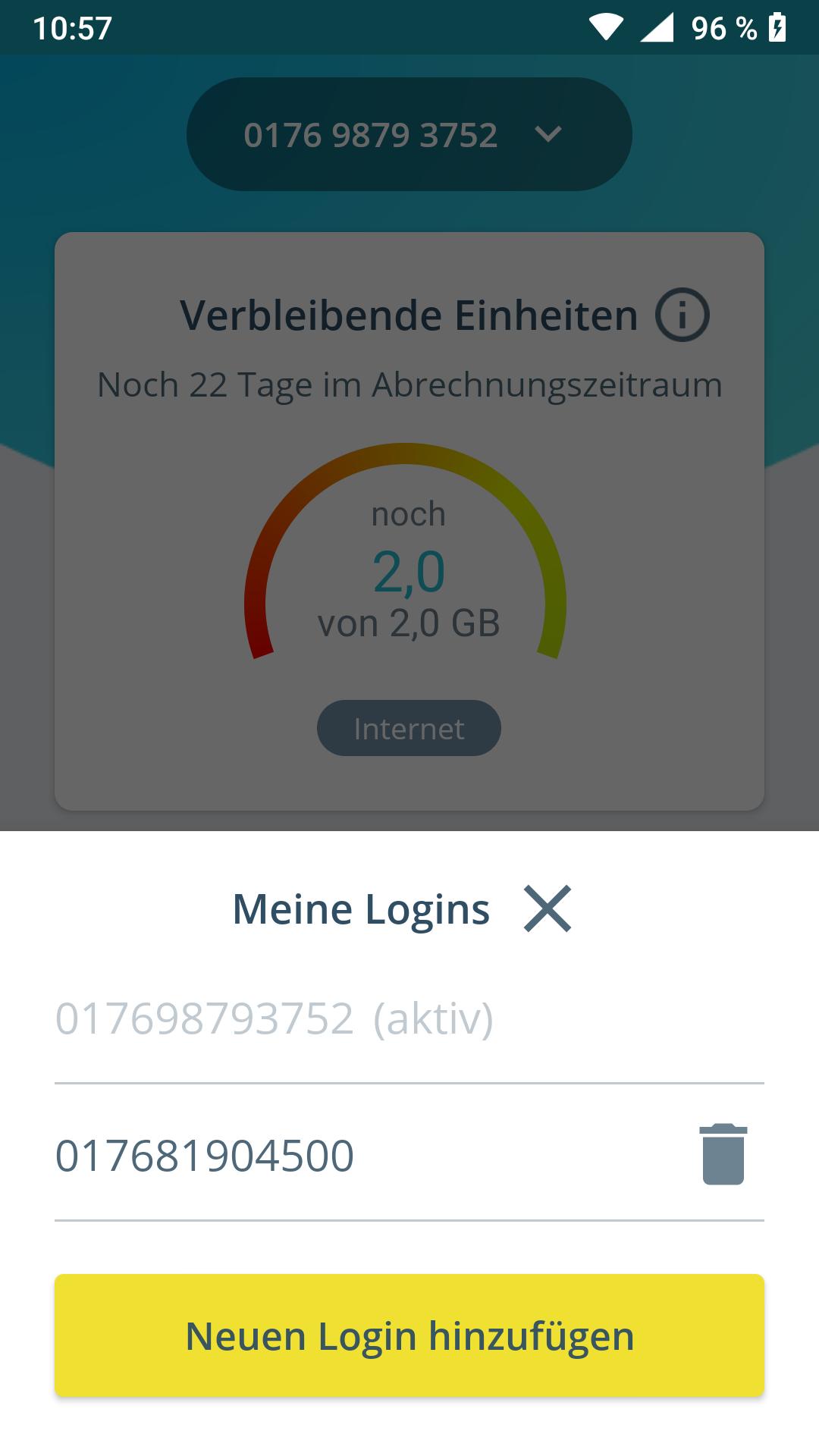
To use the FONIC app, a customer account with FONIC is required.
Preview
Tags
ProductivityInformation
Developer
Telefónica Germany GmbH & Co. OHG
Latest Version
3.31.1
Last Updated
2025-03-05
Category
Productivity
Available on
Google Play
Show More
How to play FONIC with GameLoop on PC
1. Download GameLoop from the official website, then run the exe file to install GameLoop
2. Open GameLoop and search for “FONIC” , find FONIC in the search results and click “Install”
3. Enjoy playing FONIC on GameLoop
Minimum requirements
OS
Windows 8.1 64-bit or Windows 10 64-bit
GPU
GTX 1050
CPU
i3-8300
Memory
8GB RAM
Storage
1GB available space
Recommended requirements
OS
Windows 8.1 64-bit or Windows 10 64-bit
GPU
GTX 1050
CPU
i3-9320
Memory
16GB RAM
Storage
1GB available space