
Farsi keyboard: Persian Typing PC
mydroid
Download Farsi keyboard: Persian Typing on PC With GameLoop Emulator
Farsi keyboard: Persian Typing on PC
Farsi keyboard: Persian Typing, coming from the developer mydroid, is running on Android systerm in the past.
Now, You can play Farsi keyboard: Persian Typing on PC with GameLoop smoothly.
Download it in the GameLoop library or search results. No more eyeing the battery or frustrating calls at the wrong time any more.
Just enjoy Farsi keyboard: Persian Typing PC on the large screen for free!
Farsi keyboard: Persian Typing Introduction
Are you looking for an easy way to enjoy a smooth Persian typing keyboard on your phone?
Type comfortably with Farsi Keyboard, a smart Farsi keyboard app designed for smooth and effortless Persian typing. farsi keyboard app seamlessly combines an easy-to-use Farsi and English keyboard, instant translation, voice input, colorful themes, smart typing, and quotes features in one place. Whether you are looking for a reliable Farsi keyboard for Android or want to switch languages instantly with one tap, Farsi keyboard app makes your everyday communication simple, comfortable, and stylish.
Here are some key features of the Farsi Keyboard app
Persian Typing Enjoy accurate Persian typing with full Persian character support.
Farsi & English Keyboard Switch languages instantly with one tap.
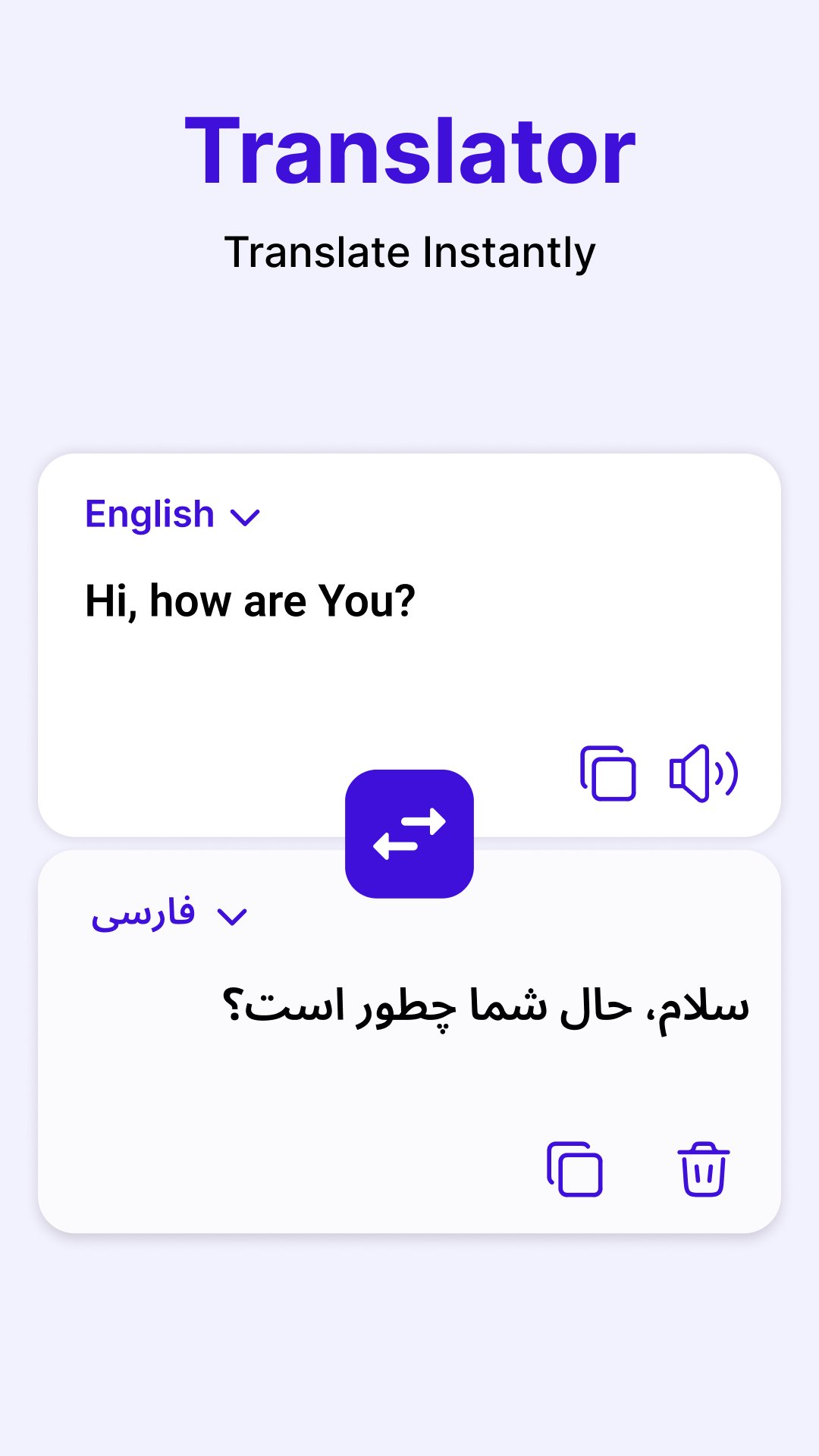
Translator Translate text using the Farsi to English translation keyboard.
Voice Typing Dictate messages with the Farsi voice keyboard and speech to text.
Themes & Wallpapers Personalize your color keyboard with stylish designs.
English to Persian Convert English text into Persian with transliteration with persian keyboard app.
Smart Typing Use auto-completion, auto-correct, and swipe typing.
Fun Emojis Express yourself with emojis on the Farsi keyboard app.
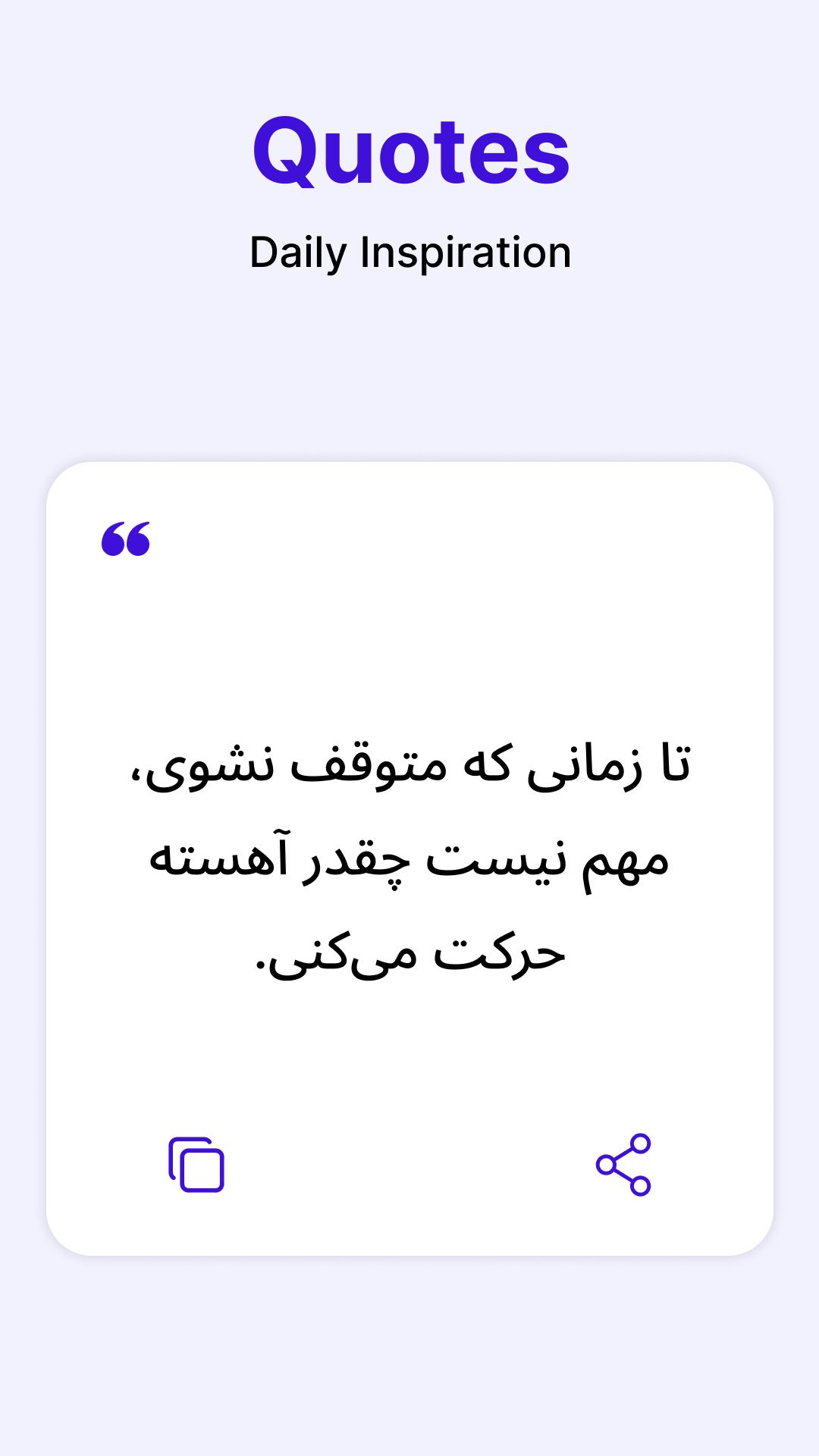
Quotes & Tutorial Read Persian quotes and learn farsi keyboard features with ease.
Comfortable Persian Typing
The Farsi keyboard provides a responsive Farsi keypad for messages, emails, notes, and social media.The Farsi type keyboard supports Persian letters, symbols, and punctuation, making everyday Persian typing smooth and natural.
Translate, Speak & Personalize
Use the Farsi to English translation keyboard to translate while typing, or dictate text with the Farsi voice keyboard and speech to text. Customize your color keyboard with themes, wallpapers, and fonts to match your style.
How to Use the Farsi Keyboard App
Open the Farsi Keyboard app.
Enable the keyboard in your phone settings.
Select Farsi Keyboard as your default keyboard.
Switch between the Farsi & English keyboard anytime.
Enjoy Persian typing, translation, voice input, and personalized themes.
Preview
Tags
ProductivityInformation
Developer
mydroid
Latest Version
1.4.6
Last Updated
2026-10-07
Category
Productivity
Available on
Google Play
Show More
How to play Farsi keyboard: Persian Typing with GameLoop on PC
1. Download GameLoop from the official website, then run the exe file to install GameLoop
2. Open GameLoop and search for “Farsi keyboard: Persian Typing” , find Farsi keyboard: Persian Typing in the search results and click “Install”
3. Enjoy playing Farsi keyboard: Persian Typing on GameLoop
Minimum requirements
OS
Windows 8.1 64-bit or Windows 10 64-bit
GPU
GTX 1050
CPU
i3-8300
Memory
8GB RAM
Storage
1GB available space
Recommended requirements
OS
Windows 8.1 64-bit or Windows 10 64-bit
GPU
GTX 1050
CPU
i3-9320
Memory
16GB RAM
Storage
1GB available space