Excel Spreadsheet: Xls Reader PC
Shipton Studio
Download Excel Spreadsheet: Xls Reader on PC With GameLoop Emulator
Excel Spreadsheet: Xls Reader on PC
Excel Spreadsheet: Xls Reader, coming from the developer Shipton Studio, is running on Android systerm in the past.
Now, You can play Excel Spreadsheet: Xls Reader on PC with GameLoop smoothly.
Download it in the GameLoop library or search results. No more eyeing the battery or frustrating calls at the wrong time any more.
Just enjoy Excel Spreadsheet: Xls Reader PC on the large screen for free!
Excel Spreadsheet: Xls Reader Introduction
Welcome to our Excel Spreadsheet: Xls Reader app
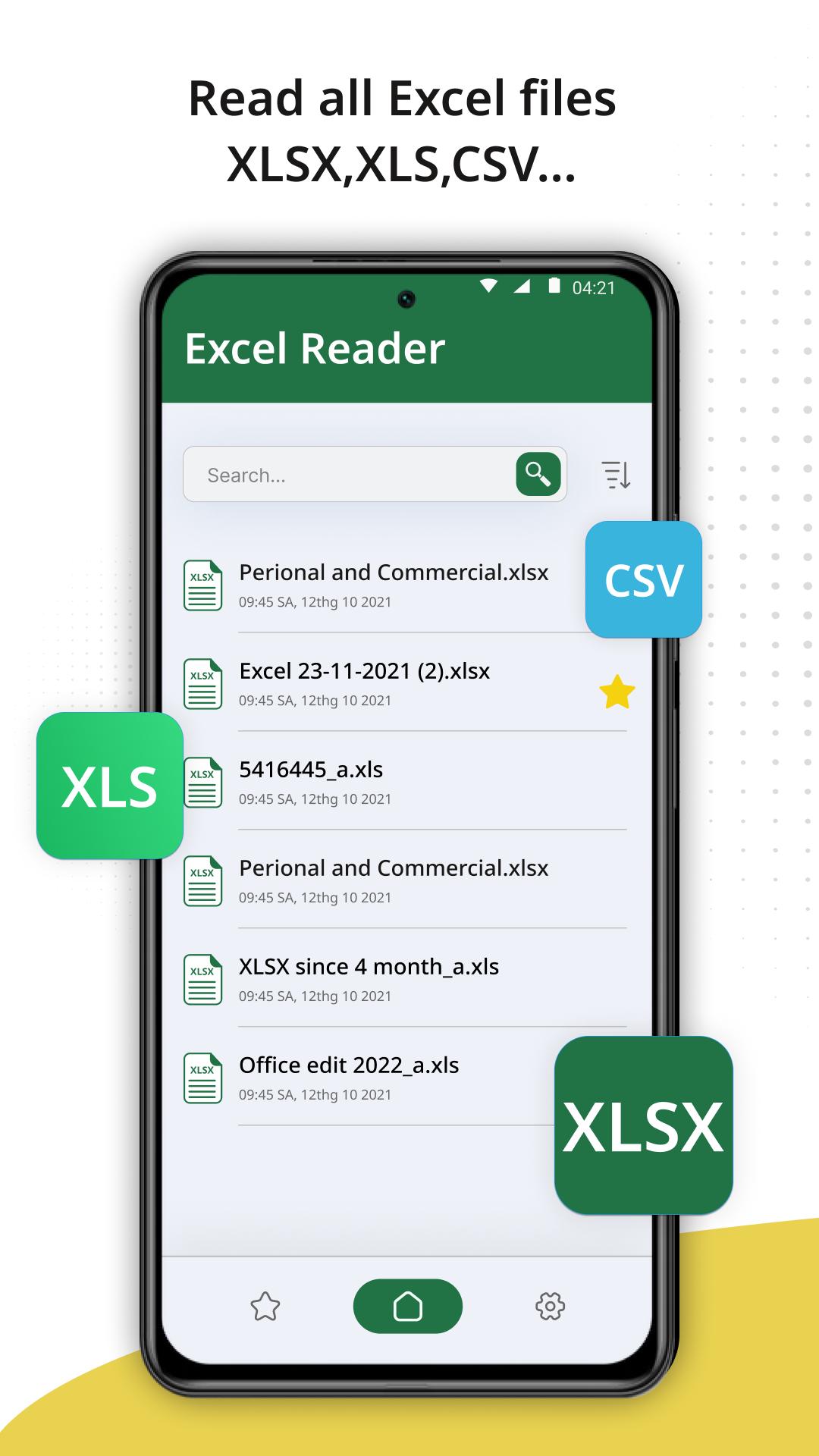
This is a efficient office productivity tool to read xlsx sheets, xls files. Besides that, you can read all document files including word excel, DOCS, DOCX, TXT, XLS, XLSX, PDF readers. With this app, you can open, read and manage documents.
The highlight of office excel reader app:
🌈 Quick navigation to see XLSX
🌈 Read file XLSX offline
🌈 Easy to open Excel
🌈 View options: landscape/vertical, zoom in/out
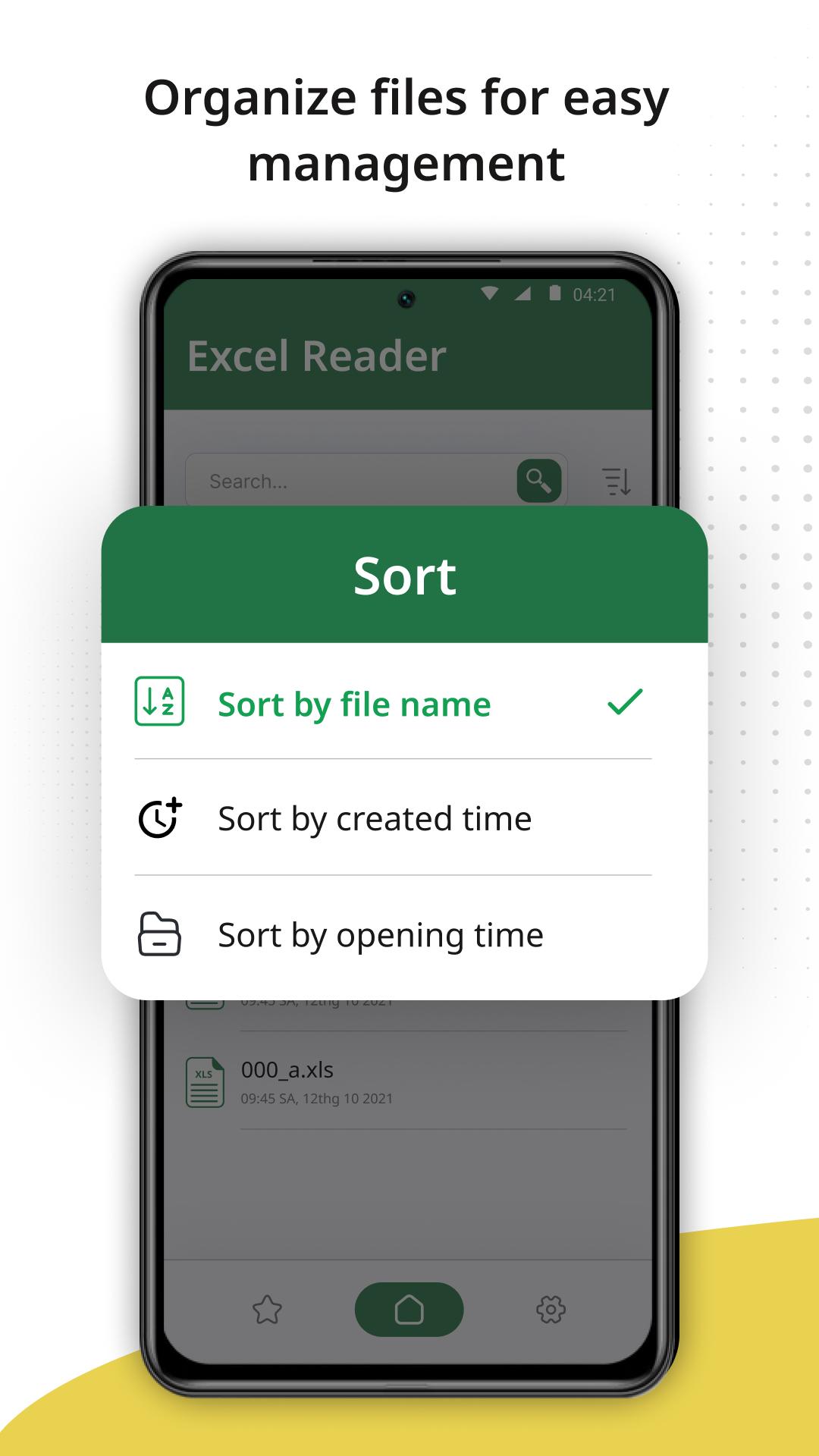
🌈 Pin bookmark file
🌈 Read all documents
The excel file reader app feature and formatting options make your workbook easier to read and use
- Read xlsx spreadsheet, data analysis in an XLS sheet and create Excel files.
- A clear, high-quality view of an office productivity tool.
- Easily share an excel file reader.
- Scroll excel spreadsheet document pages.
- Print files directly from your mobile phone.
- Export & backup file Xls reader through sharing.
Use this file opener and start working immediately if you already have any files on your device
How to view XLSX file reader?
- Open the XLSX file viewer app then select file you want.
- Scroll down or use the menu to navigate between pages.
- Zoom in or out of page view.
- Mark your important worksheet if you want to read it next time.
Join the community of powerful word xls reader users and experience the app's perfect features. You will certainly be satisfied with what the office productivity tool brings.
Thank you for choosing spreadsheet file reader app. We welcome all feedback and suggestions. If you have any questions, don't hesitate to contact us
Preview
Tags
ProductivityInformation
Developer
Shipton Studio
Latest Version
1.0.6
Last Updated
2023-08-15
Category
Productivity
Available on
Google Play
Show More
How to play Excel Spreadsheet: Xls Reader with GameLoop on PC
1. Download GameLoop from the official website, then run the exe file to install GameLoop
2. Open GameLoop and search for “Excel Spreadsheet: Xls Reader” , find Excel Spreadsheet: Xls Reader in the search results and click “Install”
3. Enjoy playing Excel Spreadsheet: Xls Reader on GameLoop
Minimum requirements
OS
Windows 8.1 64-bit or Windows 10 64-bit
GPU
GTX 1050
CPU
i3-8300
Memory
8GB RAM
Storage
1GB available space
Recommended requirements
OS
Windows 8.1 64-bit or Windows 10 64-bit
GPU
GTX 1050
CPU
i3-9320
Memory
16GB RAM
Storage
1GB available space