
Energy Elephant PC
Energy Elephant
Download Energy Elephant on PC With GameLoop Emulator
Energy Elephant on PC
Energy Elephant, coming from the developer Energy Elephant, is running on Android systerm in the past.
Now, You can play Energy Elephant on PC with GameLoop smoothly.
Download it in the GameLoop library or search results. No more eyeing the battery or frustrating calls at the wrong time any more.
Just enjoy Energy Elephant PC on the large screen for free!
Energy Elephant Introduction
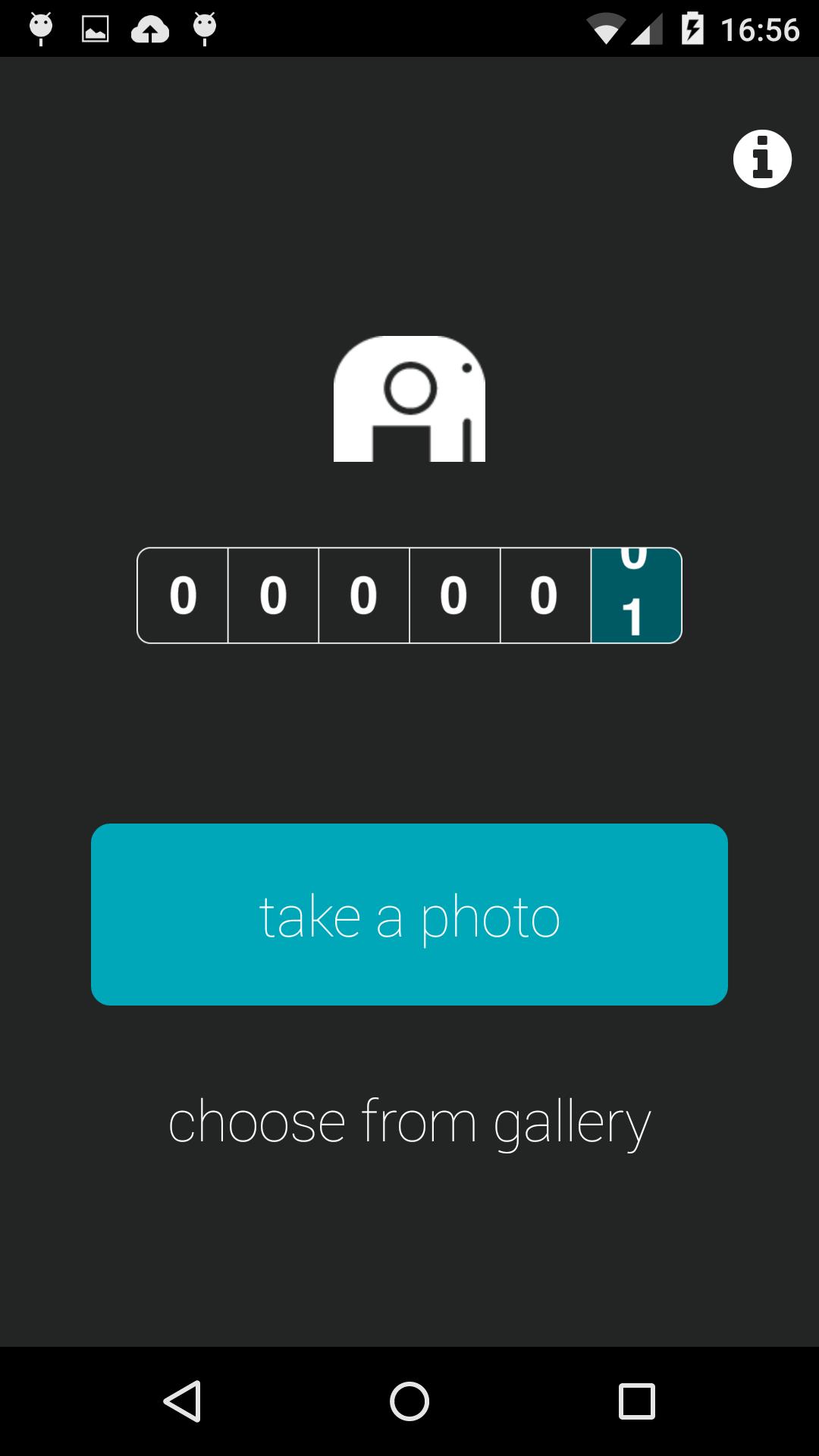
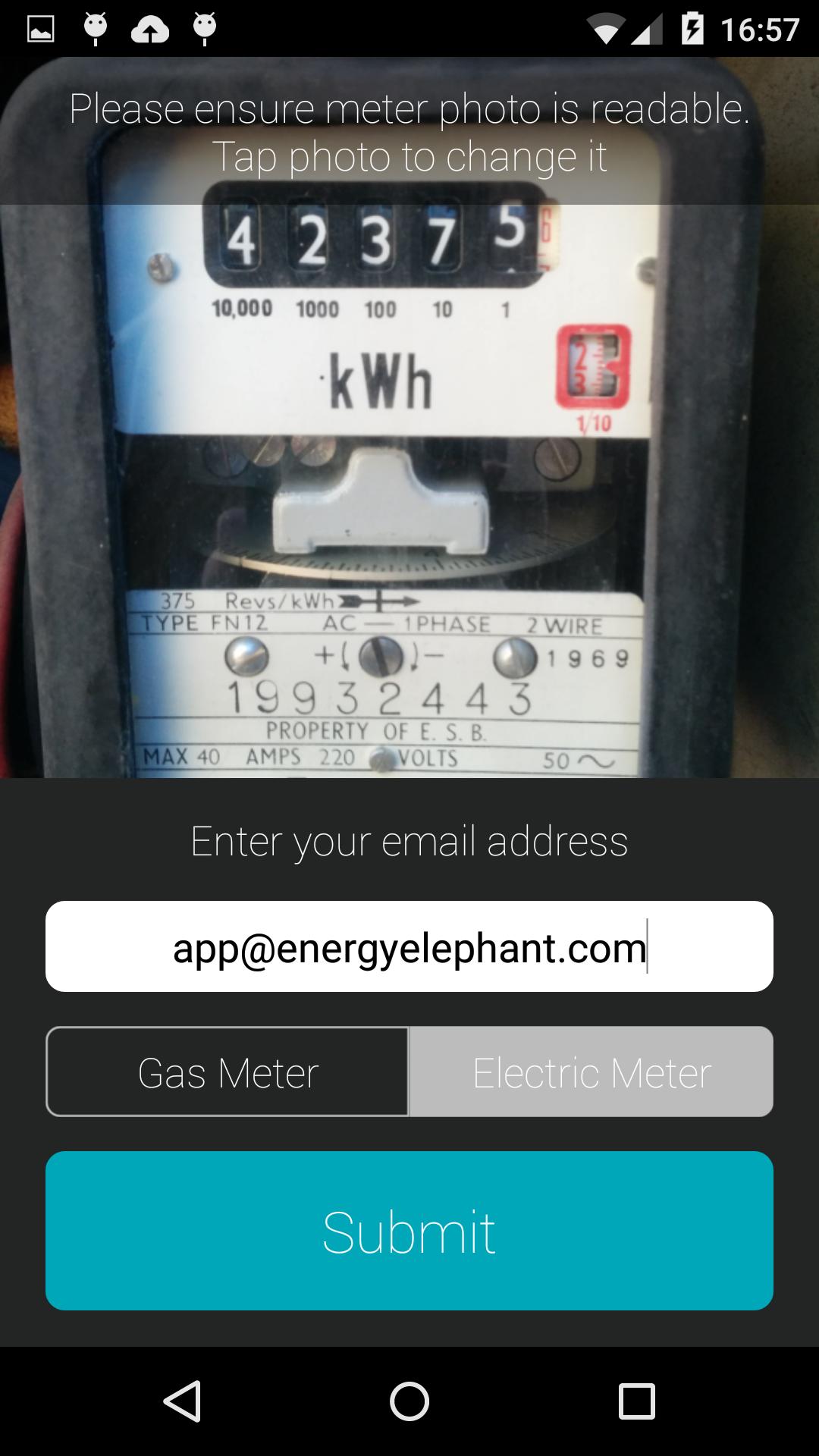
The Energy Elephant app is the fast and easy way to take a meter reading from anywhere in the world using your phone.
Simply take a photo of your electricity or gas meter, submit it and we'll do the rest.
Key Features:
• We can submit the reading directly to utilities, to make sure estimated bills and bill revisions become a thing of the past.
• Typically over 75% faster than traditional meter reading systems and far easier for you to use.
• App links to EnergyElephant accounts seamlessly giving you the best energy analytics and insights instantly.
• Know how much energy you’ve used, how much it has cost and your carbon footprint.
• Eco friendly. Reduces the need for meter reading personnel to travel around collecting readings.
Taking and submitting a meter reading should be FAST and EASY. So why is it so SLOW and DIFFICULT? Our App solves this little problem once and for all.
Download the EnergyElephant App today.
Preview
Tags
ProductivityInformation
Developer
Energy Elephant
Latest Version
1.15
Last Updated
2017-09-04
Category
Productivity
Available on
Google Play
Show More
How to play Energy Elephant with GameLoop on PC
1. Download GameLoop from the official website, then run the exe file to install GameLoop
2. Open GameLoop and search for “Energy Elephant” , find Energy Elephant in the search results and click “Install”
3. Enjoy playing Energy Elephant on GameLoop
Minimum requirements
OS
Windows 8.1 64-bit or Windows 10 64-bit
GPU
GTX 1050
CPU
i3-8300
Memory
8GB RAM
Storage
1GB available space
Recommended requirements
OS
Windows 8.1 64-bit or Windows 10 64-bit
GPU
GTX 1050
CPU
i3-9320
Memory
16GB RAM
Storage
1GB available space