
Emojis Keyboard PC
Hopebest Apps
Download Emojis Keyboard on PC With GameLoop Emulator
Emojis Keyboard on PC
Emojis Keyboard, coming from the developer Hopebest Apps, is running on Android systerm in the past.
Now, You can play Emojis Keyboard on PC with GameLoop smoothly.
Download it in the GameLoop library or search results. No more eyeing the battery or frustrating calls at the wrong time any more.
Just enjoy Emojis Keyboard PC on the large screen for free!
Emojis Keyboard Introduction
This app was made by Hopebest Limited Inc. Free Emojis Keyboard is an free, on-screen keyboard with multiple languages supported.
This is one of the most customizable keyboards available.
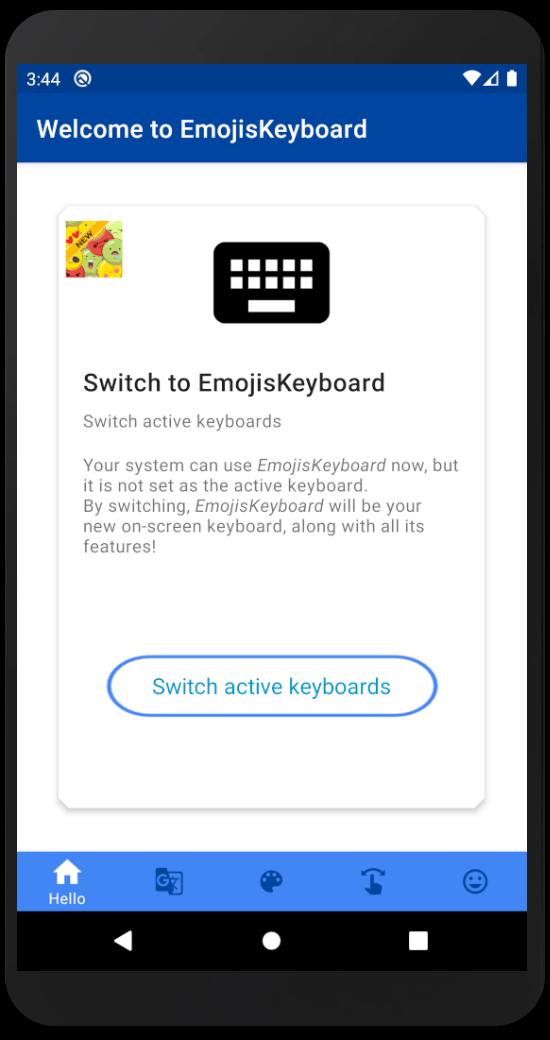
To activate: Launch our Emojis Keyboard App, and follow the setup instructions.
Main features include:
* Multi language keyboard support via external addons
* Word Typing Completion dictionaries for multiple languages.
* Auto-completes your typed words from your contacts names (Android 2.0+)!
* Learns your typing behavior to provide next-word prediction.
* Extension keyboard (swipe your finger all the way up out of the keyboard).
* Voice Input support (Android 2.2+).
* Compact/Phablet Mode.
* Gesture support:
** Experimental Gesture-Typing (enable in the Settings app).
** Swipe left or right to switch layouts.
** Swipe up to shift.
** Swipe down to close the keyboard.
* Theme support (comes with a few built-in skins, and more design themes available in Play Store).
* Night Mode: Quiet, Dark keyboard at night time (enable via the Settings app).
* Power-Saving Mode: No vibrations, sound, suggestions and dark theme (enable in the Settings app).
* Built-in user dictionary words editor.
* Built-in abbreviations dictionary: create shortcuts for words and sentences.
* Utility keyboard (swipe up from space-bar):
** Clipboard actions copy, paste, select-all, select selectively (long-press select and use arrow keys).
** Voice input
** Arrows
* And many more features!
Preview
Tags
ProductivityInformation
Developer
Hopebest Apps
Latest Version
1.0.1
Last Updated
2021-07-14
Category
Productivity
Available on
Google Play
Show More
How to play Emojis Keyboard with GameLoop on PC
1. Download GameLoop from the official website, then run the exe file to install GameLoop
2. Open GameLoop and search for “Emojis Keyboard” , find Emojis Keyboard in the search results and click “Install”
3. Enjoy playing Emojis Keyboard on GameLoop
Minimum requirements
OS
Windows 8.1 64-bit or Windows 10 64-bit
GPU
GTX 1050
CPU
i3-8300
Memory
8GB RAM
Storage
1GB available space
Recommended requirements
OS
Windows 8.1 64-bit or Windows 10 64-bit
GPU
GTX 1050
CPU
i3-9320
Memory
16GB RAM
Storage
1GB available space