
Ekahau Analyzer PC
Ekahau
Download Ekahau Analyzer on PC With GameLoop Emulator
Ekahau Analyzer on PC
Ekahau Analyzer, coming from the developer Ekahau, is running on Android systerm in the past.
Now, You can play Ekahau Analyzer on PC with GameLoop smoothly.
Download it in the GameLoop library or search results. No more eyeing the battery or frustrating calls at the wrong time any more.
Just enjoy Ekahau Analyzer PC on the large screen for free!
Ekahau Analyzer Introduction
COMMERCIAL EKAHAU ACCOUNT & LOGIN REQUIRED
Ekahau Analyzer is part of Ekahau Connect subscription and requires Ekahau Sidekick measurement device.
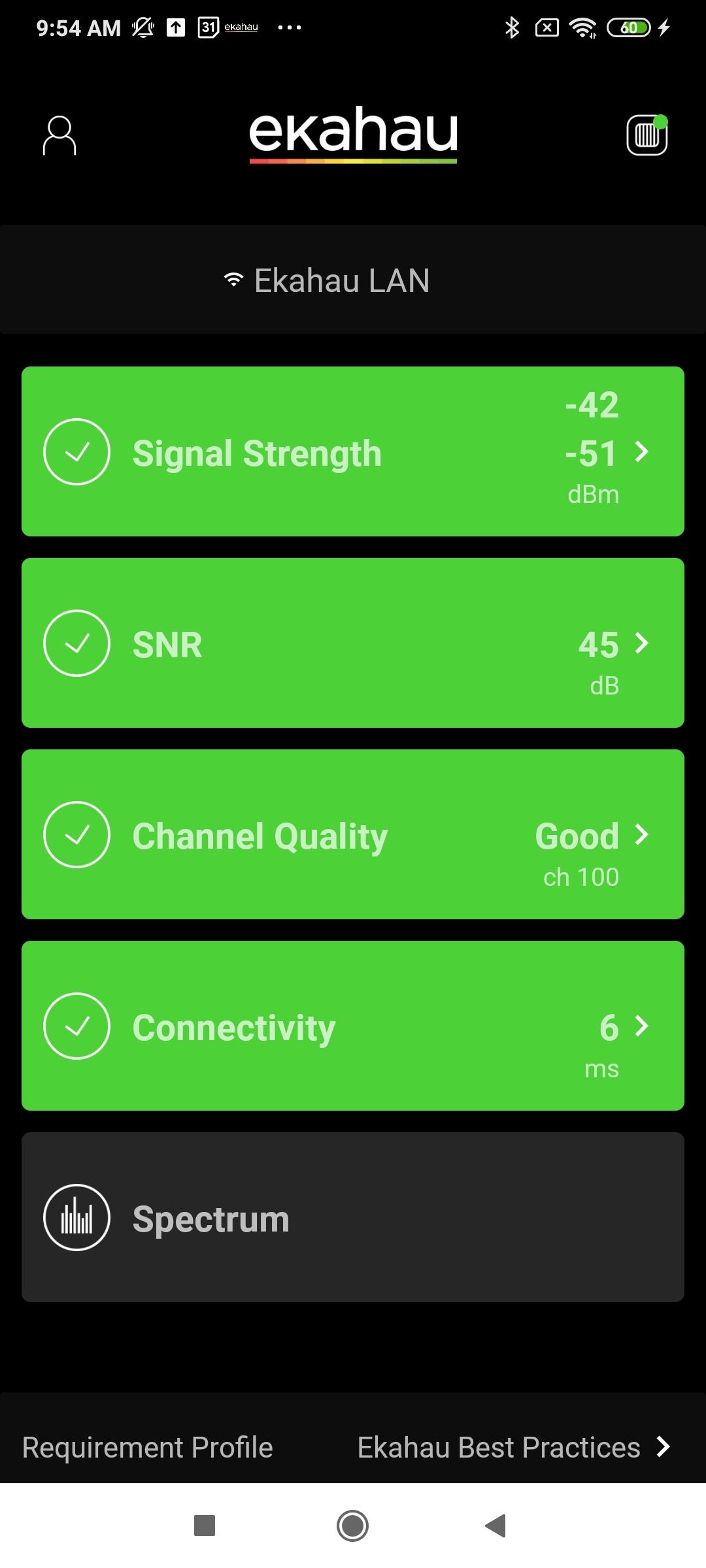
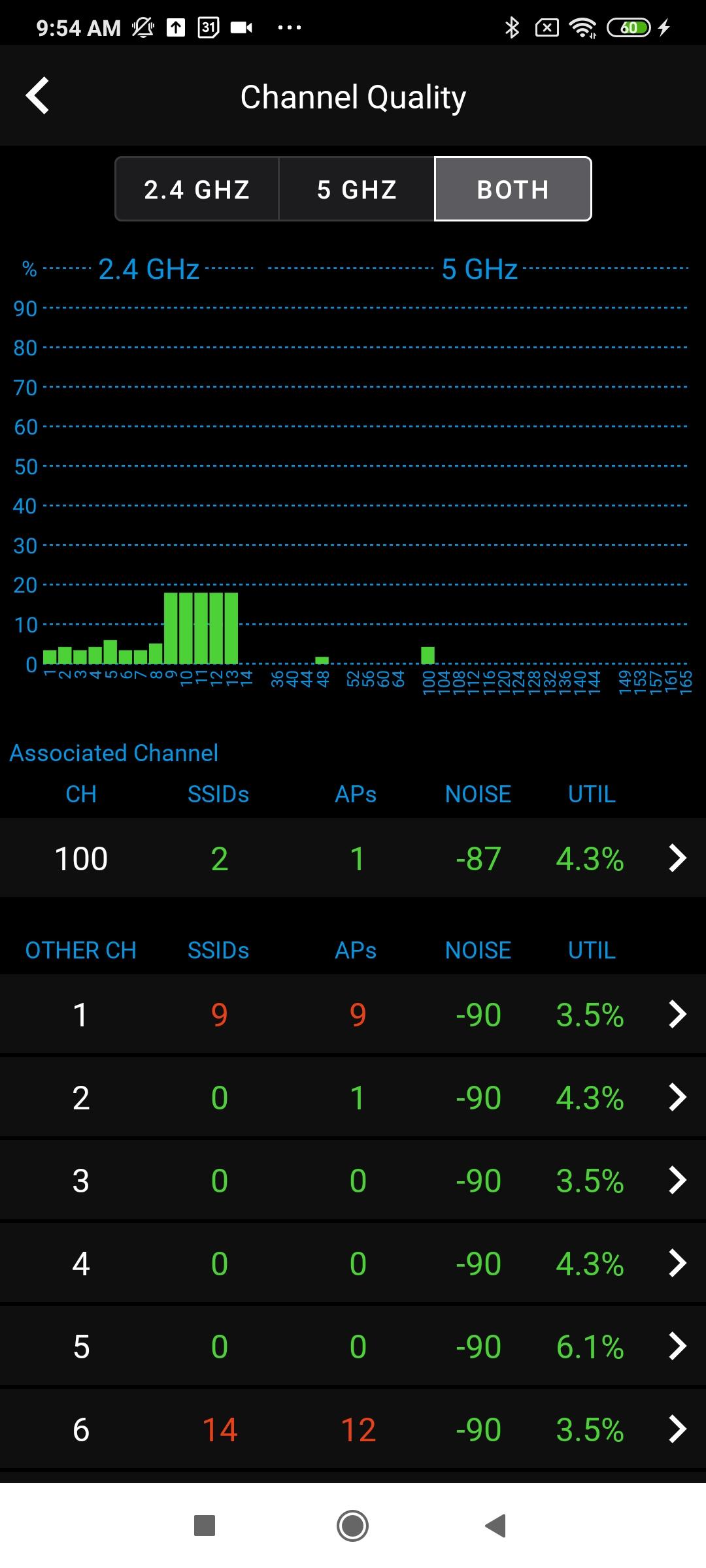
The Analyzer app is a professional grade Wi-Fi health validation and troubleshooting tool for Android devices. The auto test function diagnoses your network faster and with more accuracy than any other product on the market. The simple interface provides a quick and easy-to-understand pass/fail indication of Wi-Fi network quality, identifying network problems based on predefined requirements. These predefined requirements are the most common network issues such as channel utilization and co-channel interference
Time is precious. Every second counts. Especially when troubleshooting your network.
A spectrum analyzer can be critical in the troubleshooting process. It records and measures the strength (power/energy) of both Wi-Fi and non-Wi-Fi traffic that exist in your network environment. This allows you to quickly identify potential interferers such as wireless cameras, cordless phones, or other wireless devices. In addition, a spectrum analyzer can show the channel of the measured traffic. This can allow you to optimize your network channels for peak performance while avoiding interference.
Preview
Tags
ProductivityInformation
Developer
Ekahau
Latest Version
1.3.3
Last Updated
2024-08-07
Category
Productivity
Available on
Google Play
Show More
How to play Ekahau Analyzer with GameLoop on PC
1. Download GameLoop from the official website, then run the exe file to install GameLoop
2. Open GameLoop and search for “Ekahau Analyzer” , find Ekahau Analyzer in the search results and click “Install”
3. Enjoy playing Ekahau Analyzer on GameLoop
Minimum requirements
OS
Windows 8.1 64-bit or Windows 10 64-bit
GPU
GTX 1050
CPU
i3-8300
Memory
8GB RAM
Storage
1GB available space
Recommended requirements
OS
Windows 8.1 64-bit or Windows 10 64-bit
GPU
GTX 1050
CPU
i3-9320
Memory
16GB RAM
Storage
1GB available space