
Edu Video Maker PC
TechZ Solutions
Download Edu Video Maker on PC With GameLoop Emulator
Edu Video Maker on PC
Edu Video Maker, coming from the developer TechZ Solutions, is running on Android systerm in the past.
Now, You can play Edu Video Maker on PC with GameLoop smoothly.
Download it in the GameLoop library or search results. No more eyeing the battery or frustrating calls at the wrong time any more.
Just enjoy Edu Video Maker PC on the large screen for free!
Edu Video Maker Introduction
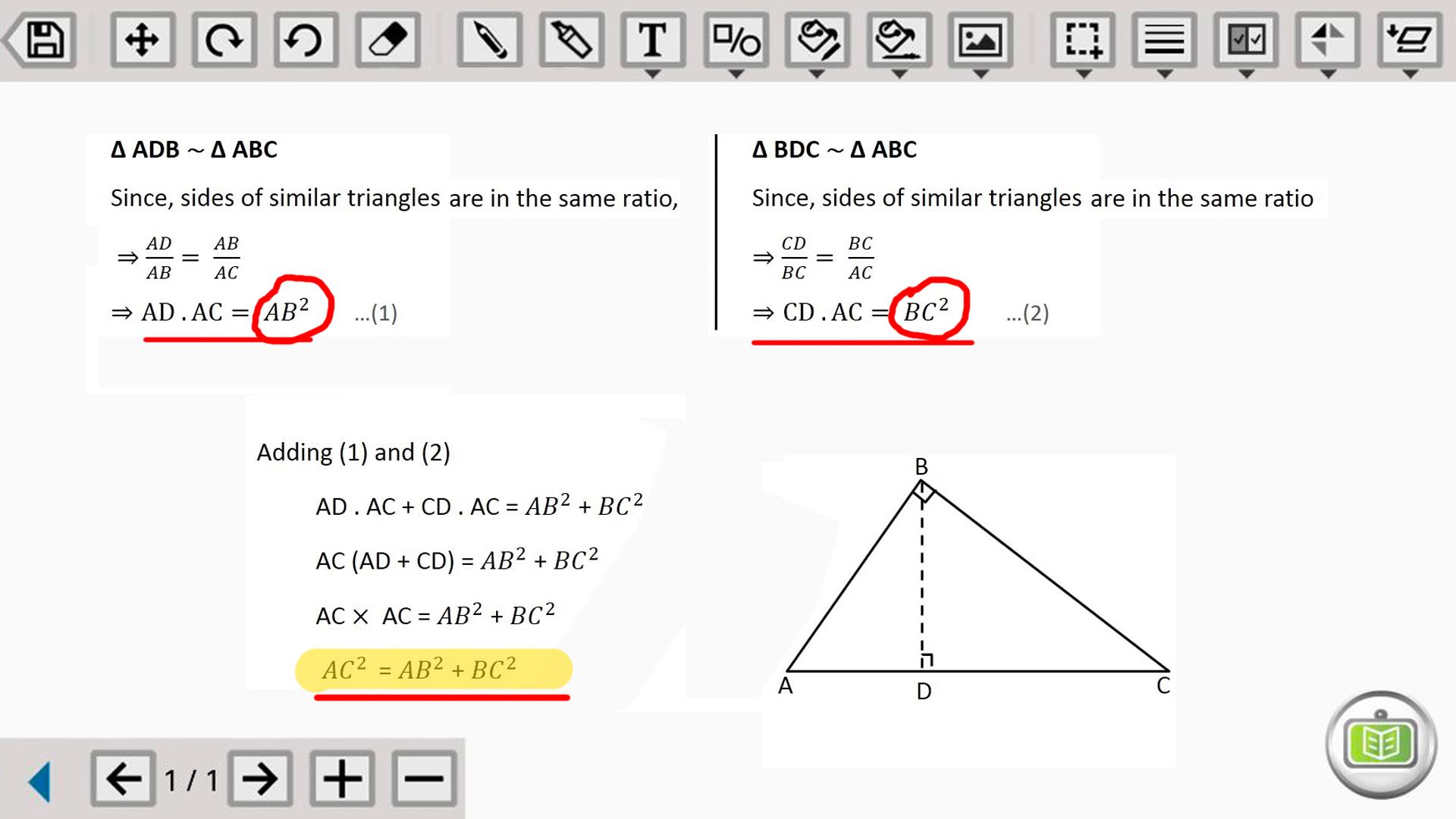
Edu Video Maker is an education video creating tool for making video tutorials and upload video directly on Youtube. It has got must have features that one requires making an educational video tutorial.
Click on "Make new video" and a page will open up where it will start recording the screen as well as the audio. So you won't need any external camera and microphone. These are some features of this App:
- Create multiple pages, write, draw and teach while teaching.
- Undo, redo options along with an eraser.
- Select pen to write using your finger or stylus.
- Select maker and high light important points.
- Place text block after typing.
- Choose stroke and fill color.
- Place photos from your device gallery or camera in canvas background.
- Place different shapes.
- Change pen stoke size as per your need.
- Select fill options if required.
- There are options for flip the selected objects.
- Arrange objects as per required order.
- Group and also ungroup things selected in the video.
- Press on watermark button to open front face camera to record your video while telling.
- Save the video after you are done making the video.
- Add video file information the file information.
- Upload selected video to Youtube.
Install this App and see many more features to make your educational video.
Preview

Tags
ProductivityInformation
Developer
TechZ Solutions
Latest Version
1.0
Last Updated
2020-09-01
Category
Productivity
Available on
Google Play
Show More
How to play Edu Video Maker with GameLoop on PC
1. Download GameLoop from the official website, then run the exe file to install GameLoop
2. Open GameLoop and search for “Edu Video Maker” , find Edu Video Maker in the search results and click “Install”
3. Enjoy playing Edu Video Maker on GameLoop
Minimum requirements
OS
Windows 8.1 64-bit or Windows 10 64-bit
GPU
GTX 1050
CPU
i3-8300
Memory
8GB RAM
Storage
1GB available space
Recommended requirements
OS
Windows 8.1 64-bit or Windows 10 64-bit
GPU
GTX 1050
CPU
i3-9320
Memory
16GB RAM
Storage
1GB available space