
Easy Sync & Share Calendar PC
4Team Corporation
Download Easy Sync & Share Calendar on PC With GameLoop Emulator
Easy Sync & Share Calendar on PC
Easy Sync & Share Calendar, coming from the developer 4Team Corporation, is running on Android systerm in the past.
Now, You can play Easy Sync & Share Calendar on PC with GameLoop smoothly.
Download it in the GameLoop library or search results. No more eyeing the battery or frustrating calls at the wrong time any more.
Just enjoy Easy Sync & Share Calendar PC on the large screen for free!
Easy Sync & Share Calendar Introduction
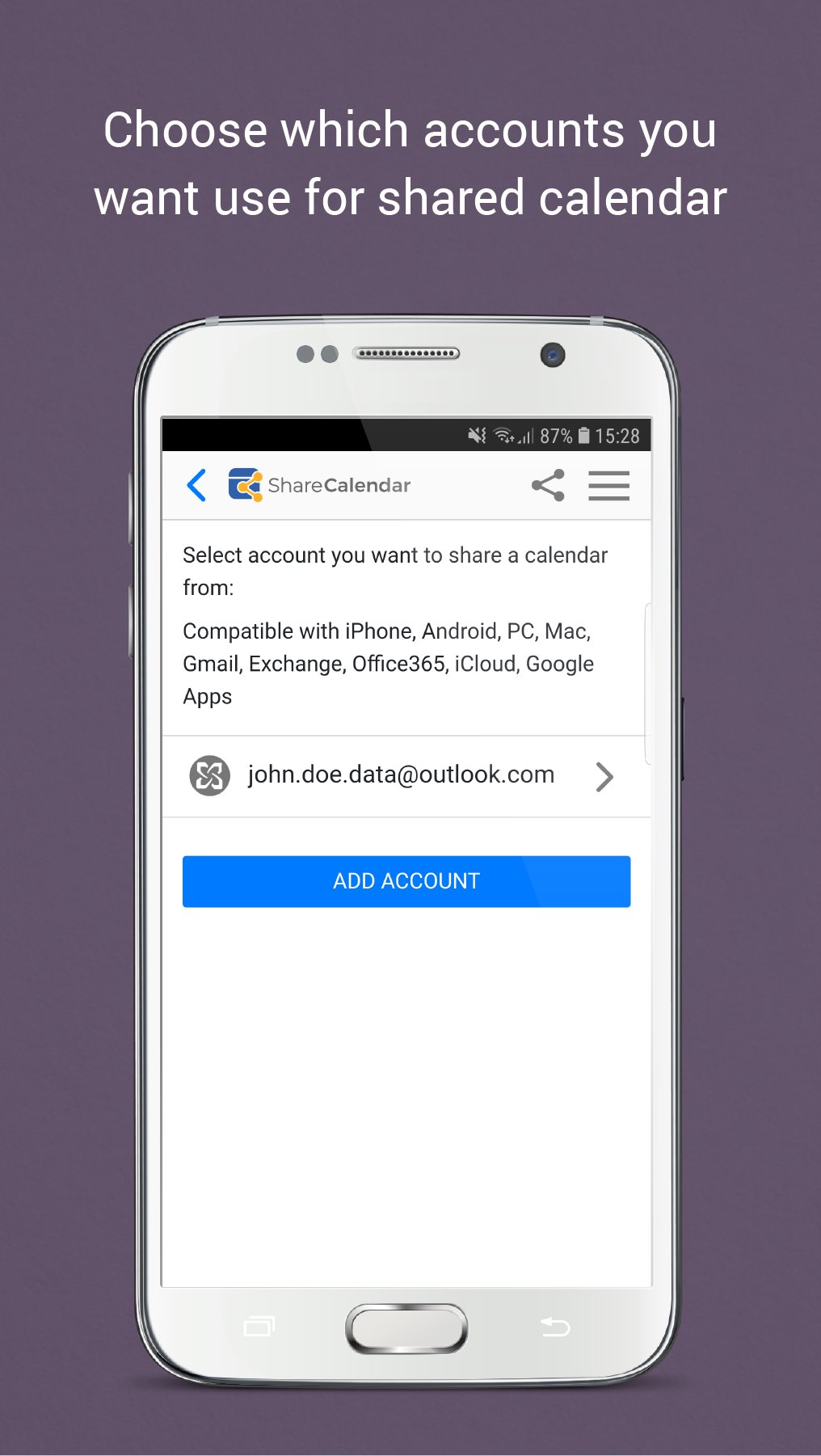
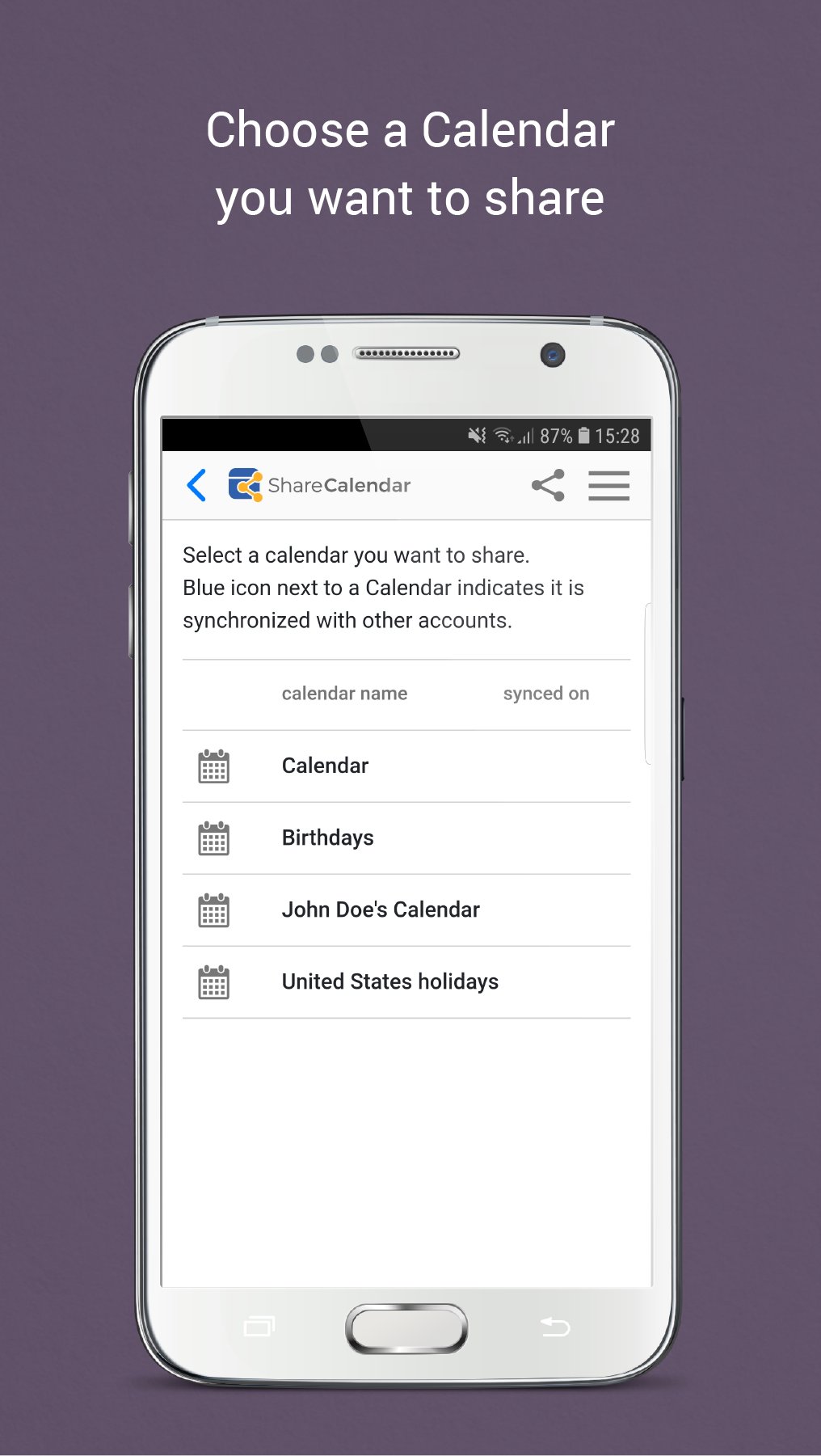
Only with Share Calendar you can share and edit calendar events with people on different platforms (Google, iCloud, Office 365, Microsoft and Outlook, or any other account supported by SyncGene service) and keep everyone in sync and organized. Share Calendar is a great app for shared family, business calendar and shifts, sharing diaries, meetings, events or create shared agenda.
SHARE YOUR CALENDAR WITH A PERSON ON ANY PLATFORM
• Share Calendar from Android or any other device or account to any source (E.g from Google to iCloud, from Google to Outlook, from Google to Microsoft Exchange, from Android to iPhone, etc.)
• No need to enter the same information on multiple devices or services
VIEW AND MANAGE THE ACCEPTED SHARED CALENDAR ON ANY SOURCE
• Accept the shared calendar on your Android device without signing up with another account (e.g. you can accept the shared Calendar in Google calendar if a person shared the Calendar from iCloud or any other account)
• See and manage the Calendars that other people have shared with you (view, edit, create new events, appointments, etc.)
• Accepting the calendar, only choose what account you want to use to view or manage the shared Calendar
SHARED CALENDAR SYNCHRONIZATION
• The Sharing functionality not only allows transferring the events, but it will also synchronize any changes (changes of the date/time, added or removed events, appointments, birthdays, etc.)
• Sync your web calendar apps, calendar accounts between devices automatically
CREATE A SHAREABLE PUBLIC LINK
• Send the link to others using any method you want, like messaging app or SMS
• The Shareable link gives “View only” rights to your Calendar
CONFIGURE PERMISSIONS FOR PEOPLE OF SHARED CALENDAR
• The Sharing Calendar functionality allows setting different sharing privileges for every person individually
• Prevent your private events from sharing with other people, e.g. when sharing your business calendar with a team
• Share calendar with “View only” and “Free/Busy only” rights using the Free version of app
• Upgrade to the Premium version to share calendar with “Owner”, “Edit” permissions
USE ONE CALENDAR ON MULTIPLE ACCOUNTS
• The Sharing Calendar functionality allows using your default Calendar and sharing it with anyone
• You do not need to create a separate calendar for sharing
Share Calendar for Android devices is great for one view calendar, to have hub calendar, great organizer for shared family calendar, shared team calendars, shared business calendar, shifts and more.
Privacy Policy: http://www.syncgene.com/privacy-policy
Safe, secure and reliable: all your data is backed up to your service and can be easily restored. We never keep your shared and synchronized information. Our app is hosted on the Microsoft Azure – the most trusted cloud service.
Our free 5 Star Live Chat and Email support will help you.
If you are not satisfied with the service, you can cancel your subscription at any time without commitment.
Preview
Tags
ProductivityInformation
Developer
4Team Corporation
Latest Version
1.10.5
Last Updated
2025-08-08
Category
Productivity
Available on
Google Play
Show More
How to play Easy Sync & Share Calendar with GameLoop on PC
1. Download GameLoop from the official website, then run the exe file to install GameLoop
2. Open GameLoop and search for “Easy Sync & Share Calendar” , find Easy Sync & Share Calendar in the search results and click “Install”
3. Enjoy playing Easy Sync & Share Calendar on GameLoop
Minimum requirements
OS
Windows 8.1 64-bit or Windows 10 64-bit
GPU
GTX 1050
CPU
i3-8300
Memory
8GB RAM
Storage
1GB available space
Recommended requirements
OS
Windows 8.1 64-bit or Windows 10 64-bit
GPU
GTX 1050
CPU
i3-9320
Memory
16GB RAM
Storage
1GB available space