
Easy CAD Dimensions PC
Hookshy
Download Easy CAD Dimensions on PC With GameLoop Emulator
Easy CAD Dimensions on PC
Easy CAD Dimensions, coming from the developer Hookshy, is running on Android systerm in the past.
Now, You can play Easy CAD Dimensions on PC with GameLoop smoothly.
Download it in the GameLoop library or search results. No more eyeing the battery or frustrating calls at the wrong time any more.
Just enjoy Easy CAD Dimensions PC on the large screen for free!
Easy CAD Dimensions Introduction
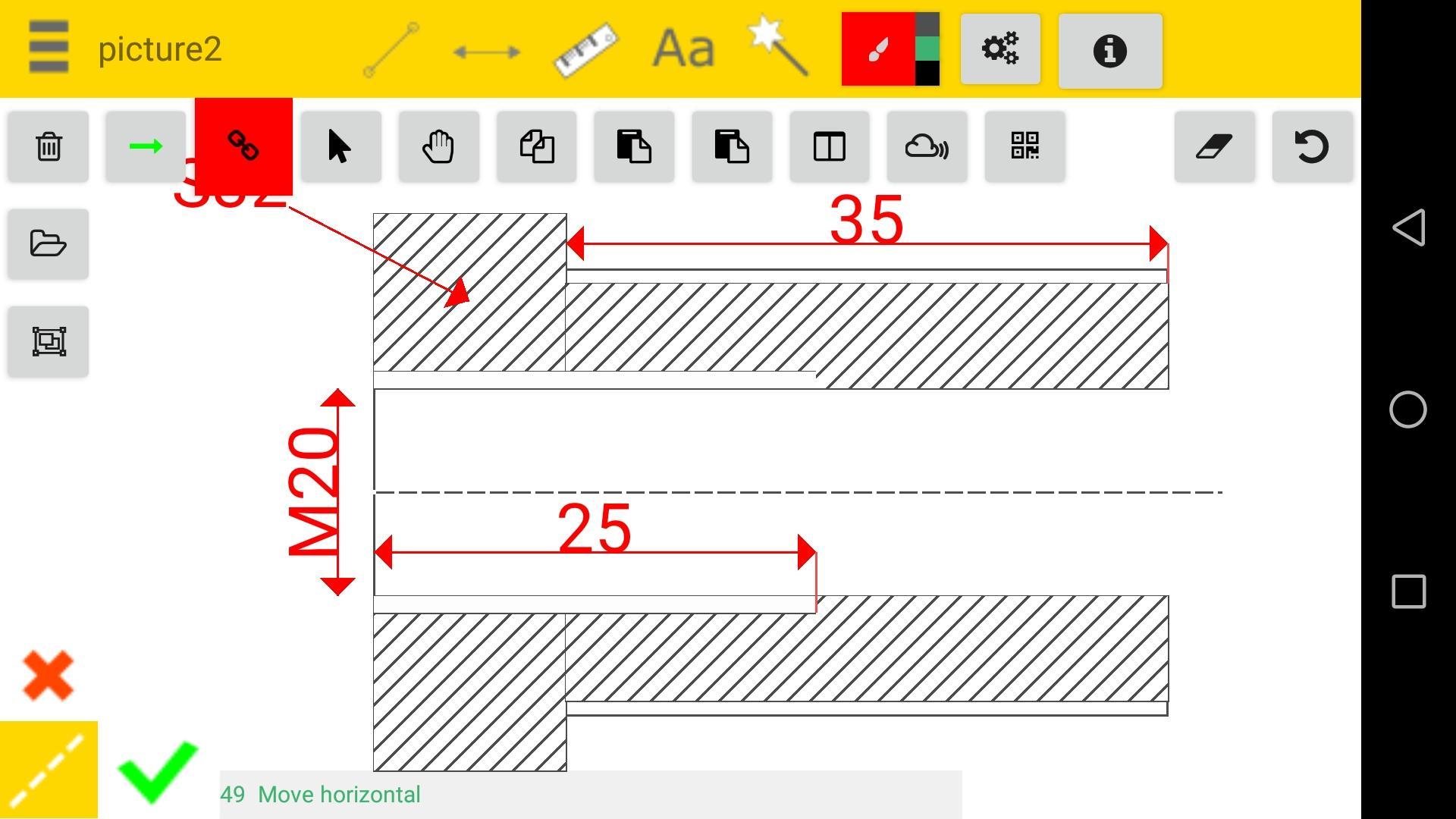
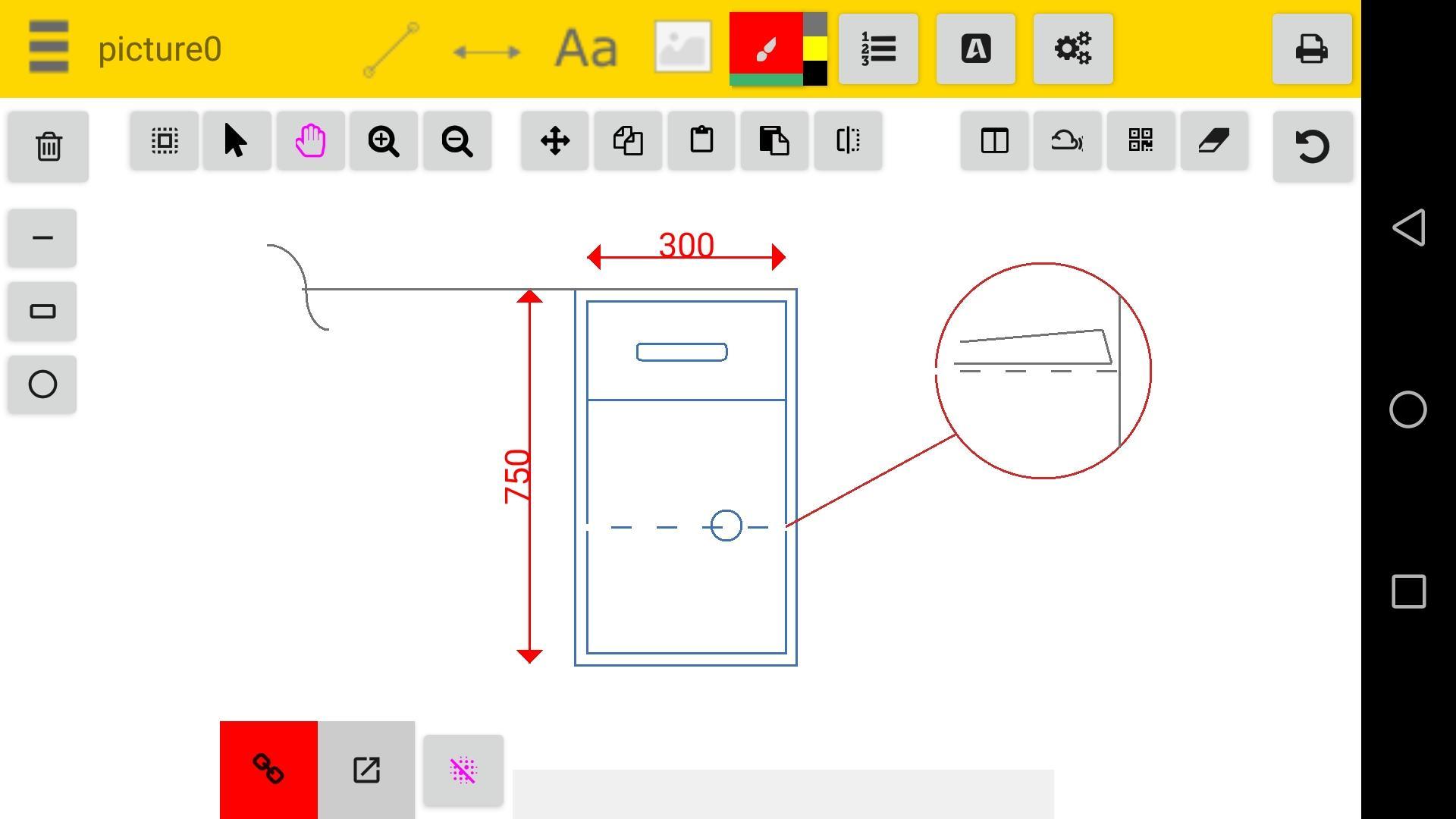
With this app you can take pictures and then add dimensions, and fasten the manufacture process, keep record of parts or machine dimension without keeping the original part.
App publish a jpg or pdf file and draws into it using canvas fuctions .
Designed for technicians, engineers and for those having problems sending explanatory to workers the app is an cad program that will help build nice revisions useful when a pc is not availlable. Use camera to add a picture objects on site.
Add annotations like linear dimensions , texts, ballons, or hashes.
Measure and calibrate objects
You have some tools that help you with the design:
- snap to points
- ortho
- copy and paste objects
-pan
-zoom
-stretch
- plot your work to pdf
You can edit or view your work offline , each sketch is saved on sd-card in the folder .
We constantly improve this product and we hope you have good experience over android market. If you have any problems running this app please email us and we will respond as soon as possible.
We recommend using this app when a pc is not available.
Thank you
Hookshy Team
Preview
Tags
ProductivityInformation
Developer
Hookshy
Latest Version
127 Dynamic Update
Last Updated
2022-09-12
Category
Productivity
Available on
Google Play
Show More
How to play Easy CAD Dimensions with GameLoop on PC
1. Download GameLoop from the official website, then run the exe file to install GameLoop
2. Open GameLoop and search for “Easy CAD Dimensions” , find Easy CAD Dimensions in the search results and click “Install”
3. Enjoy playing Easy CAD Dimensions on GameLoop
Minimum requirements
OS
Windows 8.1 64-bit or Windows 10 64-bit
GPU
GTX 1050
CPU
i3-8300
Memory
8GB RAM
Storage
1GB available space
Recommended requirements
OS
Windows 8.1 64-bit or Windows 10 64-bit
GPU
GTX 1050
CPU
i3-9320
Memory
16GB RAM
Storage
1GB available space