
e-Absensi Luwu Timur PC
BKPSDM KAB. LUWU TIMUR
Download e-Absensi Luwu Timur on PC With GameLoop Emulator
e-Absensi Luwu Timur on PC
e-Absensi Luwu Timur, coming from the developer BKPSDM KAB. LUWU TIMUR, is running on Android systerm in the past.
Now, You can play e-Absensi Luwu Timur on PC with GameLoop smoothly.
Download it in the GameLoop library or search results. No more eyeing the battery or frustrating calls at the wrong time any more.
Just enjoy e-Absensi Luwu Timur PC on the large screen for free!
e-Absensi Luwu Timur Introduction
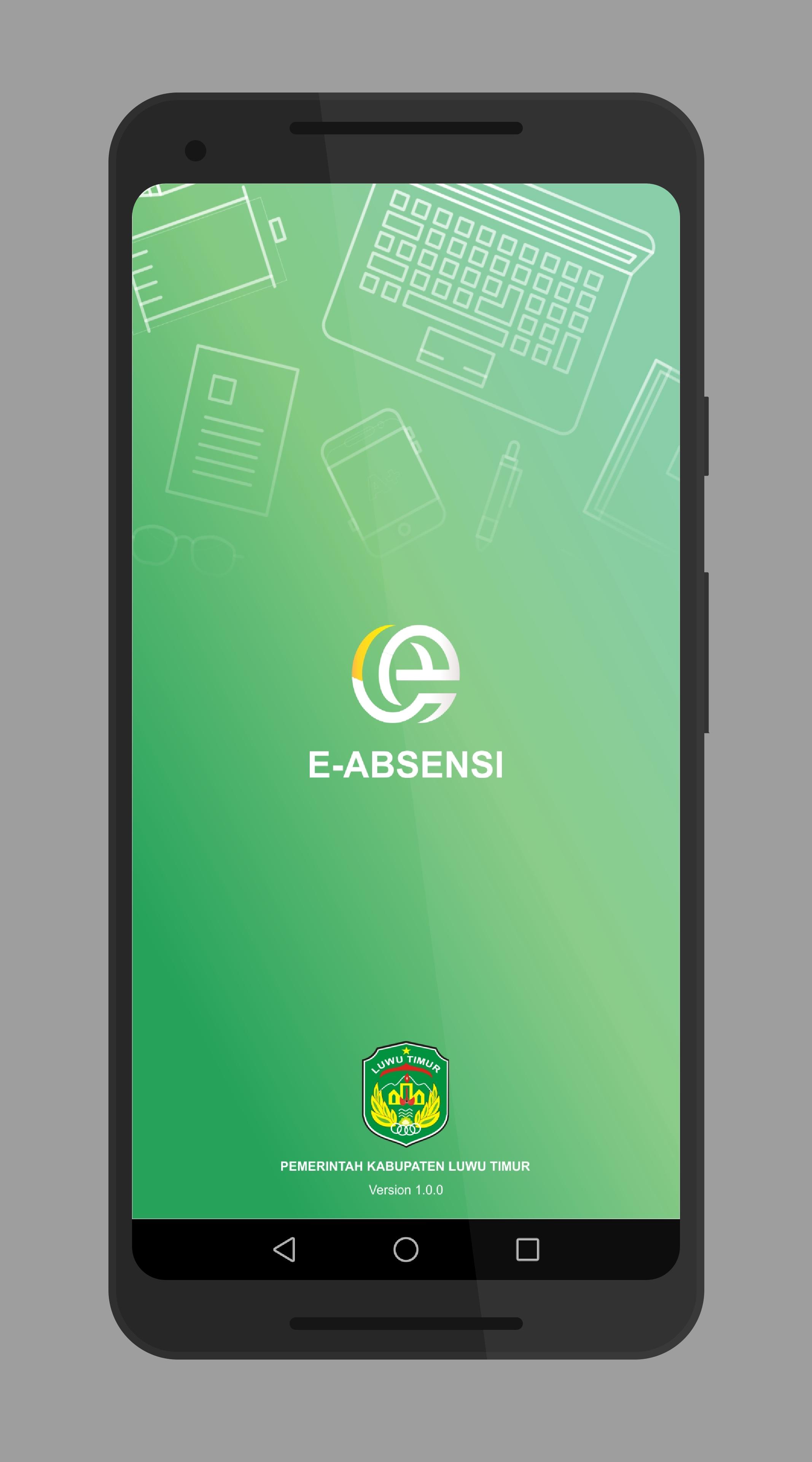
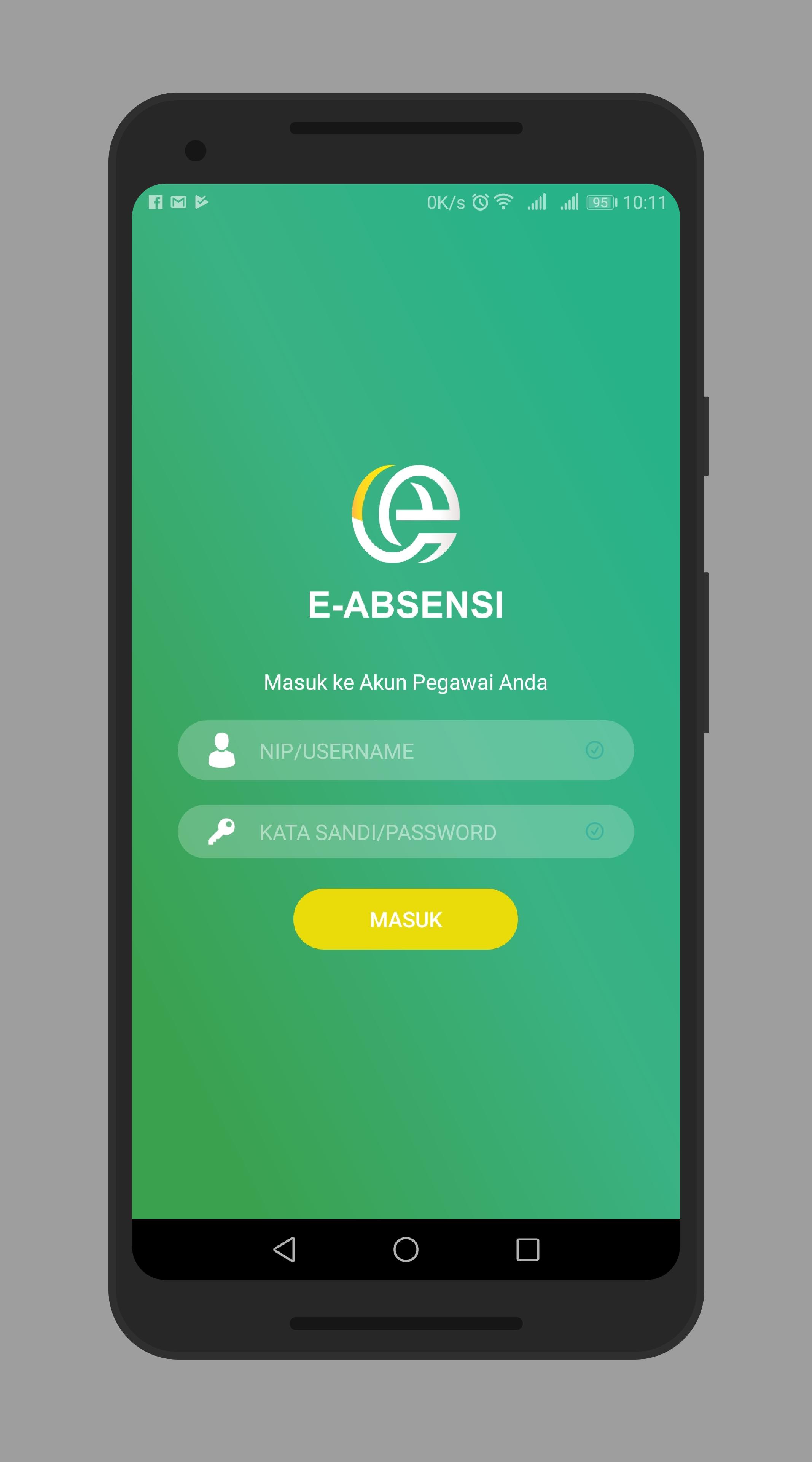
Aplikasi e-Absensi memberikan solusi bagi Aparatur Sipil Negara (ASN) untuk melakukan absensi secara elektronik tanpa harus mengantri dalam melakukan absen masuk dan absen pulang karena aplikasi ini dapat di install di setiap smartphone dengan platform android. Aplikasi e-Absensi memanfaatkan fitur kamera smartphone untuk melakukan absensi. Hal ini dimaksudkan untuk meminimalisir adanya titip absen yang dilakukan oleh pegawai sehingga dapat meningkatkan keakuratan absensi pegawai.
Setiap ASN dapat login ke aplikasi dengan menggunakan akun dari setiap pegawai. Aplikasi ini dapat mengecek lokasi anda melalui GPS di smartphone anda, sehinga pegawai hanya dapat melakukan absensi di wilayah yang diperbolehkan untuk melakukan absensi
Preview
Tags
ProductivityInformation
Developer
BKPSDM KAB. LUWU TIMUR
Latest Version
1.8
Last Updated
2020-10-26
Category
Productivity
Available on
Google Play
Show More
How to play e-Absensi Luwu Timur with GameLoop on PC
1. Download GameLoop from the official website, then run the exe file to install GameLoop
2. Open GameLoop and search for “e-Absensi Luwu Timur” , find e-Absensi Luwu Timur in the search results and click “Install”
3. Enjoy playing e-Absensi Luwu Timur on GameLoop
Minimum requirements
OS
Windows 8.1 64-bit or Windows 10 64-bit
GPU
GTX 1050
CPU
i3-8300
Memory
8GB RAM
Storage
1GB available space
Recommended requirements
OS
Windows 8.1 64-bit or Windows 10 64-bit
GPU
GTX 1050
CPU
i3-9320
Memory
16GB RAM
Storage
1GB available space