Dynamic Island - Notch iOS 16 PC
Samami Gamedev
Download Dynamic Island - Notch iOS 16 on PC With GameLoop Emulator
Dynamic Island - Notch iOS 16 on PC
Dynamic Island - Notch iOS 16, coming from the developer Samami Gamedev, is running on Android systerm in the past.
Now, You can play Dynamic Island - Notch iOS 16 on PC with GameLoop smoothly.
Download it in the GameLoop library or search results. No more eyeing the battery or frustrating calls at the wrong time any more.
Just enjoy Dynamic Island - Notch iOS 16 PC on the large screen for free!
Dynamic Island - Notch iOS 16 Introduction
Dynamic Island - Notch iOS feature from iPhone 14 to Android smartphones
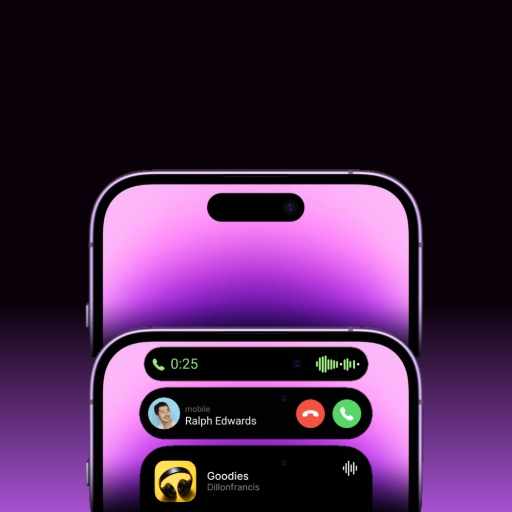
This application show a dynamic view to make the notch on your smartphone friendly and useful like iOS 16
FEATURES
✔️ Dynamic Island - Notch iOS view make your front camera more beautiful.
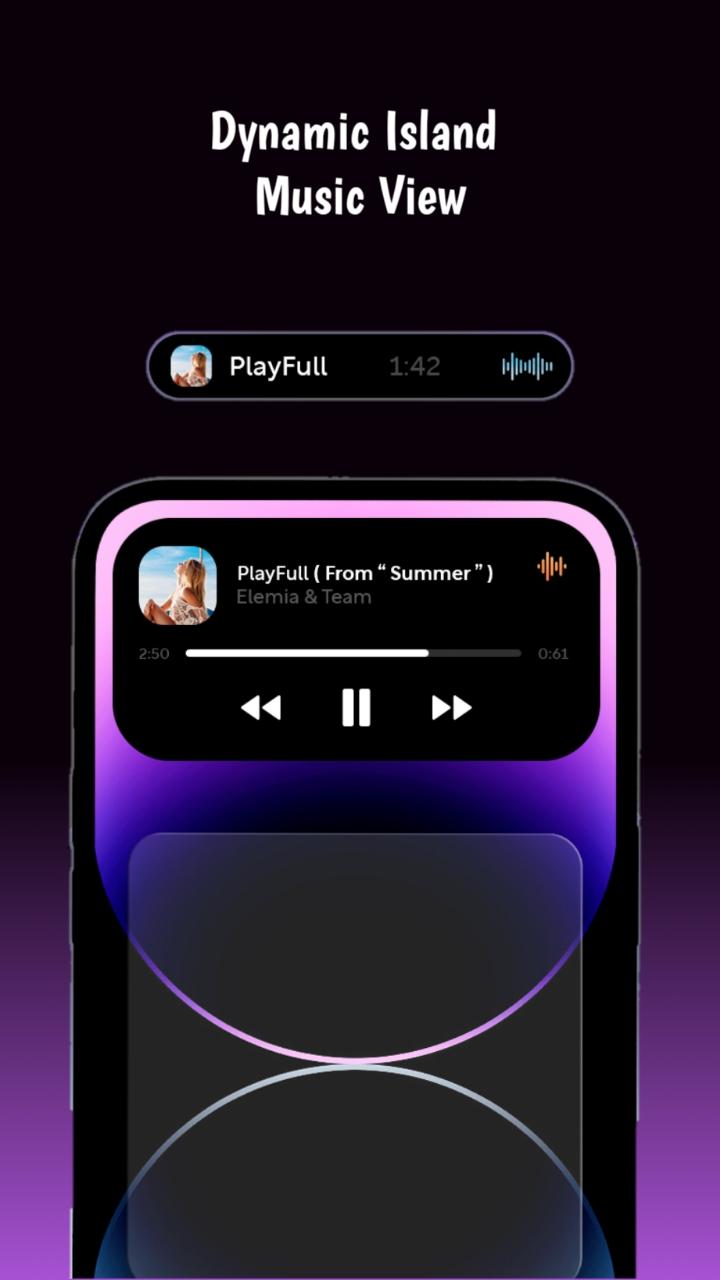
✔️ Show the track info on Dynamic Island - Notch iOS view when you play it in background and you can control it as PAUSE, NEXT, PREVIOUS.
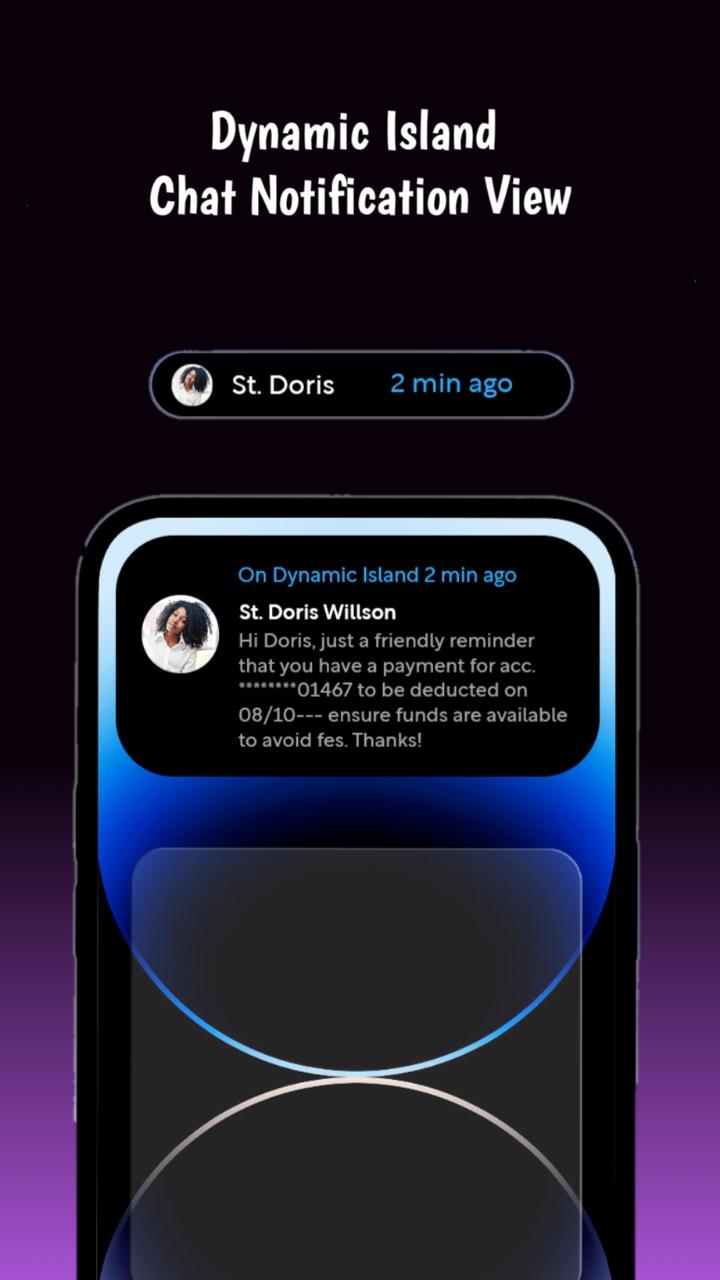
✔️ Easy to see the notifications and do the actions on Dynamic Island - Notch iOS view.
✔️ By swiping you can lock screen, do volume up down, take screenshot, you can do above actions on Menu layout showing on expanded Dynamic Island - Notch iOS
PERMISSION
✔️ BILLING donate to support our development team.
✔️ ACCESSIBILITY_SERVICE to display dynamic view.
✔️ BLUETOOTH_CONNECT to detect BT earphone inserted.
✔️ READ_NOTIFICATION to show media control or notifications on Dynamic view.
Preview
Tags
ProductivityInformation
Developer
Samami Gamedev
Latest Version
1.8
Last Updated
2022-10-16
Category
Productivity
Available on
Google Play
Show More
How to play Dynamic Island - Notch iOS 16 with GameLoop on PC
1. Download GameLoop from the official website, then run the exe file to install GameLoop
2. Open GameLoop and search for “Dynamic Island - Notch iOS 16” , find Dynamic Island - Notch iOS 16 in the search results and click “Install”
3. Enjoy playing Dynamic Island - Notch iOS 16 on GameLoop
Minimum requirements
OS
Windows 8.1 64-bit or Windows 10 64-bit
GPU
GTX 1050
CPU
i3-8300
Memory
8GB RAM
Storage
1GB available space
Recommended requirements
OS
Windows 8.1 64-bit or Windows 10 64-bit
GPU
GTX 1050
CPU
i3-9320
Memory
16GB RAM
Storage
1GB available space