
DoDay: To-Do List & Planner PC
Refinca UG (haftungsbeschränkt)
Download DoDay: To-Do List & Planner on PC With GameLoop Emulator
DoDay: To-Do List & Planner on PC
DoDay: To-Do List & Planner, coming from the developer Refinca UG (haftungsbeschränkt), is running on Android systerm in the past.
Now, You can play DoDay: To-Do List & Planner on PC with GameLoop smoothly.
Download it in the GameLoop library or search results. No more eyeing the battery or frustrating calls at the wrong time any more.
Just enjoy DoDay: To-Do List & Planner PC on the large screen for free!
DoDay: To-Do List & Planner Introduction
Stop procrastinating and achieve more every day with DoDay – To-Do List & Daily Planner.
Plan your tasks, organize your day, and track your progress — easily, intuitively, and across devices thanks to cloud sync (Premium).
Whether it’s chores, homework, bills, meetings, or personal goals — DoDay helps you stay productive and build better daily habits. Smart features like recurring tasks, flag-based priorities, color-coded categories, homescreen widget, and detailed statistics (Premium) let you focus on what truly matters.
Key Features:
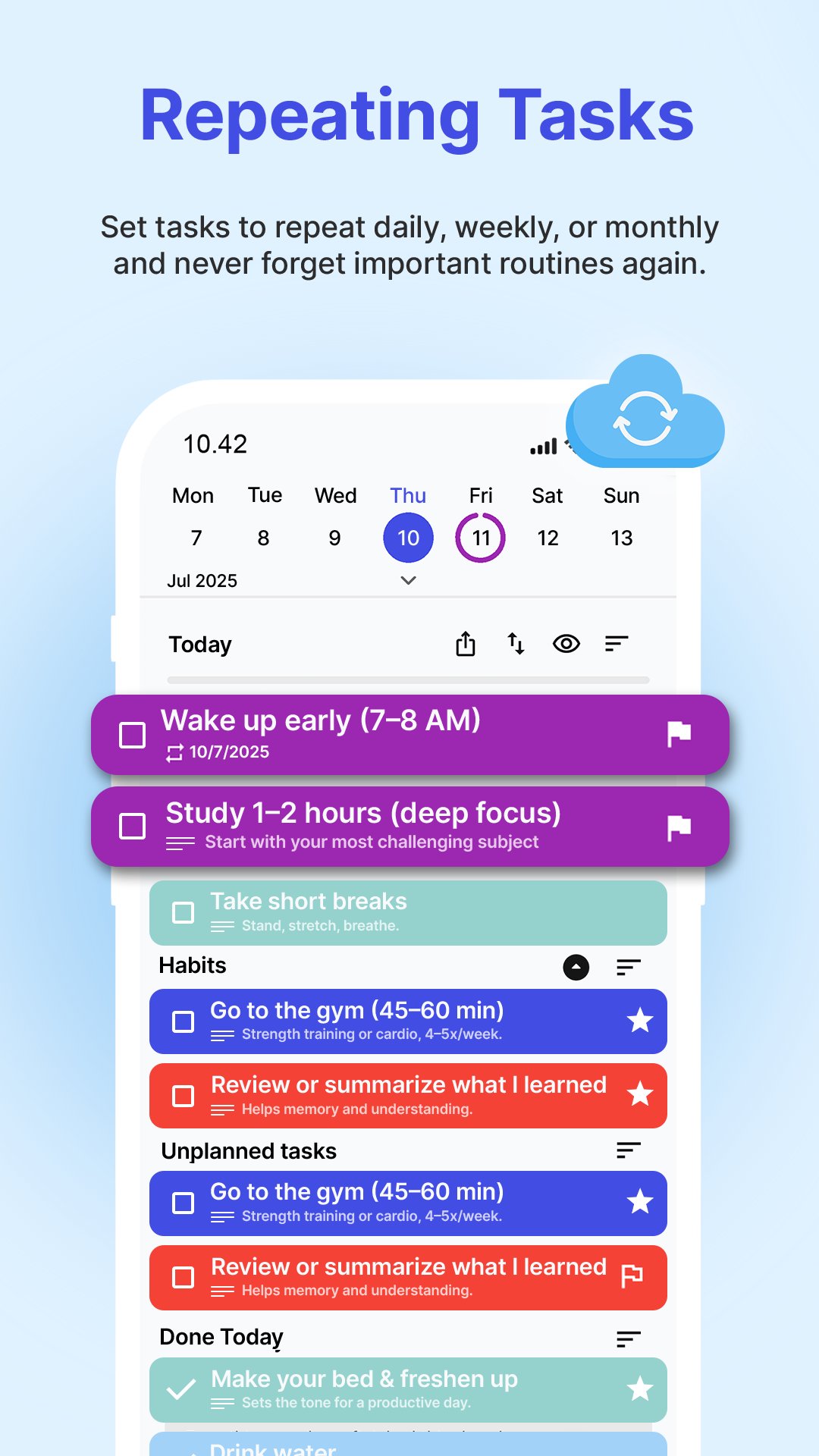
✅ Plan your day by assigning tasks to specific dates
✅ Prioritize with flags & organize with color-coded labels
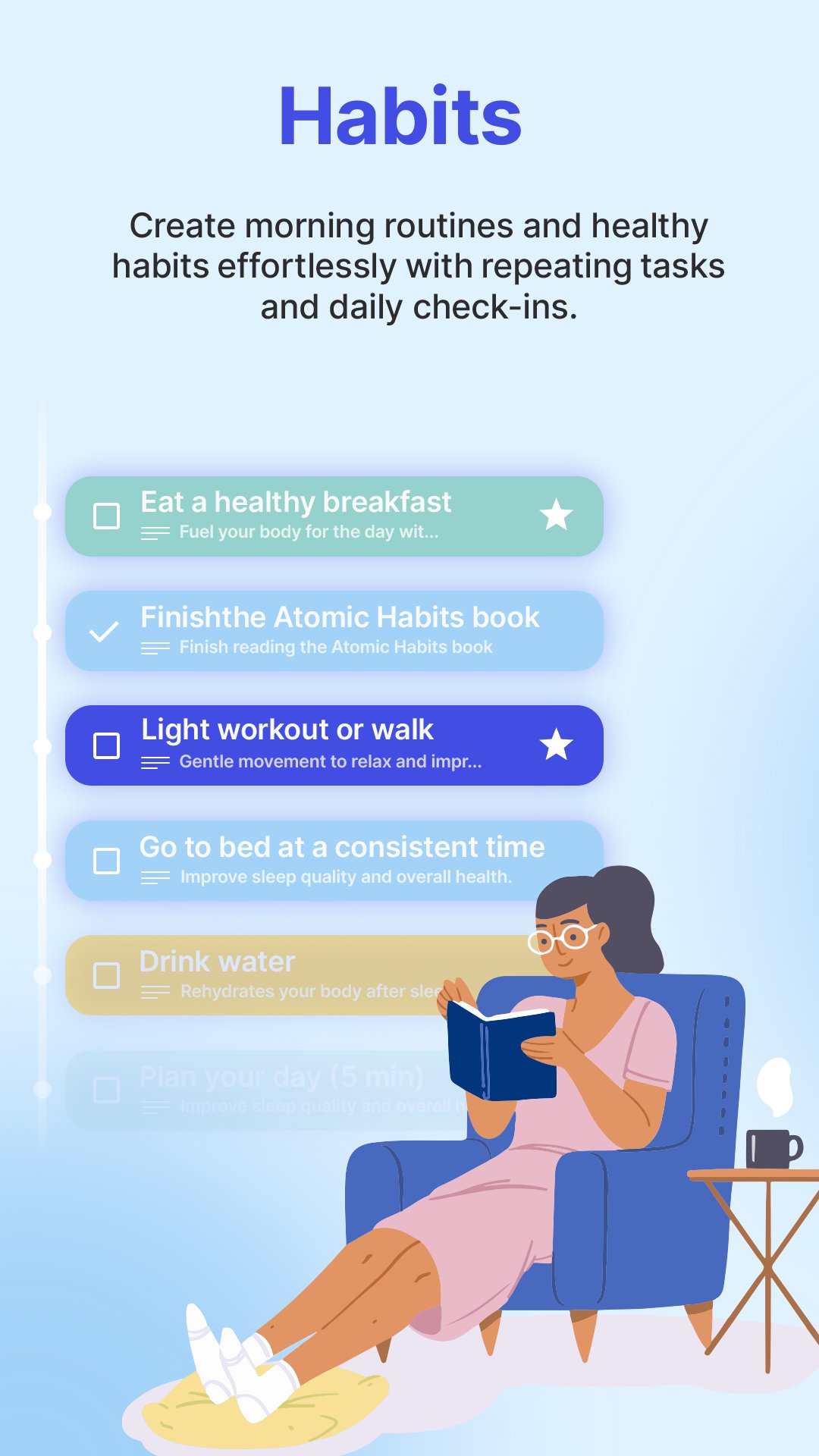
✅ Create and manage recurring tasks to build habits
✅ Homescreen Widget to check off today’s tasks at a glance
✅ Cloud sync — access your tasks from any device (Premium)
✅ See your progress with Statistics (Premium)
✅ Swipe left to plan, right to mark as done
✅ Track completed tasks in the Done Today section
✅ Available in multiple languages
✅ Minimalist, distraction-free design
How it works:
• Quickly add tasks anytime with notes & deadlines
• Organize by colors, prioritize with flags
• Every morning, plan your Today list by swiping tasks left
• Swipe right to complete tasks & celebrate progress
• Create recurring tasks for daily, weekly, or custom intervals
• Use the Widget to keep your tasks visible and accessible
• Sync your tasks in the cloud (Premium) and never lose your progress
• View Statistics (Premium) to reflect and improve
DoDay is your simple, powerful daily planner — perfect for students, professionals, parents, freelancers, and anyone who wants to stop procrastinating and reach their goals.
📧 We’d love to hear from you!
Send your thoughts, suggestions, or feedback to: request@kge-it.de — help us make DoDay even better.
⭐ Start your productive day with DoDay — and get more done, every single day!
Preview
Tags
ProductivityInformation
Developer
Refinca UG (haftungsbeschränkt)
Latest Version
4.1.1
Last Updated
2026-04-13
Category
Productivity
Available on
Google Play
Show More
How to play DoDay: To-Do List & Planner with GameLoop on PC
1. Download GameLoop from the official website, then run the exe file to install GameLoop
2. Open GameLoop and search for “DoDay: To-Do List & Planner” , find DoDay: To-Do List & Planner in the search results and click “Install”
3. Enjoy playing DoDay: To-Do List & Planner on GameLoop
Minimum requirements
OS
Windows 8.1 64-bit or Windows 10 64-bit
GPU
GTX 1050
CPU
i3-8300
Memory
8GB RAM
Storage
1GB available space
Recommended requirements
OS
Windows 8.1 64-bit or Windows 10 64-bit
GPU
GTX 1050
CPU
i3-9320
Memory
16GB RAM
Storage
1GB available space