Fast Scan text translator, OCR PC
Zed Inc
Download Fast Scan text translator, OCR on PC With GameLoop Emulator
Fast Scan text translator, OCR on PC
Fast Scan text translator, OCR, coming from the developer Zed Inc, is running on Android systerm in the past.
Now, You can play Fast Scan text translator, OCR on PC with GameLoop smoothly.
Download it in the GameLoop library or search results. No more eyeing the battery or frustrating calls at the wrong time any more.
Just enjoy Fast Scan text translator, OCR PC on the large screen for free!
Fast Scan text translator, OCR Introduction
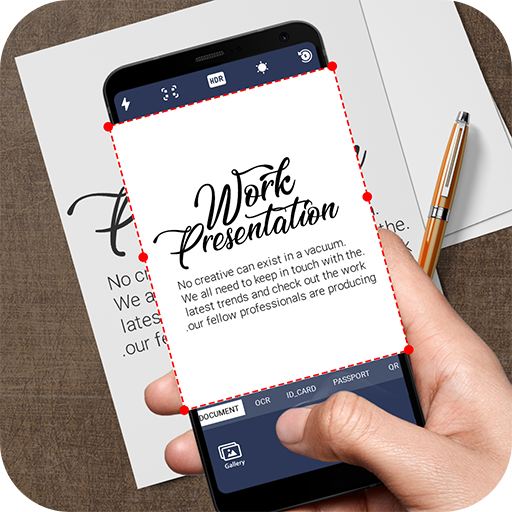
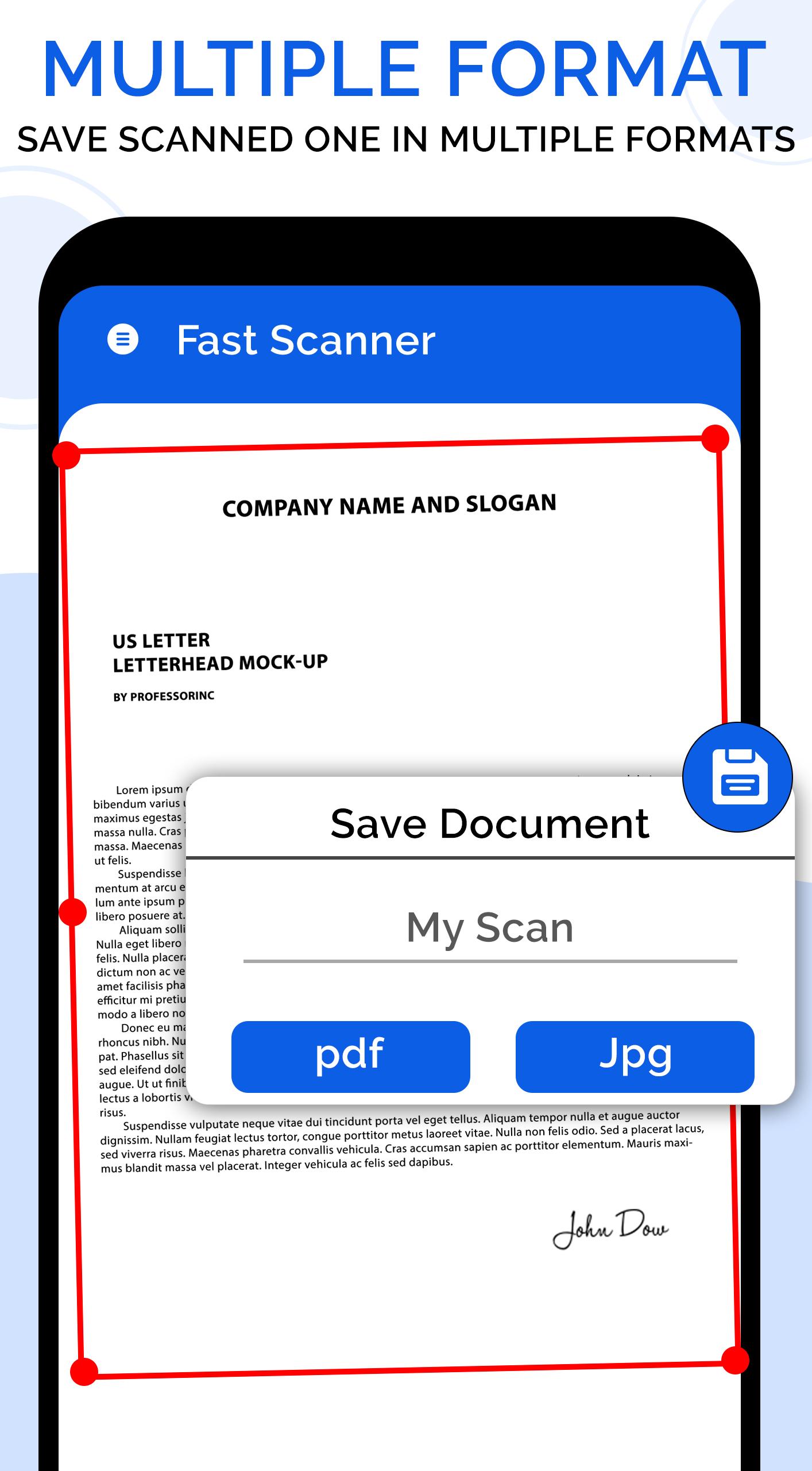
The fast scan is a new camera scanner & document scanner app to scan documents and photos instantly. It turns your mobile into a PDF maker and document scanner. It helps to scan any document, edit, adjust and share it as a PDF file or JPEG. With this PDF maker app, convert any document anywhere and anytime without any hassle. Document scanner has the best quality camera with high resolution. Edit your document by adjusting colors and cropping, then save or share it on email or social media.
With this free scanner app, scan documents of your office work or university/school anytime and anywhere with just one click. OCR text scanner feature helps you to scan photos with clarity and text readability. It has also the feature of a text scanner, which helps to extract text from PNG, PDF files, documents, photos, or any other type of image.
Fast scan & document scanner allows you to scan any kind of photo, document, receipts, any kind of bills and papers into PDF document or JPEG file. The best document scanner app for anyone like a businessman or school going. Extract text from any image/photo and then translate text by this photo translator app.
Barcode reader and QR code scanner is also an important feature of this fast scanner app. simply use your mobile camera, the barcode reader will automatically detect the QR code for you.
Features of Fast scanner app: document scanner & PDF Maker:
• Accurate & fast scan document than usual scanning app
• Document scanner with PDF maker and PDF converter
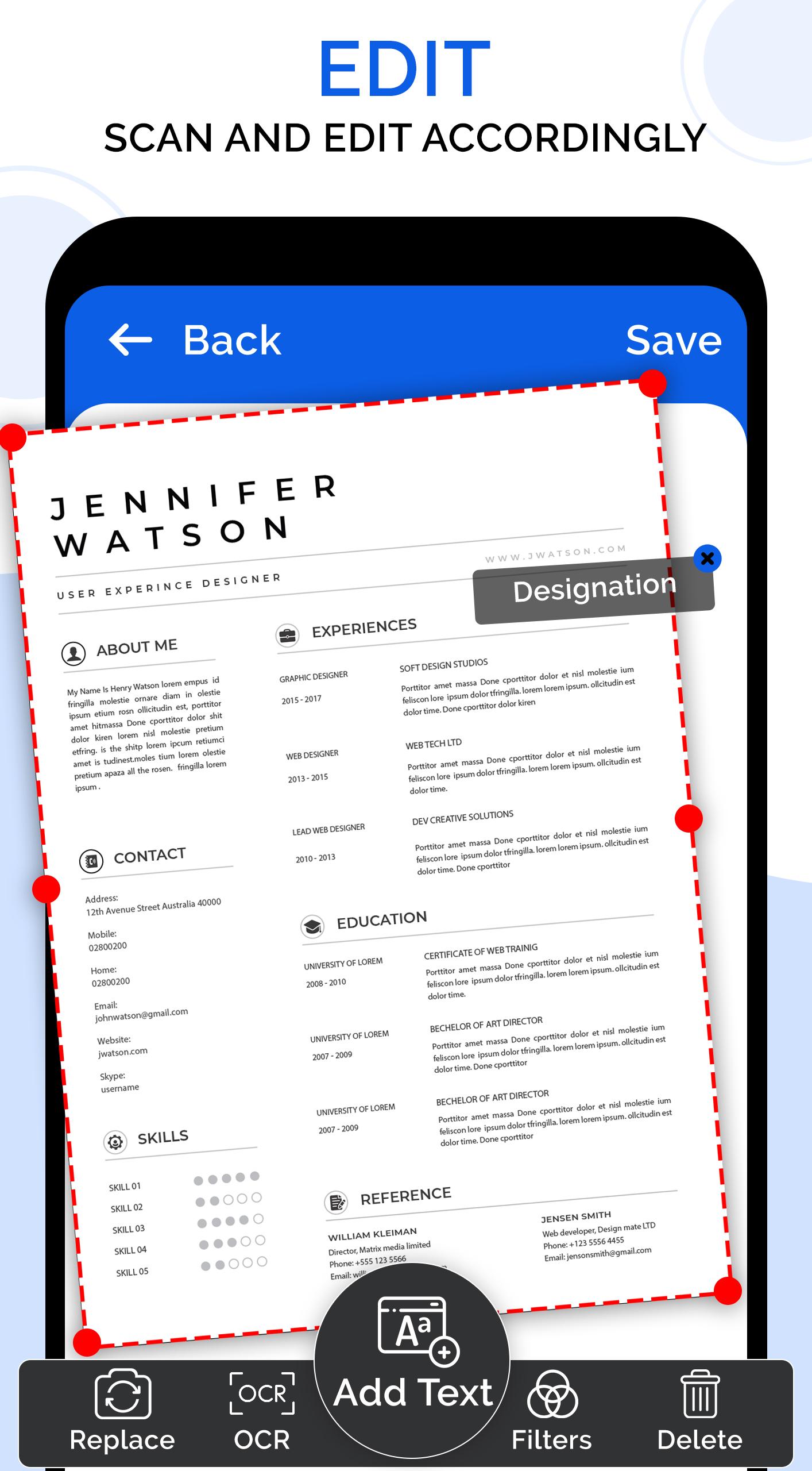
• Automatically & manually edit features: Adjust, crop, color enhancement, and much more
• Barcode reader & QR scanner will detect any code for you
• Extract text from a document and translate it in any language
• Cam scanner automatically detects language for you
• User-friendly UI and easy to use a scanner app
Photo Translator
It helps in translating documents, allows you to extract text from a document, & translate it into your desired language.
PDF Converter/ PDF Maker
It allows users to convert any document into a PDF file, it will be helpful for you to convert any document into a PDF document.
Document Scanner
Scan documents fast and it is easy to edit, adjust manually and automatically without any hassle.
Download fast scanner app: PDF maker and converter app and get back to us with your valuable feedback, and make your life easier by using this document scanner app.
Preview
Tags
ProductivityInformation
Developer
Zed Inc
Latest Version
3.0
Last Updated
2021-12-01
Category
Productivity
Available on
Google Play
Show More
How to play Fast Scan text translator, OCR with GameLoop on PC
1. Download GameLoop from the official website, then run the exe file to install GameLoop
2. Open GameLoop and search for “Fast Scan text translator, OCR” , find Fast Scan text translator, OCR in the search results and click “Install”
3. Enjoy playing Fast Scan text translator, OCR on GameLoop
Minimum requirements
OS
Windows 8.1 64-bit or Windows 10 64-bit
GPU
GTX 1050
CPU
i3-8300
Memory
8GB RAM
Storage
1GB available space
Recommended requirements
OS
Windows 8.1 64-bit or Windows 10 64-bit
GPU
GTX 1050
CPU
i3-9320
Memory
16GB RAM
Storage
1GB available space