
Threads PC
Threads
Download Threads on PC With GameLoop Emulator
Threads on PC
Threads, coming from the developer Threads, is running on Android systerm in the past.
Now, You can play Threads on PC with GameLoop smoothly.
Download it in the GameLoop library or search results. No more eyeing the battery or frustrating calls at the wrong time any more.
Just enjoy Threads PC on the large screen for free!
Threads Introduction
Chat can cause chaos, but it's too critical to remove.
Threads offers an easy middle-path for teams to retain all their favorite parts about chat, while moving towards a more asynchronous, written culture.
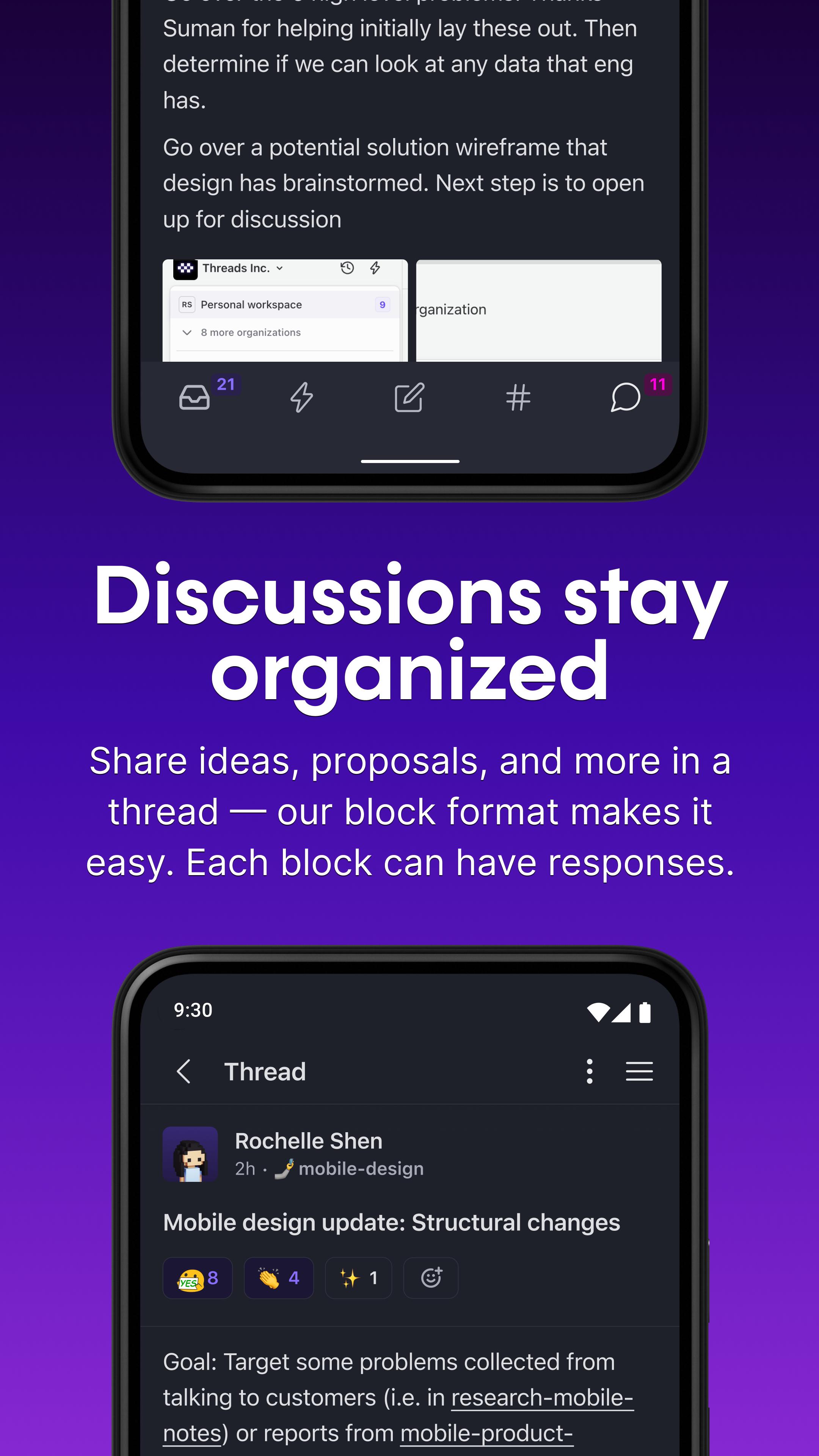
Threads are like twitter for work, which encourages punchy and easily skimmable updates & conversations, and fewer deluges of conversation that are impossible to keep up with. Breaking up longer thoughts into blocks lets your team skim, discuss, and decide on their time.
Import your slack team into Threads. With built-in chat, you can bring in all your teams regular habits and content from chat, while encouraging a transition to more async-friendly platform.
Record video narration over your thread. Talk through your thread to give your teammates additional context. The video is split up by block so it's easy for viewers to watch the parts that interest them, and for the creator to re-record any sections. With video narration, you may be able to skip your meeting entirely!
Preview

Tags
ProductivityInformation
Developer
Threads
Latest Version
2.2.6:5501-release
Last Updated
2024-02-07
Category
Productivity
Available on
Google Play
Show More
How to play Threads with GameLoop on PC
1. Download GameLoop from the official website, then run the exe file to install GameLoop
2. Open GameLoop and search for “Threads” , find Threads in the search results and click “Install”
3. Enjoy playing Threads on GameLoop
Minimum requirements
OS
Windows 8.1 64-bit or Windows 10 64-bit
GPU
GTX 1050
CPU
i3-8300
Memory
8GB RAM
Storage
1GB available space
Recommended requirements
OS
Windows 8.1 64-bit or Windows 10 64-bit
GPU
GTX 1050
CPU
i3-9320
Memory
16GB RAM
Storage
1GB available space