149 Live Calendar & ToDo List PC
149 Technologies
Download 149 Live Calendar & ToDo List on PC With GameLoop Emulator
149 Live Calendar & ToDo List on PC
149 Live Calendar & ToDo List, coming from the developer 149 Technologies, is running on Android systerm in the past.
Now, You can play 149 Live Calendar & ToDo List on PC with GameLoop smoothly.
Download it in the GameLoop library or search results. No more eyeing the battery or frustrating calls at the wrong time any more.
Just enjoy 149 Live Calendar & ToDo List PC on the large screen for free!
149 Live Calendar & ToDo List Introduction
Looking for the perfect calendar app – only for you, as family calendar or as shared calendar for your team? 149 Live Calendar is your all-in-one solution for managing your schedule, tasks, and more!
Seamlessly integrate all your calendars, including Google Calendar, Outlook, Office 365, and Exchange, so you can view everything in one beautiful, ad-free interface. Never miss a birthday again with automatic birthday reminders for your contacts.
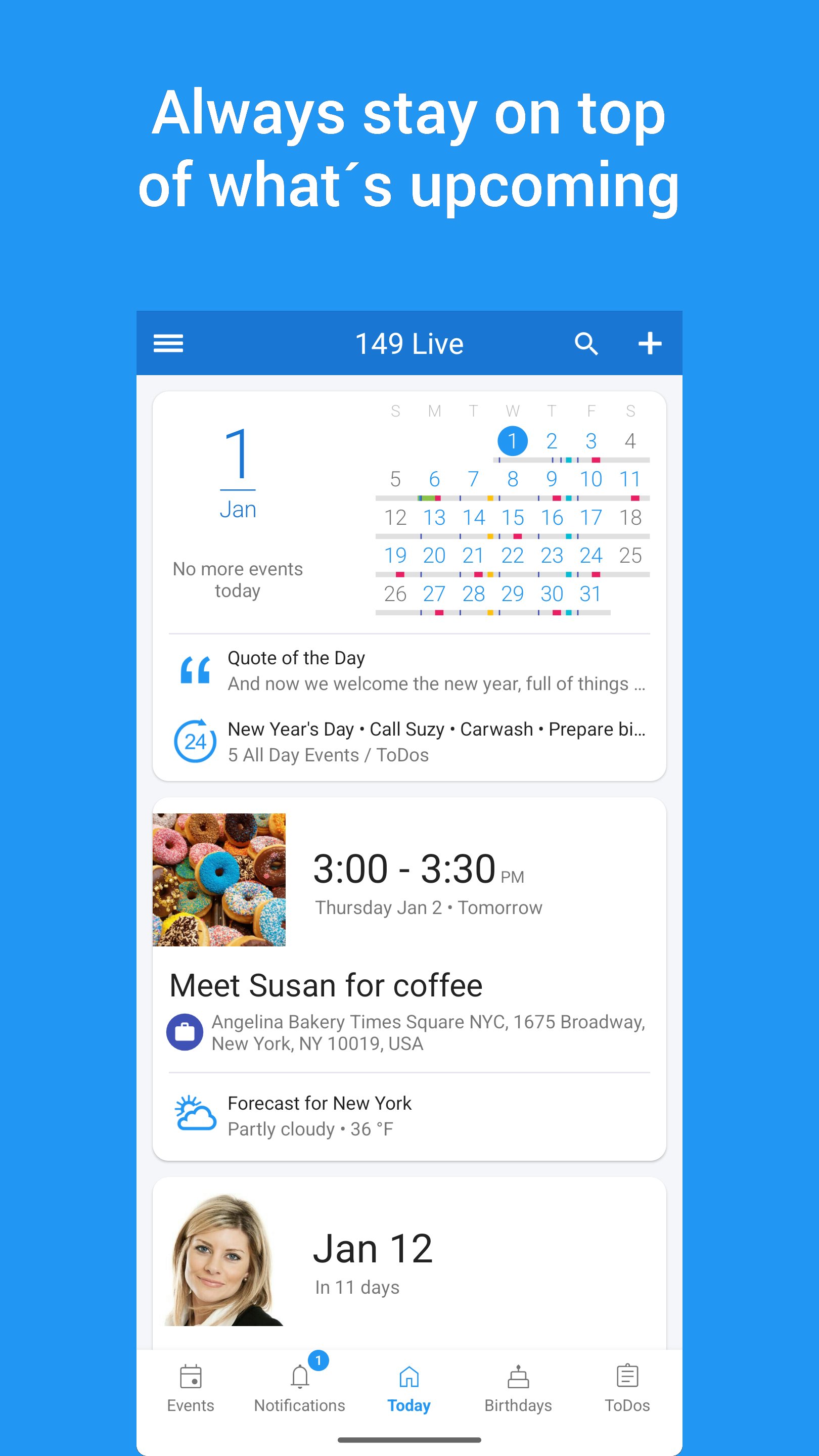
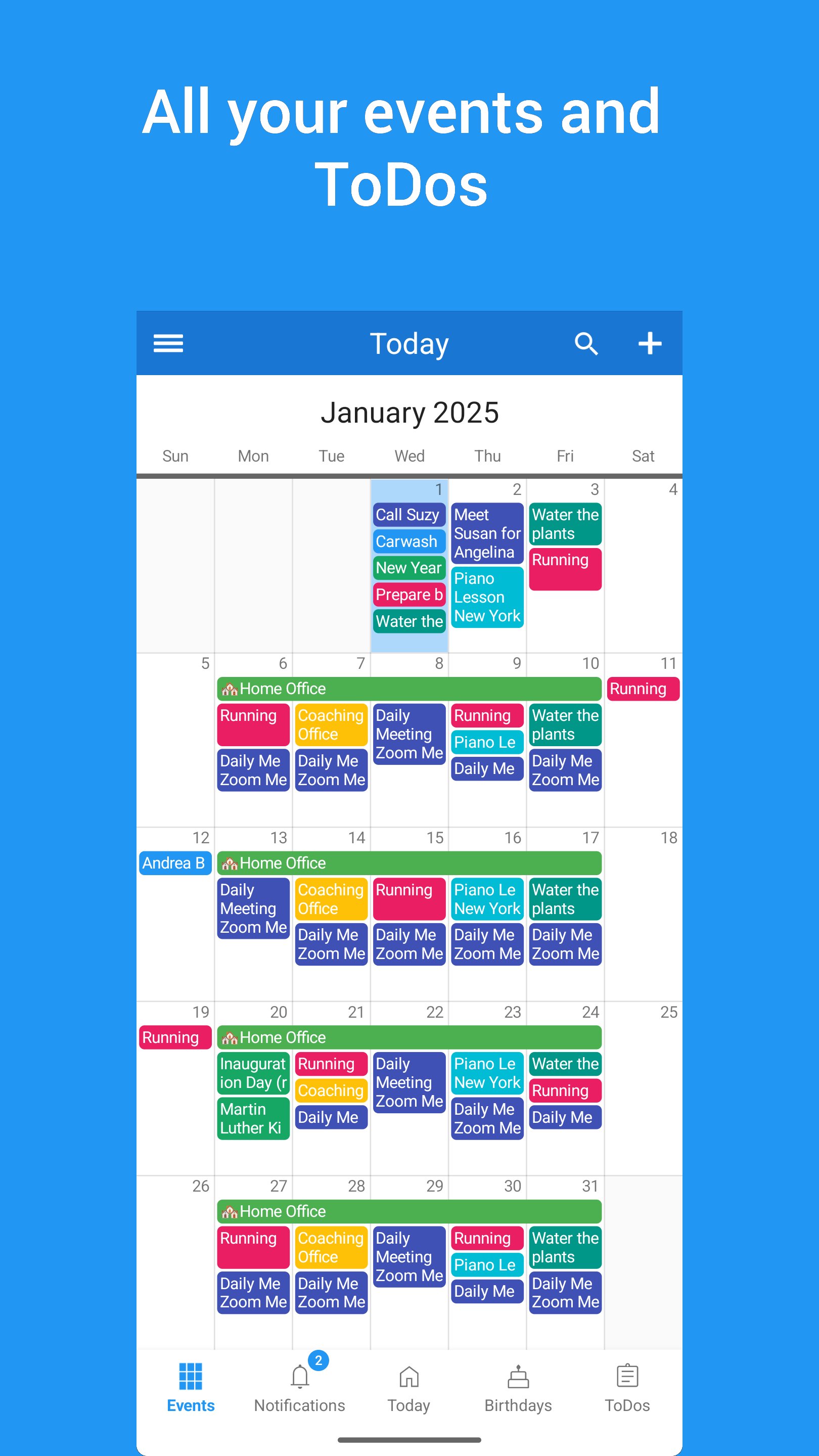
Visualize your schedule like never before with six powerful calendar views, from daily agendas, monthly and weekly schedules to yearly overviews and even a map view, and enjoy our unique feature set:
• Access your calendar at a glance with our beautifully designed home screen widgets
• Create and manage to-do lists, shopping lists, reminders, and even sync with Google Tasks. See your tasks integrated directly within your calendar views and widgets for ultimate organization.
• Add pictures to events, set reliable reminders, group entries using categories and more than 40 colors for your events and to-dos.
• Perfect when on the move: Get maps, navigation, local weather forecasts for each of your destinations, and top places nearby – we place your events in real-world context and enrich them with up-to-date data.
• Synchronize multiple devices or easily transfer your data to a new device, plus backup and export features.
All calendars and to-do lists can also be shared with family or team:
• Easily invite family, friends or colleagues and collaborate effortlessly!
• If needed, keep shared and private events in separate calendars or to-do lists.
• Including change history, notifications and access management!
When using 149 Live Calendar for business, there is even more:
• Streamline appointment scheduling with booking pages that allow clients to book directly into your calendar.
• Create and manage separate calendars and to-do lists for each of your teams
• Invite colleagues to meetings, instantly communicate with anyone you are planning to meet, or easily send messages to all guests – just more convenience and peace of mind.
Finally, upgrade to Pro version for over 50 additional features to supercharge your productivity! Customize color schemes, font sizes, and layout and content of each of our calendar views, print your calendar, add attachments to events and much more!
Preview
Tags
ProductivityInformation
Developer
149 Technologies
Latest Version
4.6.3
Last Updated
2026-02-20
Category
Productivity
Available on
Google Play
Show More
How to play 149 Live Calendar & ToDo List with GameLoop on PC
1. Download GameLoop from the official website, then run the exe file to install GameLoop
2. Open GameLoop and search for “149 Live Calendar & ToDo List” , find 149 Live Calendar & ToDo List in the search results and click “Install”
3. Enjoy playing 149 Live Calendar & ToDo List on GameLoop
Minimum requirements
OS
Windows 8.1 64-bit or Windows 10 64-bit
GPU
GTX 1050
CPU
i3-8300
Memory
8GB RAM
Storage
1GB available space
Recommended requirements
OS
Windows 8.1 64-bit or Windows 10 64-bit
GPU
GTX 1050
CPU
i3-9320
Memory
16GB RAM
Storage
1GB available space