
Calendar: Daily Agenda Planner PC
4th floor apps
Download Calendar: Daily Agenda Planner on PC With GameLoop Emulator
Calendar: Daily Agenda Planner on PC
Calendar: Daily Agenda Planner, coming from the developer 4th floor apps, is running on Android systerm in the past.
Now, You can play Calendar: Daily Agenda Planner on PC with GameLoop smoothly.
Download it in the GameLoop library or search results. No more eyeing the battery or frustrating calls at the wrong time any more.
Just enjoy Calendar: Daily Agenda Planner PC on the large screen for free!
Calendar: Daily Agenda Planner Introduction
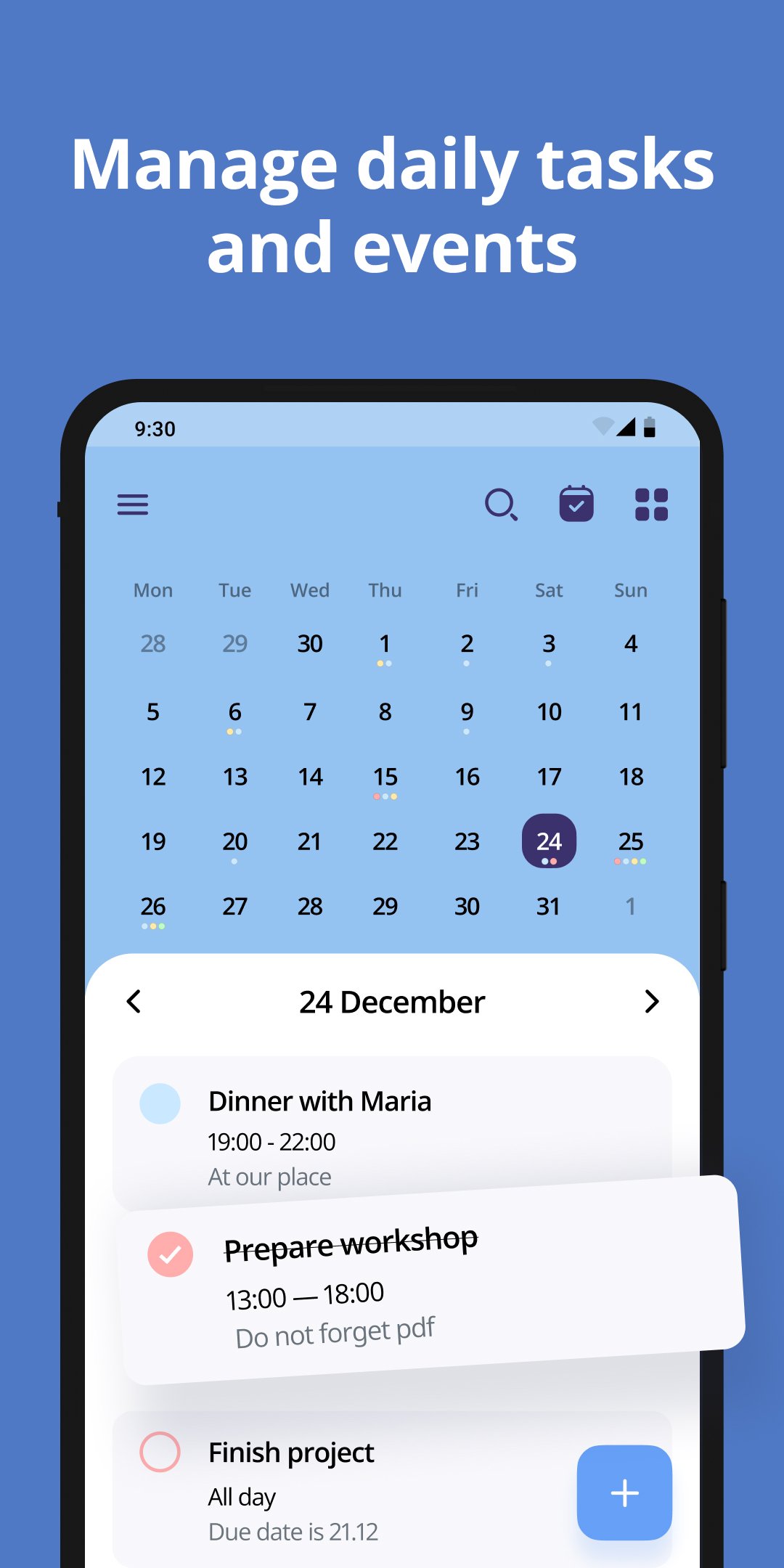
Take control of your time with a simple and powerful calendar built for real daily life. Plan meetings, organize tasks, set reminders and manage work and personal events in seconds. Whether you need a daily planner, a business calendar, a family organizer or a schedule you can trust, everything is in one place and easy to use.
This free calendar app combines your digital calendar, agenda planner and task manager into one smart tool. View your daily agenda, weekly planner or monthly calendar, track appointments, create events and stay on top of your routine without stress. Fast, clean and reliable, it helps you focus on what matters today.
Use it as your personal calendar, work schedule calendar or appointment scheduler. Create multiple calendars, share calendar access, compare work shifts and keep all events synchronized. Perfect for professionals, students and families.
📅 All calendars in one place
Sync Google calendar, Gmail calendar, MI calendar and local calendars. Manage business calendar, social calendar, holiday calendar and family calendar together.
📅 Flexible views for every plan
Switch between day planner, week calendar, weekly schedule, monthly planner or year view. Your daily schedule planner adapts to you.
📅 Agenda planner and tasks planner
Create daily tasks, to do list items, task list reminders and track everything with a powerful task tracker and task organizer.
📅 Appointment reminder system
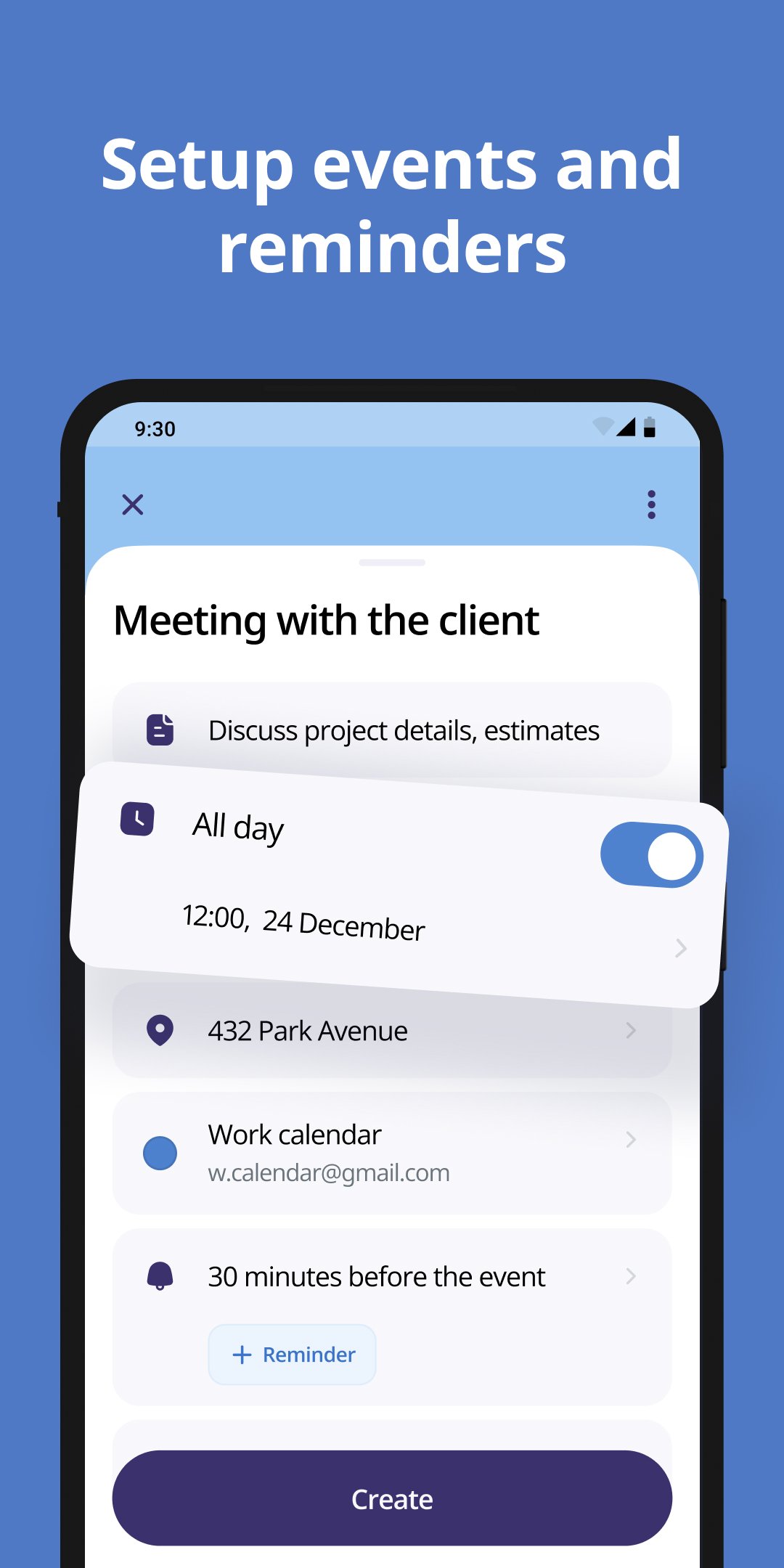
Never miss an appointment. Add recurring reminders, alarms and notifications for meetings, birthdays, travel itinerary or work shifts.
📅 Calendar widget and planner widget
Add a widget calendar or calender widget to your home screen. Check events, daily routine planner info and upcoming bookings instantly.
📅 Simple and customizable
Colorize calendars, personalize event types, add calendar notes, attachments and locations. Make your awesome calendar truly yours.
📅 Work and shift management
Use as a shift calendar, work planner or work schedule planner. Plan rotations, hourly planner needs and weekly planners with ease.
📅 Share and plan together
My calendar share options allow you to schedule appointments and manage all events with coworkers or family members.
📅 Free planner for everyday productivity
Use as a daily routine planner free, vacation planner, travel planner, booking calendar or journal planner.
This good planner app is designed for speed and clarity. A simple calendar, a powerful agenda calendar and a full calendar organizer in your pocket. From daily schedule free planning to long term monthly goals, it works anywhere.
If you searched for calendario, calender, calander, planner calender, calendar planner free or free daily planner apps, you found the right schedule app.
Download now and enjoy a better way to plan your daily life with the best calendar and organizer.
Preview
Tags
ProductivityInformation
Developer
4th floor apps
Latest Version
2.2.0
Last Updated
2026-04-20
Category
Productivity
Available on
Google Play
Show More
How to play Calendar: Daily Agenda Planner with GameLoop on PC
1. Download GameLoop from the official website, then run the exe file to install GameLoop
2. Open GameLoop and search for “Calendar: Daily Agenda Planner” , find Calendar: Daily Agenda Planner in the search results and click “Install”
3. Enjoy playing Calendar: Daily Agenda Planner on GameLoop
Minimum requirements
OS
Windows 8.1 64-bit or Windows 10 64-bit
GPU
GTX 1050
CPU
i3-8300
Memory
8GB RAM
Storage
1GB available space
Recommended requirements
OS
Windows 8.1 64-bit or Windows 10 64-bit
GPU
GTX 1050
CPU
i3-9320
Memory
16GB RAM
Storage
1GB available space