
BarTender Mobile App PC
Seagull Scientific, Inc.
Download BarTender Mobile App on PC With GameLoop Emulator
BarTender Mobile App on PC
BarTender Mobile App, coming from the developer Seagull Scientific, Inc., is running on Android systerm in the past.
Now, You can play BarTender Mobile App on PC with GameLoop smoothly.
Download it in the GameLoop library or search results. No more eyeing the battery or frustrating calls at the wrong time any more.
Just enjoy BarTender Mobile App PC on the large screen for free!
BarTender Mobile App Introduction
BarTender Mobile App
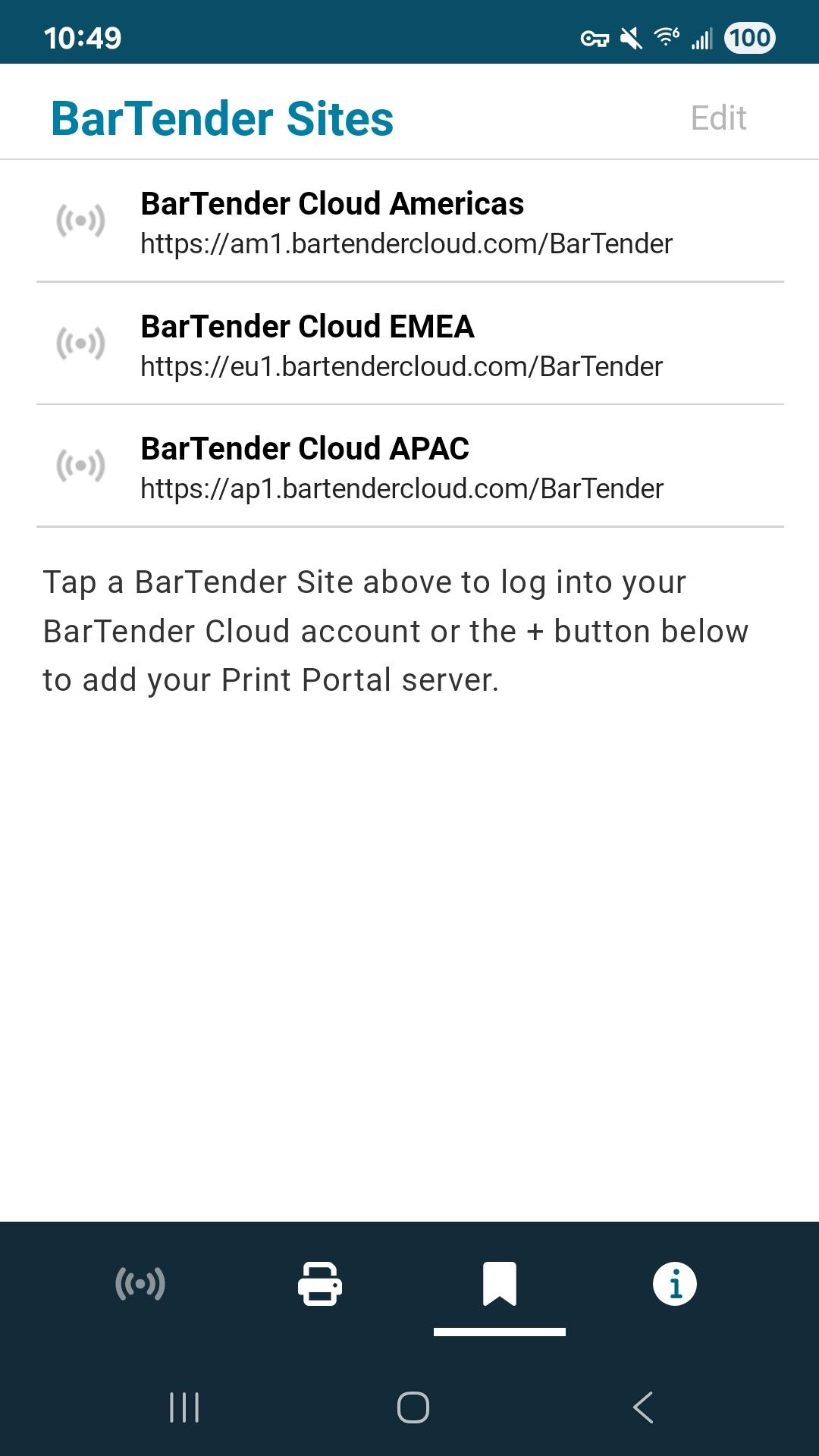
BarTender provides easy, fast and secure mobile printing of documents, barcode labels and RFID tags at your source of work. The app works with active BarTender Print Portal (BarTender 11.4, 2022, 2021) or BarTender Cloud to print existing labels directly from a mobile device.
• Print at the source of work including print operator forms and predefined data entry options
• Select and print your label documents
• Add real-time data
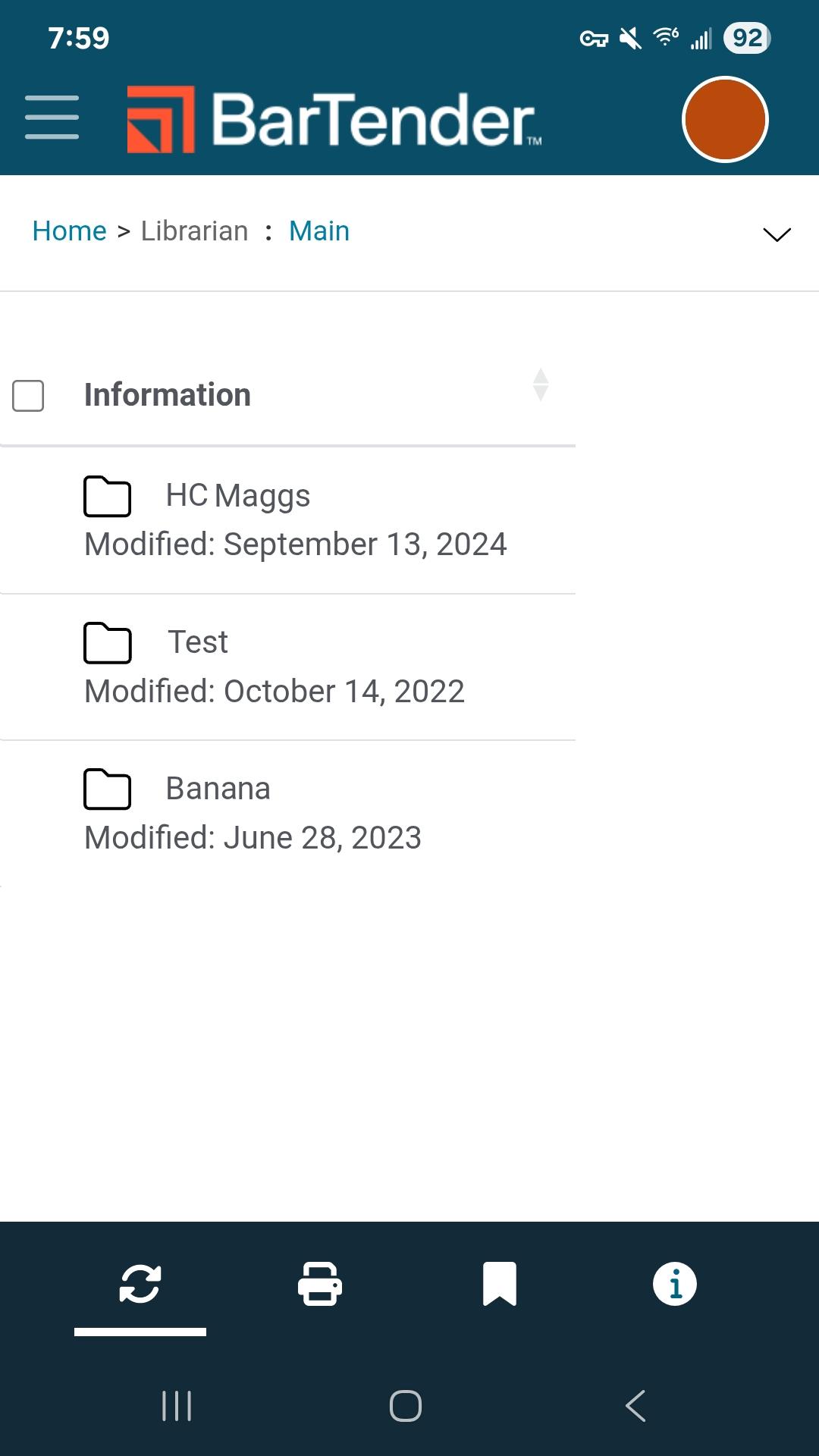
• Centralize label template management
• Automatically discover and connect to any Bluetooth printer
• Maintain mission-critical security
• Enable automatic login
• Configure document folders
• Configure printers
For support, refer to https://support.seagullscientific.com
For information about how to connect to your Print Portal, refer to https://help.seagullscientific.com/BarTenderMobile/
Seagull Software
Developer
Preview
Tags
ProductivityInformation
Developer
Seagull Scientific, Inc.
Latest Version
2.2.5
Last Updated
2025-08-05
Category
Productivity
Available on
Google Play
Show More
How to play BarTender Mobile App with GameLoop on PC
1. Download GameLoop from the official website, then run the exe file to install GameLoop
2. Open GameLoop and search for “BarTender Mobile App” , find BarTender Mobile App in the search results and click “Install”
3. Enjoy playing BarTender Mobile App on GameLoop
Minimum requirements
OS
Windows 8.1 64-bit or Windows 10 64-bit
GPU
GTX 1050
CPU
i3-8300
Memory
8GB RAM
Storage
1GB available space
Recommended requirements
OS
Windows 8.1 64-bit or Windows 10 64-bit
GPU
GTX 1050
CPU
i3-9320
Memory
16GB RAM
Storage
1GB available space