
Days Since - days counting app PC
pigmal, LLC
Download Days Since - days counting app on PC With GameLoop Emulator
Days Since - days counting app on PC
Days Since - days counting app, coming from the developer pigmal, LLC, is running on Android systerm in the past.
Now, You can play Days Since - days counting app on PC with GameLoop smoothly.
Download it in the GameLoop library or search results. No more eyeing the battery or frustrating calls at the wrong time any more.
Just enjoy Days Since - days counting app PC on the large screen for free!
Days Since - days counting app Introduction
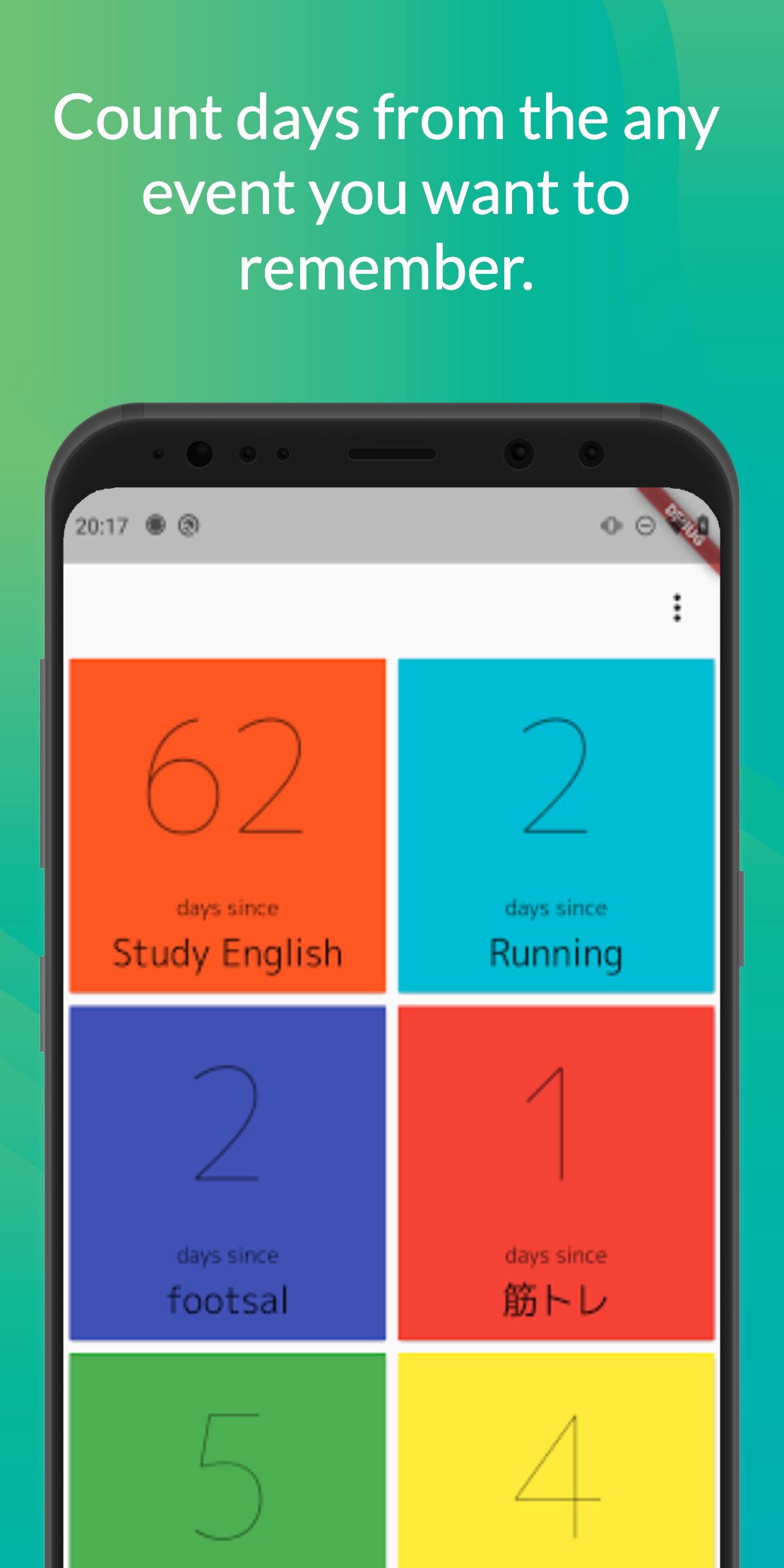
Daily Event Tracker - Keep Track of Days Since Last Activities
[Google account required] This app requires you to sign in with a Google account to access all features.
Effortlessly monitor how many days have passed since your significant activities with our app. Designed for those looking to keep a precise record of the intervals between events, its user-friendly interface and real-time synchronization ensure you're always up to date, no matter how busy life gets.
Key Features:
- Activity Interval Tracking: Automatically calculates the number of days since each of your listed events.
Sleek Design: Navigate through a clean and attractive interface to quickly access your records.
- Sync Across Devices: Keep your event tracking consistent with real-time data synchronization on all devices.
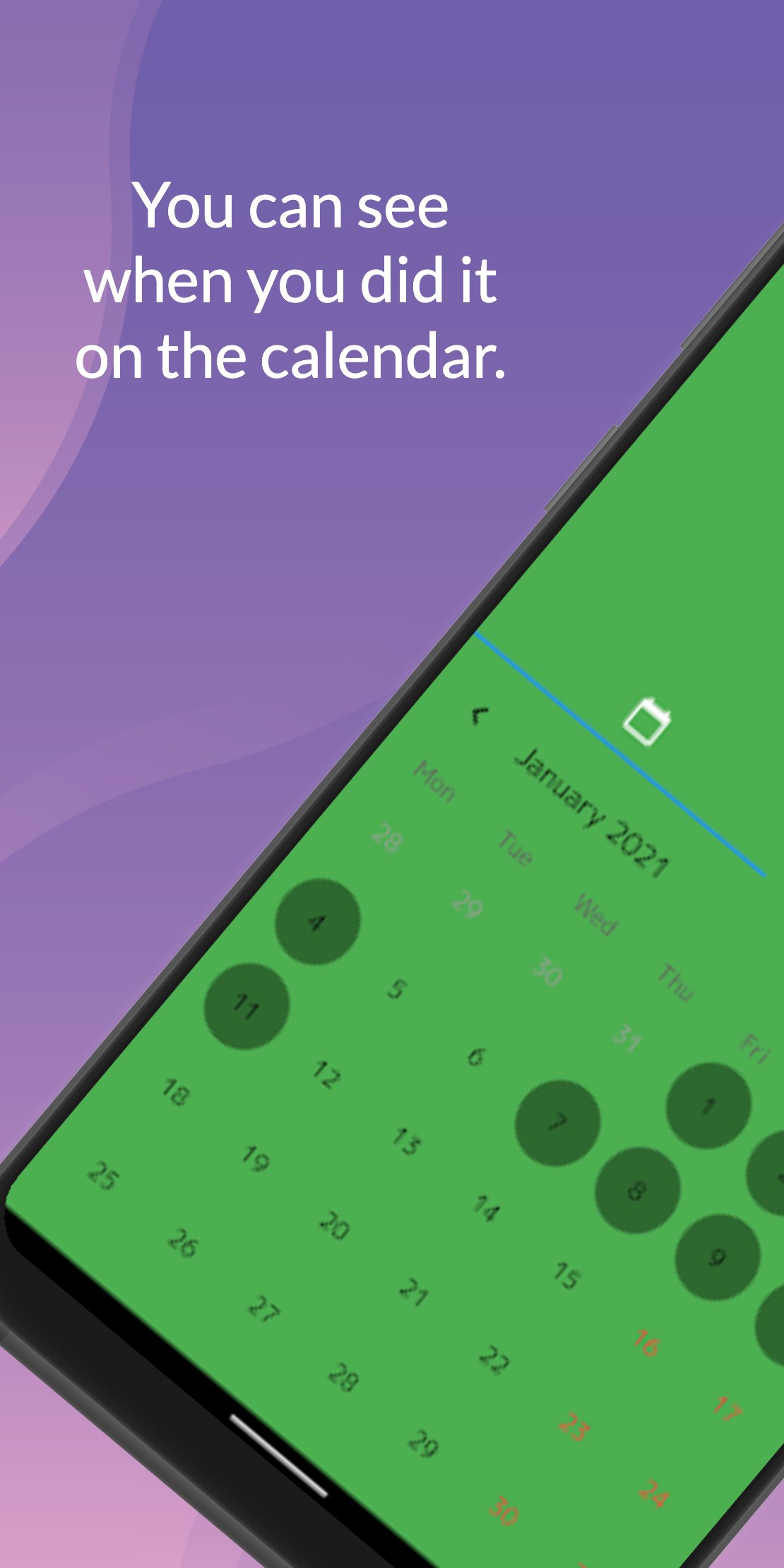
- Fully Customizable: Tailor event names and dates to fit your tracking needs.
- Reliable Performance: Experience a smooth, crash-free application with a 99%+ uptime.
How to Edit Dates:
Changing an event's date is straightforward. For a detailed guide, check out this tutorial https://youtu.be/rSMmmbtKzqo
Introducing Our Crash Analyzer:
We're proud to offer a reliable app that's crash-free for the vast majority of our users. Should you encounter any issues due to the unique combinations of device specifications and network conditions, rest assured that we're here to help.
Your Feedback Matters:
Have ideas on how to enhance the app or spotted something amiss? Let us know through the in-app feedback feature.
Premium Plan:
By upgrading to the premium plan, you can increase the maximum number of events from 20 to 1000, enjoy the app without ads, and access an extended color palette for more customization. This greatly expands your freedom of operation and allows you to concentrate more on utilizing the app's functions. Opt for an ad-free experience to make tracking even more seamless.
Start tracking the days since your last activities today and gain insights into your habits and milestones. Download now and take the first step towards organized event tracking.
Preview
Tags
ProductivityInformation
Developer
pigmal, LLC
Latest Version
2.9.1
Last Updated
2025-11-18
Category
Productivity
Available on
Google Play
Show More
How to play Days Since - days counting app with GameLoop on PC
1. Download GameLoop from the official website, then run the exe file to install GameLoop
2. Open GameLoop and search for “Days Since - days counting app” , find Days Since - days counting app in the search results and click “Install”
3. Enjoy playing Days Since - days counting app on GameLoop
Minimum requirements
OS
Windows 8.1 64-bit or Windows 10 64-bit
GPU
GTX 1050
CPU
i3-8300
Memory
8GB RAM
Storage
1GB available space
Recommended requirements
OS
Windows 8.1 64-bit or Windows 10 64-bit
GPU
GTX 1050
CPU
i3-9320
Memory
16GB RAM
Storage
1GB available space