
CDR Analyzer PC
iCube Solutions, Hyderabad- 9848086740
Download CDR Analyzer on PC With GameLoop Emulator
CDR Analyzer on PC
CDR Analyzer, coming from the developer iCube Solutions, Hyderabad- 9848086740, is running on Android systerm in the past.
Now, You can play CDR Analyzer on PC with GameLoop smoothly.
Download it in the GameLoop library or search results. No more eyeing the battery or frustrating calls at the wrong time any more.
Just enjoy CDR Analyzer PC on the large screen for free!
CDR Analyzer Introduction
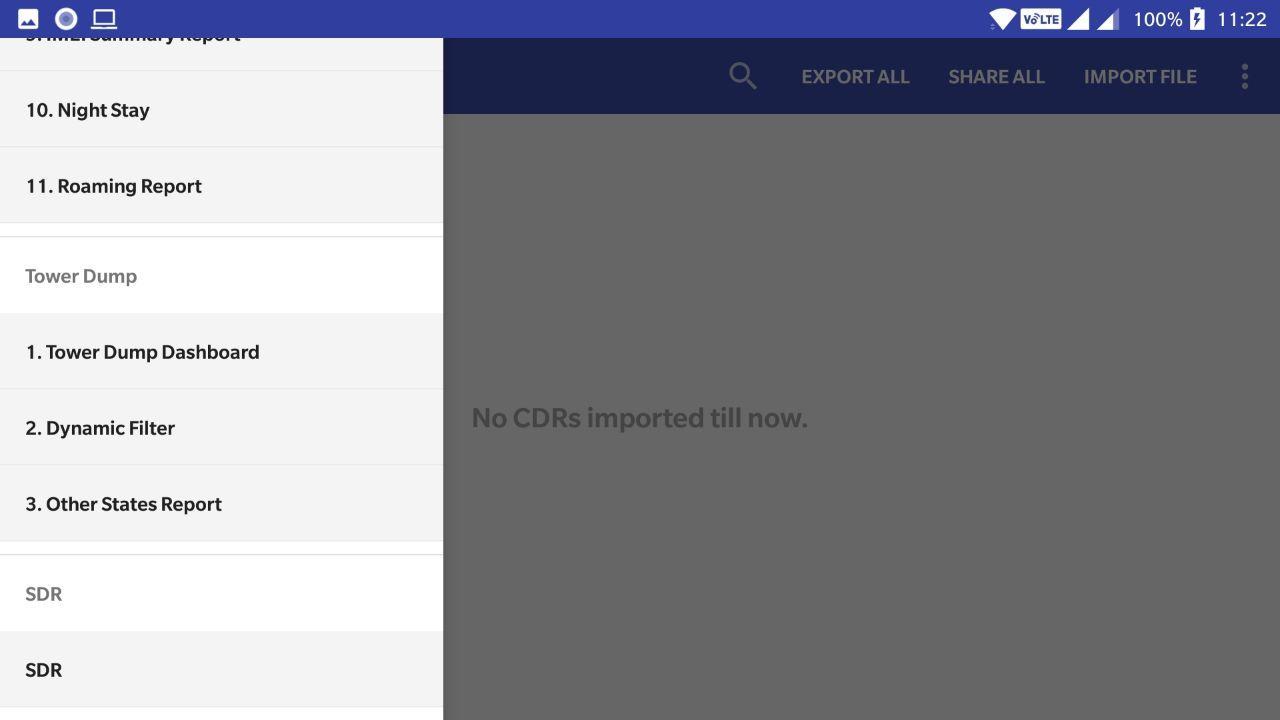
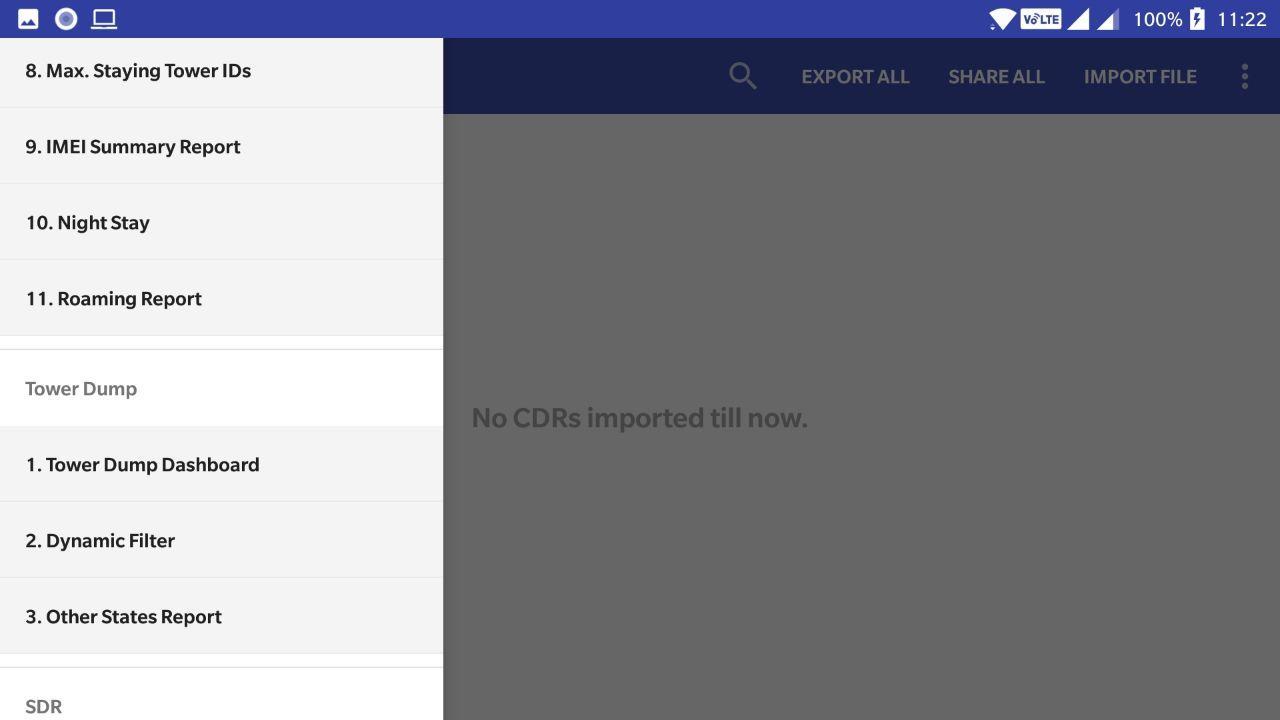
CDR Analyzer Android App is used to import Mobile / IMEI CDRs and Tower Dumps of several file formats (.xls, .xlsx, .csv, .txt, etc.,), generates reports such as Tower Address* mapping of the Cell IDs, Summary, SDR* Summary, Navigation on google map, Max. calls to other party, Max. duration to other Party, Max. Staying Tower ID, IMEI Summary, Night Stay, Roaming, Dynamic Filters, Other States Calls Report, etc.,
Single Number SDR* Search Option, Export each / all Reports, Share each / all Reports.
New Users, after installing the App kindly Register with the following details:
Name, Mobile No., Rank, Wing / Department, District / City, State / UT.
NOTE : We (I Cube Solutions) do not provide Cell ID Database, User must have the Cell ID
Database in their mobile / tab / system)
We (I Cube Solutions) do not provide SDR data, User must have the SDR
data in their mobile / tab / system)
For more Information Contact iCube Solutions, Hyderabad
Tel: 040-40249396
Mahender : 9848086740 // 7760133311
Karunakar : 9059061797 // 8074136918
i9 - CDR Analyzer Android App Features:
1 Import: Provision to import any file format(.xls, .xlsx, .csv, .txt, .html) Mobile CDR /
IMEI CDR without changing / arranging the sequence of columns and without
updating Date formats.
2 Report: Tower Address Mapping
3 Report: Provision to get Tower Id. Info. through Online (in case of new Tower IDs)
by selecting the option “Get Addresses”
4 Report: Summary of CDR
5 SDR: SDR Summary of CDR
(I Cube Solutions do not provide SDR data, Customer must have the SDR
data in their mobile / tab / system)
6 Google Map: CDR Person’s Tower ID locations shows on Google Map
7 Google Map: CDR Person’s moments Navigation on Google Map
8 Report: Maximum No. of Calls to Other Party
9 Report: Maximum Duration of calls to Other Party
10 Report: Max Spending Tower ID
11 Report: IMEI Summary Details
12 Report: Night Stay call Details
13 Report: Roaming Calls Details
14 Filters: Provision to select the filters to view the filtered CDR data
15 Import: Provision to import any file format(.xls, .xlsx, .csv, .txt, .html) Tower CDR
without changing / arranging the sequence of columns and without updating Date
formats.
16 Filters: Provision to select the dynamic filters to view the filtered Tower CDR data
17 Report: Other States call Details
18 SDR: Provision to get the SDR information of a given Mobile Number.
(iCube Solutions does not provide SDR data, Customer should ensure to have the SDR
data in their mobile / tab / system)
19 Export: Provision to export the analysis reports to Excel file.
20 Share: Provision to Share the analysis reports exported file through Whatsapp,
ShareIT, gmail, etc.,
21 Search: Provision to search a given keyword in all the columns
22 Dashboard: Provision to show the imported Mobile / IMEI CDRs and Tower CDRs
23 Delete: Provision to delete the imported Mobile / IMEI CDRs and Tower CDRs
24 Play Store: Any update of this Android Application is available in Play Store. User can
update the APP through play store.
25 Play Store: First time user of this Android Application has to do New User registration
by providing the required details (genuine) and then directly login to the Application
and use it for limited period of time.
Preview
Tags
ProductivityInformation
Developer
iCube Solutions, Hyderabad- 9848086740
Latest Version
1.14
Last Updated
2021-01-02
Category
Productivity
Available on
Google Play
Show More
How to play CDR Analyzer with GameLoop on PC
1. Download GameLoop from the official website, then run the exe file to install GameLoop
2. Open GameLoop and search for “CDR Analyzer” , find CDR Analyzer in the search results and click “Install”
3. Enjoy playing CDR Analyzer on GameLoop
Minimum requirements
OS
Windows 8.1 64-bit or Windows 10 64-bit
GPU
GTX 1050
CPU
i3-8300
Memory
8GB RAM
Storage
1GB available space
Recommended requirements
OS
Windows 8.1 64-bit or Windows 10 64-bit
GPU
GTX 1050
CPU
i3-9320
Memory
16GB RAM
Storage
1GB available space