
Hopper HQ PC
Hopper HQ
Download Hopper HQ on PC With GameLoop Emulator
Hopper HQ on PC
Hopper HQ, coming from the developer Hopper HQ, is running on Android systerm in the past.
Now, You can play Hopper HQ on PC with GameLoop smoothly.
Download it in the GameLoop library or search results. No more eyeing the battery or frustrating calls at the wrong time any more.
Just enjoy Hopper HQ PC on the large screen for free!
Hopper HQ Introduction
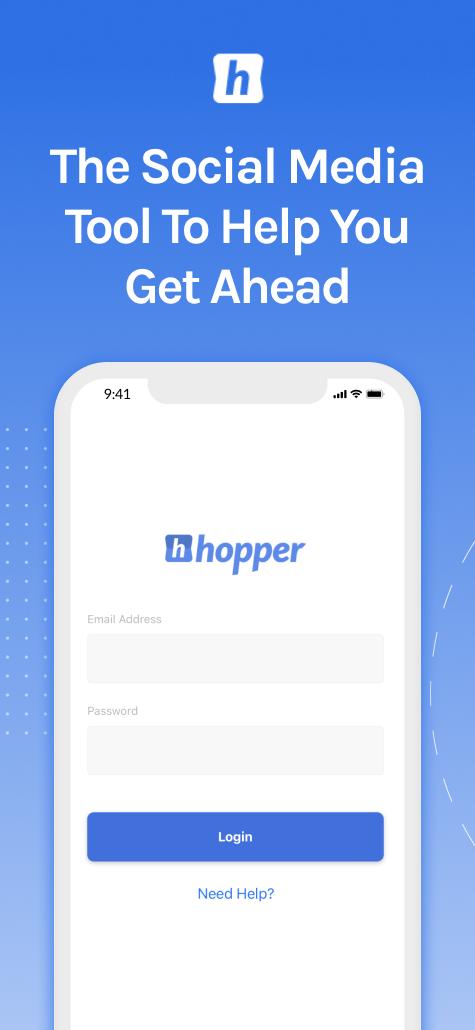
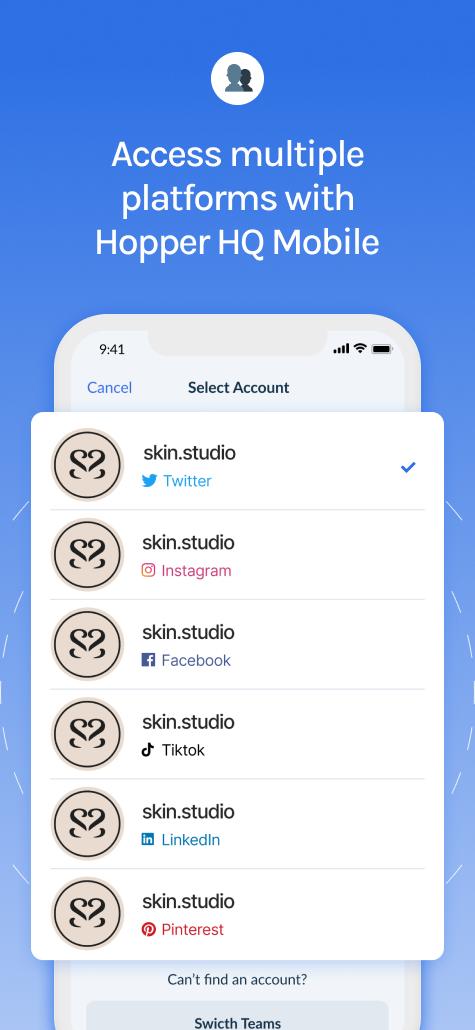
Easy social media scheduling with Hopper HQ! Simplify your social media strategy by with Hopper HQ. Plan, schedule, and publish posts on Instagram, Facebook, Twitter, LinkedIn, TikTok, Pinterest & YouTube Short from a single app. Create and edit your posts, then set them to publish automatically at your chosen times.
The Hopper HQ app is your comprehensive solution for maintaining a vibrant and consistent social media presence. Say goodbye to last-minute scrambling and start creating a well-curated feed your audience will love.
⭐️Key Features⭐️
All-in-One Scheduling:
Seamlessly schedule posts for Instagram, Facebook, Twitter, LinkedIn, TikTok, Pinterest & YouTube Short from a single app. Create and edit your posts, then set them to publish automatically at your chosen times.
Time-Saving Tools:
Our app is designed with efficiency in mind. Craft your posts on the go, save them as drafts, then sit back as they're posted automatically according to your schedule.
Content Repurposing:
Maximize the impact of your best content by easily tweaking and rescheduling posts for different platforms right within the app.
Optimal Posting Times:
Take the guesswork out of scheduling with social analytics (available on the desktop web app). See when your followers are most engaged and most active online.
Effective Hashtagging:
Improve the reach of your posts with our unique Hashtag Suggestions feature, tailored specifically to your audience.
Intuitive Visual Planner:
Plan and preview your Instagram feed in advance with our Visual Planner. Easily drag and drop posts to craft the perfect aesthetic for your brand.
Collaborative Platform:
Work with your team on content planning and approval processes. Assign roles, leave comments, and ensure everyone is on the same page.
In-Depth Analytics:
Make informed decisions with our powerful analytics tool. Understand your audience better, measure post performance, and identify opportunities for improvement.
Powerful Desktop Web App:
Users of the Hopper HQ mobile app also get access to the powerful Desktop webapp. Work on the go with the mobile app then access your planned posts and analytics from the Hopper HQ webapp on your desktop or laptop.
Experience the difference Hopper HQ can make for your social media strategy. Download now!
For any questions or support, reach out to us at:
Email: support@hopperhq.com
Twitter: @hopper_hq
Instagram: @hopper_hq
Preview
Tags
ProductivityInformation
Developer
Hopper HQ
Latest Version
1.5.2
Last Updated
2024-11-27
Category
Productivity
Available on
Google Play
Show More
How to play Hopper HQ with GameLoop on PC
1. Download GameLoop from the official website, then run the exe file to install GameLoop
2. Open GameLoop and search for “Hopper HQ” , find Hopper HQ in the search results and click “Install”
3. Enjoy playing Hopper HQ on GameLoop
Minimum requirements
OS
Windows 8.1 64-bit or Windows 10 64-bit
GPU
GTX 1050
CPU
i3-8300
Memory
8GB RAM
Storage
1GB available space
Recommended requirements
OS
Windows 8.1 64-bit or Windows 10 64-bit
GPU
GTX 1050
CPU
i3-9320
Memory
16GB RAM
Storage
1GB available space