
Dark Web Browser: dark web PC
Dark Web Browser
Download Dark Web Browser: dark web on PC With GameLoop Emulator
Dark Web Browser: dark web on PC
Dark Web Browser: dark web, coming from the developer Dark Web Browser, is running on Android systerm in the past.
Now, You can play Dark Web Browser: dark web on PC with GameLoop smoothly.
Download it in the GameLoop library or search results. No more eyeing the battery or frustrating calls at the wrong time any more.
Just enjoy Dark Web Browser: dark web PC on the large screen for free!
Dark Web Browser: dark web Introduction
This browsing application provide end to end encryption for their privacy and also providing anonymity and privacy by hiding where your internet traffic is ruining where it starts from but user must protect their traffic by using encryption with this Darkweb Secure Browser Appplication.
✔️ Explore your private browsing securely without any scared of tracking, surveillance by this Secure browser application.
✔️ This browser application is based on user may freely use for their privacy and freedom without any complications.
🌍 Address bar:
Smart address, title and search bar combined. You can put it at the top or at the bottom of your screen depending of your screen orientation.
🔖 Bookmarks:
Import, export, group them in folders and organize your bookmarks using drag and drop. Backup and restore your bookmarks directly from any Cloud services.
⌚ History:
Review the pages you visited. Clear it any time you want.
🌗 Force dark mode:
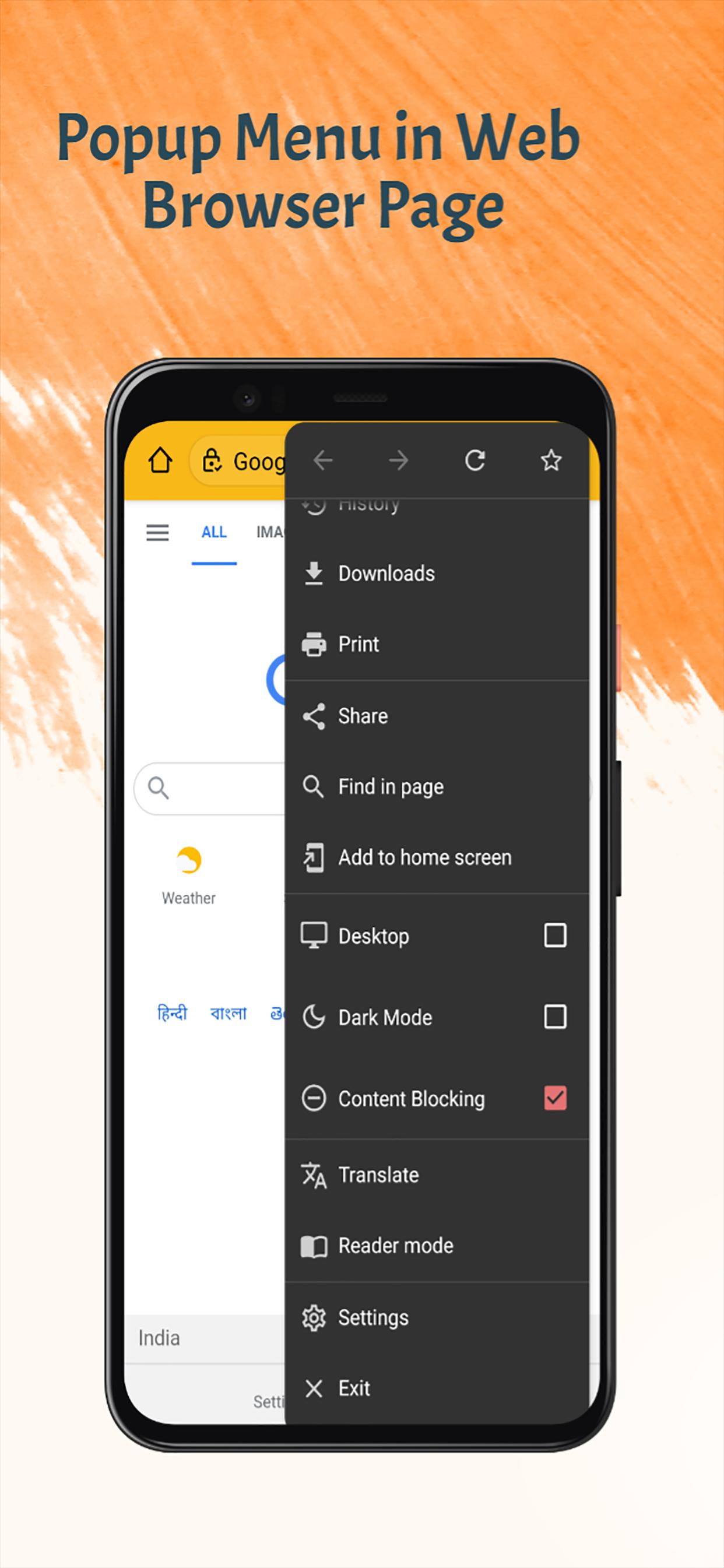
For your late night reading sessions you can force any web page to display in dark mode.
🎨 Themes:
Tool bar and status bar color theme integrates gracefully with your favorite web sites. Supports black, dark and light themes.
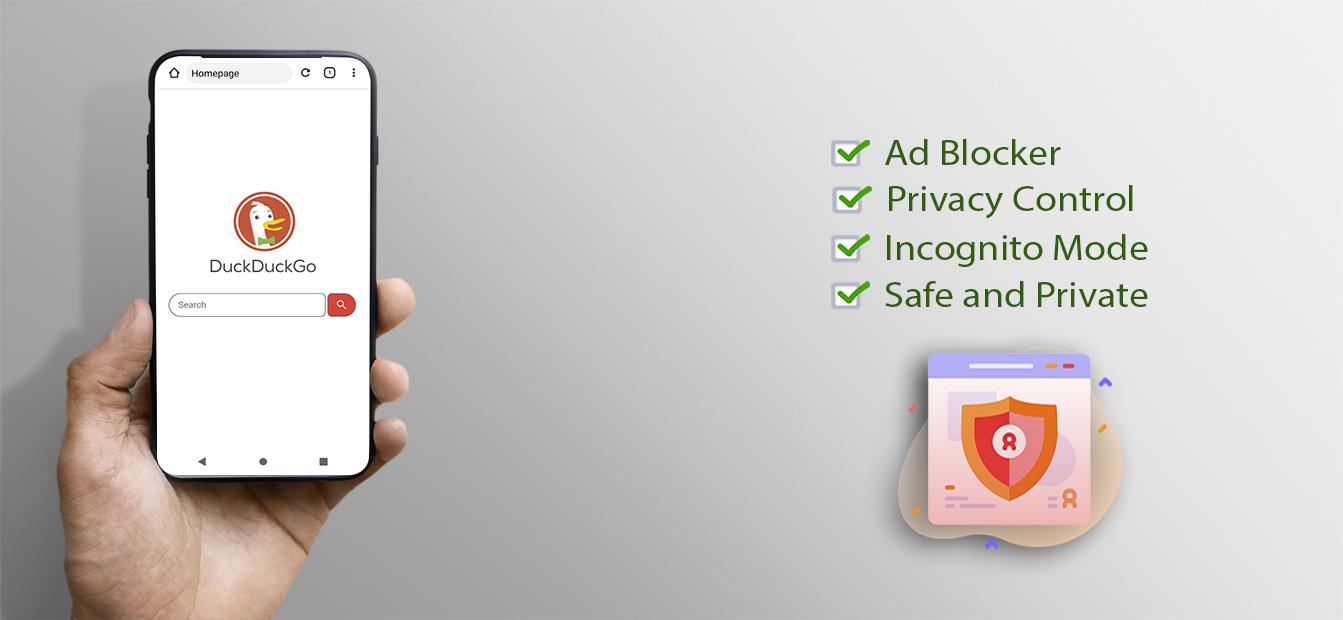
⛔ Ad blocker:
Use built-in ad blocker definitions or feed it local and online hosts files.
🔒 Privacy:
Incognito mode. Can discard tracking cookies. Clear tabs, history, cookies and caches functionalities. Third-party apps management.
🔎 Search:
Multiple search engines (Google, Bing, Yahoo, StartPage, DuckDuckGo, etc.). Find text in page. Google search suggestion.
🔧 Settings:
Lots of settings options to fine tune your browser to your liking. That includes configuration settings specific to your screen orientation.
Preview
Tags
ProductivityInformation
Developer
Dark Web Browser
Latest Version
2.0.6
Last Updated
2022-03-05
Category
Productivity
Available on
Google Play
Show More
How to play Dark Web Browser: dark web with GameLoop on PC
1. Download GameLoop from the official website, then run the exe file to install GameLoop
2. Open GameLoop and search for “Dark Web Browser: dark web” , find Dark Web Browser: dark web in the search results and click “Install”
3. Enjoy playing Dark Web Browser: dark web on GameLoop
Minimum requirements
OS
Windows 8.1 64-bit or Windows 10 64-bit
GPU
GTX 1050
CPU
i3-8300
Memory
8GB RAM
Storage
1GB available space
Recommended requirements
OS
Windows 8.1 64-bit or Windows 10 64-bit
GPU
GTX 1050
CPU
i3-9320
Memory
16GB RAM
Storage
1GB available space