Blackbox AI Code Chat PC
BlackboxAI
Download Blackbox AI Code Chat on PC With GameLoop Emulator
Blackbox AI Code Chat on PC
Blackbox AI Code Chat, coming from the developer BlackboxAI, is running on Android systerm in the past.
Now, You can play Blackbox AI Code Chat on PC with GameLoop smoothly.
Download it in the GameLoop library or search results. No more eyeing the battery or frustrating calls at the wrong time any more.
Just enjoy Blackbox AI Code Chat PC on the large screen for free!
Blackbox AI Code Chat Introduction
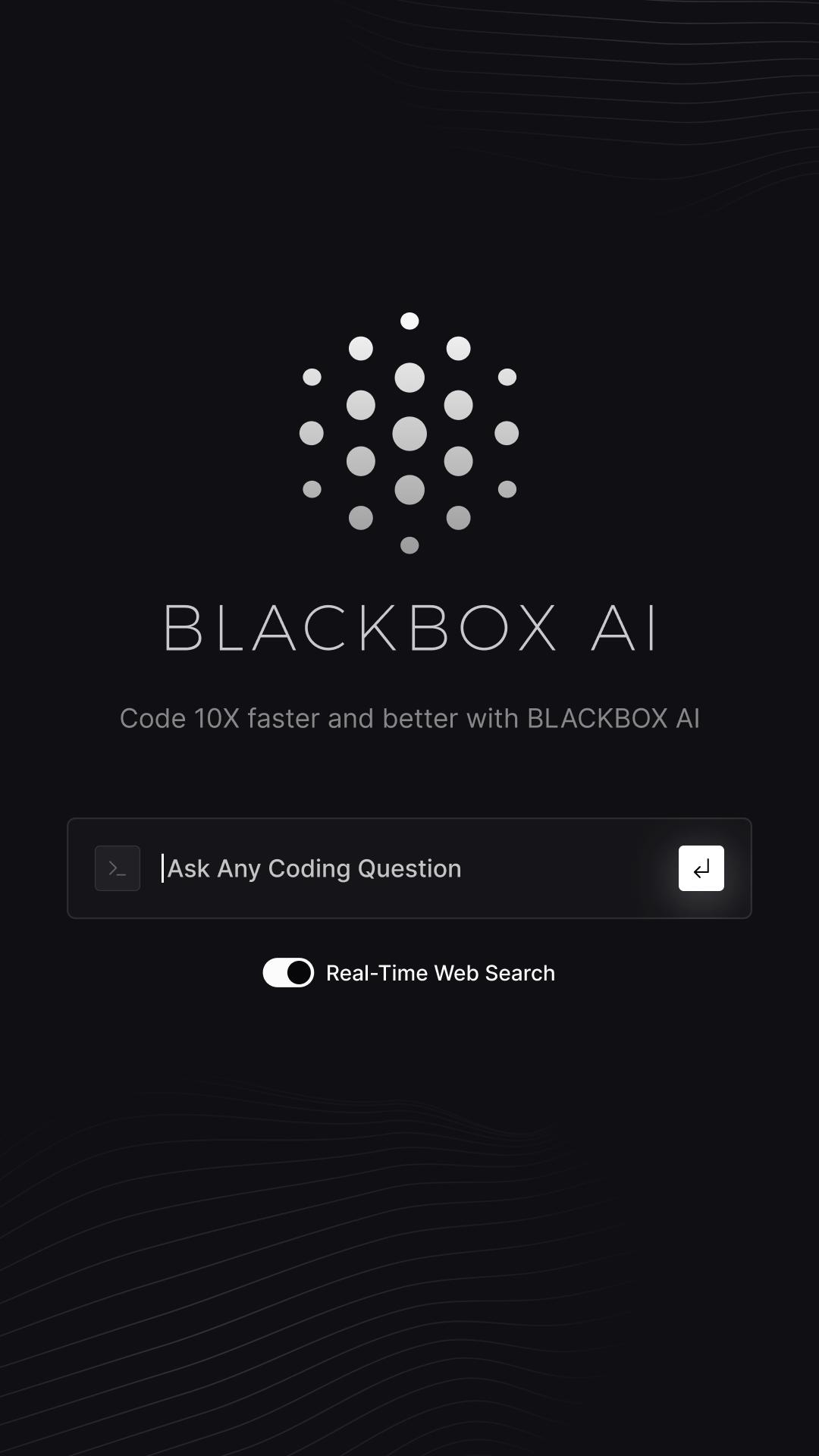
BLACKBOX.AI is a coding LLM designed to transform the way we build software.
By building BLACKBOX.AI, our goal is to:
Accelerate the pace of innovation within companies by making engineers 10X faster in building and releasing products
Accelerate the growth in software engineers around the world and 10X the number of engineers from ~100M to 1B
BLACKBOX.AI’s coding capabilities over the past 12 months have expanded significantly.
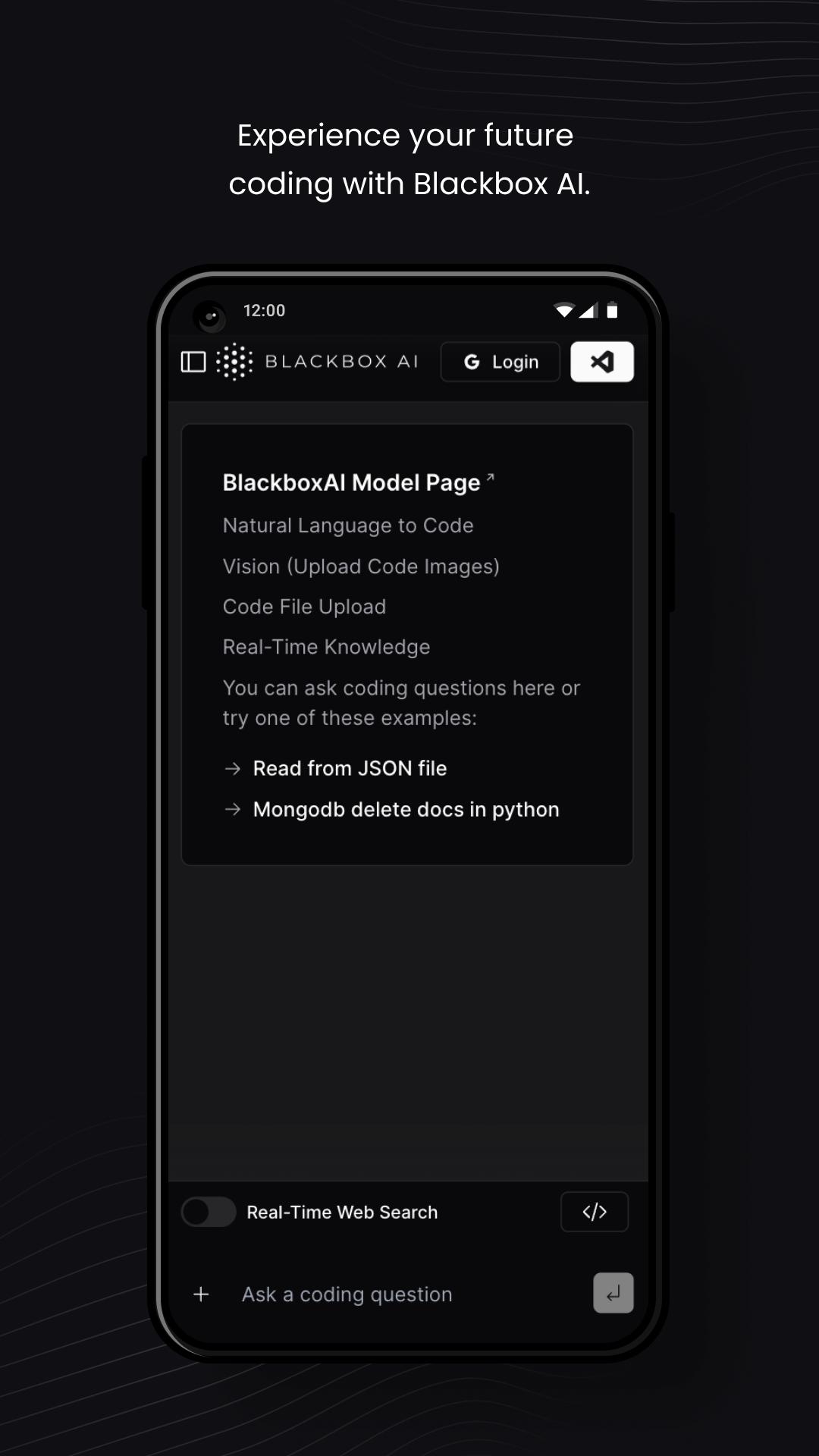
1. Natural Language to Code
BLACKBOX is built to answer coding questions and assist you write code faster.
Whether you are fixing a bug, building a new feature or refactoring your code, ask BLACKBOX to help.
2. Real-Time Knowledge
BLACKBOX has real-time knowledge of the world, making it able to answer questions about recent
events, technological breakthroughs, product releases, API documentations & more
3. Code Completion
BLACKBOX integrates directly with VSCode to automatically suggests the next lines of code based on your repo context.
4. VISION
BLACKBOX Vision enables users to instruct BLACKBOX to analyze image inputs, for example, screenshot of code or product sketches.
5. Code Commenting
BLACKBOX will properly write the commenting for your code files, wether it contains a few lines of code of 100s of lines of code.
BLACKBOX Code Commenting works for all programming languages.
6. Commit Message Generation
Blackbox will properly write a commit message for the changes you made in your repo files.
7. Chat with your Code Files
BLACKBOX enables users to upload large code files (100s of lines of code) and chat with
Preview
Tags
ProductivityInformation
Developer
BlackboxAI
Latest Version
3.1.8
Last Updated
2023-12-18
Category
Productivity
Available on
Google Play
Show More
How to play Blackbox AI Code Chat with GameLoop on PC
1. Download GameLoop from the official website, then run the exe file to install GameLoop
2. Open GameLoop and search for “Blackbox AI Code Chat” , find Blackbox AI Code Chat in the search results and click “Install”
3. Enjoy playing Blackbox AI Code Chat on GameLoop
Minimum requirements
OS
Windows 8.1 64-bit or Windows 10 64-bit
GPU
GTX 1050
CPU
i3-8300
Memory
8GB RAM
Storage
1GB available space
Recommended requirements
OS
Windows 8.1 64-bit or Windows 10 64-bit
GPU
GTX 1050
CPU
i3-9320
Memory
16GB RAM
Storage
1GB available space