Camera for iphone 8 : 0S 13 Camera Effects PC
Leoz Tech
Download Camera for iphone 8 : 0S 13 Camera Effects on PC With GameLoop Emulator
Camera for iphone 8 : 0S 13 Camera Effects on PC
Camera for iphone 8 : 0S 13 Camera Effects, coming from the developer Leoz Tech, is running on Android systerm in the past.
Now, You can play Camera for iphone 8 : 0S 13 Camera Effects on PC with GameLoop smoothly.
Download it in the GameLoop library or search results. No more eyeing the battery or frustrating calls at the wrong time any more.
Just enjoy Camera for iphone 8 : 0S 13 Camera Effects PC on the large screen for free!
Camera for iphone 8 : 0S 13 Camera Effects Introduction
iphone 8 camera effects
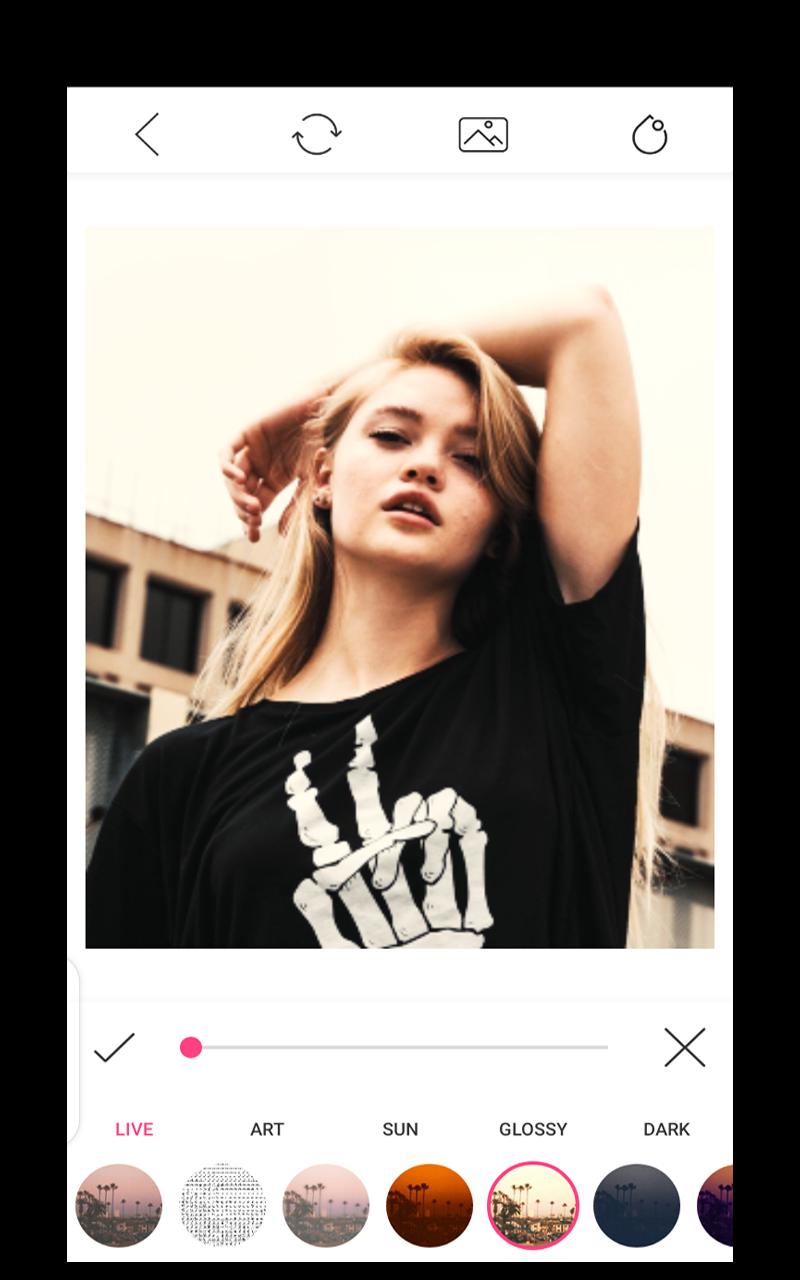
Give a chance to iphone 8 camera app to improve your pictures or take some new stunning selfies and apply different effects on them.
App also having some features of iphone 7 camera, iphone xs camera, iphone 11 camera and iphone 12.
We are alway focuing to provides better app to our users and one of them is iphone camera app. Hope this app new features defenetely help you out.
Some Highlights:
* Used to blur the unwanted part of your pic.
* Background blur effect like professional DSLR Camera.
* Blur some part or all of your photo.
* Use brush to blur where you want.
* All Device Combability.
* Share freely on social network.
Preview

Tags
ProductivityInformation
Developer
Leoz Tech
Latest Version
2.0
Last Updated
2022-07-24
Category
Productivity
Available on
Google Play
Show More
How to play Camera for iphone 8 : 0S 13 Camera Effects with GameLoop on PC
1. Download GameLoop from the official website, then run the exe file to install GameLoop
2. Open GameLoop and search for “Camera for iphone 8 : 0S 13 Camera Effects” , find Camera for iphone 8 : 0S 13 Camera Effects in the search results and click “Install”
3. Enjoy playing Camera for iphone 8 : 0S 13 Camera Effects on GameLoop
Minimum requirements
OS
Windows 8.1 64-bit or Windows 10 64-bit
GPU
GTX 1050
CPU
i3-8300
Memory
8GB RAM
Storage
1GB available space
Recommended requirements
OS
Windows 8.1 64-bit or Windows 10 64-bit
GPU
GTX 1050
CPU
i3-9320
Memory
16GB RAM
Storage
1GB available space